









 Official manufacturer image
Our picks
Top picks
Official manufacturer image Official manufacturer image
Garmin Dash Cam Mini 3
Check price on Amazon.ca Official manufacturer image
Thinkware U3000
Check price on Amazon.caCommon questions
Questions before you buy
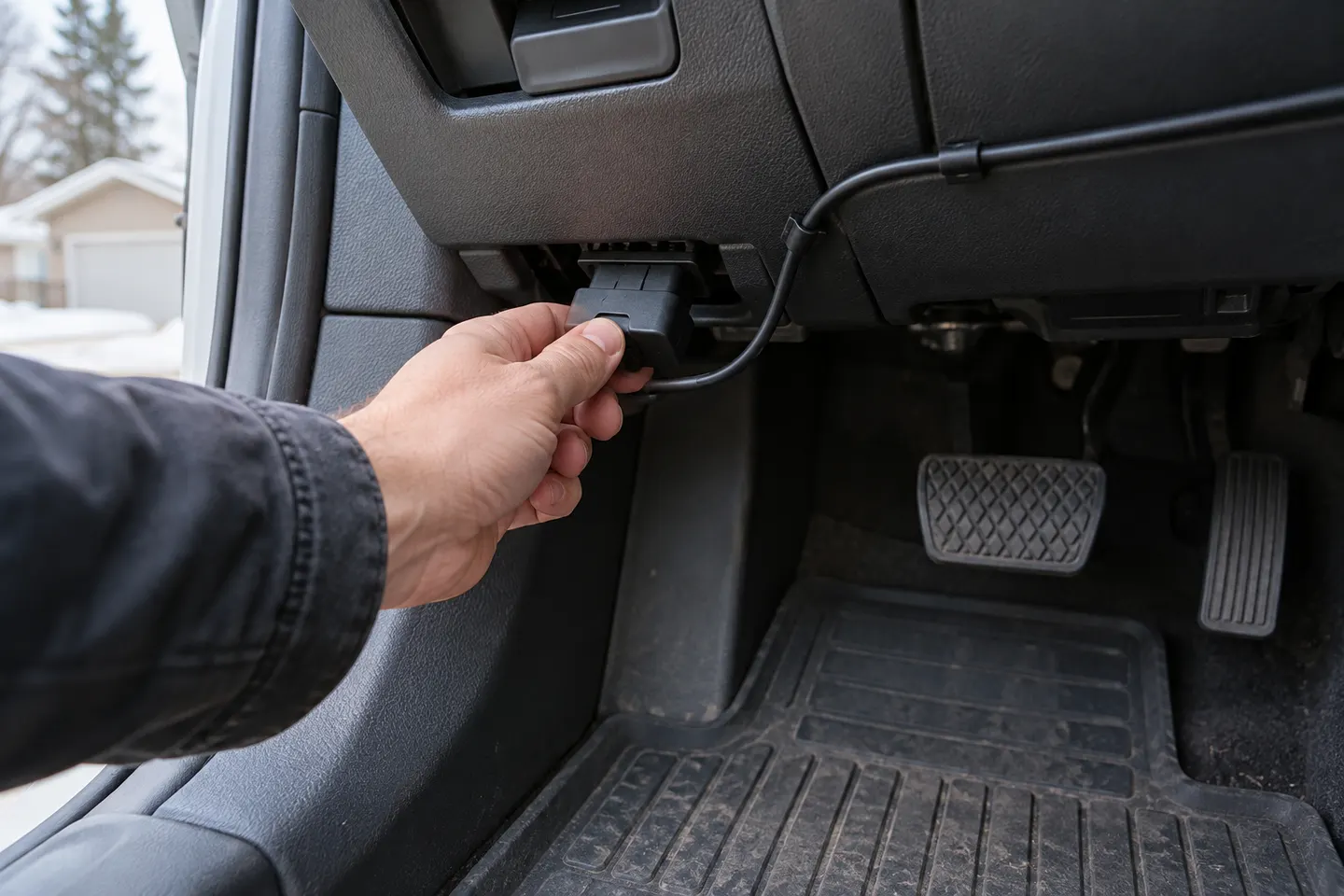
Can I power a dash cam from the OBD port?
Yes, with a purpose-built OBD power cable that matches the camera. Confirm the cable includes suitable voltage conversion and battery protection before enabling parking recording.
Will an OBD dash cam drain the car battery?
It can if the adapter supplies constant power without an effective low-voltage cutoff. Choose a compatible adapter with battery protection and follow the vehicle and camera makers’ guidance.
Is OBD power better than hardwiring a dash cam?
OBD is easier to remove and avoids fuse-box work. Hardwiring is usually more discreet and leaves the diagnostic port free, so the better choice depends on whether convenience or permanence matters more.
Can a mechanic still use the diagnostic port?
The camera adapter normally has to be unplugged unless it provides a safe pass-through connection. Remove it before servicing and tell the technician about the installation.