









 Official manufacturer image
Our picks
Top picks
Official manufacturer image Official manufacturer image
Garmin Dash Cam Mini 3
Check price on Amazon.ca Official manufacturer image
Thinkware U3000
Check price on Amazon.caCommon questions
Questions before you buy
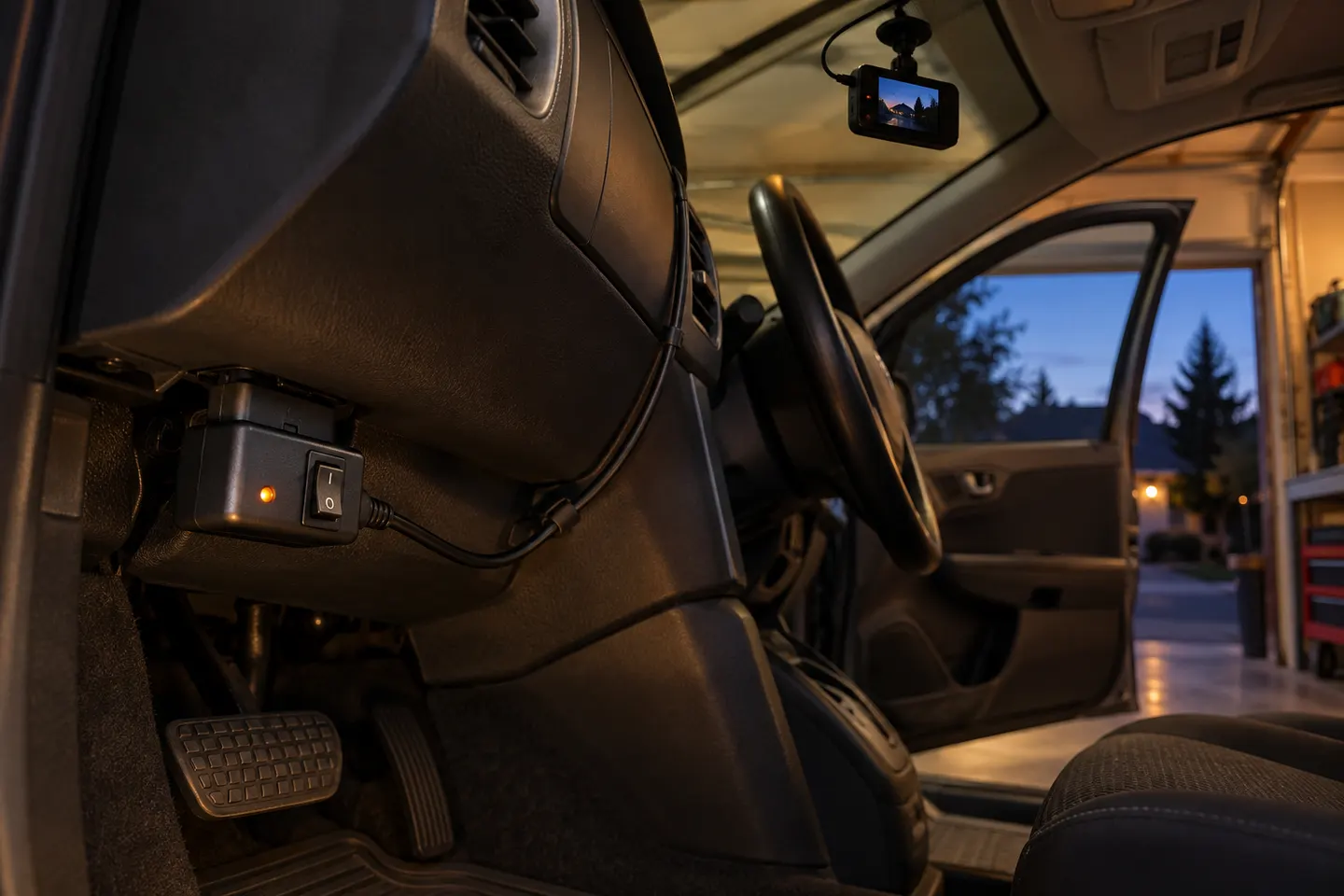
Can I power a dash cam from OBD2?
Yes, with a compatible adapter. Garmin, for example, documents an OBD-II constant-power cable for supported cameras.
Will an OBD2 dash cam drain the battery?
Any always-on accessory can consume stored energy. Choose a supported adapter with shut-off controls and follow its settings instructions.
Does an OBD2 adapter affect diagnostics?
It occupies the diagnostic port and compatibility varies. Remove it when service access is needed and stop using it if vehicle operation changes.
Is OBD2 better than hardwiring?
OBD2 can be easier to remove; hardwiring may hide cables better. The safer choice depends on vehicle approval, camera requirements and installer competence.