Independent buying guidance · Australia editionHow we work
Gearjury
All categories
All categories
Best picksBest Dash Cam in Australia: Five Models Compared
Best picksBest Wi-Fi Extenders in Australia for Different Homes
Best picksThe Best Meat Thermometer for Every Kind of Cook
Best picksBest Headlamp Torches for Different Uses in 2026
Best picksBest Portable Air Coolers to Consider in Australia (2026)
Best picksBest Winter Gloves for Everyday Wear and Outdoor Use
Best picksBest Cordless String Trimmers for Australian Gardens (2026)
Best picksBest air purifier for bedroom in Australia: five models compared
AustraliaEnglish

Category hub

Dash Cam OBD2 Power Cables: Compatibility Guide

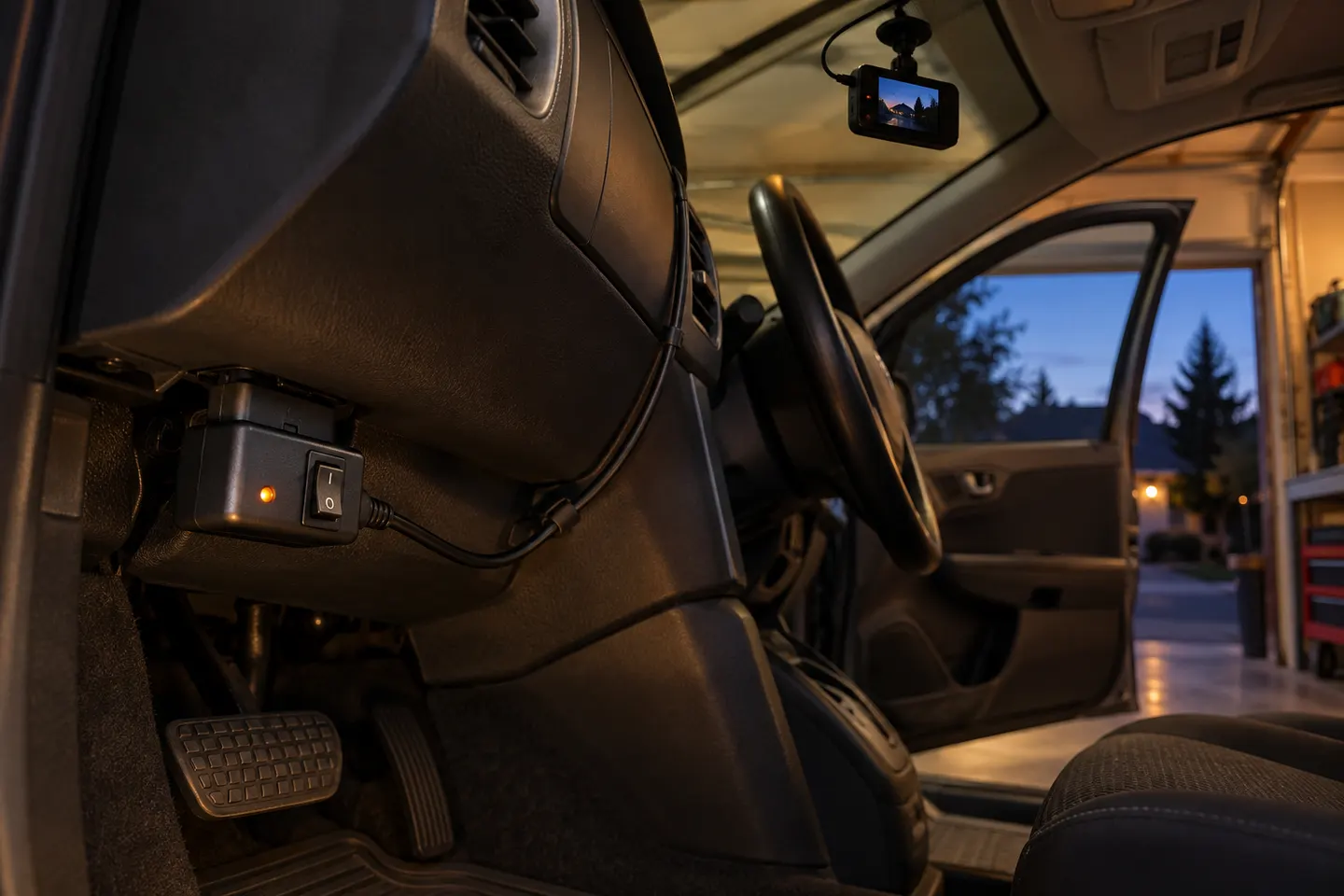
An OBD-II power lead can avoid a fuse-box connection, but it must support your camera and vehicle. Do not use a diagnostic-port cable as a universal adaptor.

A dash cam OBD2 power cable plugs into the vehicle's diagnostic port and can supply driving or parking-mode power without adding fuse taps. That convenience is only useful when the cable is approved for the camera and compatible with the car. An OBD2 dash cam lead may also include its own operating modes, calibration procedure and low-voltage protection.

Dash Cam OBD2 Power Cables: Compatibility Guide

Common questions

Questions before you buy

Can a dash cam be powered from OBD2?

Yes, when the camera maker supplies or supports a compatible OBD-II cable and the vehicle is suitable for it.

Will an OBD2 dash cam cable drain the battery?

A supported lead may include voltage protection, but settings and vehicle behaviour matter. Verify the cut-off function and follow the manufacturer instructions.

Is OBD2 easier than hardwiring a dash cam?

It can reduce fuse-box work, although you still need safe cable routing and a plug position that does not obstruct the driver.

Can I use any OBD2 cable with any dash cam?

No. Output, connector wiring and parking-mode communication vary, so match the cable to the listed camera models and vehicle conditions.