









 Official manufacturer image
Our picks
Top picks
Official manufacturer image Official manufacturer image
Garmin Dash Cam Mini 3
Check price on Amazon.ca Official manufacturer image
Thinkware U3000
Check price on Amazon.caCommon questions
Questions before you buy
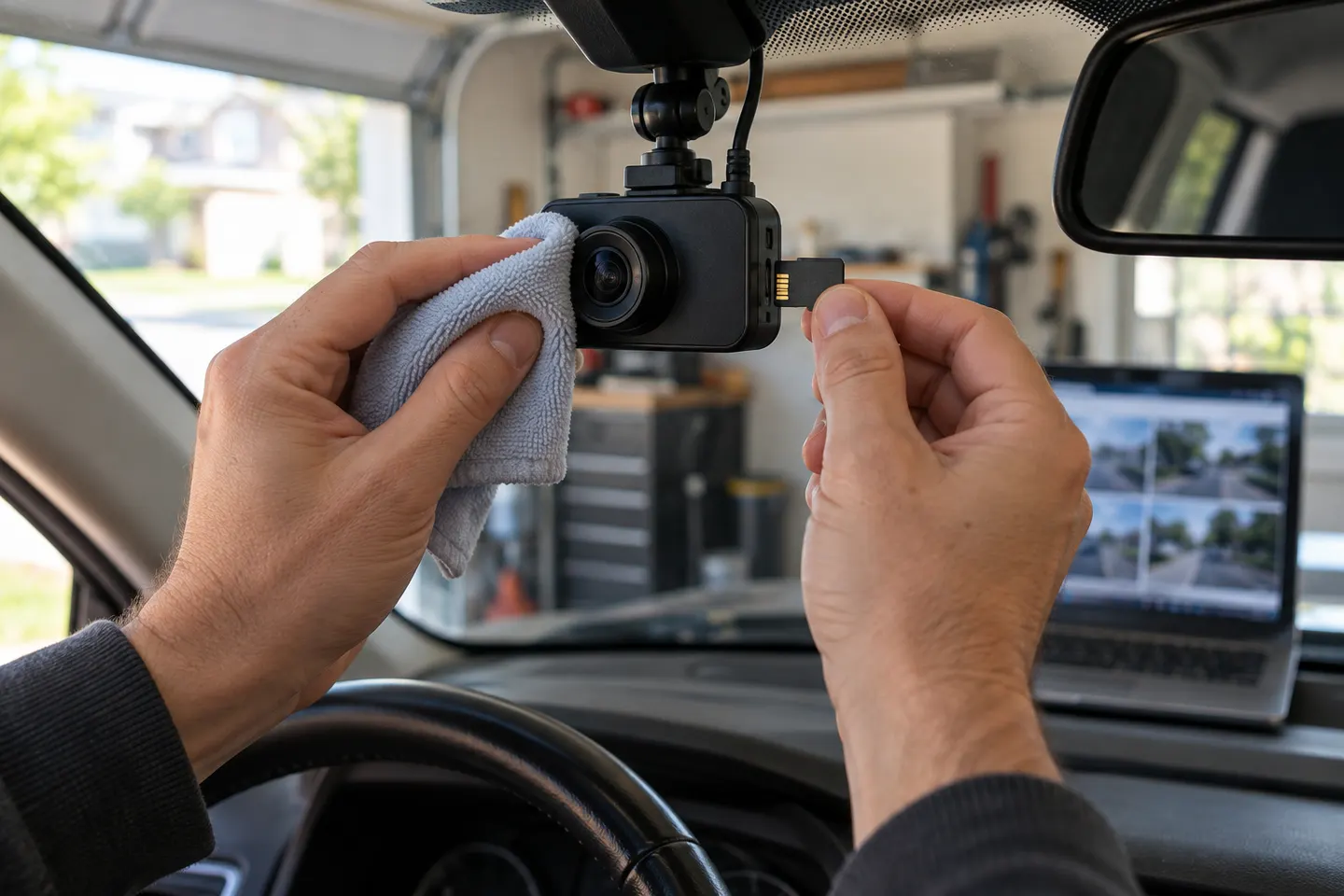
What should a new dashcam owner check first?
Check that the mount is secure, the driver's view is clear, cables avoid airbags, recording starts automatically and a sample file plays with the correct date and time.
How can owners tell if a dash cam is recording?
Learn the model's recording icon, status light or voice prompt, then confirm with periodic playback. A powered display does not always prove a file is being written.
What should I do with dash-cam footage after a collision?
Prioritize safety, then preserve the relevant original files and a separate copy. Follow instructions from police, insurers or legal counsel about submission and retention.
Can dashcam owners post footage online in Canada?
Public sharing can create privacy and legal issues depending on the content and context. Minimize unnecessary identifying information and seek appropriate advice for sensitive footage.