Independent buying guidance · Canada editionHow we work
Gearjury
All categories
All categories
Best picksThe Best Dash Cam Cameras for Different Drivers
Best picksBest WiFi Extenders in Canada for Different Home Networks
Best picksBest Meat Thermometers in Canada for 2026
Best picksBest Winter Gloves for Canadian Conditions (2026)
Best picksBest Headlamps: Compare Reliable Options for Canada
Best picksRadar Detector Best Picks for Canadian Drivers (2026)
Best picksBest Portable Air Coolers to Consider in 2026
Best picksBest cordless grass trimmers with a battery and charger
Best picksBest Air Purifier for Bedroom in the Canada: Quiet Models Compared
CanadaEnglish

Gearjury may earn a commission from qualifying retailer links.

Best picks

Best Wi-Fi Boosters for Home: Choose an Extender for Your Layout

TP-Link RE450 offers the broadest feature set here, while compact dual-band models suit focused coverage gaps.

Quick answer

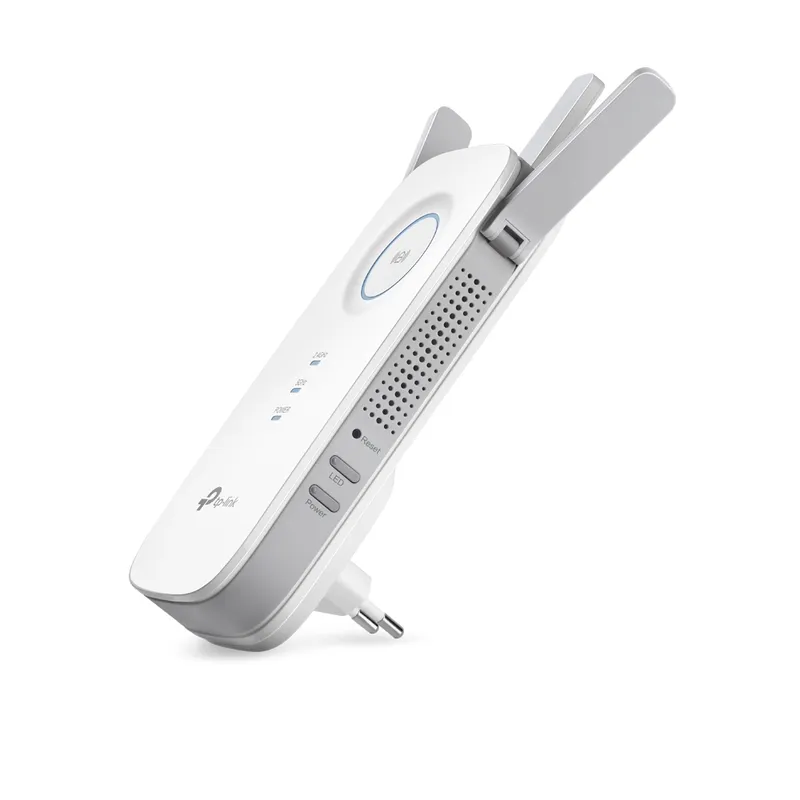
TP-Link RE450 is the leading specification-led pick for broader coverage and a wired client. NETGEAR EX6120 offers a dual-band plug-in alternative; TP-Link RE220 is a simpler AC750 option.

Compare them side by side

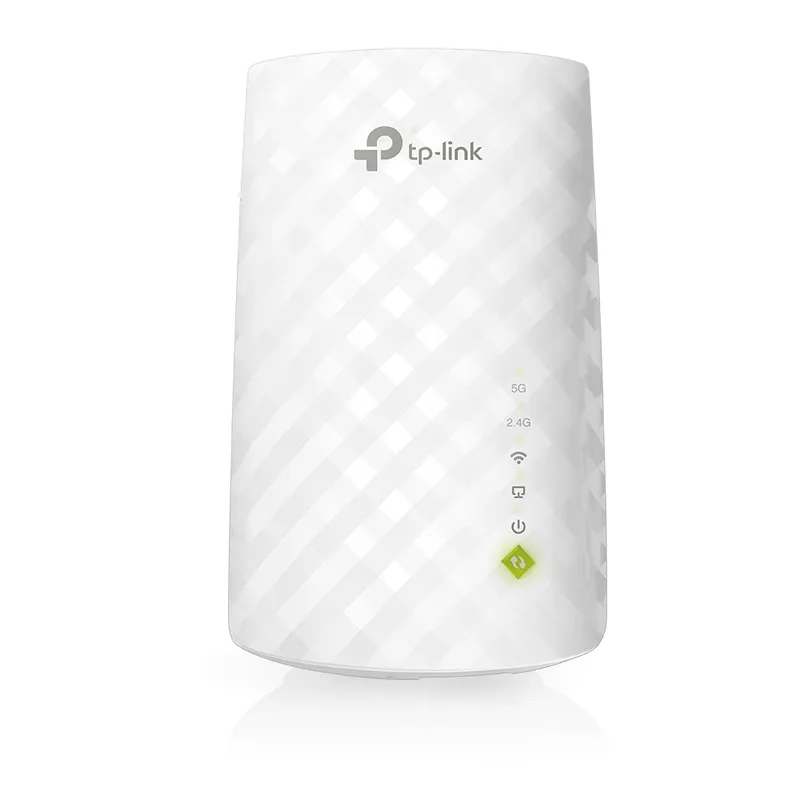
TP-Link RE450Official manufacturer imageTP-Link RE450NETGEAR EX6120Official manufacturer imageNETGEAR EX6120TP-Link RE220Official manufacturer imageTP-Link RE220
Wi-Fi classAC750AC1750AC1200
Bands2.4 and 5 GHz2.4 and 5 GHz2.4 and 5 GHz
Ethernet10/100 MbpsGigabit10/100 Mbps
AntennaInternalExternalExternal
Check price on Amazon.caCheck price on Amazon.caCheck price on Amazon.ca

Common questions

Questions before you buy

What is the best Wi-Fi booster for home?

TP-Link RE450 has a broad published feature set, including dual-band AC1750 class and Gigabit Ethernet. The right fit still depends on layout and router.

Is a booster the same as a Wi-Fi extender?

The terms commonly refer to a device that relays a router signal. Check whether the product is a repeater, access point or mesh node.

Will an extender help through thick walls?

It may help if placed where the router signal remains usable. Dense walls can weaken the link, so an Ethernet access point or mesh system may suit better.

Where should I place a home Wi-Fi extender?

Place it between the router and weak area, where it still receives a stable signal. Avoid the dead zone itself.

Sources and how we chose