Independent buying guidance · Australia editionHow we work
Gearjury
All categories
All categories
Best picksBest Dash Cam in Australia: Five Models Compared
Best picksBest Wi-Fi Extenders in Australia for Different Homes
Best picksThe Best Meat Thermometer for Every Kind of Cook
Best picksBest Headlamp Torches for Different Uses in 2026
Best picksBest Portable Air Coolers to Consider in Australia (2026)
Best picksBest Winter Gloves for Everyday Wear and Outdoor Use
Best picksBest Cordless String Trimmers for Australian Gardens (2026)
Best picksBest air purifier for bedroom in Australia: five models compared
AustraliaEnglish

Gearjury may earn a commission from qualifying Amazon purchases made through links on this page.

Best picks

Best WiFi Boosters for Home: Wi-Fi Extenders Compared

TP-Link RE705X is the strongest all-round feature set here, with Wi-Fi 6, EasyMesh compatibility and a Gigabit port. RE605X, NETGEAR EAX20 and other distinct options suit different routers and layouts.

Quick answer

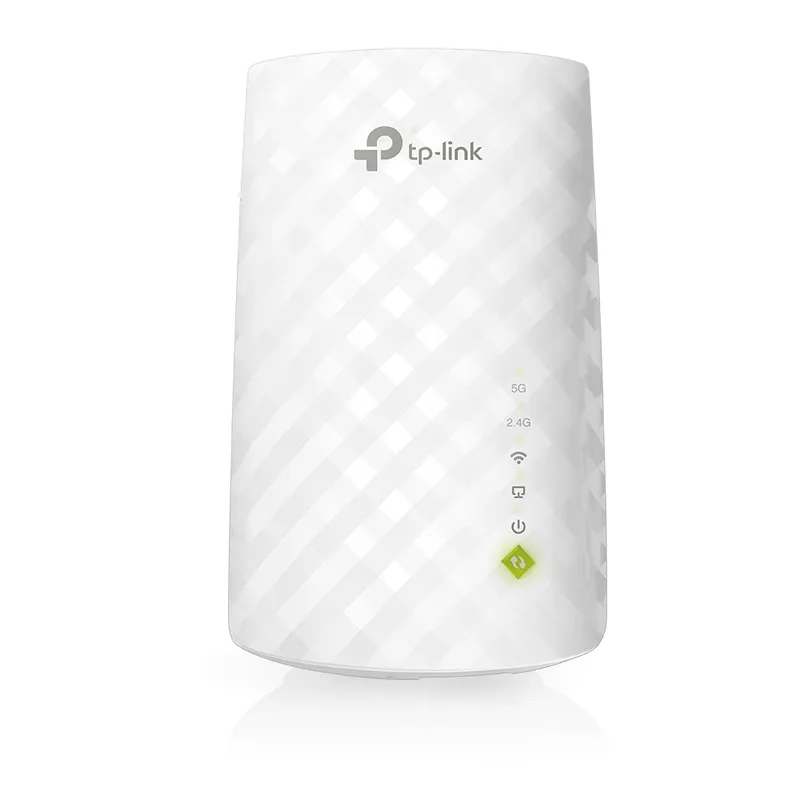
For a home Wi-Fi dead zone, the TP-Link RE705X is our leading pick for its Wi-Fi 6 AX3000 class, EasyMesh support and Gigabit Ethernet. Choose TP-Link RE605X for a more modest AX1800 setup, or NETGEAR EAX20 if you prefer a desktop extender with mesh features. For a simpler dual-band option, consider TP-Link RE315.

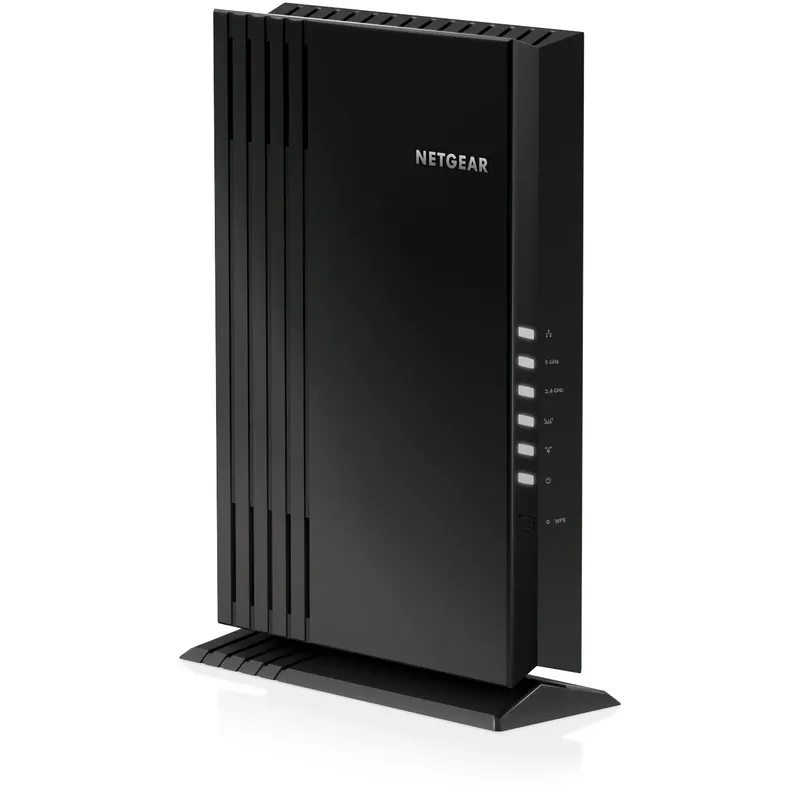
03NETGEAR EAX20Official manufacturer image

Best for a desktop-style Wi-Fi 6 extender

NETGEAR EAX20

  • NETGEAR specifies AX1800 dual-band Wi-Fi 6.
  • Four Gigabit Ethernet ports allow several wired devices to connect at the extender.

Drawback: The tabletop form needs a clear surface and nearby power.

Check price on Amazon AUSponsored link · no live price shown

Compare them side by side

Common questions

Questions before you buy

What is the best wifi booster for home use?

The TP-Link RE705X is a strong starting point if you want Wi-Fi 6, EasyMesh compatibility and a Gigabit port. Match any extender to your router and place it where the existing signal is still reliable.

Will a Wi-Fi extender make internet faster?

An extender can improve reception in a weak-coverage area, but it cannot raise the speed supplied by your internet plan. Wireless relaying can also reduce throughput compared with a direct router connection.

Where should I place a home Wi-Fi range extender?

Place it between the router and the dead zone, where it can still receive a stable signal. Avoid putting it inside the area with the poorest reception.

Is a mesh system better than a Wi-Fi booster?

A compatible mesh system is often easier for whole-home roaming, while a plug-in range extender can address a specific weak spot. Check whether the router and extender share a mesh standard before relying on unified roaming.

Sources and how we chose