Power on the extender near the router
Choose an outlet near the router for initial setup and wait for the status light to settle. Check the device label for the default network or setup instructions if required.

 Best picksBest Meat Thermometers in Canada for 2026
 Best picksBest WiFi Extenders in Canada for Different Home Networks
 Best picksThe Best Dash Cam Cameras for Different Drivers
 Best picksRadar Detector Best Picks for Canadian Drivers (2026)
 Best picksBest Air Purifier for Bedroom in the Canada: Quiet Models Compared
Gearjury may earn a commission when you buy through retailer links. Our recommendations are based on cited product information.
Guide
Use WPS only when both devices support it and their manuals describe the steps; otherwise configure the extender with its official app or web page. After pairing, move it to a midway outlet and verify the link.
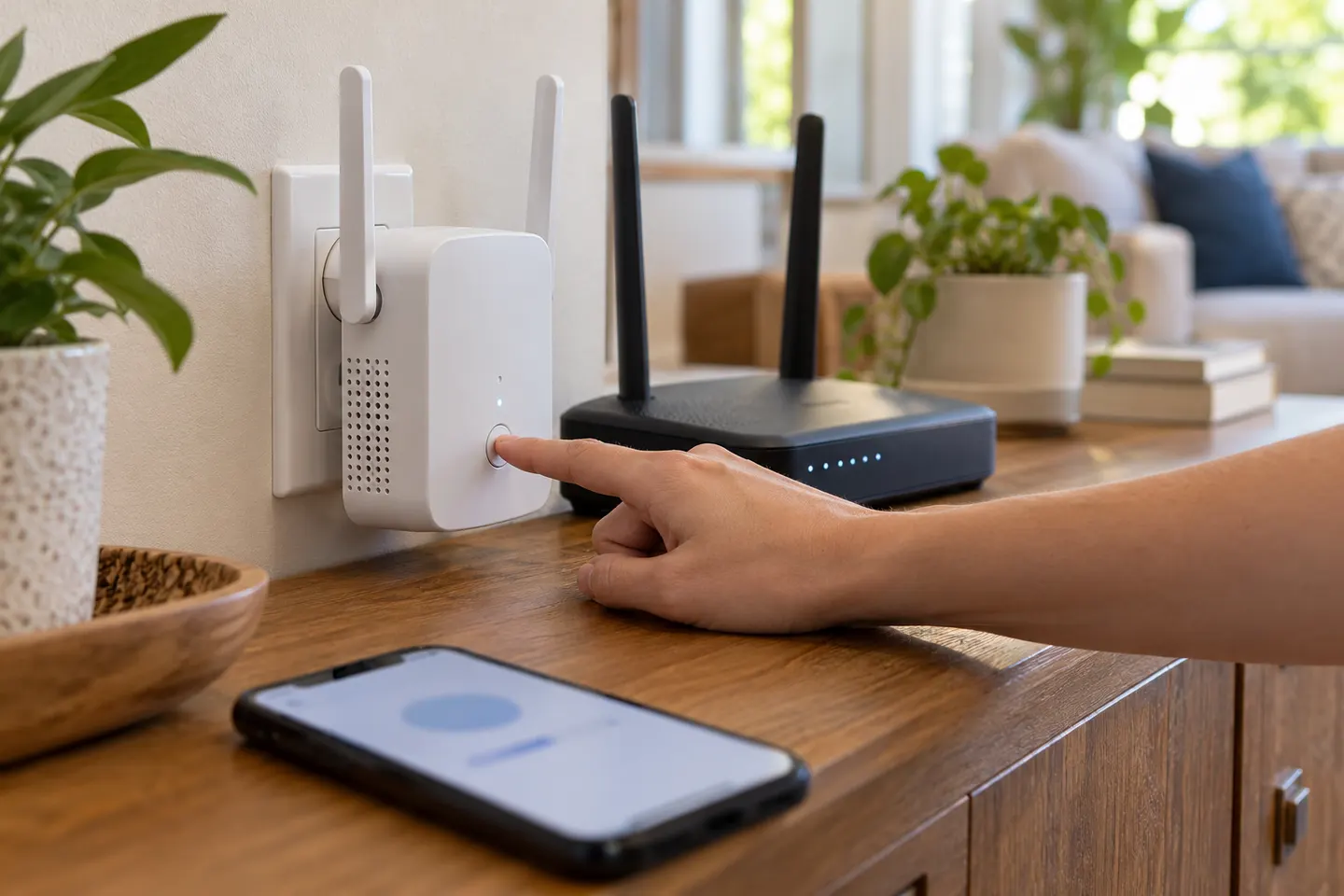
Choose an outlet near the router for initial setup and wait for the status light to settle. Check the device label for the default network or setup instructions if required.
Press the router’s WPS control and then the extender’s WPS or range-extender button within the time window in the manual. Button names and timing differ, so use the specific instructions for your models.
If WPS is unavailable or pairing fails, connect a phone or computer to the extender’s setup network and open the official app or address listed in its guide. Select the correct home WiFi name and enter its password carefully.
After pairing, relocate the unit to an outlet between the router and the weak area, where it can still receive a good source signal. Use the indicator or app to assess placement.
Join the extended network from the target room and test ordinary browsing or streaming. If the connection is unstable, recheck the password, router band and security settings, then try a different outlet.
If the router name or password changes, the extender may need new host-network credentials. Open its setup app or web interface and follow the model-specific process to update the connection.
Common questions
Pair using WPS if both products support it, or use the extender’s official app or web setup page to select your router network and enter its password. Follow the manuals for exact button timing and setup steps.
Use the manufacturer’s app or browser interface. Connect to the extender’s setup network, select the host WiFi network and enter its password as directed by the guide.
Check the password, supported WiFi bands, security mode and distance during setup. If pairing still fails, reset the extender using its manual and configure it again through the official app or web interface.
Some extenders use a separate network name and others can share the router’s name, especially in compatible mesh setups. Check the setup information for your model and confirm which access point your device has joined.
Keep exploring

A WiFi extender can carry an existing router’s signal into a weak-coverage area. Start with compatibility and placement, then compare a standalone repeater with a provider mesh system.
The TP-Link RE705X is a strong feature-led starting point, with WiFi 6, AX3000 class and a Gigabit port. Consider NETGEAR EAX15 for mesh-style WiFi 6 or simpler plug-in models for a basic dead zone.

NETGEAR’s Canadian range includes WiFi 6 mesh extenders and older AC models. Check each model’s port, generation and setup method before choosing.

TP-Link’s Canadian range includes WiFi 7, WiFi 6 and older dual-band extenders. Match the model to your router, desired features and available placement.