Check the router and extender instructions
Confirm that the extender supports your router’s WiFi bands and security settings. Find the exact model and hardware revision on its label; setup buttons and app steps can differ between versions.

 Best picksBest Meat Thermometers in Canada for 2026
 Best picksBest WiFi Extenders in Canada for Different Home Networks
 Best picksThe Best Dash Cam Cameras for Different Drivers
 Best picksRadar Detector Best Picks for Canadian Drivers (2026)
 Best picksBest Air Purifier for Bedroom in the Canada: Quiet Models Compared
Gearjury may earn a commission when you buy through retailer links. Our recommendations are based on cited product information.
Guide
Install the extender near the router for initial pairing, then move it to a midway outlet where it still receives a usable signal. Follow your model’s manual for buttons, app setup and antenna adjustment.
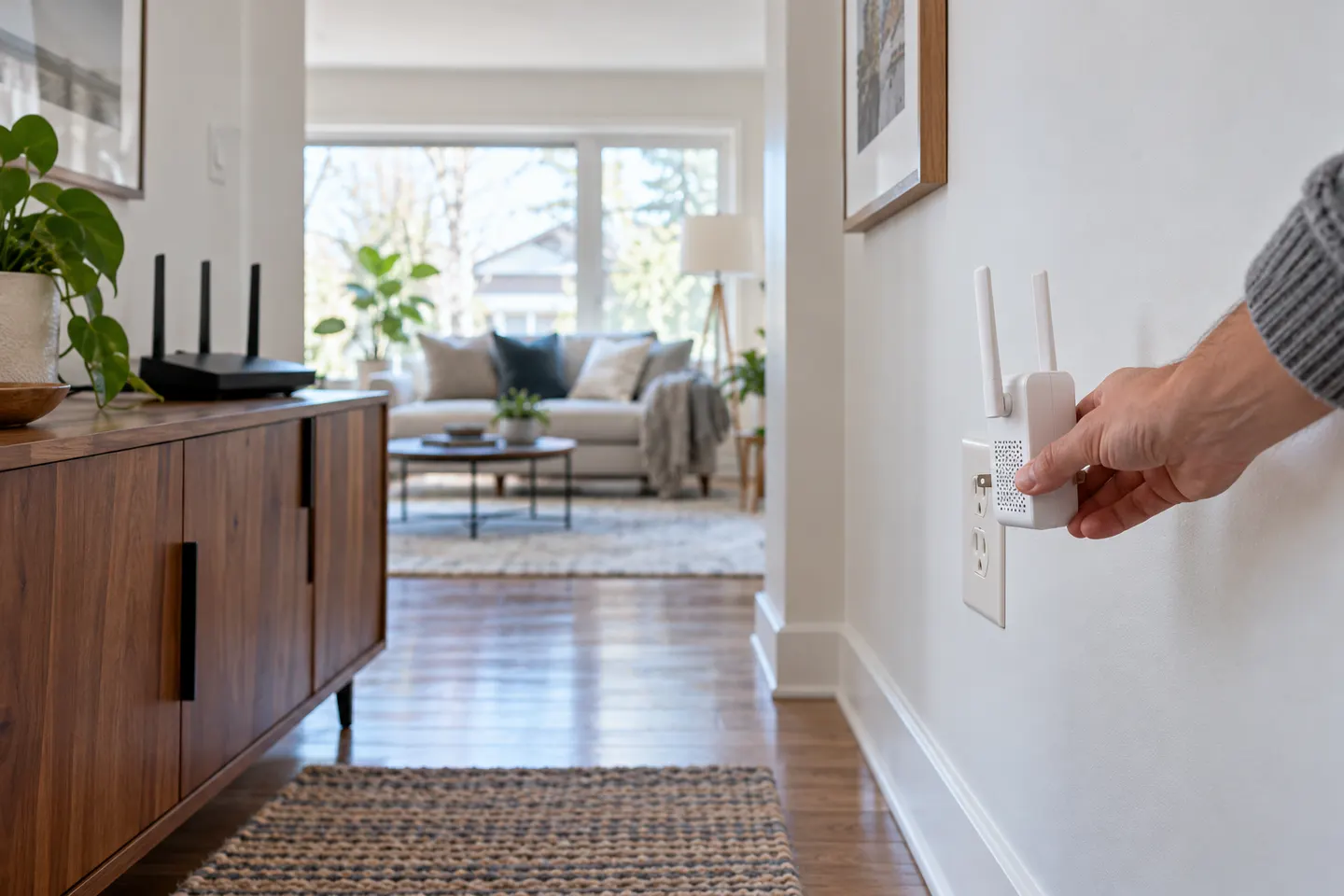
Confirm that the extender supports your router’s WiFi bands and security settings. Find the exact model and hardware revision on its label; setup buttons and app steps can differ between versions.
For first-time setup, plug the extender into an outlet near the router. Use WPS only if both devices support it and the manuals describe the process, or follow the manufacturer’s app or browser setup.
After pairing, relocate it to a midway outlet where it still gets a strong router signal. A signal indicator or the setup app can help; avoid placing the device deep inside the dead zone.
Choose an open outlet along the path to the coverage gap, away from cabinets, large appliances and other obstructions. Keep it within practical reach of the router signal, then check coverage in the target room.
If your model has adjustable external antennas, point or angle them according to its manual and the floor layout. Many compact extenders use internal antennas; do not try to attach or modify an antenna unless the manufacturer specifies that option.
Connect a phone or computer near the weak area and confirm it is using the extended network. If speeds or stability are poor, try another outlet, verify the extender’s firmware through the official app or support page, and retest.
Common questions
Place it between the router and the weak area, where it still receives a good signal from the router. An extender placed in the dead zone will repeat an already weak connection.
Use only the antenna adjustments supplied with that exact model and follow its manual. If the extender has internal antennas, there is nothing to attach or angle externally.
That is a useful starting point for pairing and configuration. Once connected, move the unit to a suitable midway position and check the signal again.
Many models support WPS, but the router and extender must both support it and the button sequence varies. If WPS fails or is unavailable, use the manufacturer’s app or browser instructions.
Keep exploring

A WiFi extender can carry an existing router’s signal into a weak-coverage area. Start with compatibility and placement, then compare a standalone repeater with a provider mesh system.
The TP-Link RE705X is a strong feature-led starting point, with WiFi 6, AX3000 class and a Gigabit port. Consider NETGEAR EAX15 for mesh-style WiFi 6 or simpler plug-in models for a basic dead zone.

TP-Link’s Canadian range includes WiFi 7, WiFi 6 and older dual-band extenders. Match the model to your router, desired features and available placement.

NETGEAR’s Canadian range includes WiFi 6 mesh extenders and older AC models. Check each model’s port, generation and setup method before choosing.