Gearjury may earn a commission from qualifying retailer links. Editorial conclusions use cited evidence.
Guide
Which Best WiFi Extender Should You Buy for Your Home?
Choose by the coverage gap and your router first. WiFi 6 buyers can compare TP-Link RE600X or NETGEAR EAX12; broader homes may suit a mesh system.
GGearjury editorial team · Updated October 18, 2026· 5 min
01
Which WiFi booster should I buy?
Start with your router's WiFi generation and the area that loses signal. Match the extender to your router, then choose the bands and wired port you need; a stronger speed label cannot overcome a weak link back to the router.
02
Which WiFi extender is best for a dead zone?
A dead zone often needs better placement before it needs a more powerful device. Put the extender where the router signal remains stable and the signal indicator, app or status page confirms a good link.
03
Which WiFi booster is best for a two-storey home?
For multiple floors, consider whether one extender can reach the stairwell or landing without dense walls blocking the signal. If coverage gaps are spread across the home, compare a coordinated mesh system too.
04
WiFi booster or extender: which is best?
The terms are often used for the same kind of device: one that relays an existing wireless connection. A mesh node coordinates with a compatible router, while a basic repeater may expose a separate network name.
05
How should you compare features?
Look at WiFi generation, supported bands, Ethernet port speed, access point mode, roaming compatibility and setup options. TP-Link RE600X lists OneMesh support when paired with a compatible OneMesh router.
Common questions
Questions before you buy
Which WiFi booster should I buy?
Pick one that matches your router, covers the location you need and supports the features you will use. For a compatible OneMesh router, TP-Link RE600X is a documented WiFi 6 candidate; broader homes may call for a mesh system.
Which WiFi extender works with any router?
Many extenders support standard WiFi connections across brands, but advanced roaming or mesh features may require a matching ecosystem. Confirm basic compatibility and mesh support separately.
Which is better, a WiFi booster or a mesh system?
A booster or extender can address one weak spot; a mesh system coordinates coverage across multiple nodes. The better fit depends on how many areas need help and whether you want one managed network.
Where should I put a WiFi extender?
Place it between the router and weak area, while it can still receive a stable router signal. Avoid dense obstacles and the no-signal zone itself.
TP-Link’s Canadian range includes WiFi 7, WiFi 6 and older dual-band extenders. Match the model to your router, desired features and available placement.
The TP-Link RE705X is a strong feature-led starting point, with WiFi 6, AX3000 class and a Gigabit port. Consider NETGEAR EAX15 for mesh-style WiFi 6 or simpler plug-in models for a basic dead zone.
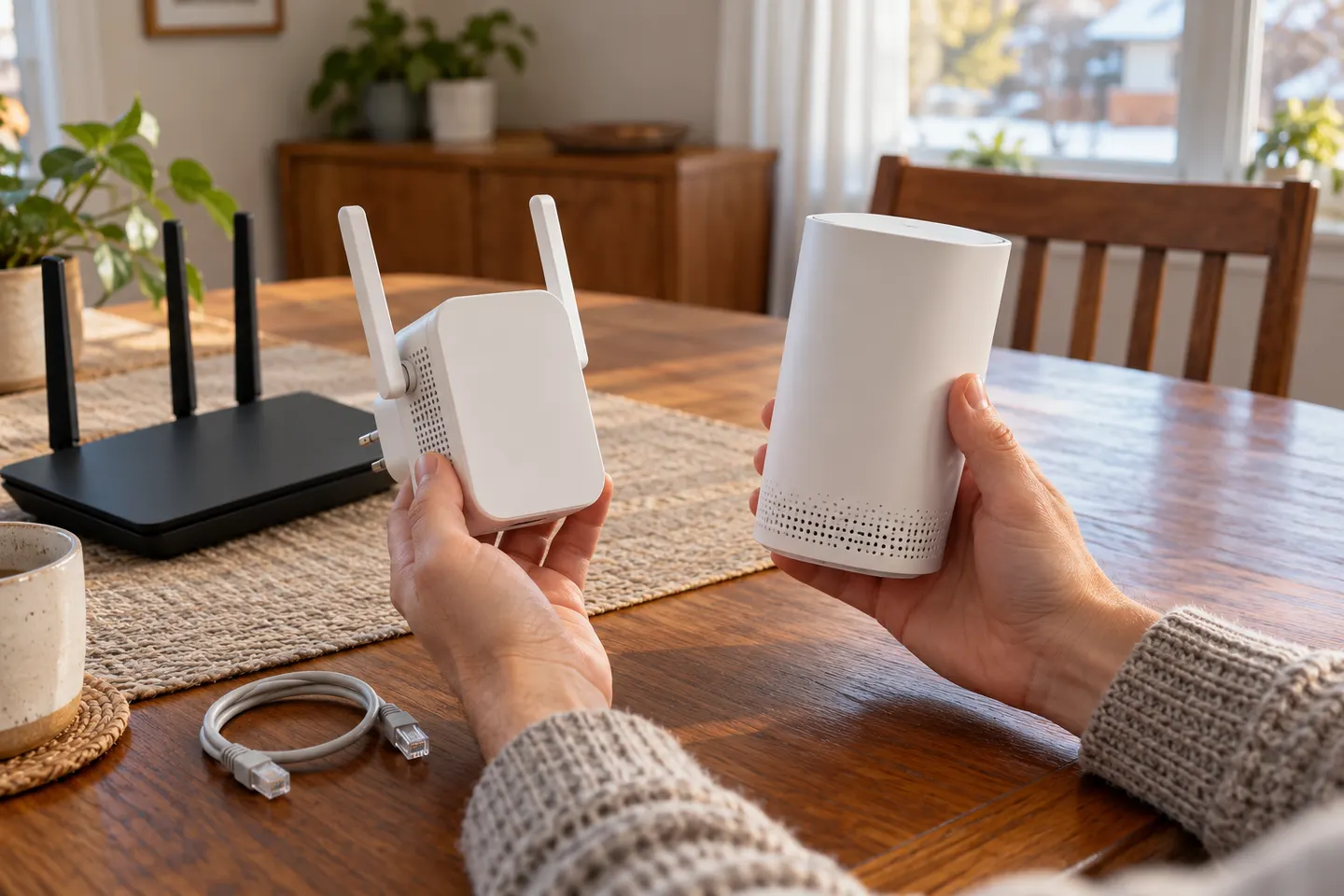
A WiFi extender can carry an existing router’s signal into a weak-coverage area. Start with compatibility and placement, then compare a standalone repeater with a provider mesh system.
Your privacy
We use cookies and similar technologies. Necessary ones keep the site working. With your permission we also use statistics cookies (Google Analytics and Microsoft Clarity) to understand which guides help readers. You can accept all, reject all or choose. You can change your choice at any time from "Cookie settings" at the bottom of every page. Cookie policy