Gearjury may earn a commission from qualifying retailer links. This does not affect our editorial guidance.
Guide
Which WiFi Extender Is Right for Your Home?
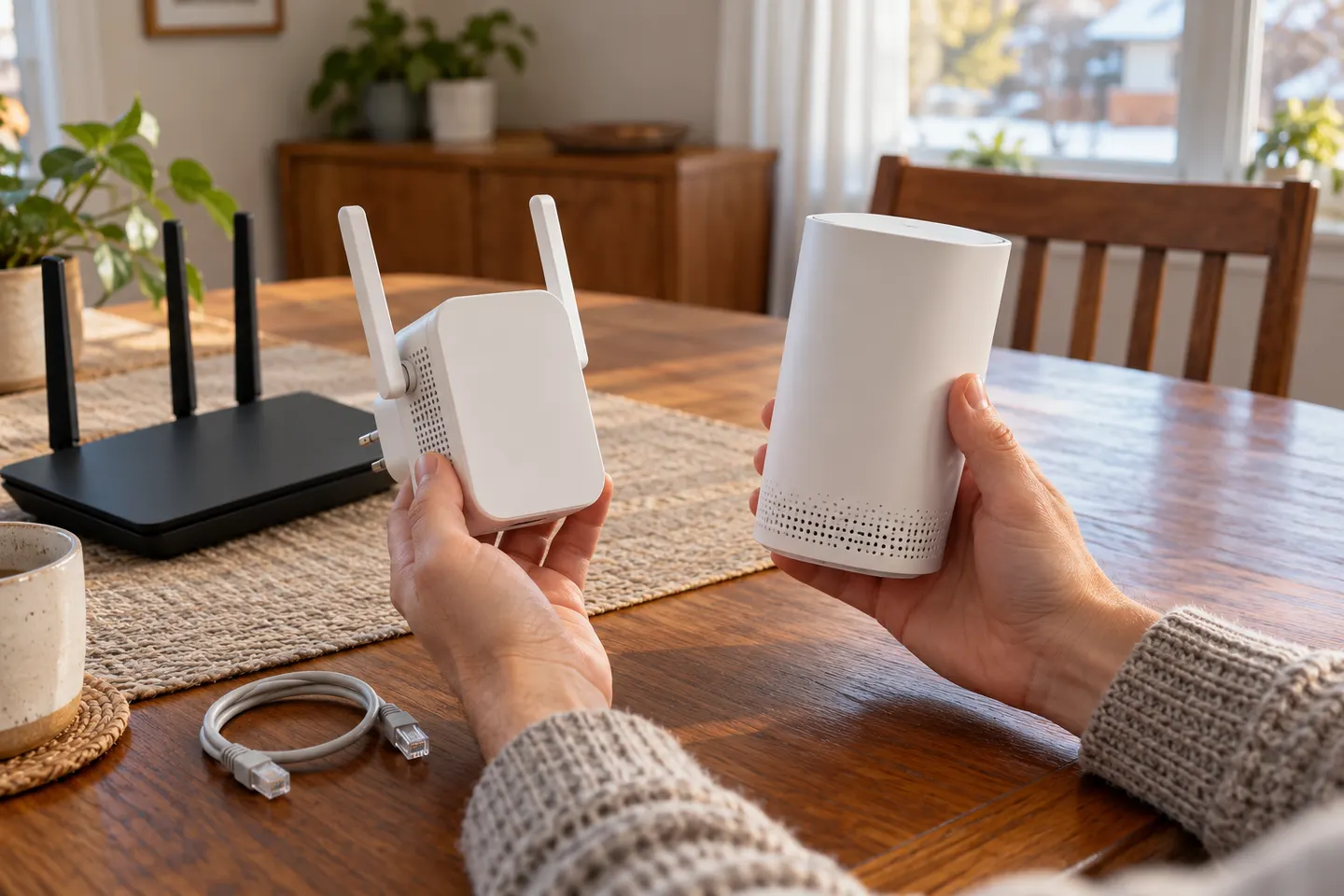
For one isolated dead zone, start with a compatible range extender placed where the router signal is still strong. For several rooms, compare mesh systems and wired access points too.
GGearjury editorial team · Updated 15 October 2026· 4 min
01
Which WiFi extender is best for a single dead zone?
Choose a model compatible with your router’s WiFi standards and place it between the router and the weak room. A dual-band model gives you both frequency bands; advertised link-rate classes are theoretical and do not guarantee a particular room speed.
02
Which WiFi range extender is best for several rooms?
If the weak signal spans multiple rooms or floors, consider a mesh system or a compatible mesh extender. Check that your router and add-on support the same mesh system before expecting coordinated roaming.
03
When is a wired access point the better choice?
Where you can run Ethernet, an access point can avoid the wireless relay back to the router. Check that the device supports access point mode and that the cable run is practical.
04
How should you compare WiFi boosters?
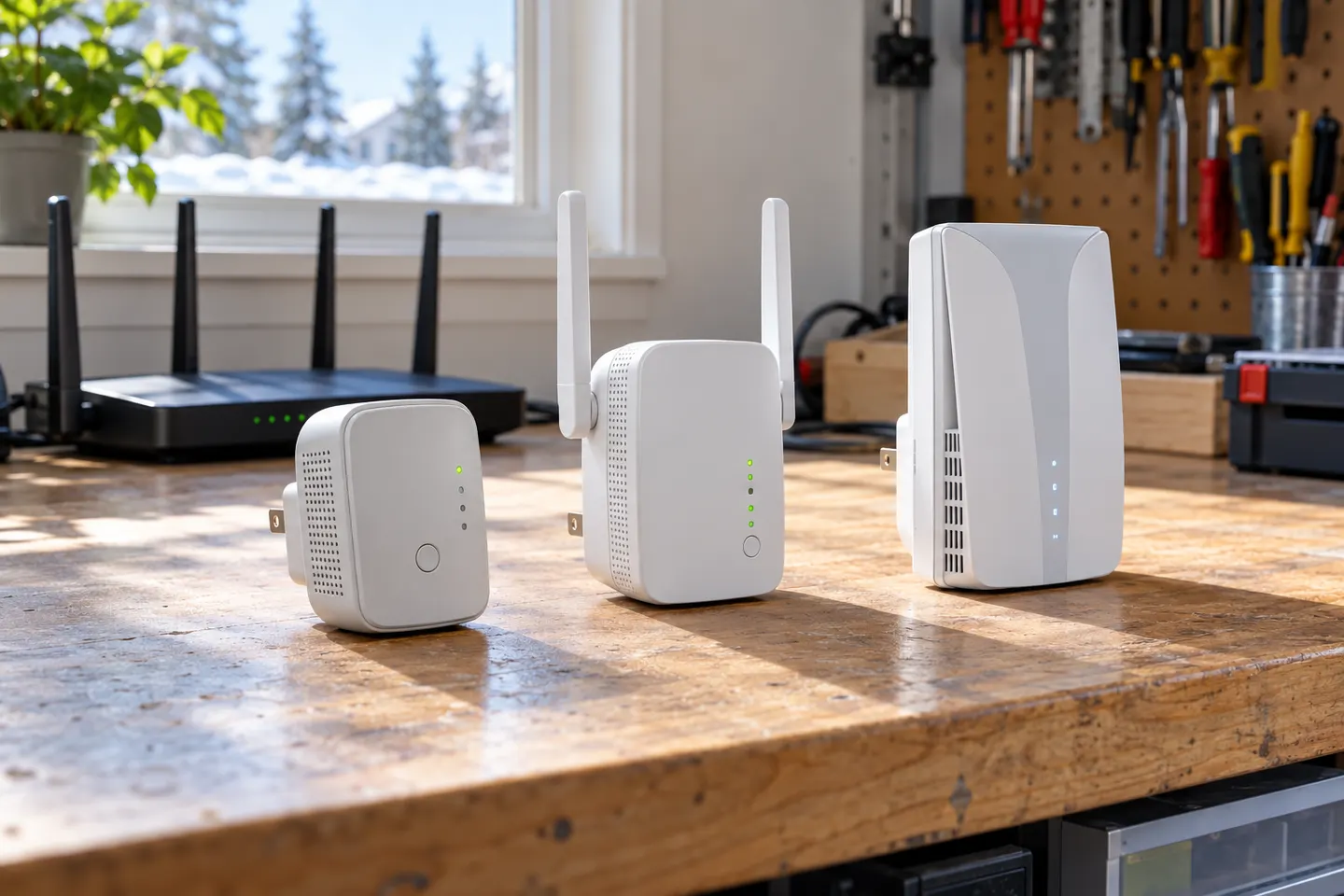
Compare WiFi generation, supported bands, Ethernet port, operating modes, mesh compatibility and the manufacturer’s setup requirements. Match the features to your router and the location you need to cover.
05
Where should the extender go?
Do not put it inside the dead zone if it cannot hear the router reliably. Start part-way along the route, check its signal indicator or app, then test the actual room and reposition if needed.
Common questions
Questions before you buy
Which is better, a WiFi booster or extender?
The names often refer to the same type of product. Decide by the unit’s modes, compatibility and placement guidance rather than the word used in a listing.
Which WiFi booster is best for my house?
There is no single best fit without knowing the router and layout. A basic extender can address one weak area; mesh or Ethernet access points may suit broader coverage needs.
Which WiFi range extender should I buy?
Start with a device that supports your router and the features you need, such as dual band, mesh compatibility or access point mode. Then check placement options and setup instructions.
Should I choose a WiFi signal booster or mesh system?
A booster is a focused option for a local coverage gap. Mesh is designed to coordinate several nodes, which may help across multiple rooms when all devices are compatible.
For a general indoor pick, start with TP-Link RE705X: it has WiFi 6, a Gigabit Ethernet port and access point mode. RE550, RE315 and a powerline kit suit different budgets and layouts; outdoor use needs purpose-built hardware.
A WiFi extender can carry an existing router signal into a weak-coverage area. Choose a plug-in repeater for a simple dead zone, or consider powerline when walls make a wireless link unreliable.
Choose a wireless range extender when it can receive a healthy signal; consider powerline when the route through the home is the main obstacle. TP-Link’s model range includes both approaches.
Your privacy
We use cookies and similar technologies. Necessary ones keep the site working. With your permission we also use statistics cookies (Google Analytics and Microsoft Clarity) to understand which guides help readers. You can accept all, reject all or choose. You can change your choice at any time from "Cookie settings" at the bottom of every page. Cookie policy