









 Official manufacturer image
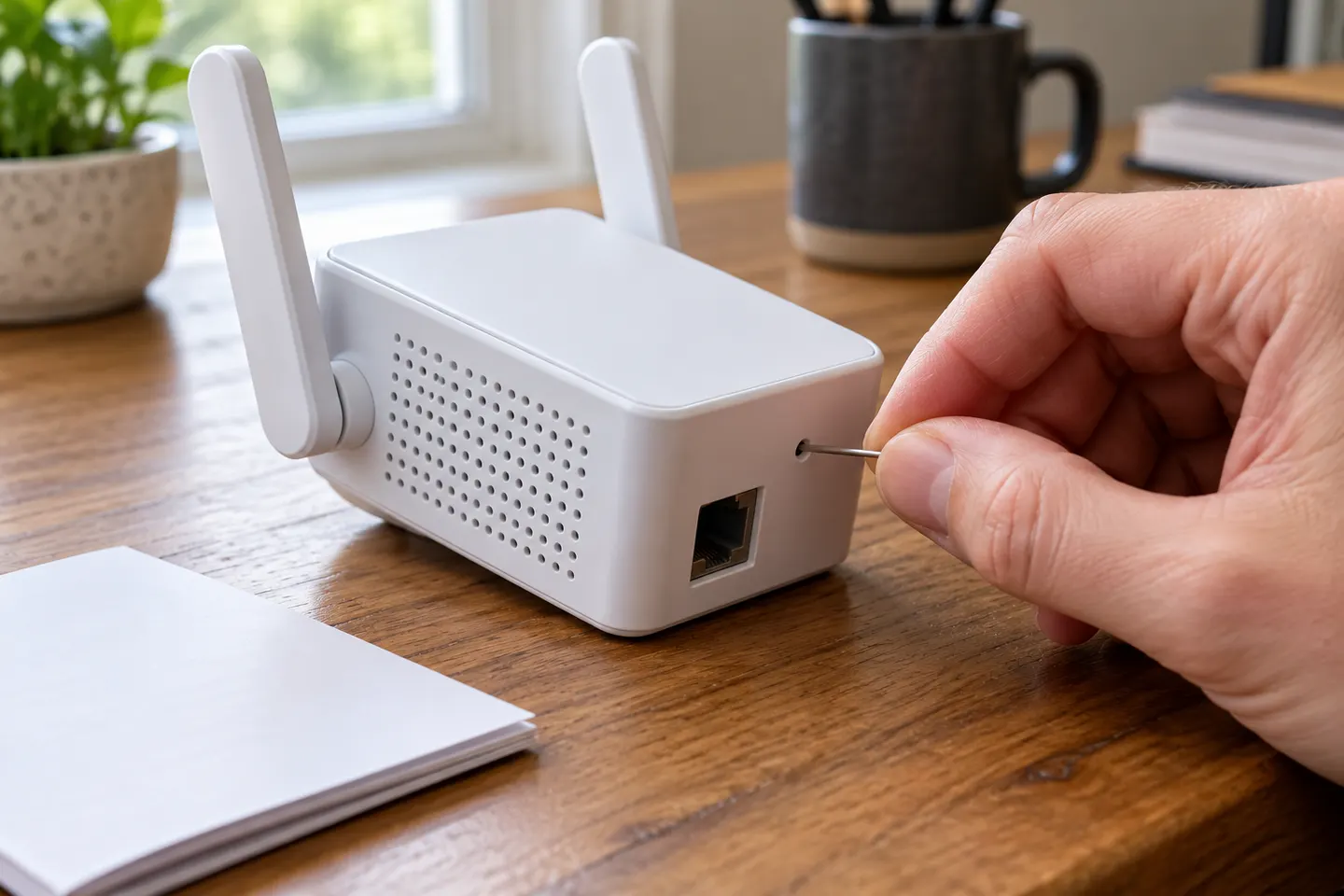
Our picks
Top picks
Official manufacturer image Official manufacturer image
NETGEAR EAX15
Check price on Amazon.ca Official manufacturer image
TP-Link RE605X
Check price on Amazon.caSetup and help
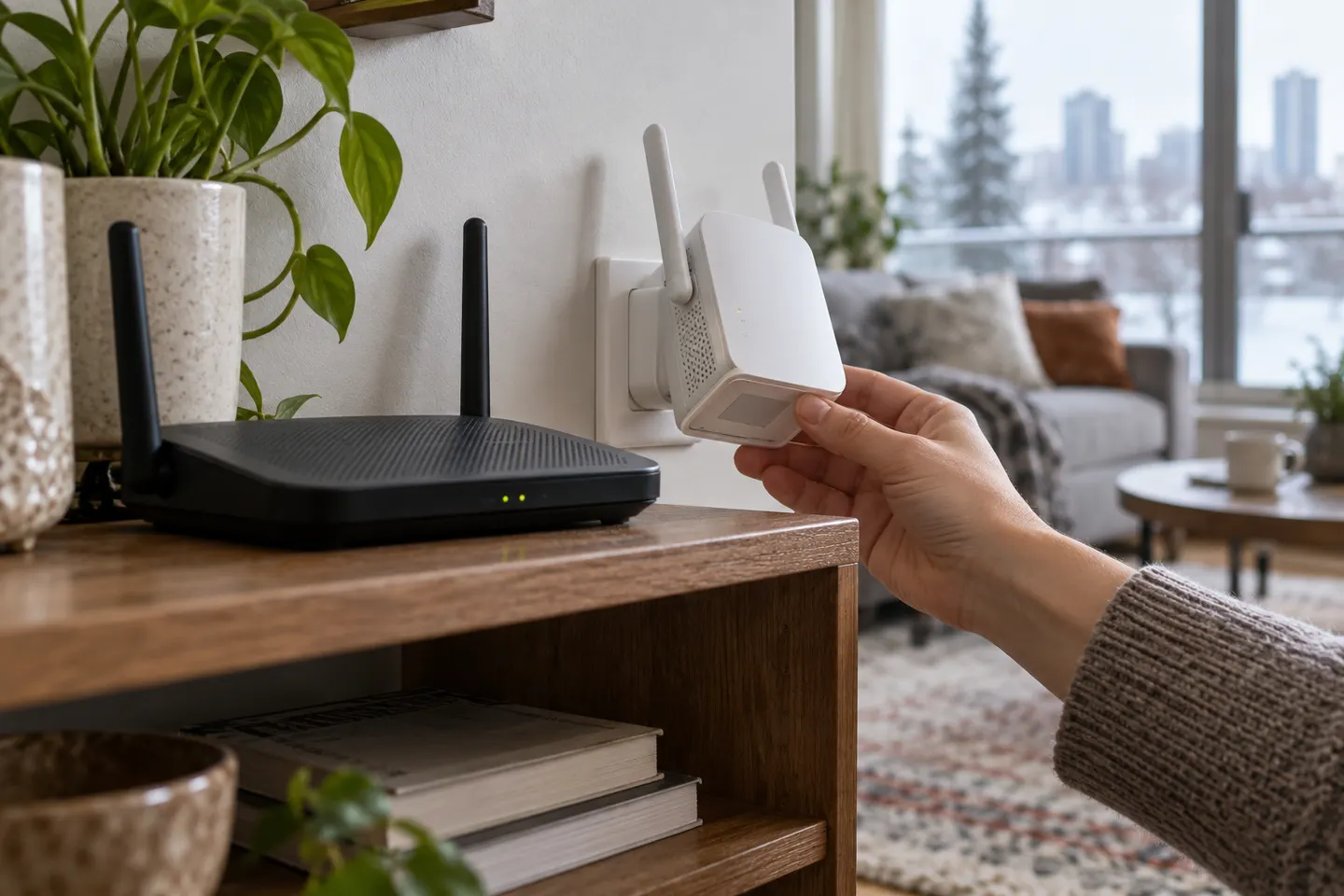 Joowin setup
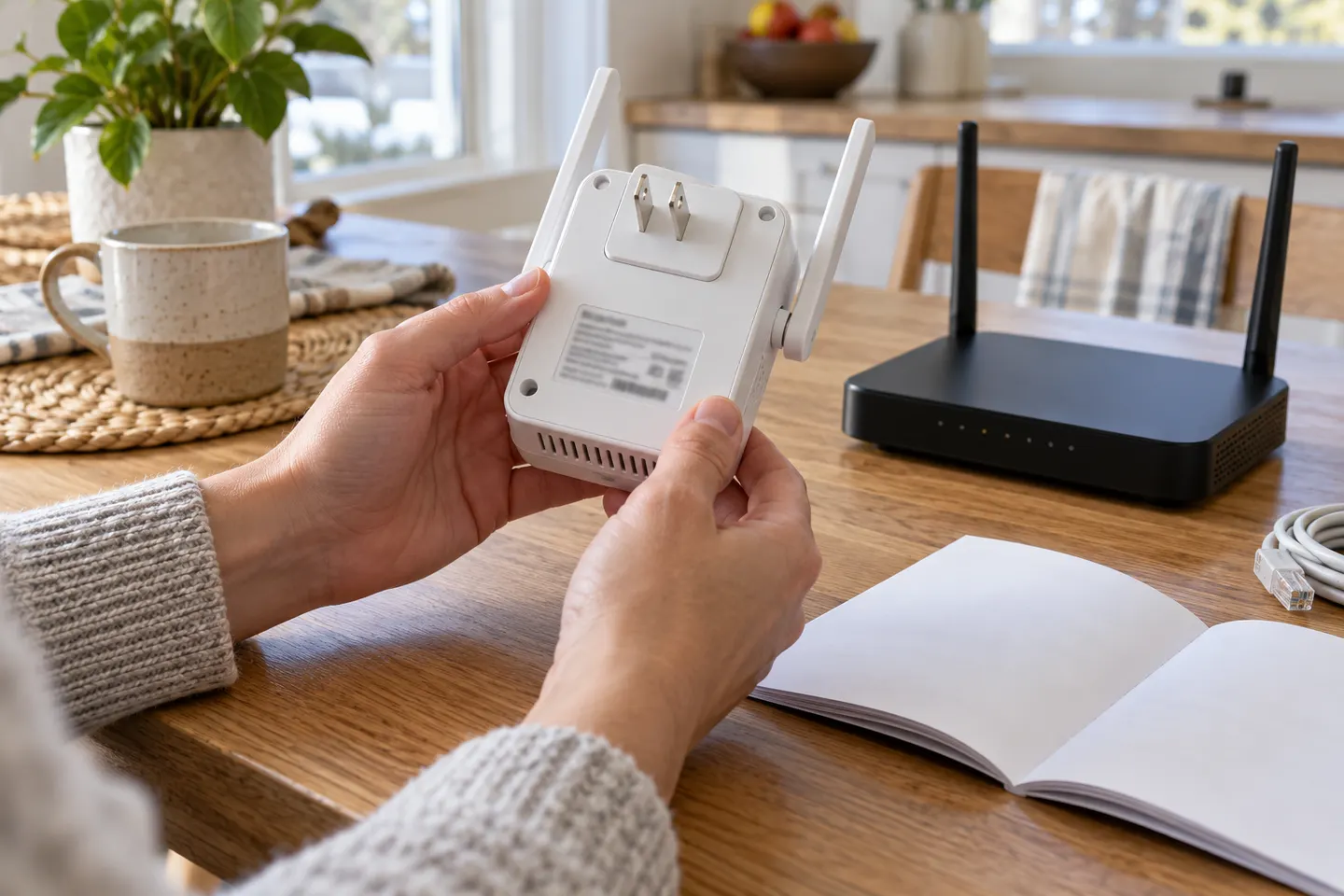 Joowin set up
How-to guides
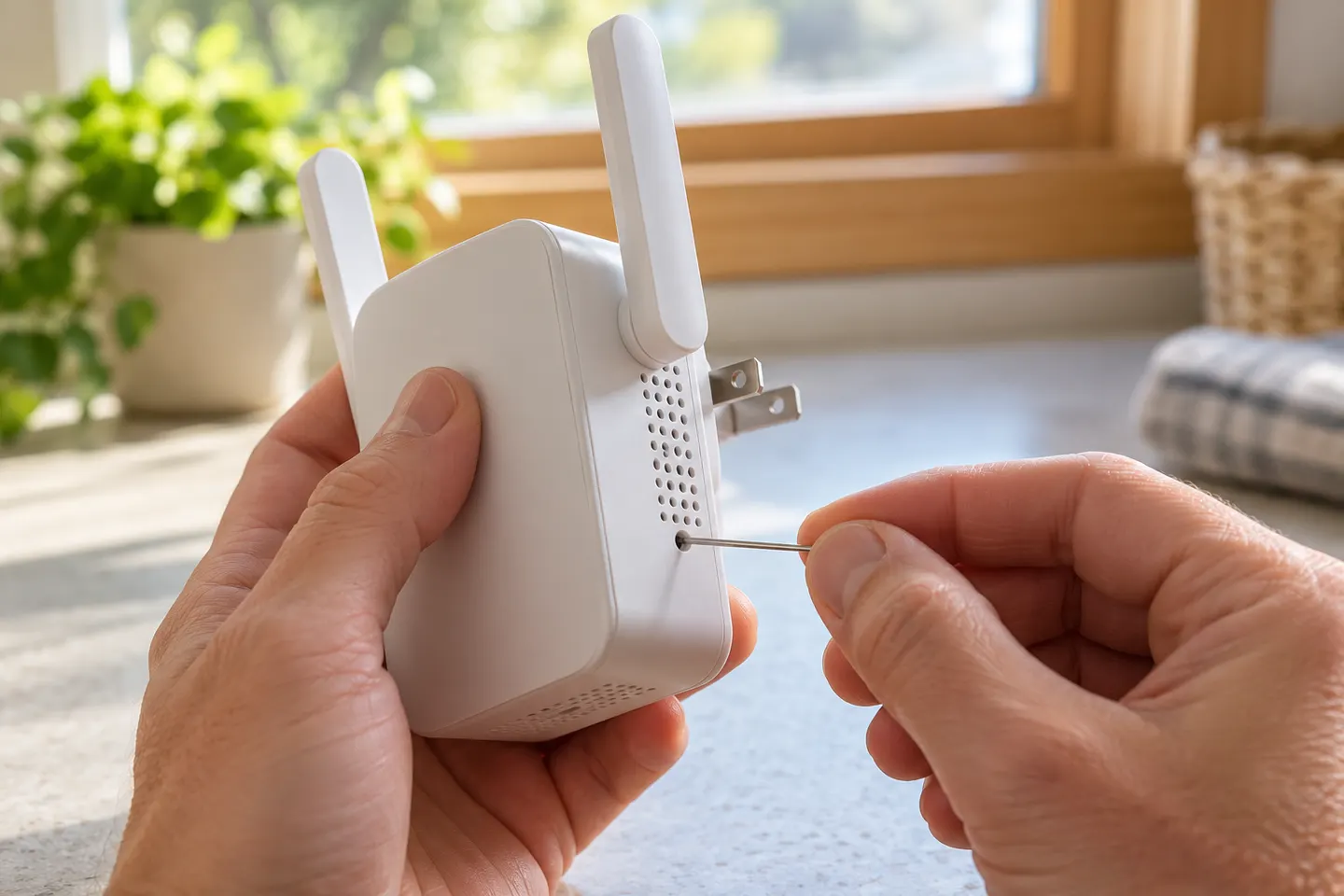 How to Reset a TP-Link Wi-Fi Extender to Factory…
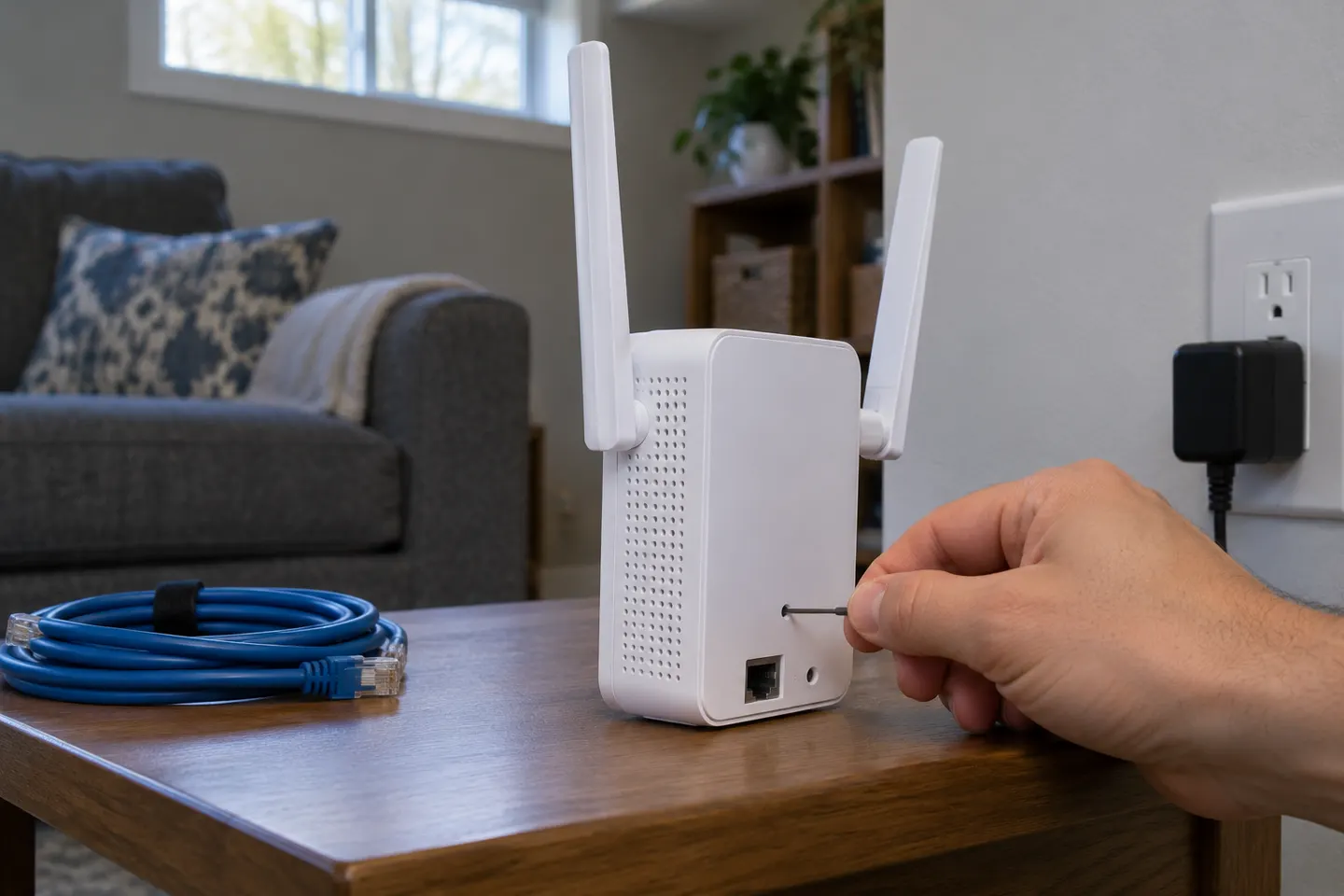 How to Reset a NETGEAR WiFi Extender to Factory…
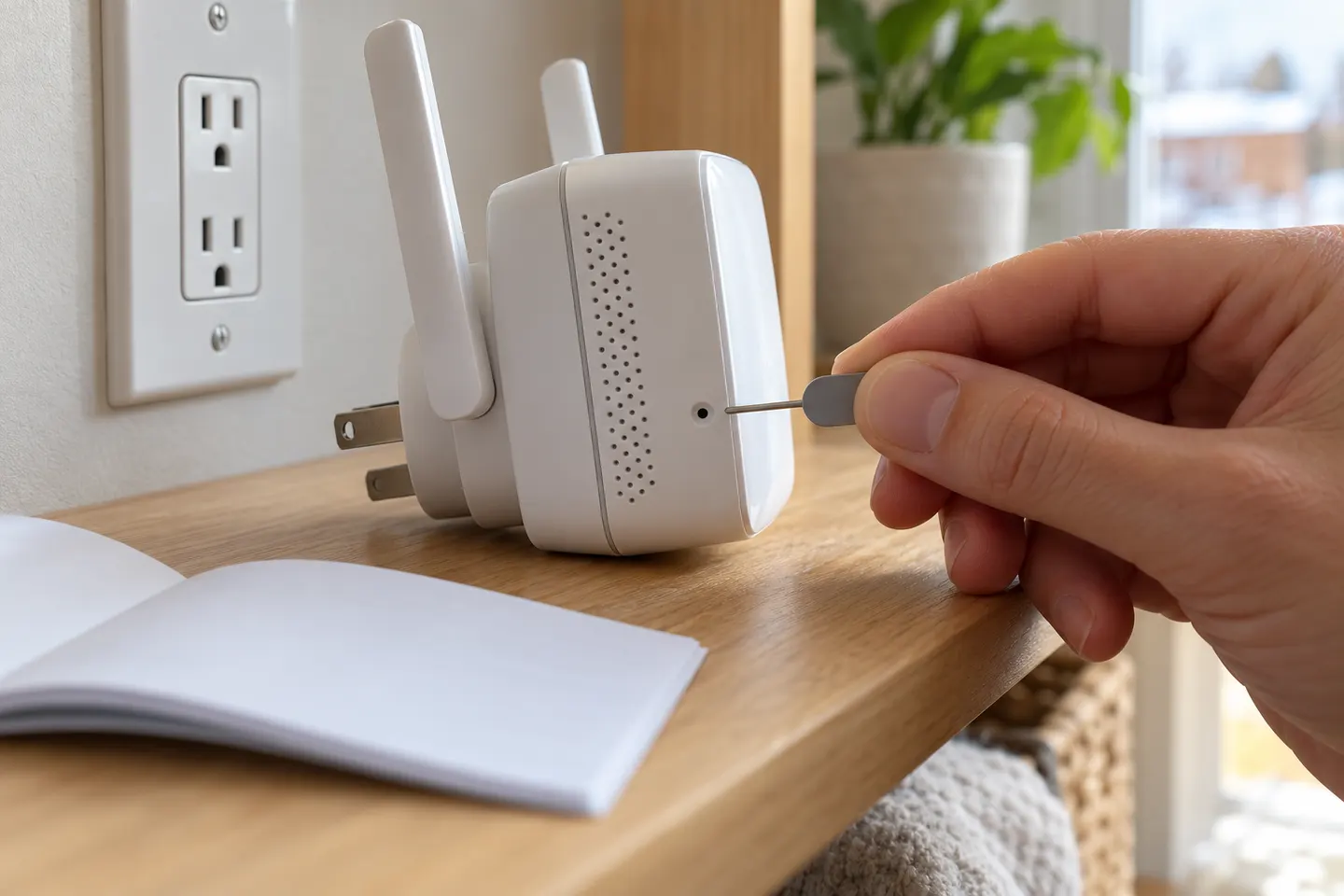 How to Reset a WiFi Extender and Set It Up Again
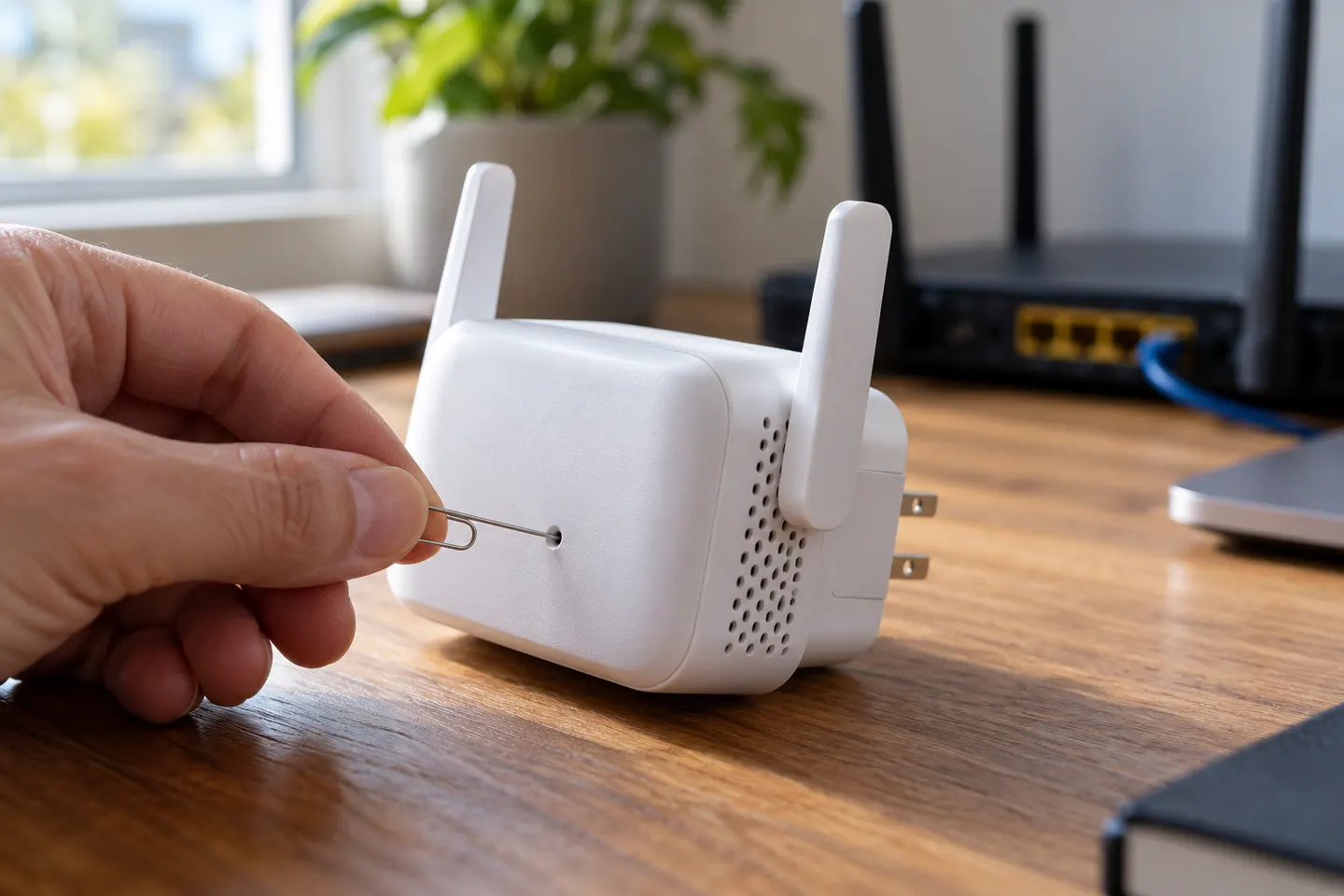 How to Reset a D-Link WiFi Extender to Factory…
More topics
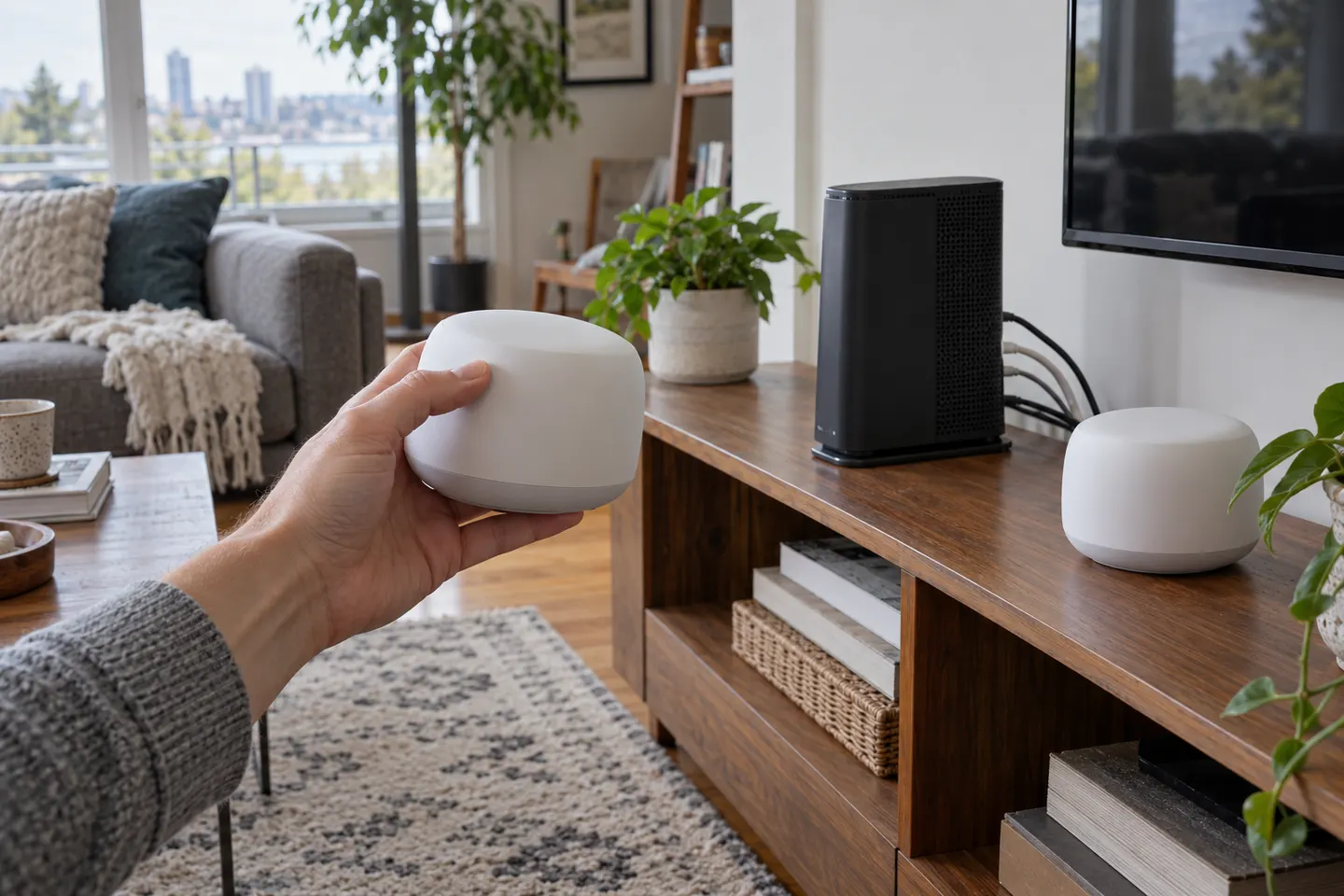 JOOWIN Wi-Fi Extenders
Common questions
Questions before you buy
How do I reset a JOOWIN WiFi extender?
Use the reset procedure in the manual for the exact model. For JW-WR768AC, the available installation guide says to hold its WPS/Reset button, then wait for factory settings to restore.
Will resetting my JOOWIN extender erase its settings?
A factory reset clears its saved configuration, so you will need to set up the connection to your router again.
Why is my JOOWIN extender not connecting after reset?
Confirm you selected the correct setup network and entered the router password accurately. Check whether your model requires WPS or browser-based setup.
Can I follow one JOOWIN reset guide for every model?
No. Button layouts and procedures vary. Match the guide to the model number printed on your device.