









 Official manufacturer image
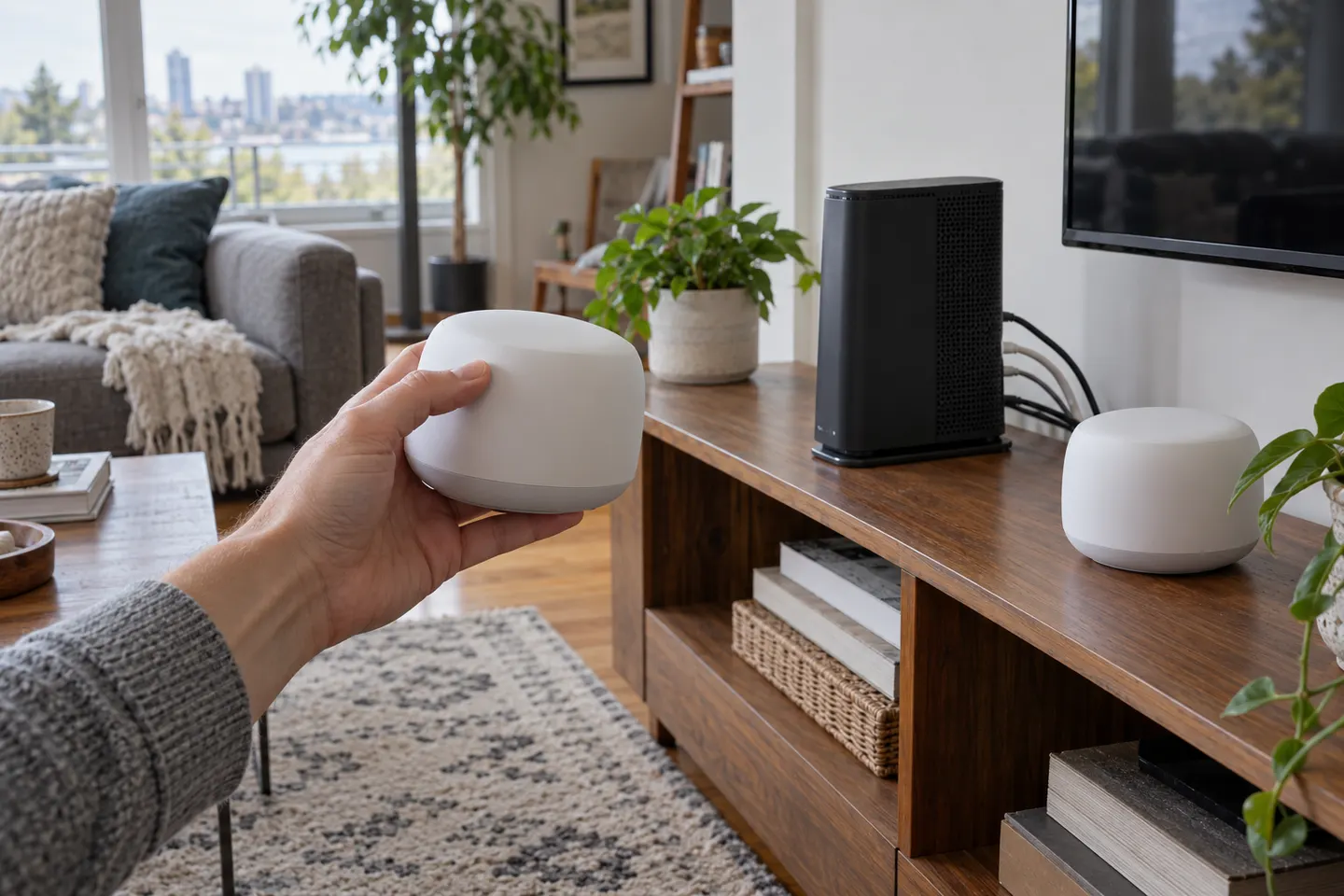
Our picks
Top picks
Official manufacturer image Official manufacturer image
NETGEAR EAX15
Check price on Amazon.ca Official manufacturer image
TP-Link RE605X
Check price on Amazon.caMore topics
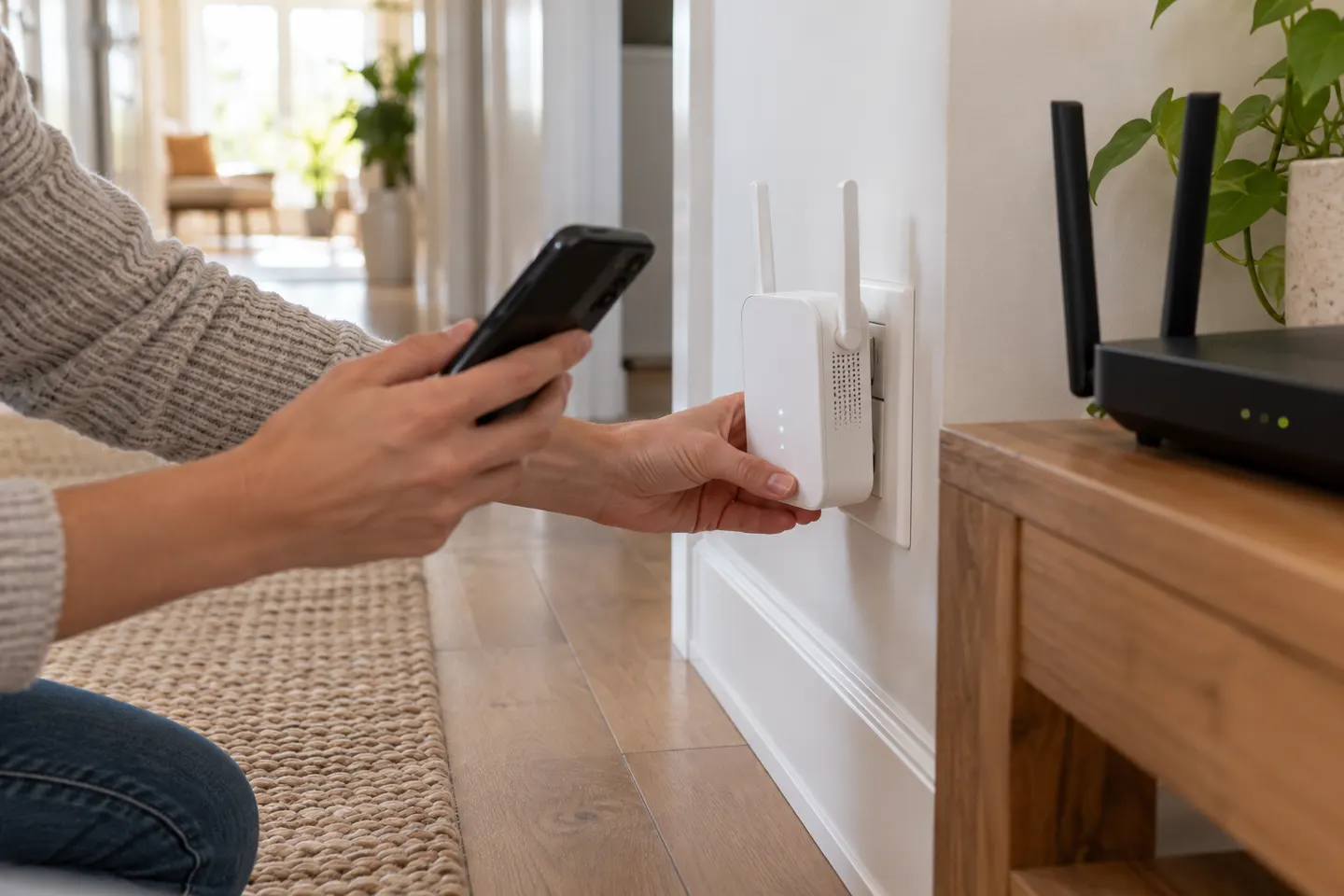 Bell Wi-Fi Extender Pods
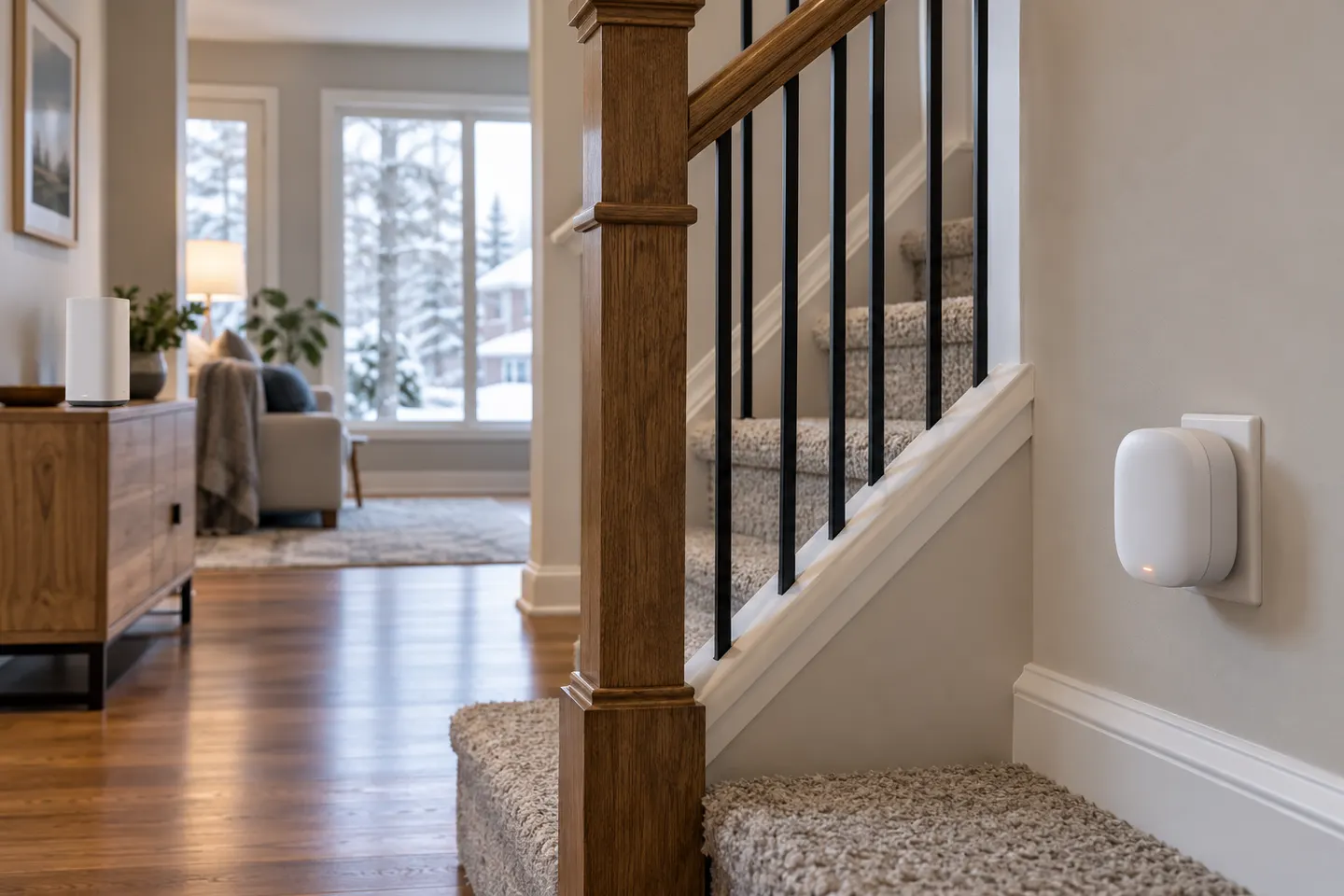 Rogers Wi-Fi Extender Pods
Head to head
Comparisons
Bell WiFi Pods vs a WiFi Extender: Which Should You Choose?
Choose Bell pods when you have eligible Bell Internet and want its app-managed whole-home system. A TP-Link RE550 is a model-specific universal extender with a Gigabit Ethernet port, but it does not become part of Bell's managed mesh.
Read more →Common questions
Questions before you buy
Do Wi-Fi extender pods work with any internet provider?
No. Provider-supplied pods may be restricted to compatible gateways or service accounts. Confirm compatibility with the provider and the exact pod model before buying.
Are Wi-Fi booster pods the same as mesh Wi-Fi?
Some pods form part of a mesh system, but the label alone does not guarantee mesh features. Check the manufacturer’s description for node coordination, roaming, and supported gateway models.
How many Wi-Fi pods does a home need?
There is no reliable number without knowing the layout, construction, gateway position, and signal conditions. Start with the provider’s coverage guidance and add a node only where the existing network needs it.
Where should I place a Wi-Fi pod?
Put each node where it can maintain a useful connection to the gateway or another supported node while reaching the target area. Follow the system app’s placement feedback if available.