









 Official manufacturer image

Our picks
Top picks
Official manufacturer image Official manufacturer image
NETGEAR EAX15
Check price on Amazon.ca Official manufacturer image
TP-Link RE605X
Check price on Amazon.caMore topics
 Rogers WiFi Extenders
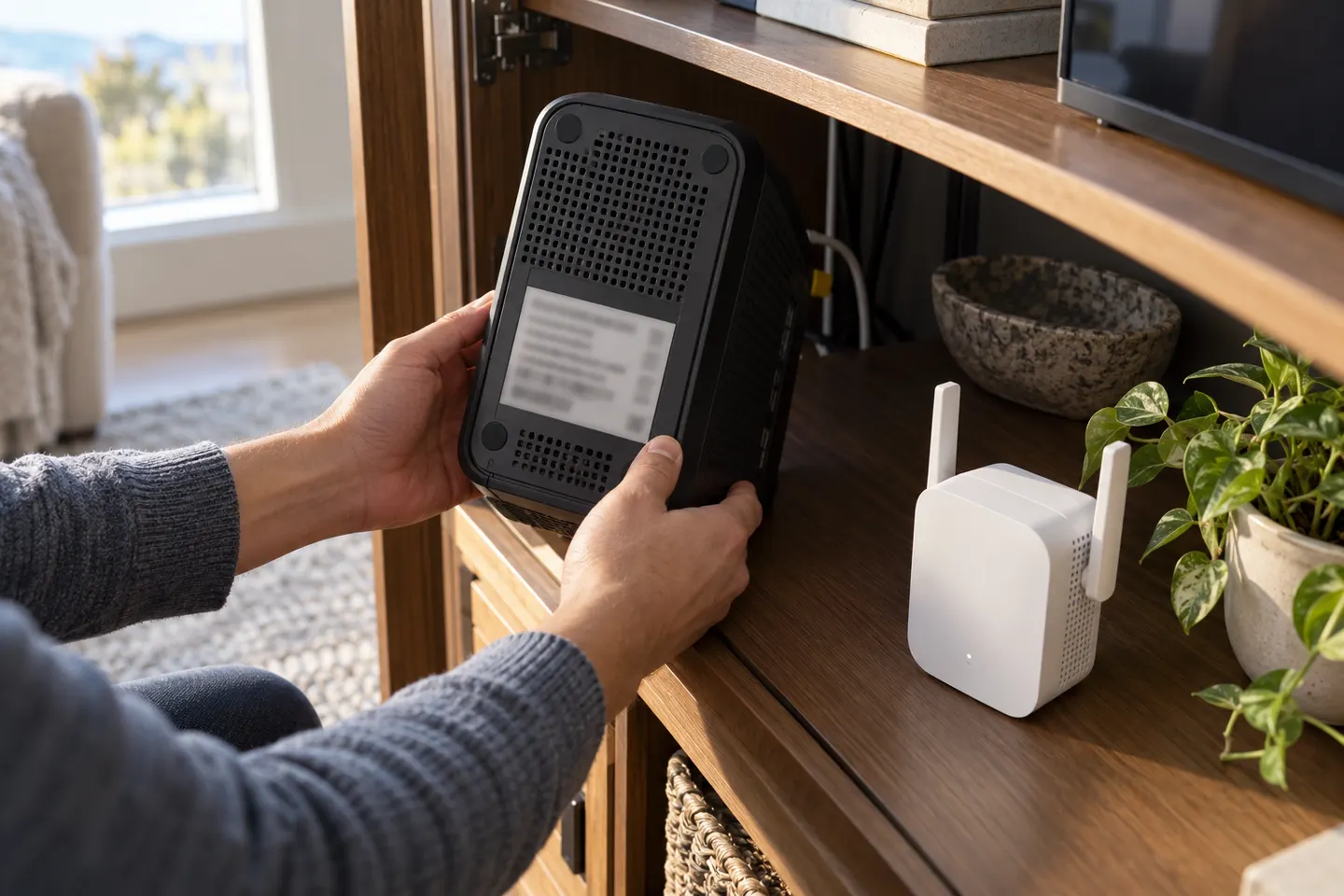 Choosing a WiFi Extender for a Rogers Home Network
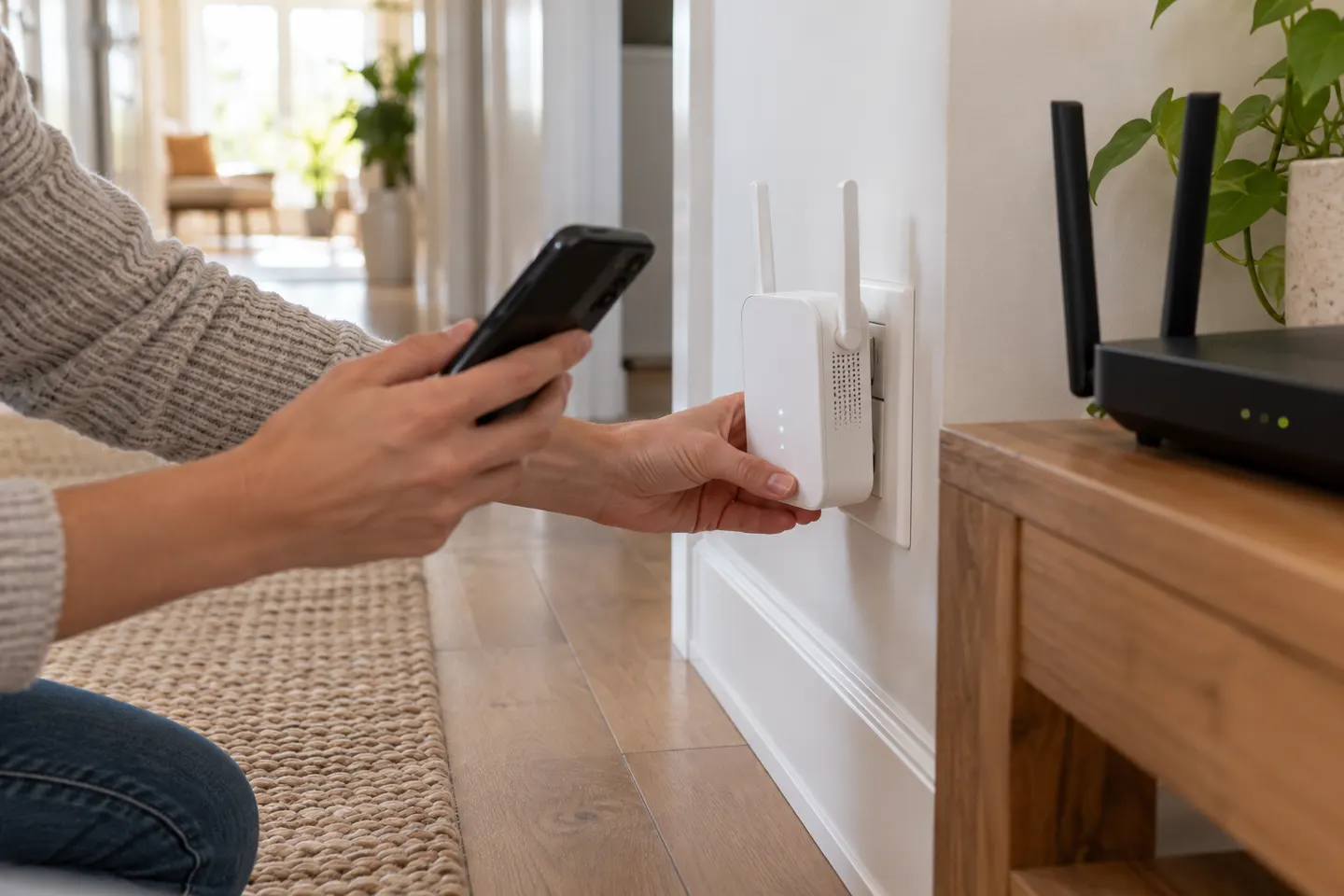 Bell Wi-Fi Extender Pods
 Wi-Fi Extender Pods
Head to head
Comparisons
Bell WiFi Pods vs a WiFi Extender: Which Should You Choose?
Choose Bell pods when you have eligible Bell Internet and want its app-managed whole-home system. A TP-Link RE550 is a model-specific universal extender with a Gigabit Ethernet port, but it does not become part of Bell's managed mesh.
Read more →Common questions
Questions before you buy
How do Rogers Wi-Fi extender pods work?
Rogers Xfinity WiFi Boost Pods connect with a compatible Rogers gateway to extend coverage through multiple access points. They help reach weak-signal areas; Rogers says they do not increase the internet plan speed.
Are Rogers Wi-Fi pods the same as Ignite pods?
Rogers has updated its branding, with Ignite WiFi Pods renamed Rogers Xfinity WiFi Boost Pods for applicable services. Existing service terms may remain unchanged during the transition.
Can I use Rogers pods with another router?
The pods are designed to work with a compatible Rogers Xfinity gateway and account. Confirm eligibility with Rogers before expecting them to pair with third-party equipment.
How do I place Rogers Wi-Fi pods?
Follow the Rogers app installation instructions and place each pod where it can maintain a strong connection to the gateway or network. Avoid putting a pod at the far edge of unusable coverage.