









 Official manufacturer image
Our picks
Top picks
Official manufacturer image Official manufacturer image
NETGEAR EAX15
Check price on Amazon.ca Official manufacturer image
TP-Link RE605X
Check price on Amazon.caCommon questions
Questions before you buy
Will a WiFi extender help my PS4 connection?
It may help if the PS4 is in a weak-signal area and the extender itself has a good link to the router. It cannot fix slow broadband, service interruptions or congestion beyond your home network.
Should I connect my PS4 to a WiFi extender with Ethernet?
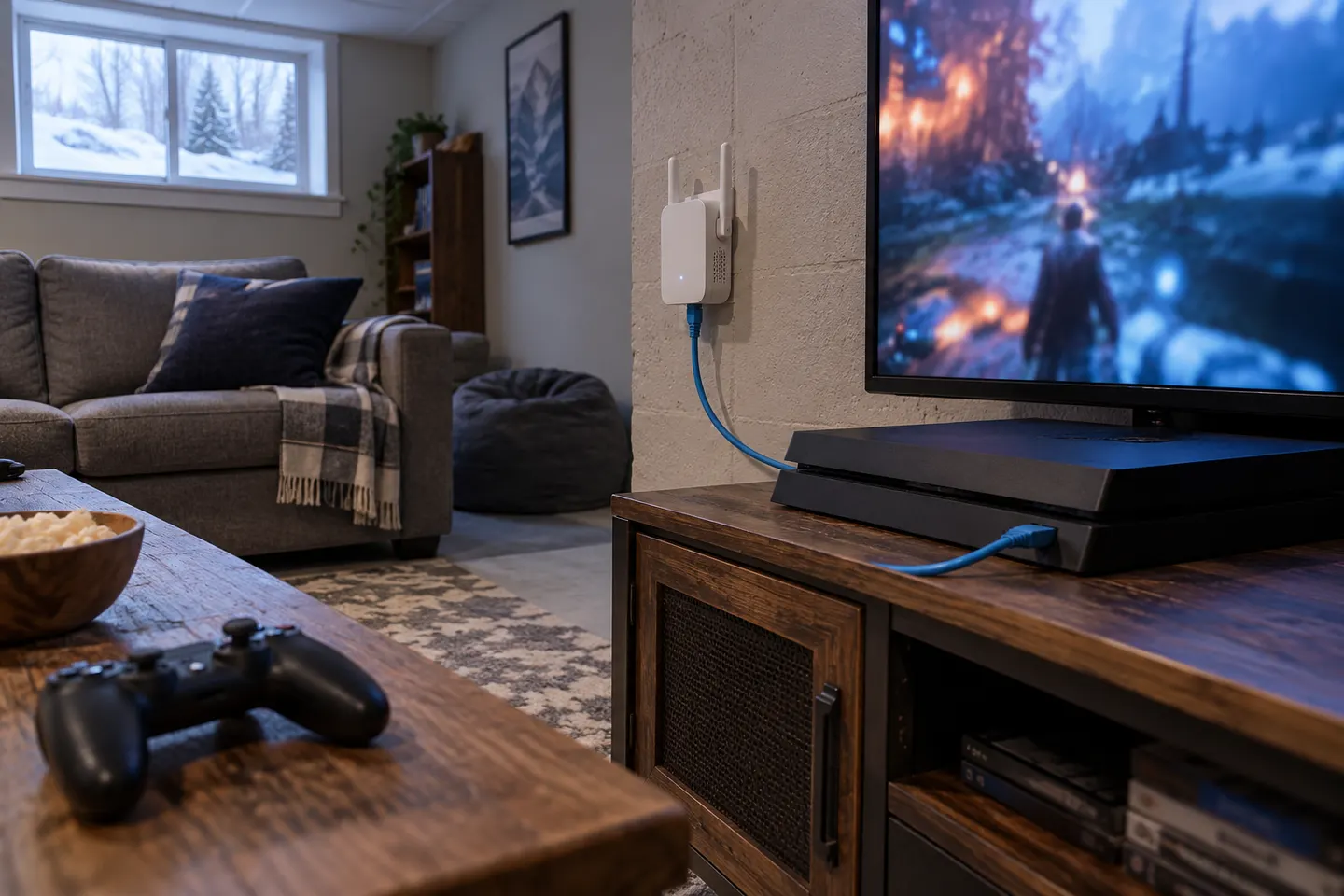
If the extender has an Ethernet port, a cable from it to the console can provide a local wired link. The extender still depends on its wireless connection to the router unless you use a wired access point.
Is a WiFi booster or Ethernet better for PS4 gaming?
A direct Ethernet connection is generally less exposed to wireless interference. If a cable run is impractical, compare a well-placed extender or mesh node and check the console’s connection stability in your own layout.
Where should I put a WiFi extender for PS4?
Put it between the router and console, in a location where it still receives a usable router signal. Avoid placing it beside the console if that spot is already a dead zone.