Independent buying guidance · UK editionHow we work
Gearjury
All categories
All categories
Best picksBest WiFi Extenders in the UK: Compare Five Practical Options
Best picksThe Best Dashcams in the UK for 2026
Best picksBest Portable Air Coolers: Five Models to Compare for 2026
Best picksBest Meat Thermometers in the UK for 2026
Best picksBest Headlamp Torches in the UK: Five Choices for 2026
Best picksBest Winter Gloves in the UK: Five Activity-Based Choices for 2026
Best picksBest Radar Detectors in the UK: Models Compared for 2026
Best picksBest Value Cordless Strimmers in the UK (2026)
Best picksBest Air Purifiers in the UK for Different Rooms and Needs
United KingdomEnglish

Category hub

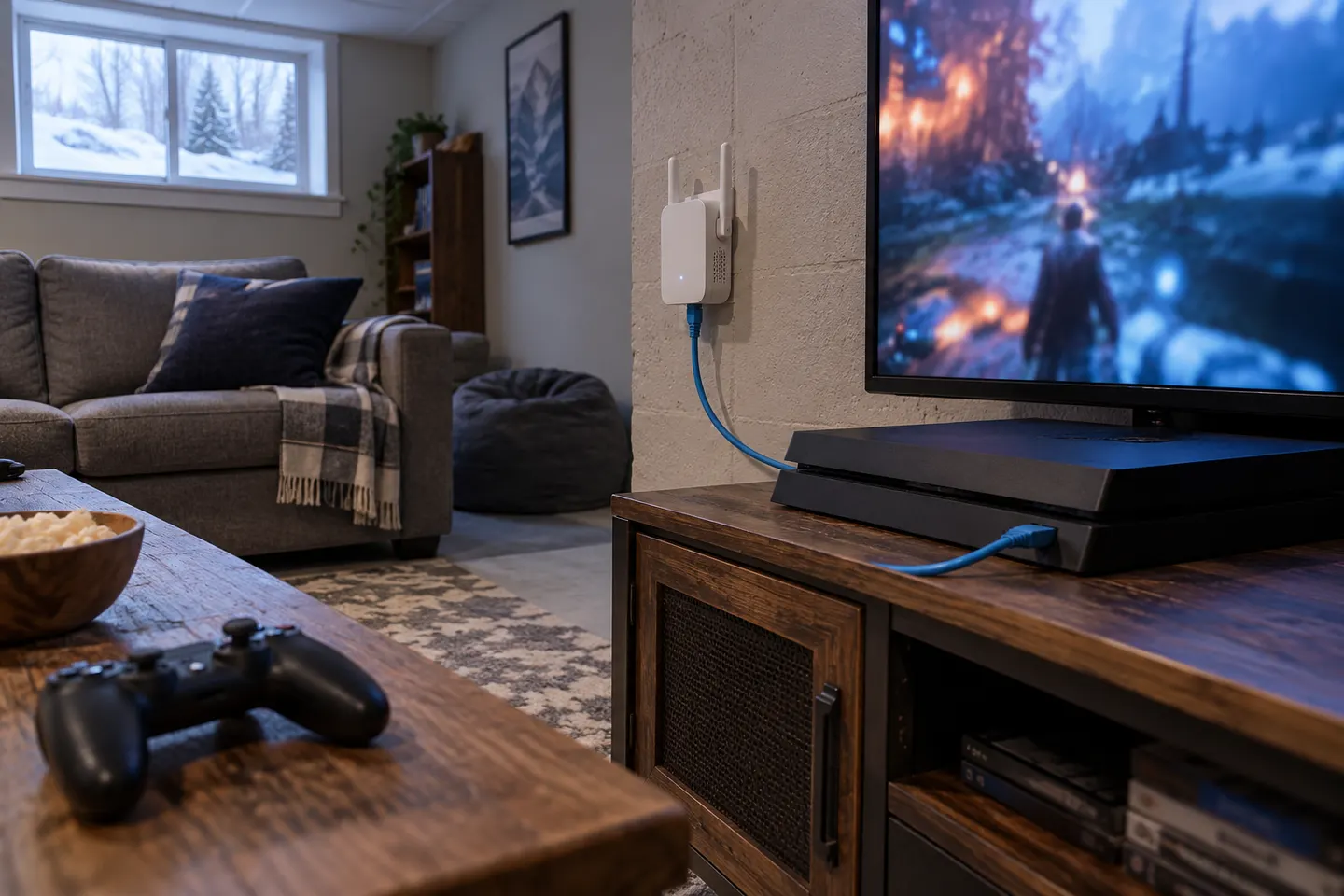
Wi-Fi Boosters for PS4: Improve the Console?s Connection

If the PS4 has weak Wi-Fi because of distance or walls, an extender may help. Consider a wired Ethernet connection where a cable can reach.

A Wi-Fi booster for PS4 can extend a router?s coverage towards the console, but it cannot guarantee lower latency or faster downloads. Online play also depends on broadband quality, congestion, server location and the console?s connection.

Wi-Fi Boosters for PS4: Improve the Console?s Connection

Common questions

Questions before you buy

Will a Wi-Fi booster help my PS4 connection?

It may improve coverage if weak Wi-Fi between console and router is the issue. It cannot fix slow broadband, congestion or server problems.

Is Ethernet better than a Wi-Fi booster for PS4?

A direct Ethernet connection is worth considering when you can run a cable. An extender?s backhaul still matters.

Can a Wi-Fi extender reduce PS4 lag?

It may help when weak signal causes instability, but lag can also come from congestion, broadband or server conditions.

Where should I put a Wi-Fi booster for PS4?

Place it between router and console where it still receives a strong router signal, then check the console connection.