




 Official manufacturer image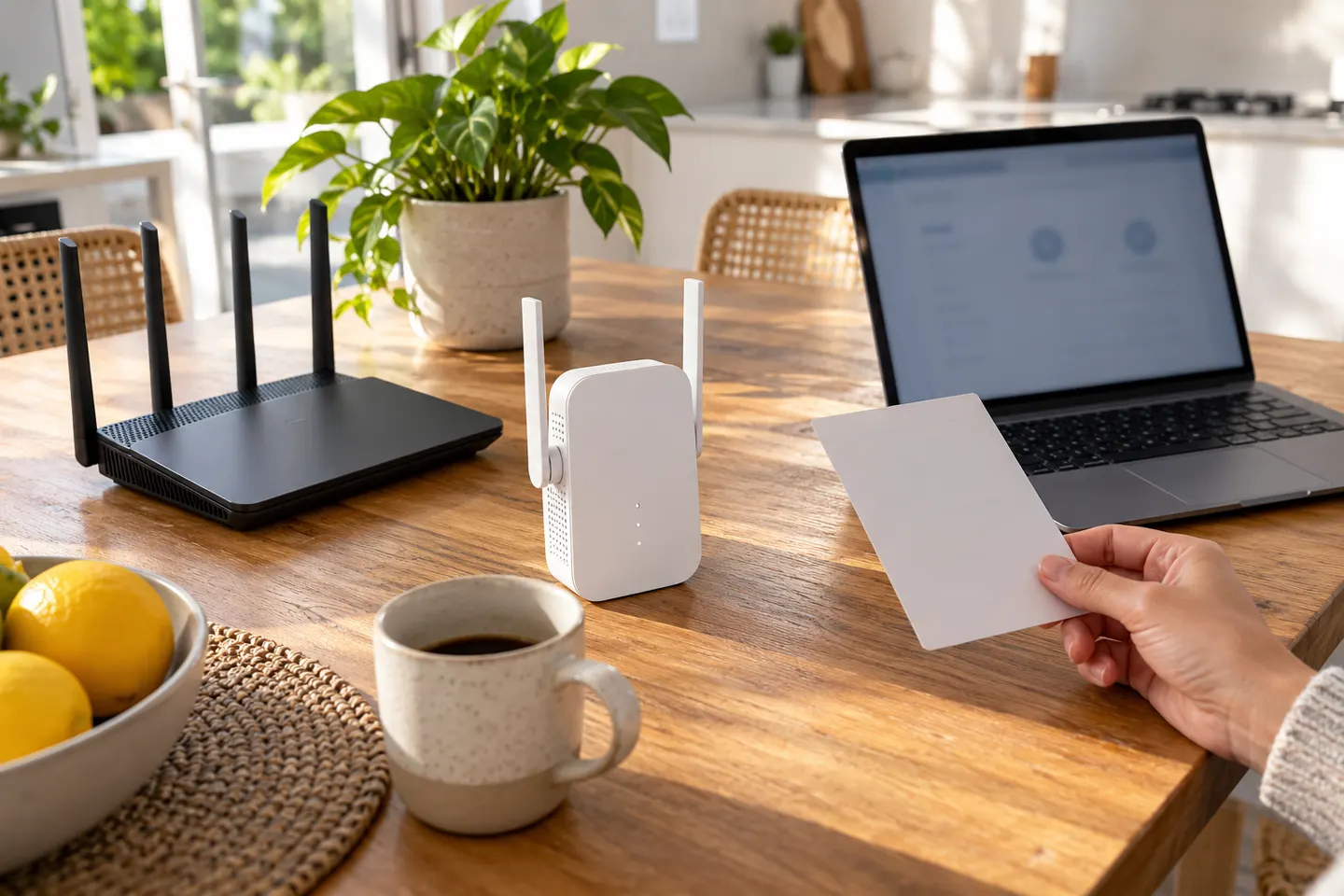
Our picks
Top picks
Official manufacturer image Official manufacturer image
TP-Link RE705X-Outdoor
Check price on Amazon AU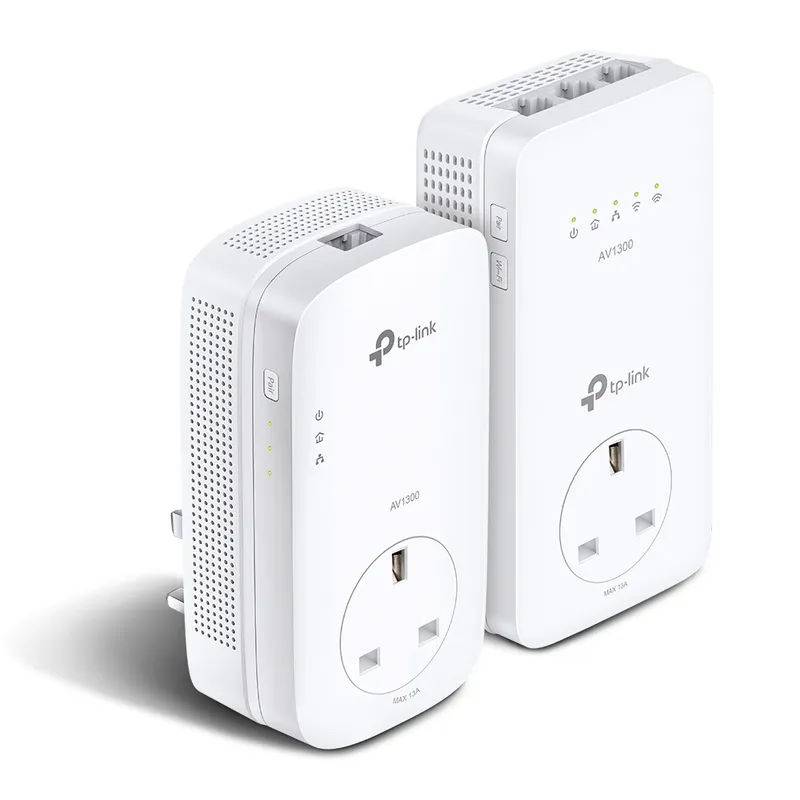 Official manufacturer image
TP-Link TL-WPA8631P KIT
Check price on Amazon AUCommon questions
Questions before you buy
Does Wi-Fi 6 need a Wi-Fi 6 router?
A Wi-Fi 6 extender can connect to an older Wi-Fi router, but Wi-Fi 6 features require compatible devices. Check the model compatibility notes.
Will a Wi-Fi 6 range extender make my internet plan faster?
No. It can improve the wireless link in a weak-signal area, but it cannot raise your plan speed or fix congestion on the router connection.
Where should a Wi-Fi 6 booster go?
Place it where it still receives a reliable router signal, on the way to the problem area. Use the model indicator or app to refine placement.
Is a Wi-Fi 6 extender compatible with Wi-Fi 5 devices?
Wi-Fi generations are generally designed for backward compatibility, but older devices only use the features they support. Confirm the specific model compatibility.