




 Official manufacturer image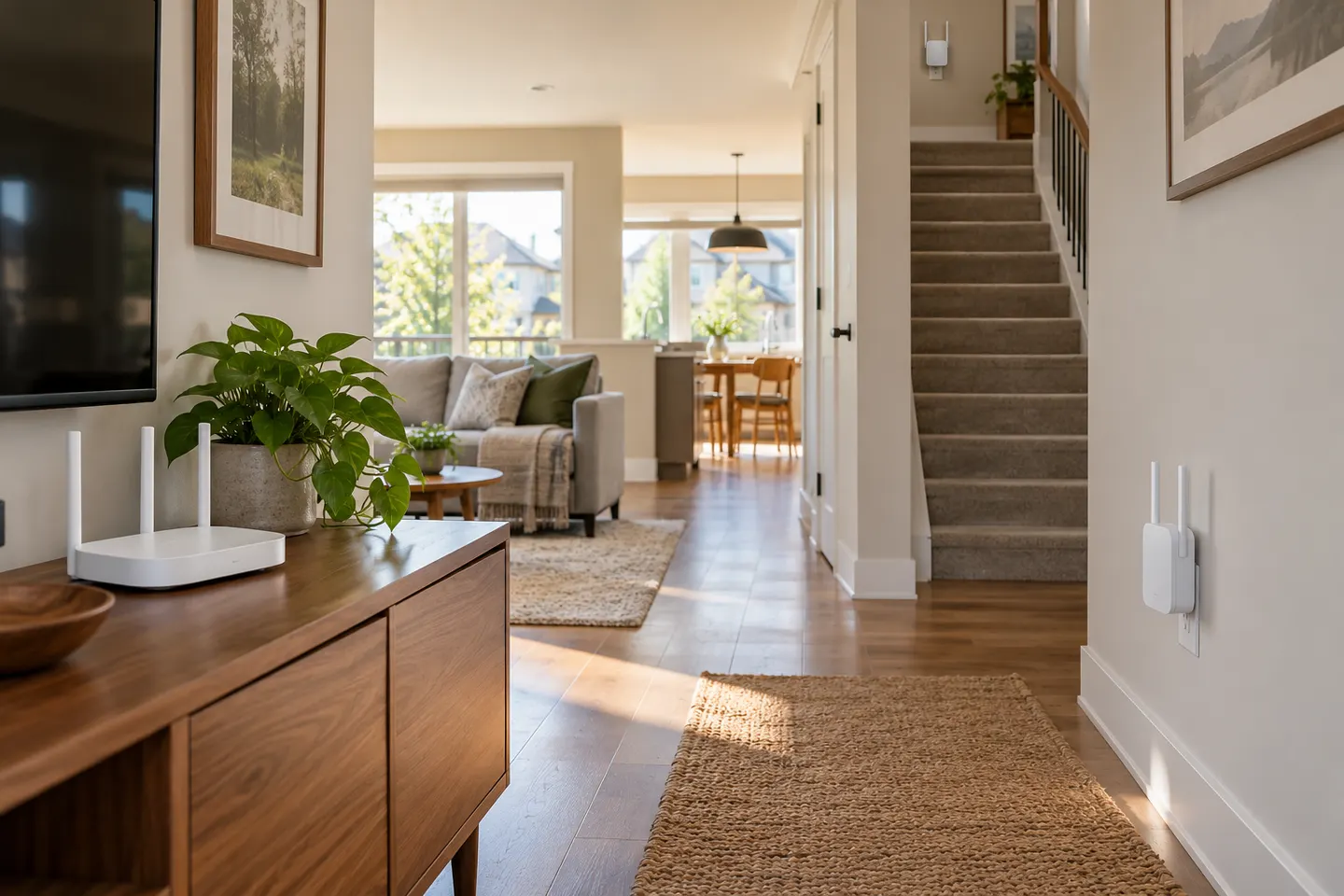
Our picks
Top picks
Official manufacturer image Official manufacturer image
TP-Link RE705X-Outdoor
Check price on Amazon AU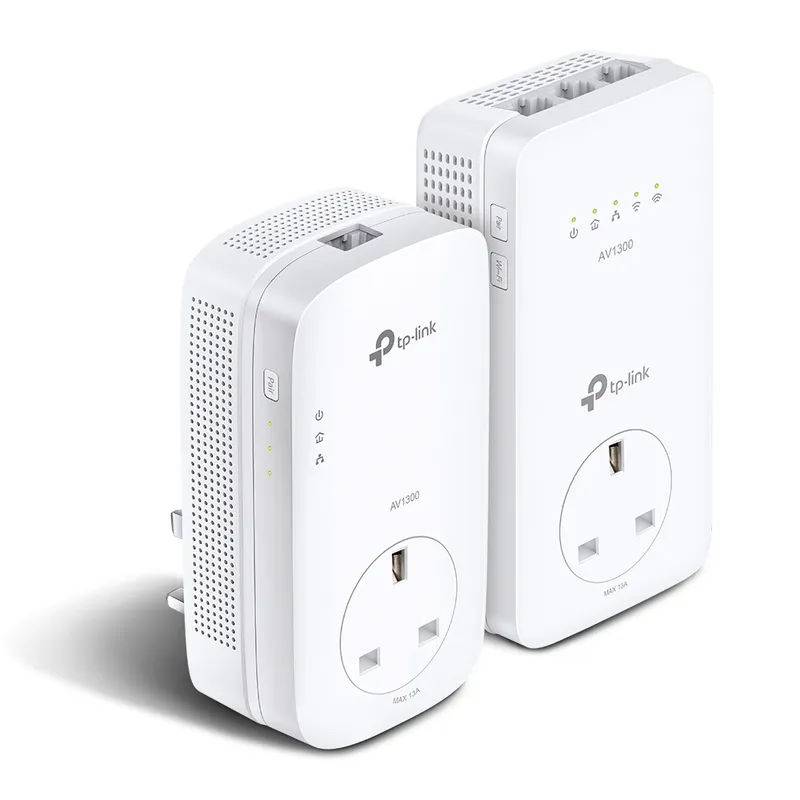 Official manufacturer image
TP-Link TL-WPA8631P KIT
Check price on Amazon AUHead to head
Comparisons
WiFi Extender vs Mesh: Which Gives Better Home Coverage?
Choose a range extender for a local weak spot when the router signal reaches the relay point. Choose mesh when you need coordinated coverage across several rooms or floors.
Read more →Common questions
Questions before you buy
Is mesh WiFi better than a range extender?
Mesh can be better for broad or multi-room coverage because compatible nodes are managed as one system. A range extender can be a simpler fit for one weak area; placement, router compatibility and backhaul affect the result.
Can I add a mesh extender from a different brand?
Do not assume cross-brand compatibility. Mesh systems use model and vendor-specific compatibility rules, so check the router maker supported-node list for the exact devices.
Can a mesh WiFi extender connect over Ethernet?
Some systems support wired backhaul, but the feature and setup differ by model. Check the manufacturer compatibility and installation instructions before planning an Ethernet connection.
Can I use a third-party mesh extender with Starlink?
Starlink support says its mesh WiFi routers are not compatible with third-party mesh systems. Use a supported Starlink router generation or verify current configuration guidance for your equipment.