


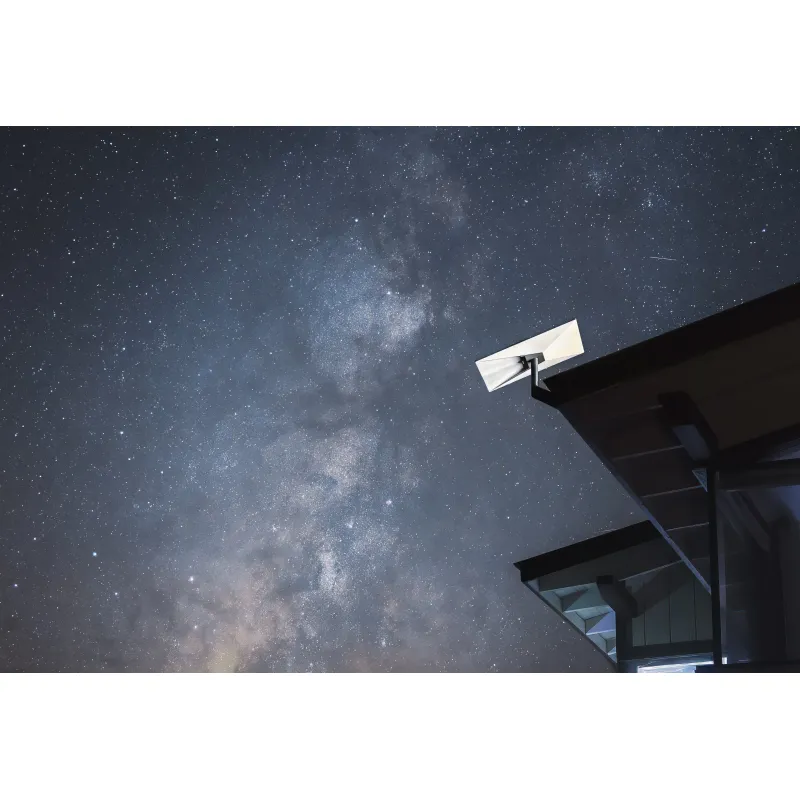
 Official manufacturer imageBest for a compact official mesh node
Starlink Router Mini
Not compatible with the Gen 1 Starlink router; use indoors and follow Starlink’s placement guidance.
Check price on Amazon AU
Gearjury may earn a commission from qualifying purchases made through retailer links. Product details are attributed to their cited sources.
Brand guide
For a Starlink WiFi extender, Starlink’s own Router Mini or Router 3 can join supported systems as mesh nodes. Check your existing router generation and whether you can run Ethernet before choosing.
Official manufacturer imageBest for a compact official mesh nodeNot compatible with the Gen 1 Starlink router; use indoors and follow Starlink’s placement guidance.
Check price on Amazon AU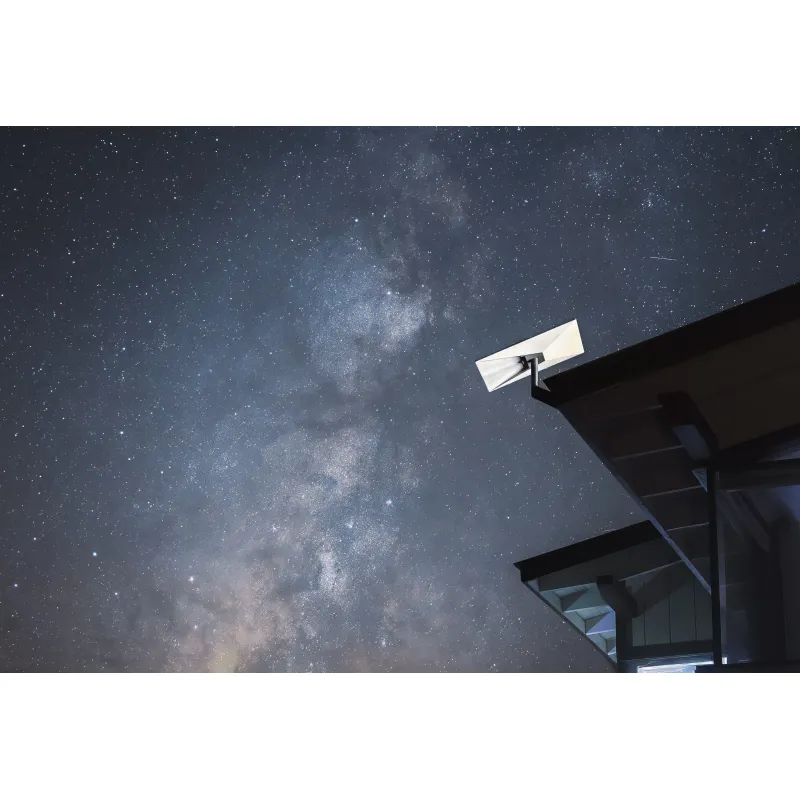 Official manufacturer imageBest for a Starlink mesh setup with two LAN ports
Starlink says Router 3 cannot replace the main Gen 2 router connected to the dish.
Check price on Amazon AUStarlink specifies compatibility with Gen 2 and Router 3; it does not mesh with Gen 1 or third-party nodes.
| Official manufacturer imageStarlink Router Mini | Official manufacturer imageStarlink Router 3 | Starlink Mesh WiFi Router | |
|---|---|---|---|
| Role | Compact Starlink mesh node | Starlink router and mesh node | Gen 2-era Starlink mesh node |
| WiFi generation | Wi-Fi 6 | Wi-Fi 6 | Wi-Fi 5 |
| Ethernet LAN | One port | Two ports | — |
| Mesh compatibility | Starlink routers except Gen 1 | Gen 2 and Gen 3 nodes | Gen 2 and Router 3 |
| Outdoor use | Indoor use | Configured for indoor use | — |
| Check price on Amazon AU | Check price on Amazon AU |
Keep exploring

RE705X and RE715X are Wi-Fi 6 options; RE315 is an AC1200 alternative. Choose by router compatibility and the connection you need.

Start with the network standard and location of the dead spot. NETGEAR?s EX6120 is a dual-band AC model, while EAX15 adds WiFi 6; check exact router and firmware compatibility before buying.

The right Wi-Fi extender depends on the router signal at its location, your home layout and whether you need Ethernet, outdoor placement or powerline networking.

A Wi-Fi extender can help reach a weak-signal room when positioned within range of your router. Compare plug-in repeaters, mesh-compatible models, outdoor units and powerline kits by how they connect.