




 Official manufacturer image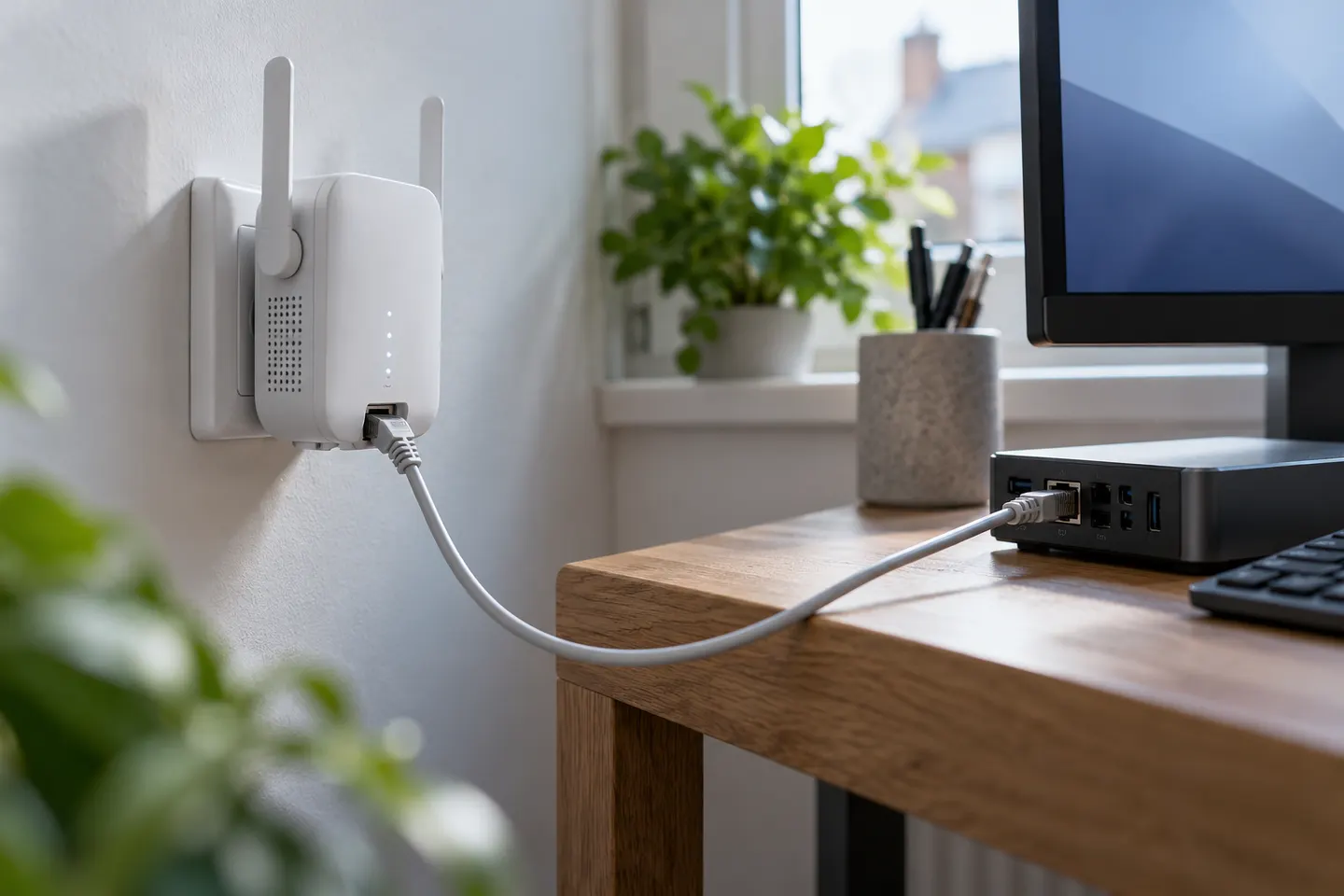
Our picks
Top picks
Official manufacturer image Official manufacturer image
TP-Link RE705X-Outdoor
Check price on Amazon AU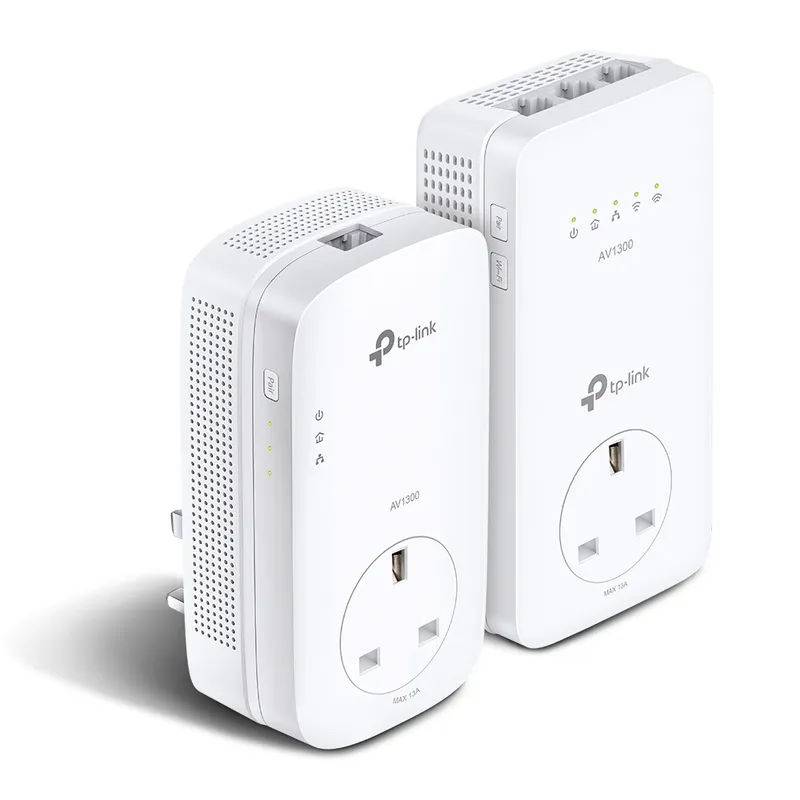 Official manufacturer image
TP-Link TL-WPA8631P KIT
Check price on Amazon AUBy type
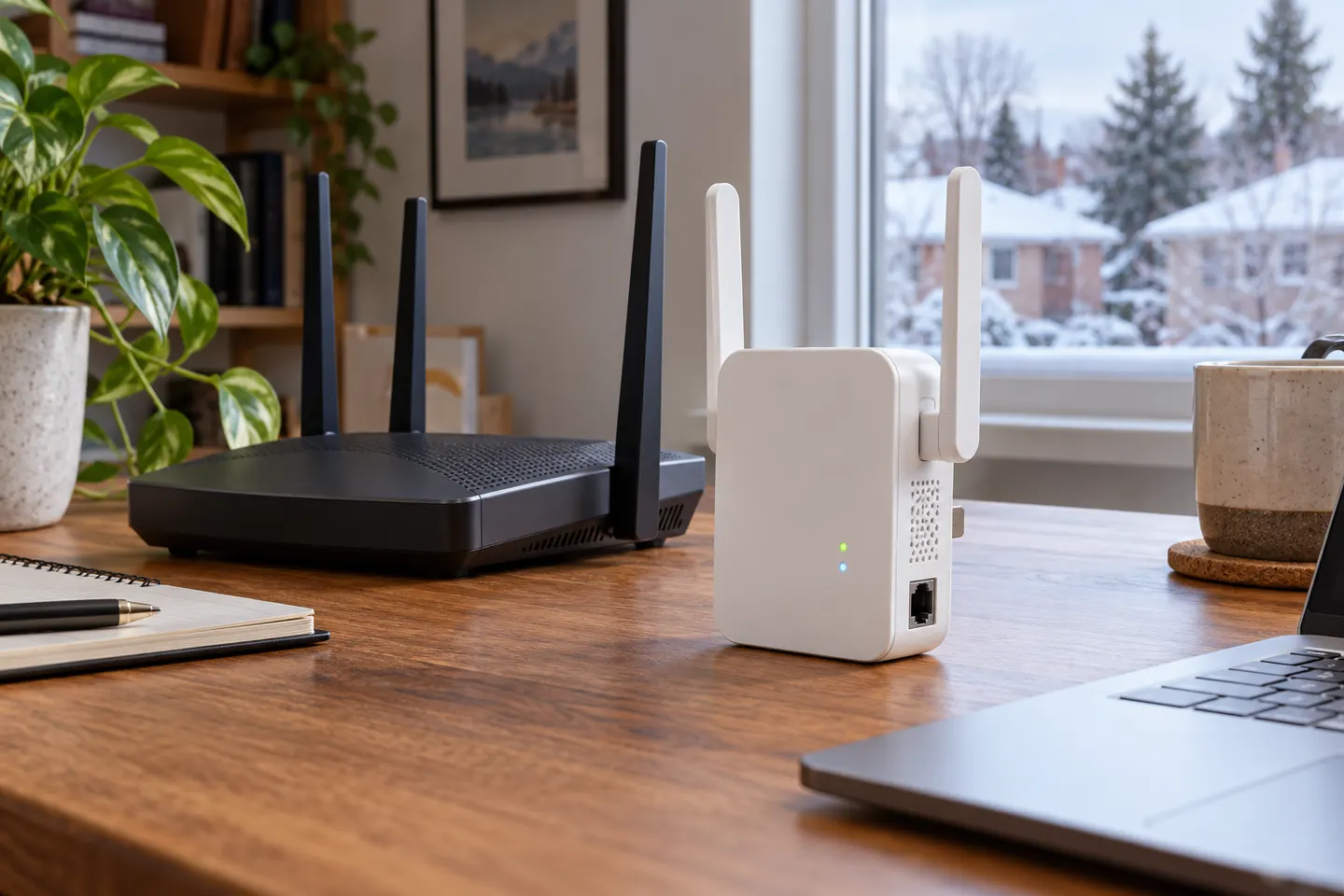 Ethernet
Common questions
Questions before you buy
What does the Ethernet port on a WiFi extender do?
Depending on the model and mode, it can connect a wired device to the extended network or let the extender act as an access point fed by Ethernet from the router. Check the manual for the port’s supported uses.
Can I connect an Ethernet cable from my router to a WiFi extender?
Yes, if the extender supports Access Point mode. In that setup, the cable carries the network from the router and the extender broadcasts WiFi from its location.
Does an Ethernet port make a WiFi extender faster?
It can provide a wired connection to a nearby device and may avoid that device’s wireless hop to the extender. Actual performance still depends on the port speed, cable, router, WiFi link and internet service.
Do WiFi 6 extenders have Ethernet ports?
Some do. TP-Link lists Gigabit Ethernet ports on models such as the RE605X and RE705X; check the exact model’s specification because features differ across the range.
Can an eero or ASUS WiFi extender use Ethernet?
The answer depends on the specific product: a mesh node, router and range extender can have different Ethernet functions. Check the manufacturer’s specifications for the exact model and whether it supports wired backhaul or access point operation.
Is a WiFi booster with Ethernet the same as a wired access point?
Not necessarily. An Ethernet socket alone does not prove the device can broadcast WiFi from a wired uplink. Confirm that Access Point mode is listed if you need that setup.