



Best Wi-Fi Extenders in Australia for Different Homes
The right Wi-Fi extender depends on the router signal at its location, your home layout and whether you need Ethernet, outdoor placement or powerline networking.

Start here
The right Wi-Fi extender depends on the router signal at its location, your home layout and whether you need Ethernet, outdoor placement or powerline networking.

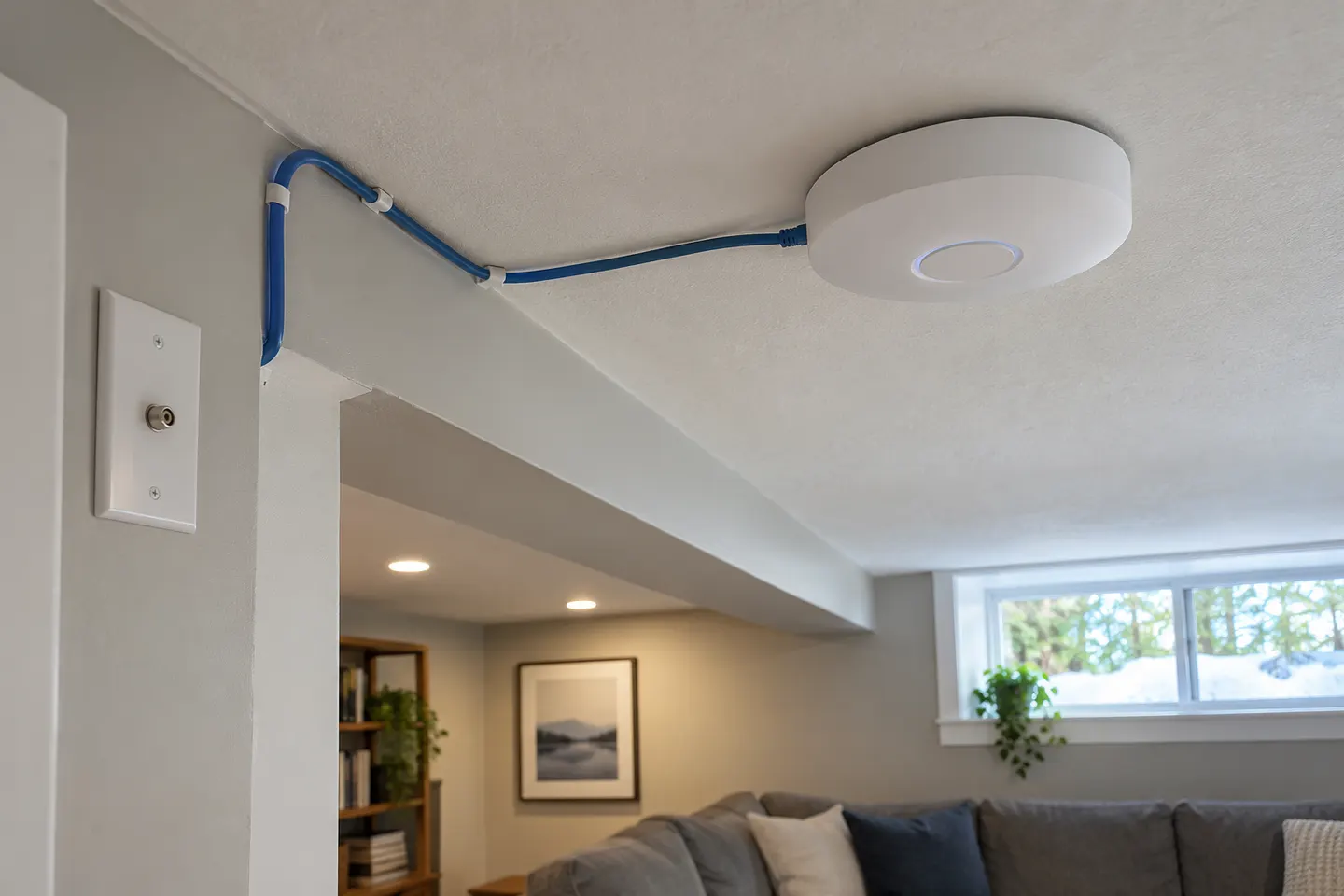
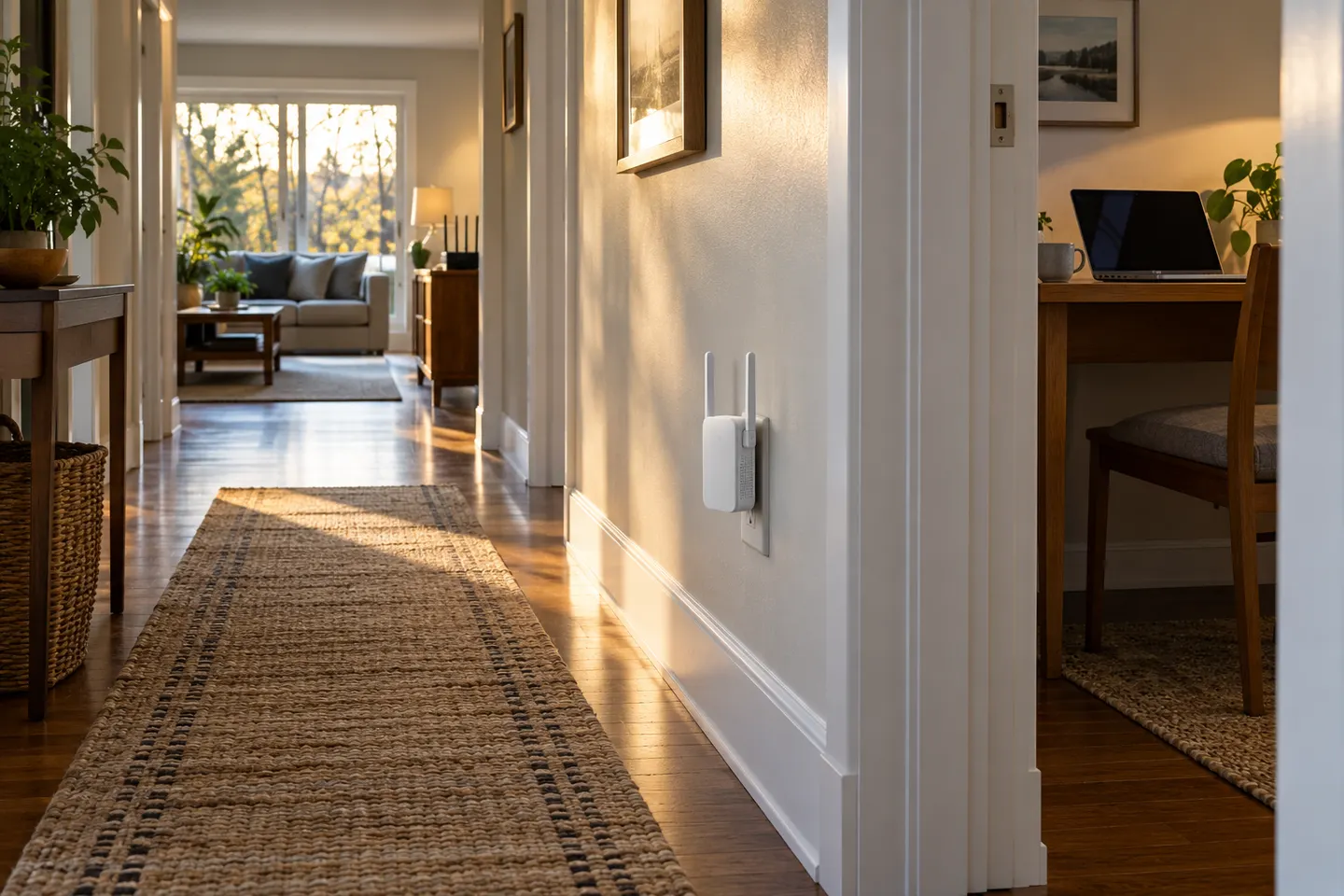
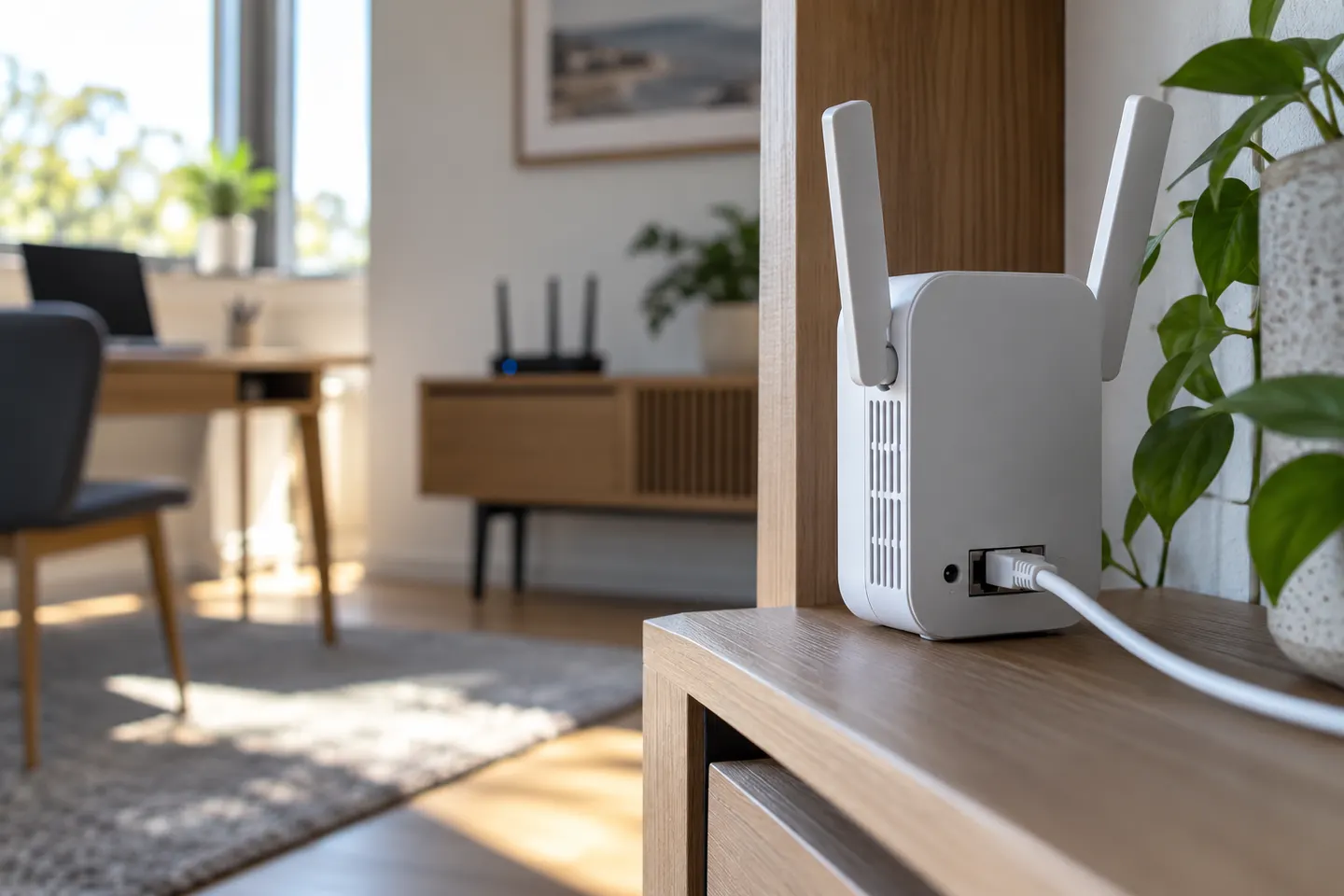
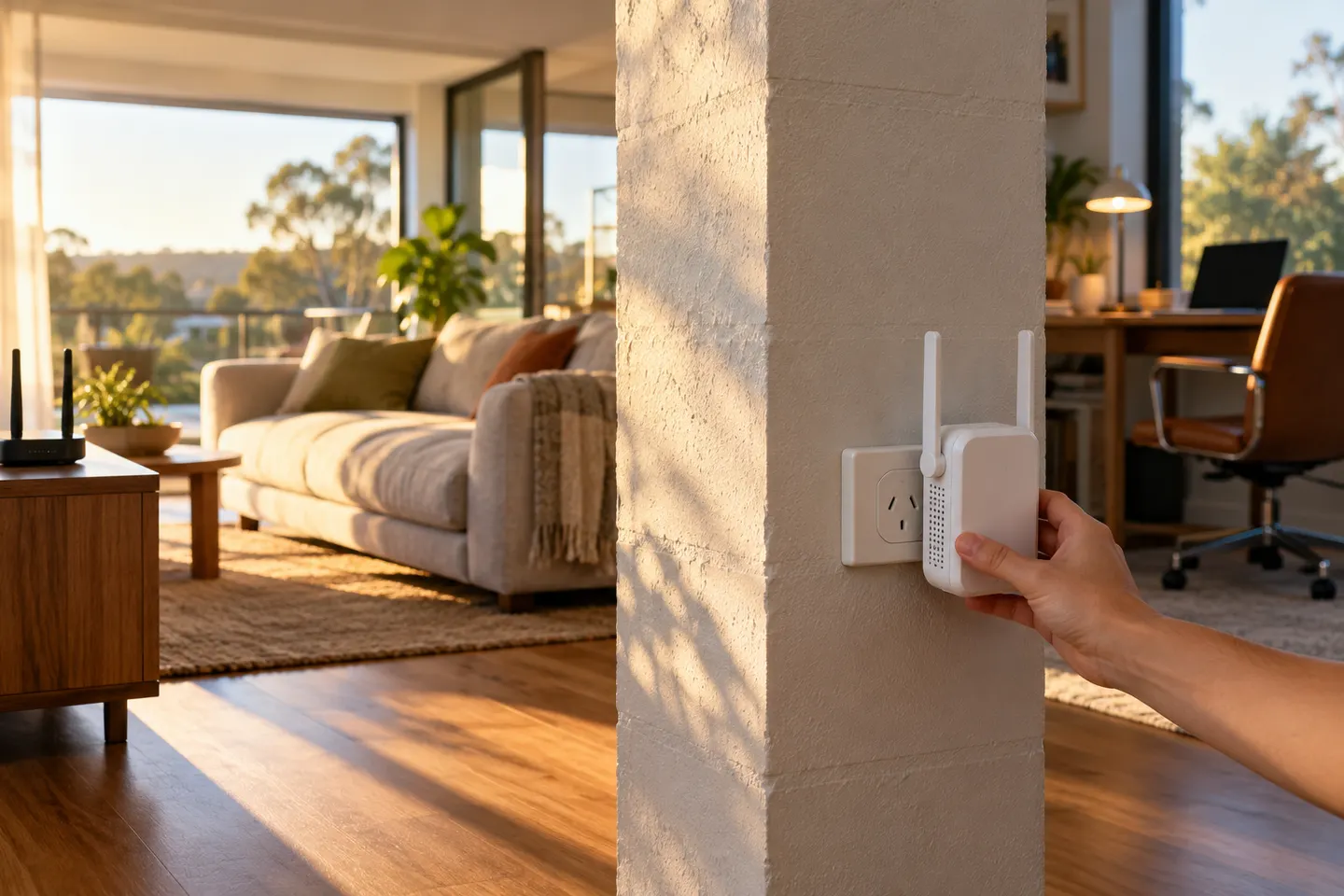
Start beside your router, pair the extender with WPS or the Tether app, then move it to a halfway point where it still receives a strong signal.

In everyday shopping, “booster” and “extender” often describe devices that relay WiFi from your router. Check the operating mode and compatibility, not just the label on the box.
Our picks
 Official manufacturer image
 Official manufacturer image
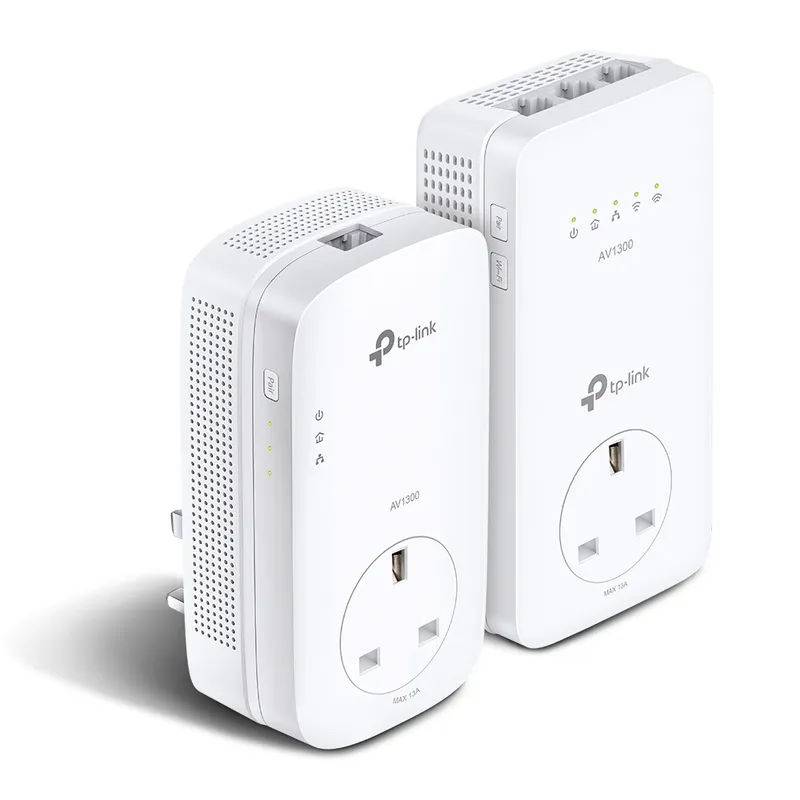 Official manufacturer imageHow to Set Up a TP-Link WiFi Extender with Your…
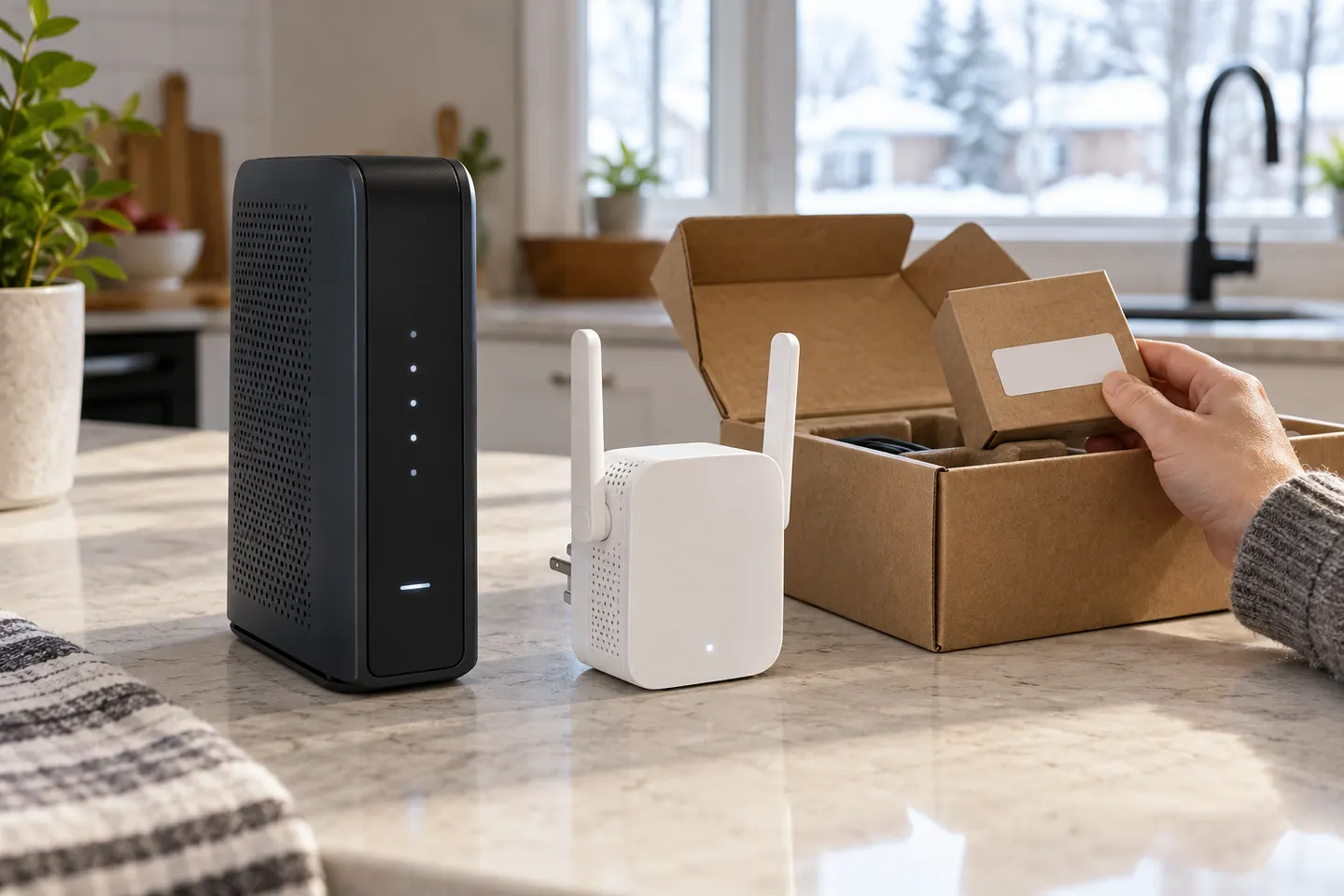 How to Set Up a TP-Link WiFi Extender Step by Step
 WiFi Extender
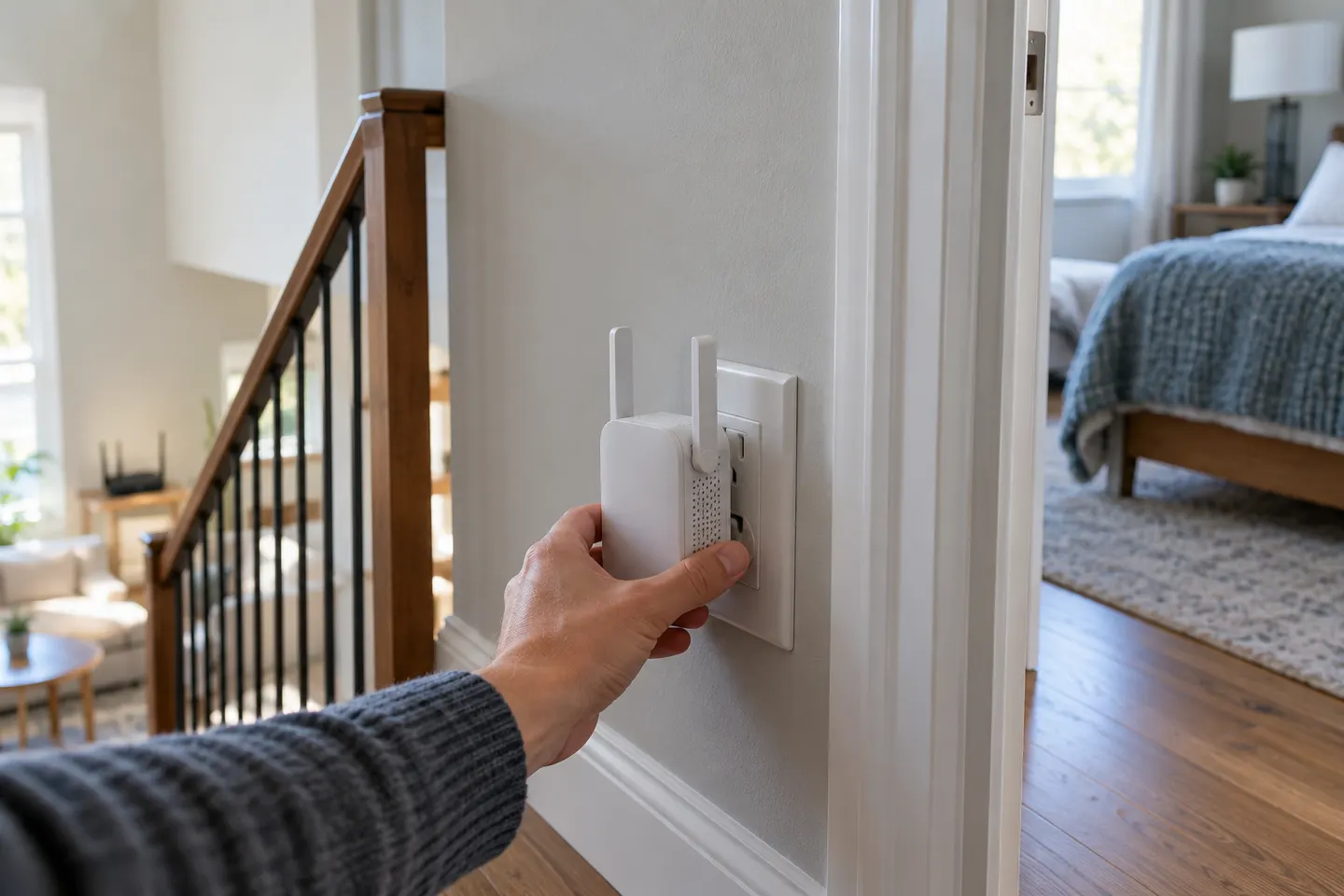 What Is a WiFi Extender and How Does It Help?
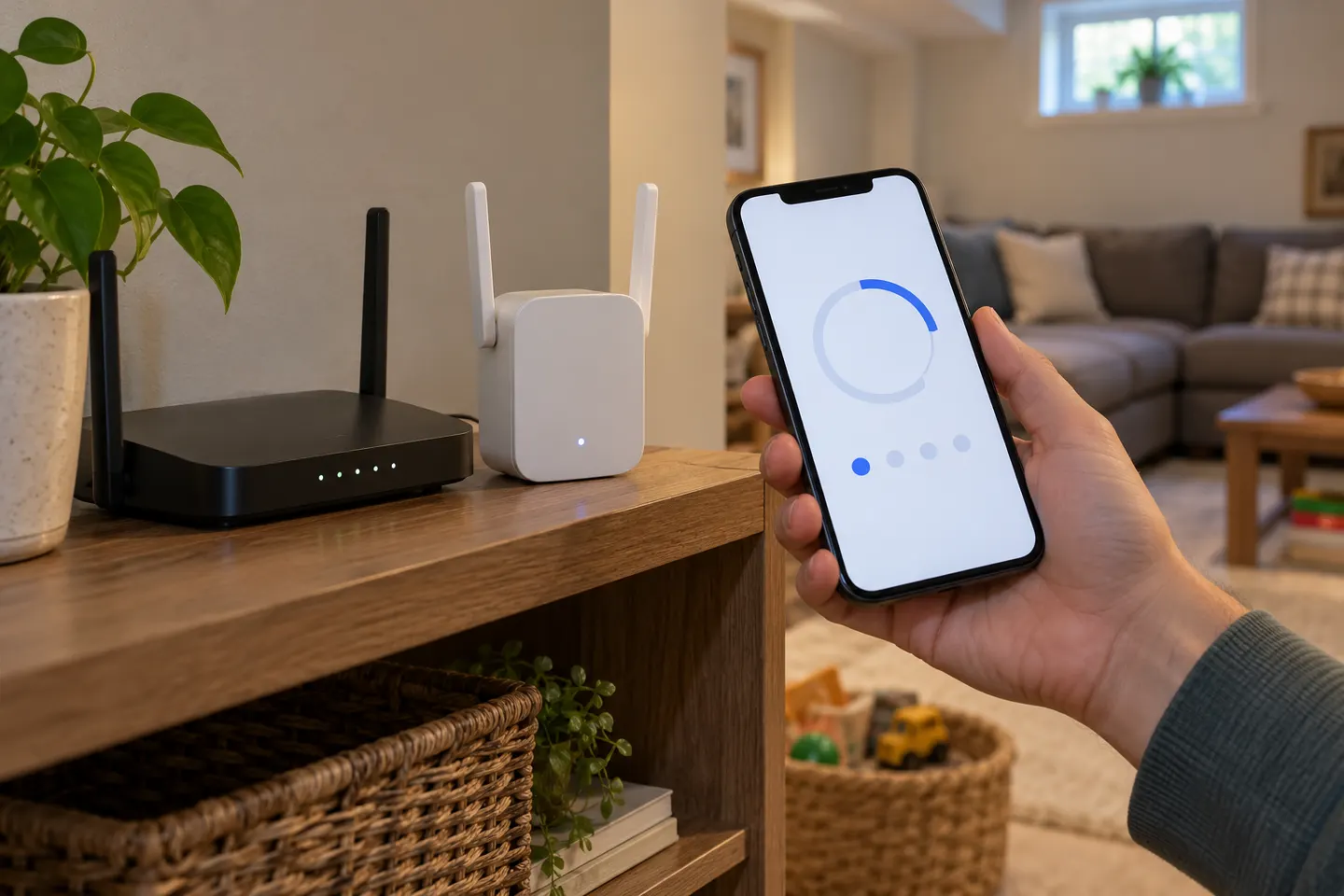 How to Set Up a NETGEAR WiFi Extender at Home
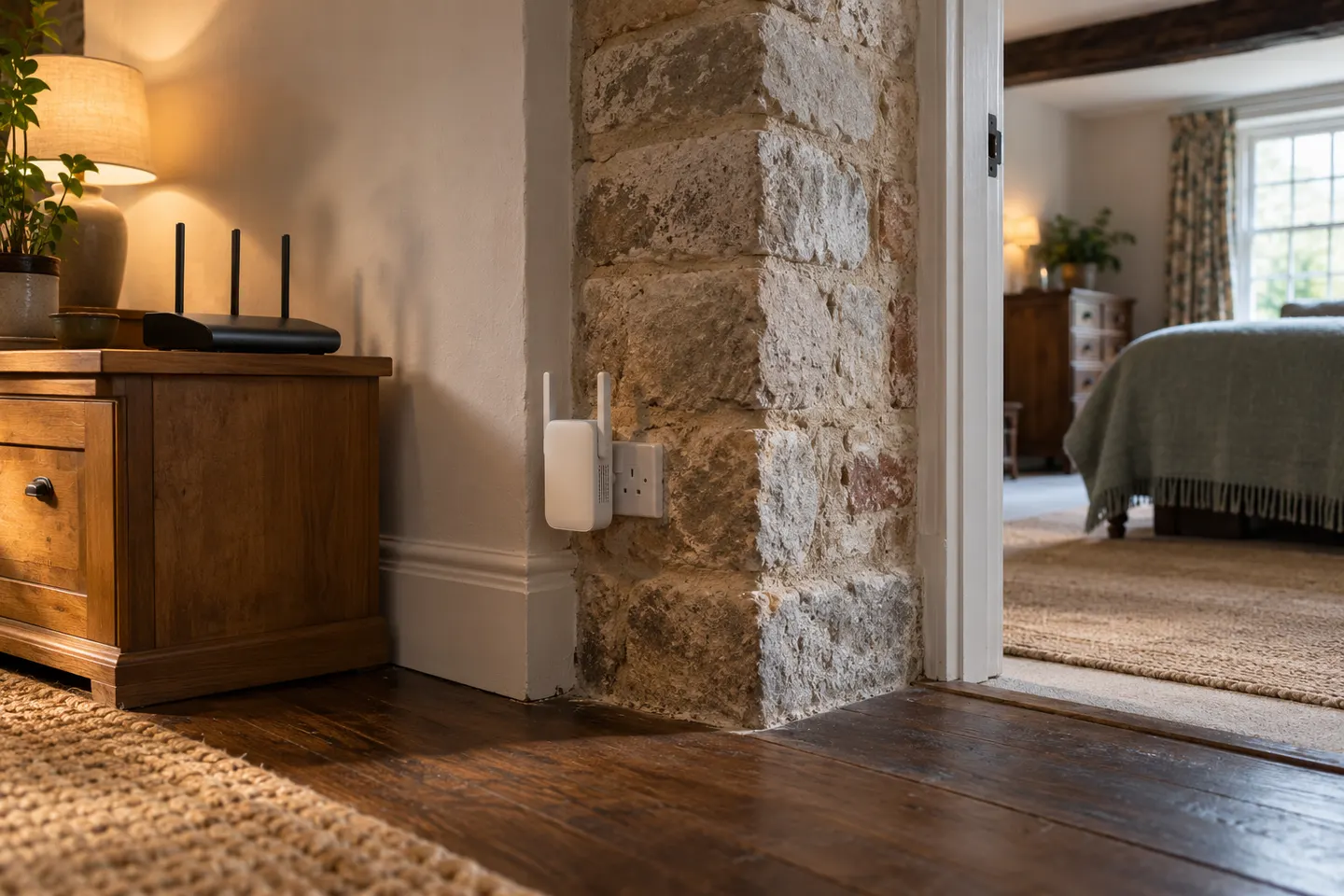 Does a WiFi Extender Work for Weak Home Coverage?
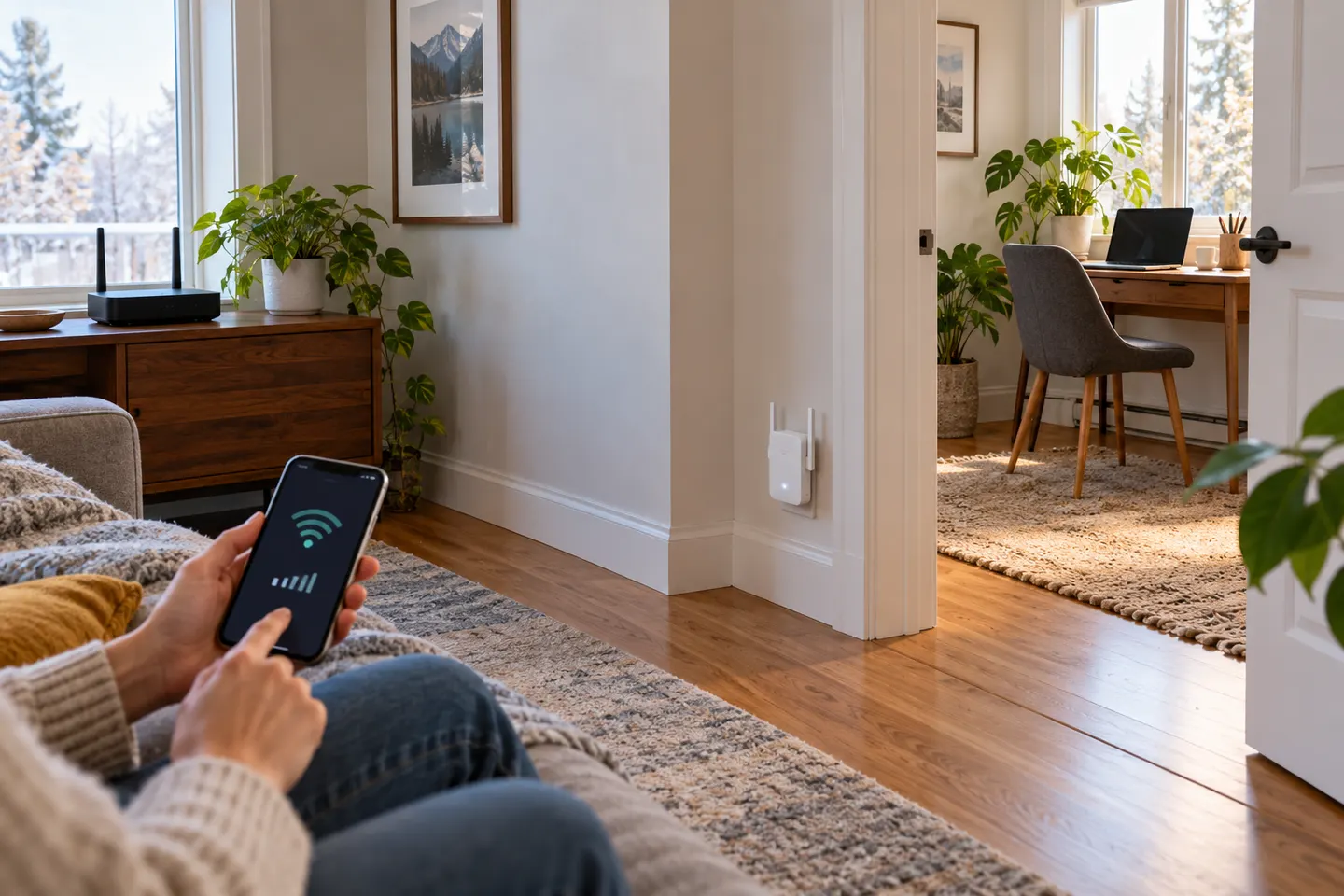 How to Set Up a NETGEAR WiFi Extender in Your HomeHow to Connect a WiFi Extender to Your Router
 Wi-Fi Extenders
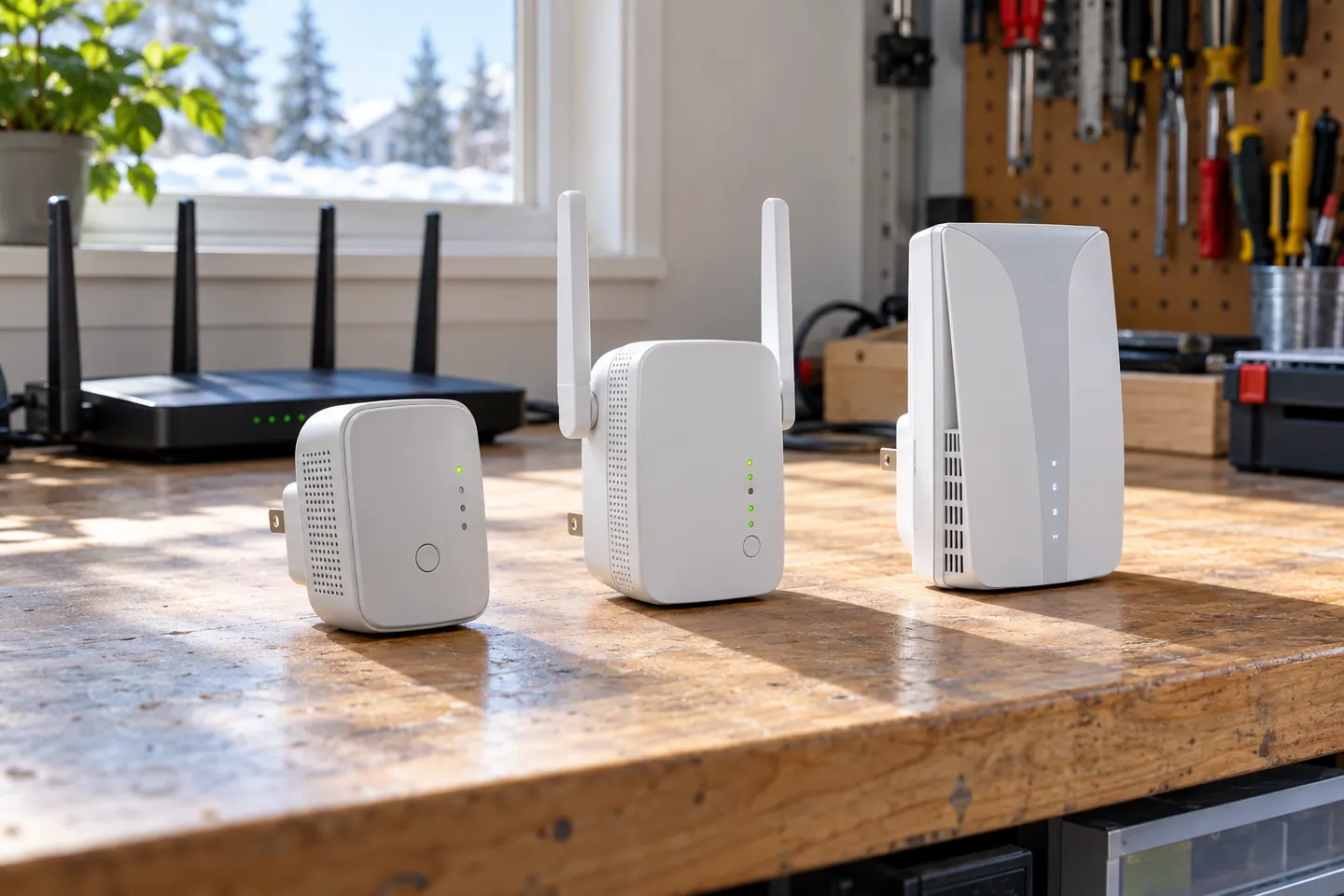 TP-Link Wi-Fi ExtendersTelstra Wi-Fi Booster and Extender Options Explained
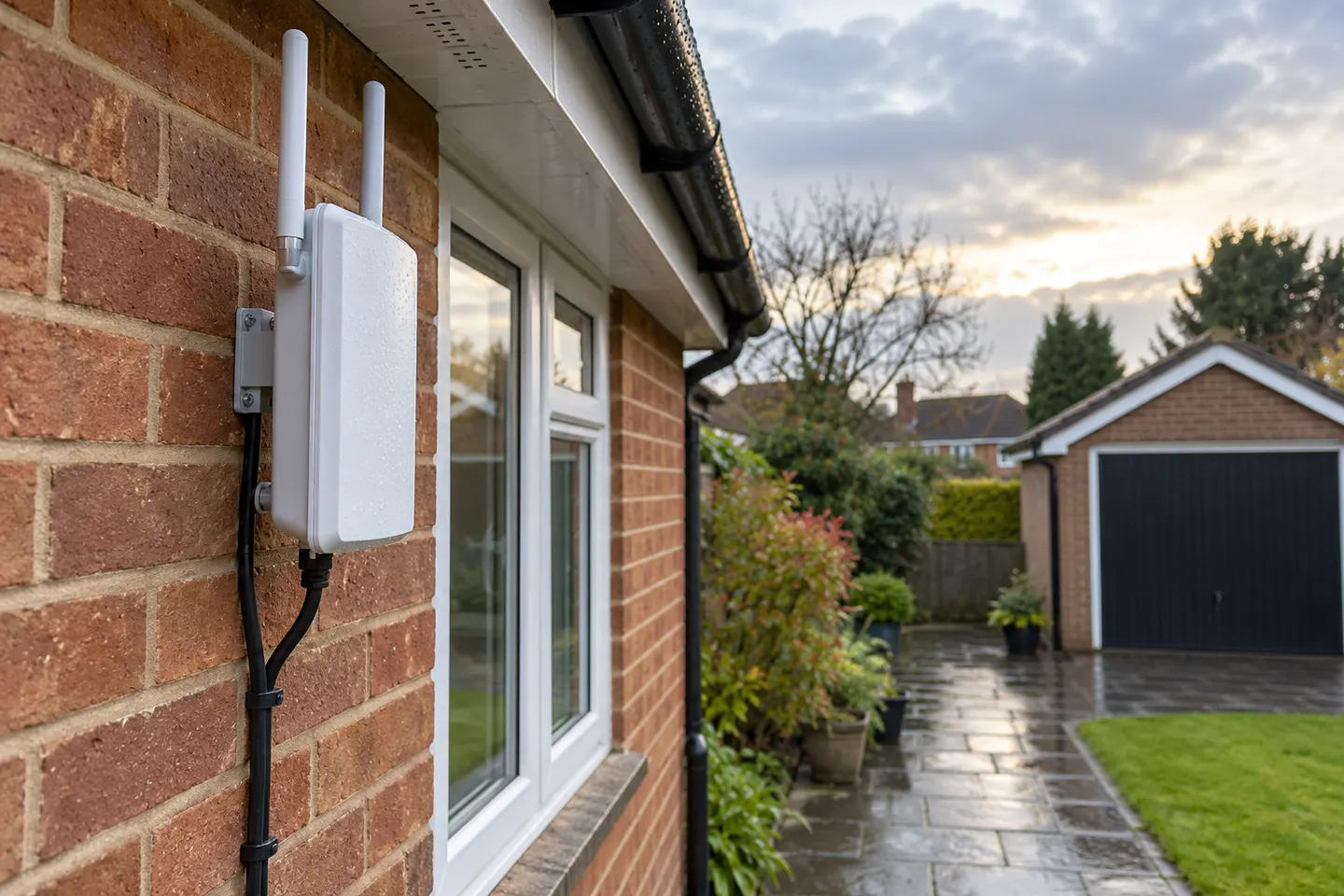 Outdoor Wi-Fi Extenders for Patios, Garages and…
 WiFi Coverage Extenders for Hard-to-Reach RoomsOptus WiFi Booster and Extender Options for Your…
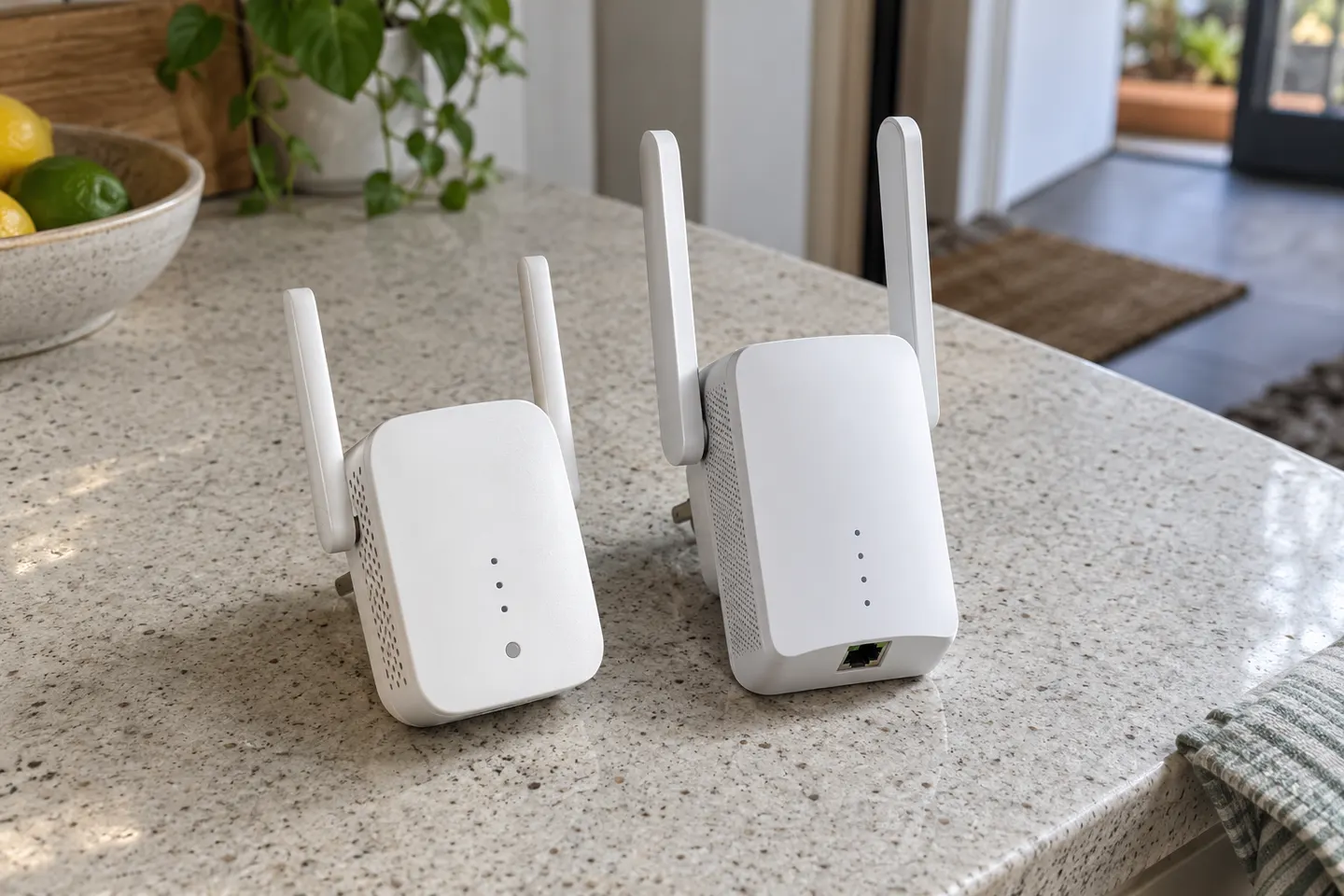 D-Link WiFi Extenders for Extending Home Coverage
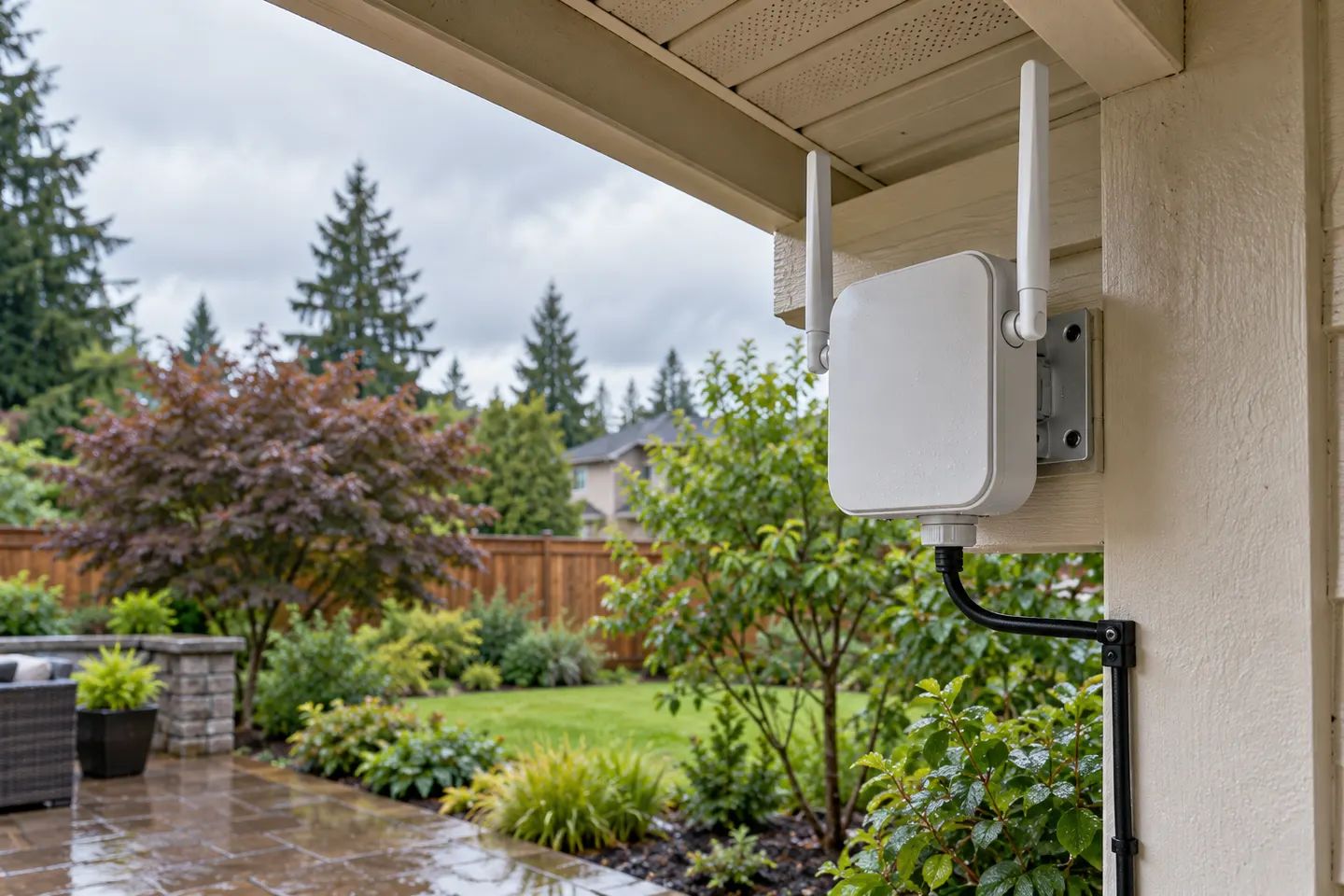 WiFi Extender Exterior Options for Outdoor Coverage
Best picks
The right Wi-Fi extender depends on the router signal at its location, your home layout and whether you need Ethernet, outdoor placement or powerline networking.
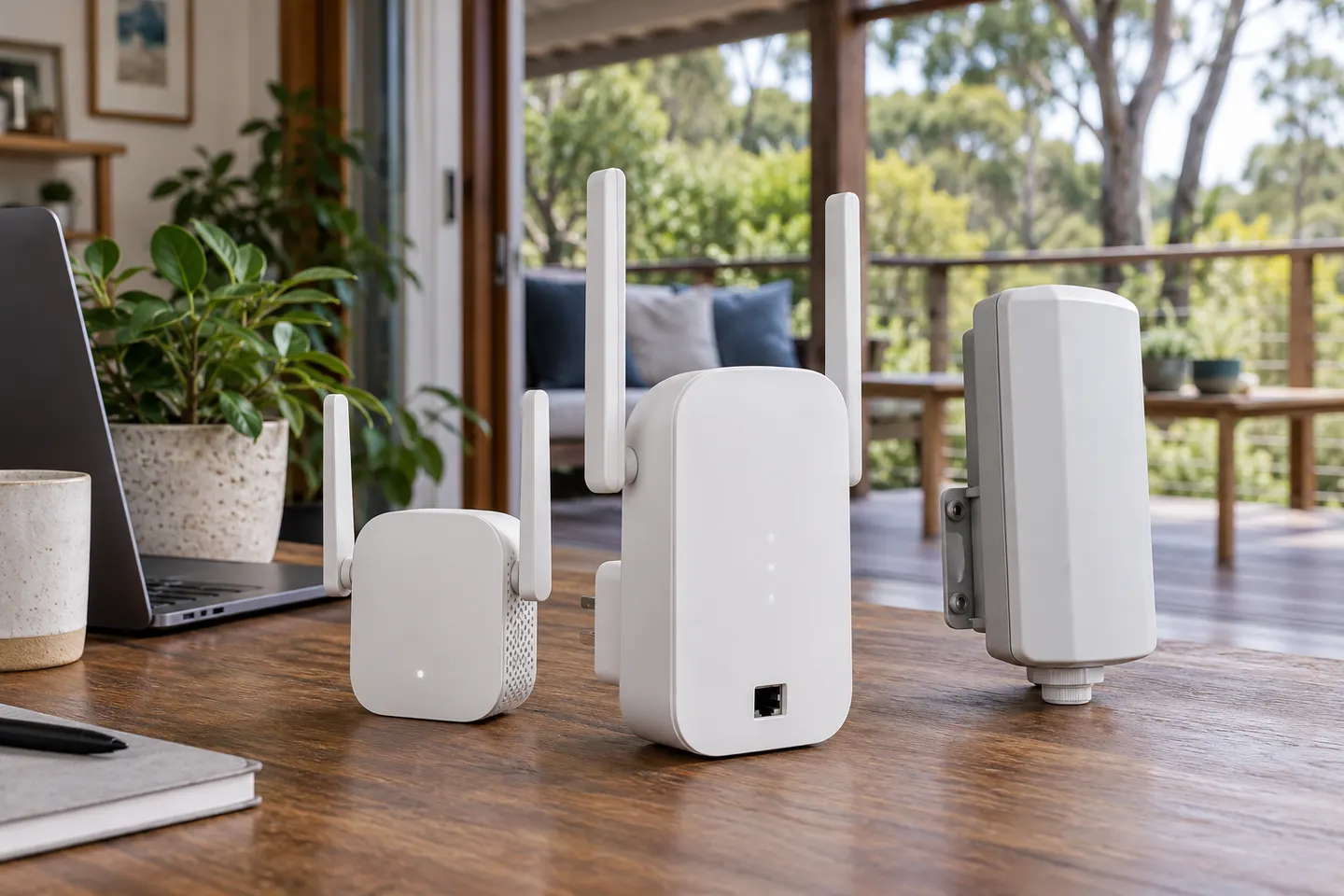
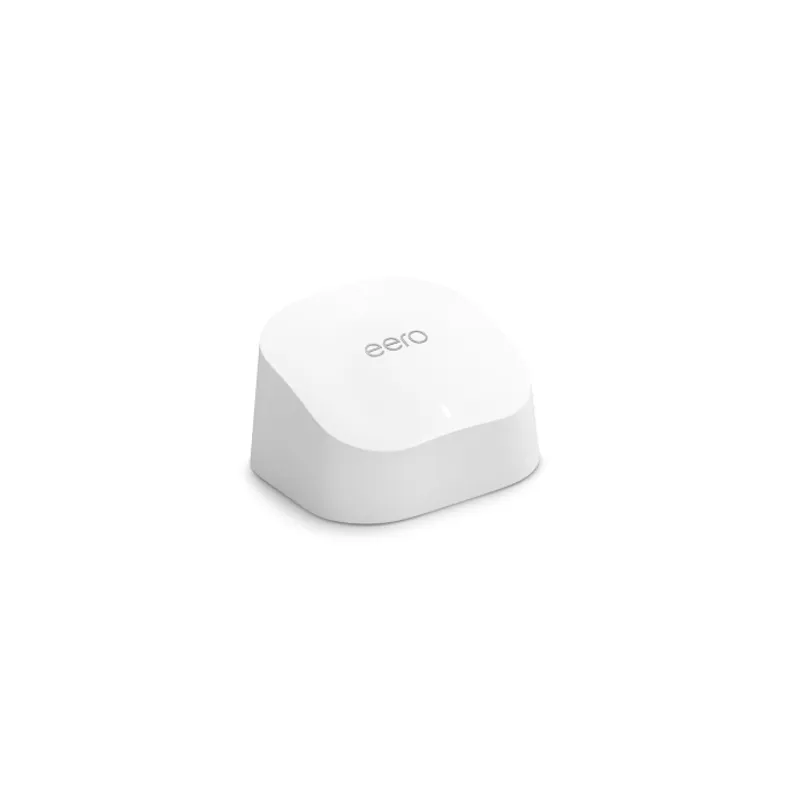
For most homes needing a single coverage fix, the TP-Link RE705X offers a useful mix of Wi-Fi 6, a Gigabit port and access point mode. Choose a basic AC model for lighter needs, an outdoor-rated option for exposed areas, or a managed system for UniFi or eero networks.
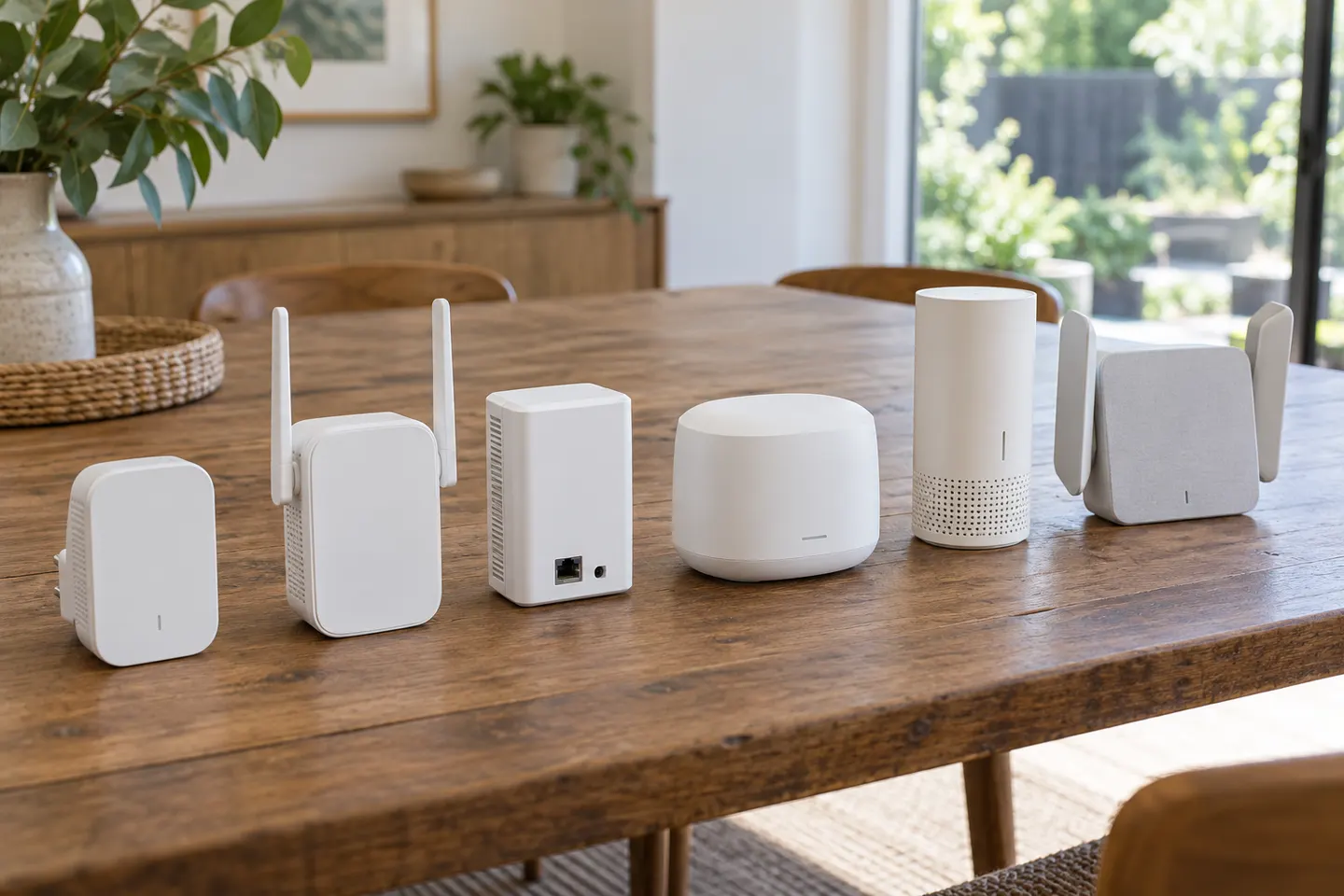
TP-Link RE605X is the most capable all-rounder on published WiFi 6 specifications; RE305 and RE200 suit simpler dual-band needs. Pick by router match, placement and wired-device requirements.
Head to head
In everyday shopping, “booster” and “extender” often describe devices that relay WiFi from your router. Check the operating mode and compatibility, not just the label on the box.
Choose a range extender for a local weak spot when the router signal reaches the relay point. Choose mesh when you need coordinated coverage across several rooms or floors.
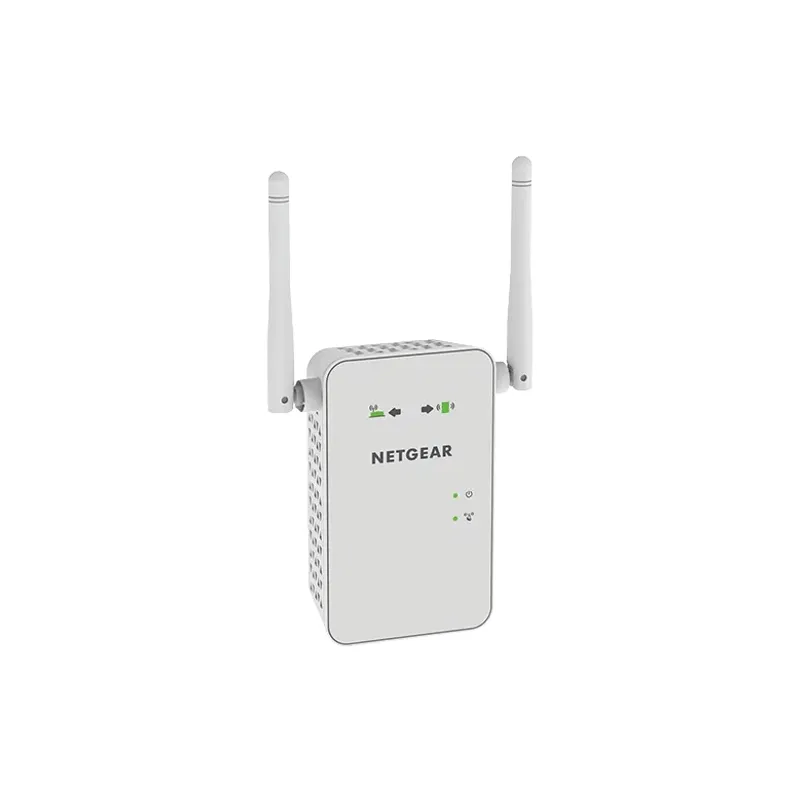
In everyday product listings, “booster” often means a WiFi range extender. Check the device’s actual connection method: a wireless repeater, wired access point and mesh system solve coverage gaps in different ways.
Common questions
Common brands include TP-Link and NETGEAR, alongside provider-specific options such as Telstra Smart Wi-Fi Booster. Compare individual model support and compatibility rather than relying on brand name alone.
Many extenders connect to standard Wi-Fi routers from other brands. Mesh functions and app features may require compatible models.
TP-Link lists RE705X and RE715X as Wi-Fi 6 models, while NETGEAR lists Wi-Fi 6 extender models including EAX15. Check the local product page for regional availability.
Usually not for basic Wi-Fi extension, but a matching brand alone does not guarantee mesh roaming. Verify the exact compatibility list for the router and extender.
 Home
Home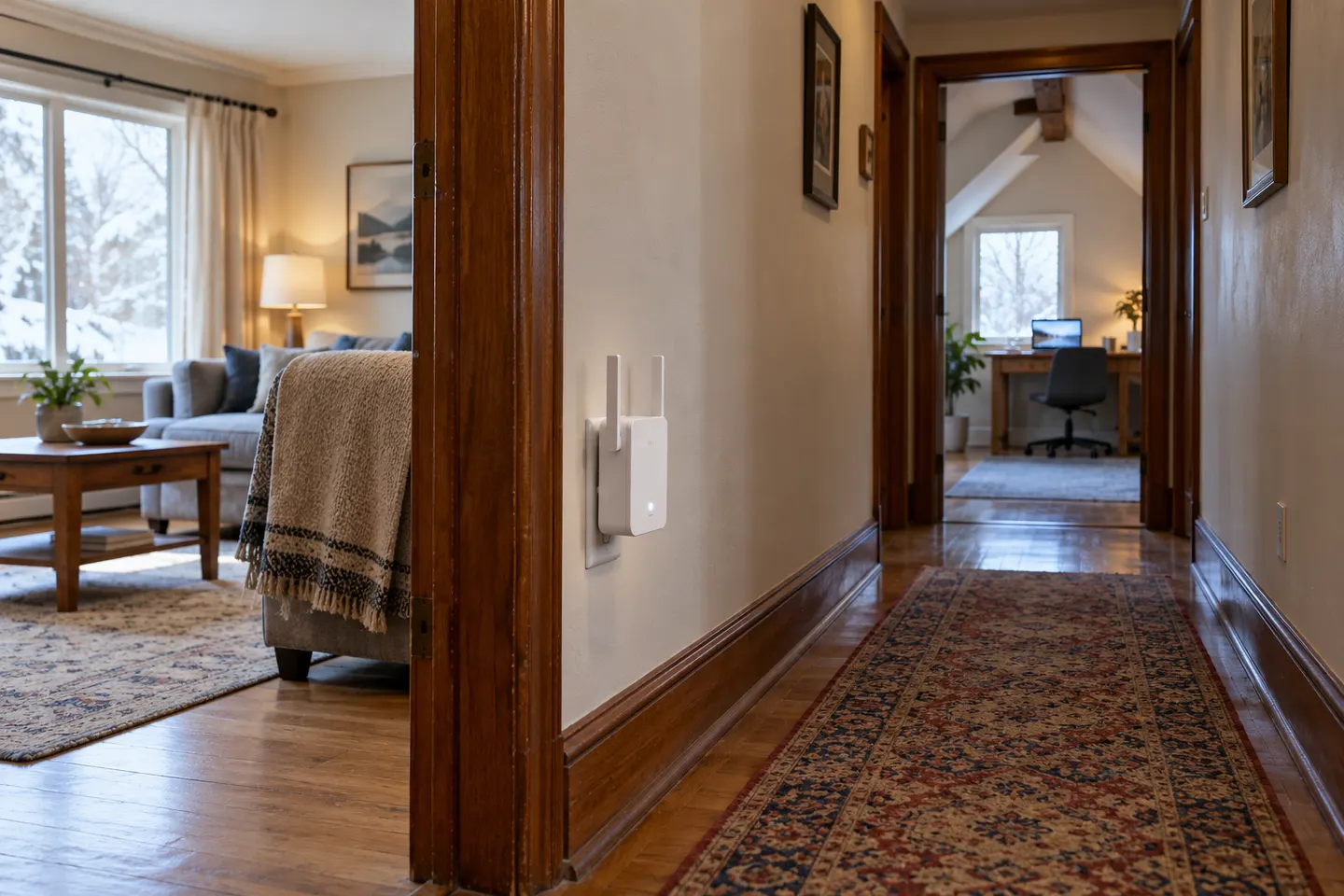 Long
Long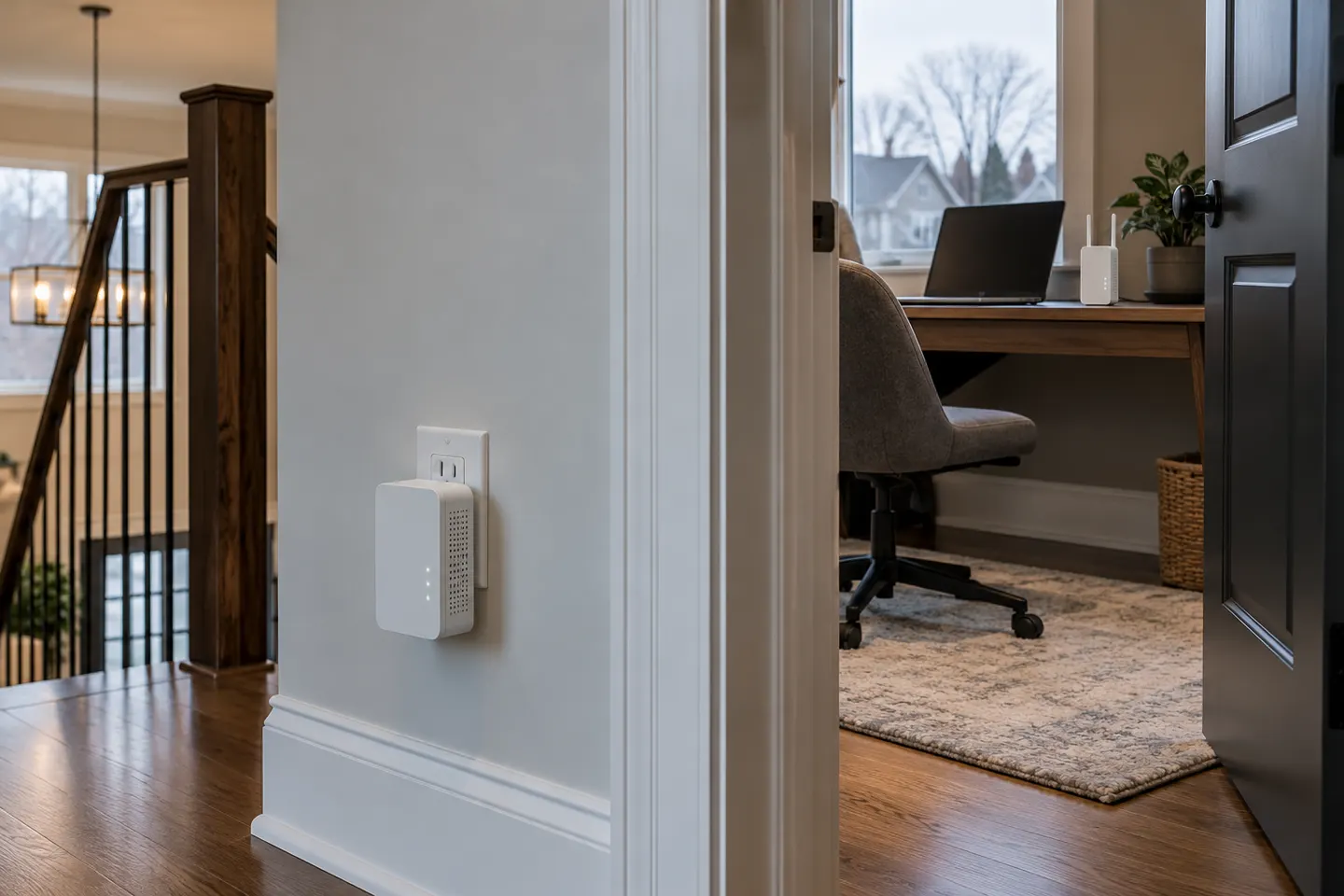 Powerline
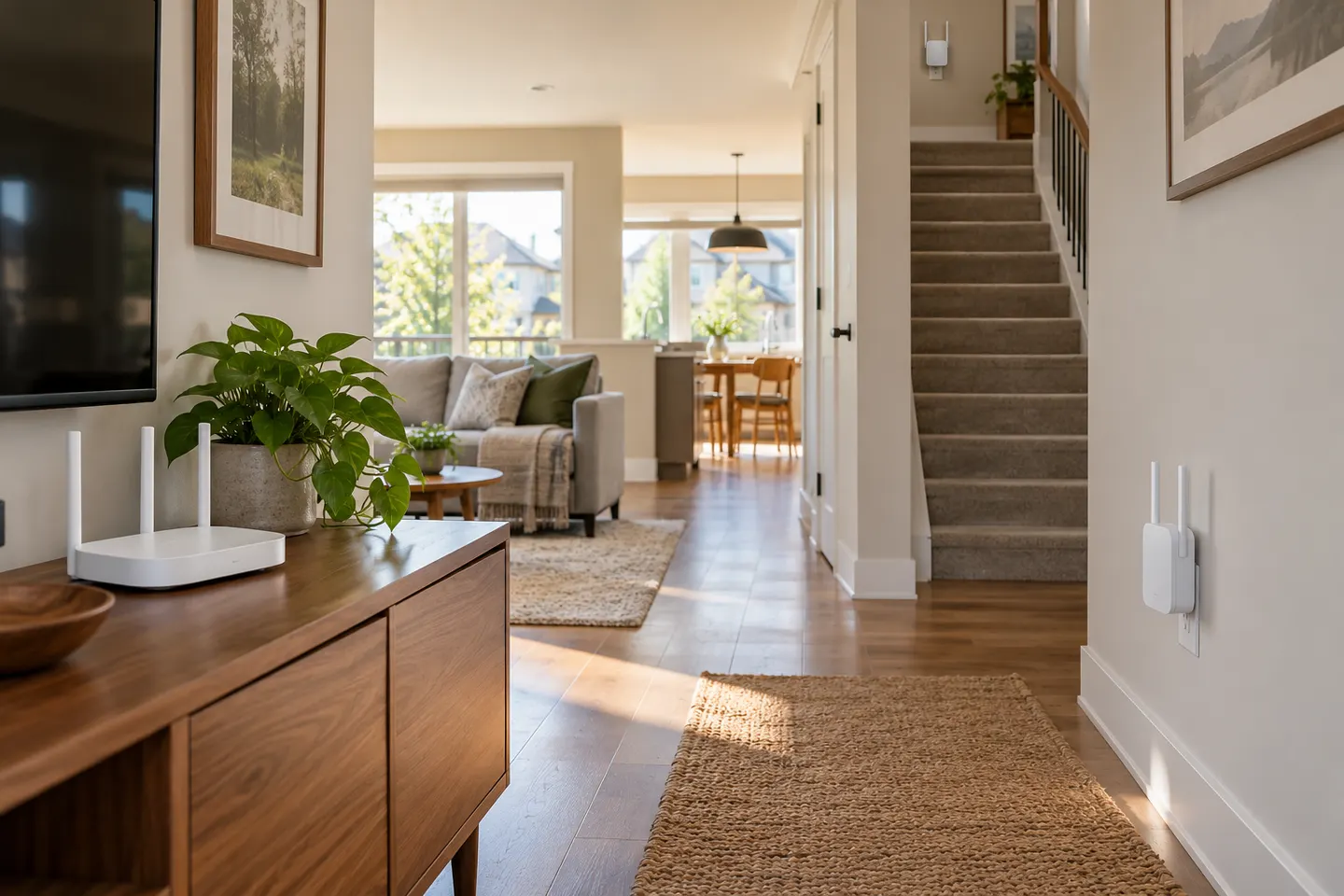 Mesh
Mesh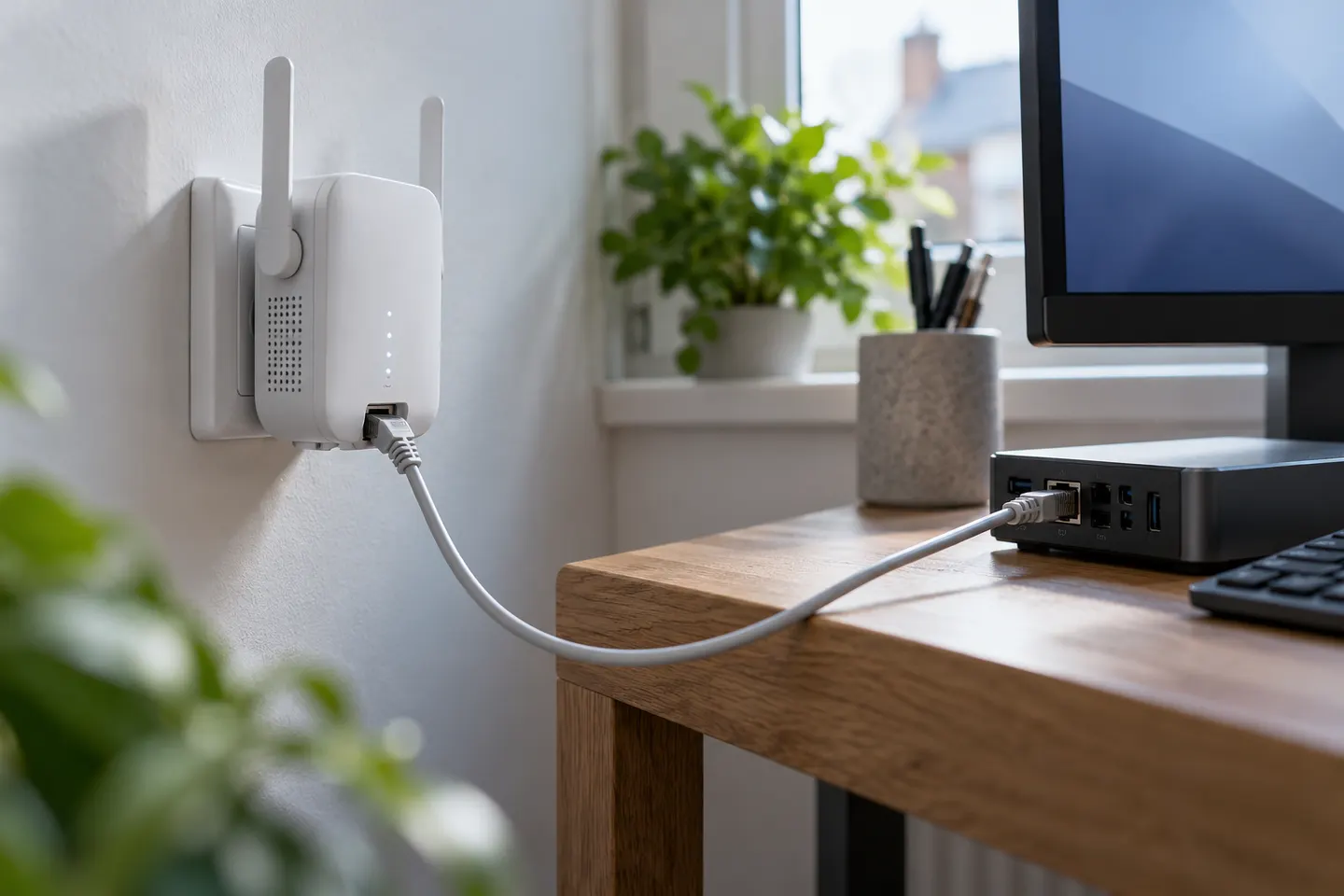 Ethernet port
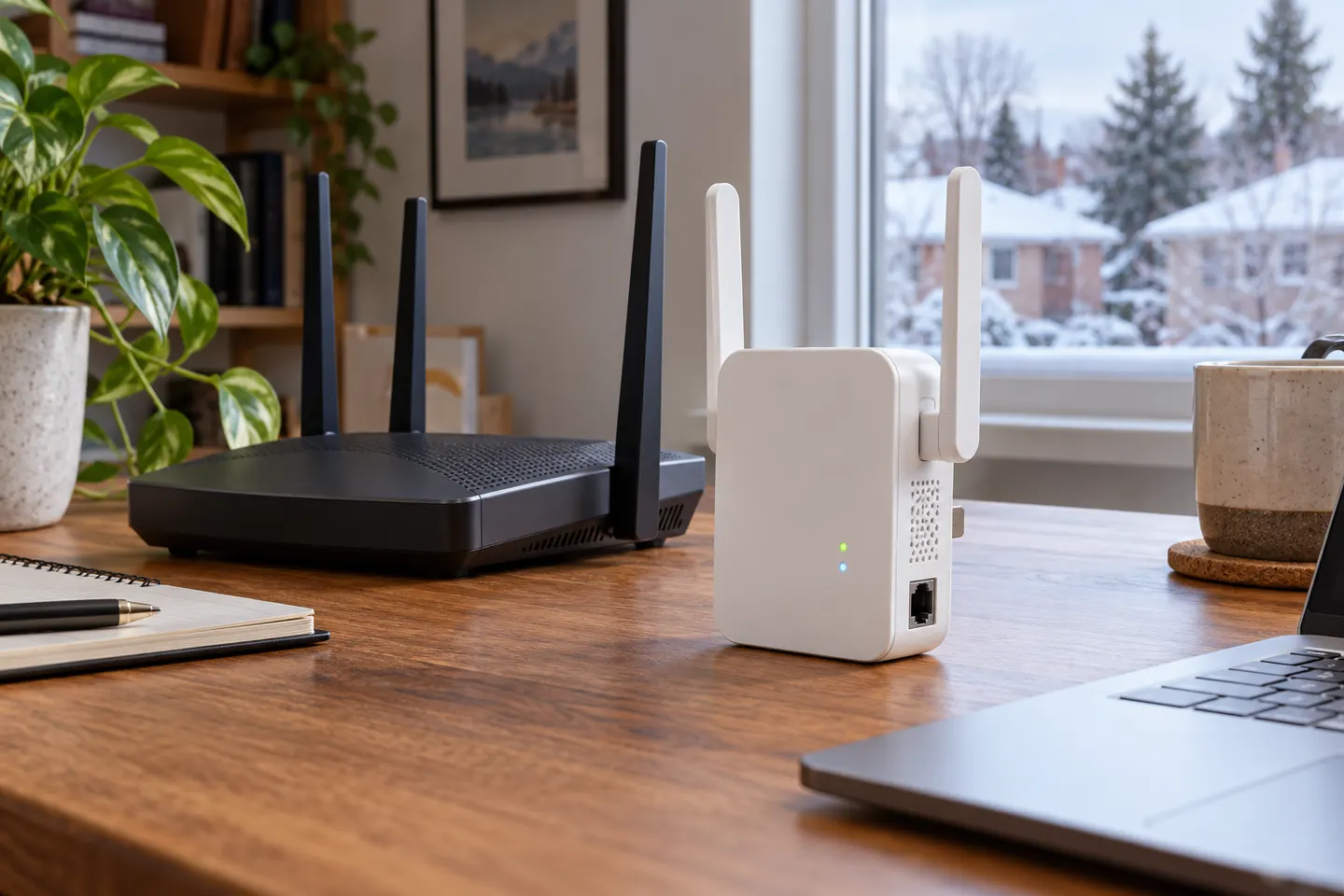 Ethernet
 Dual band
 5ghz
5ghz 6
6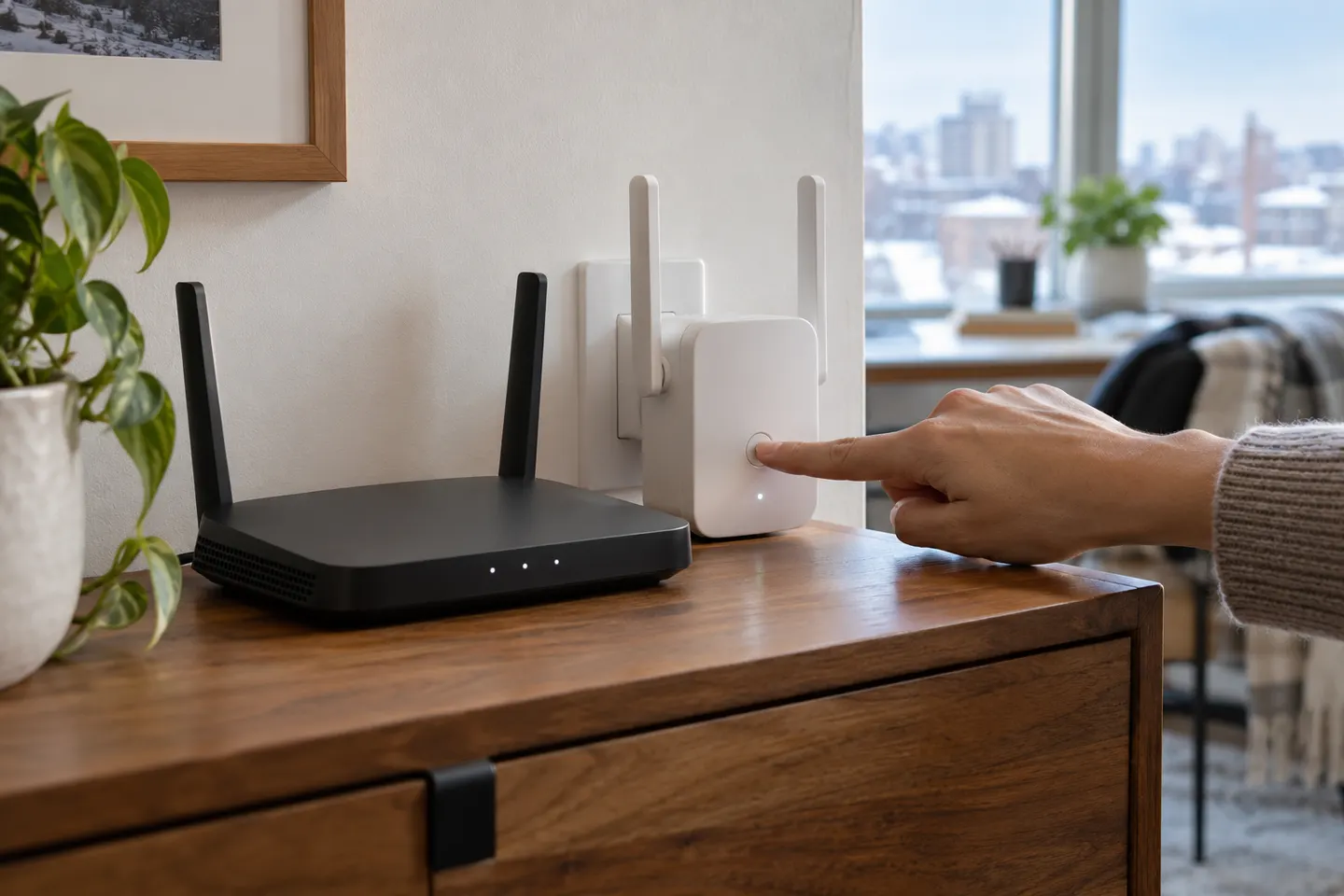 Setup
Setup NETGEAR
 Starlink
 eero
eero UniFi
UniFi