

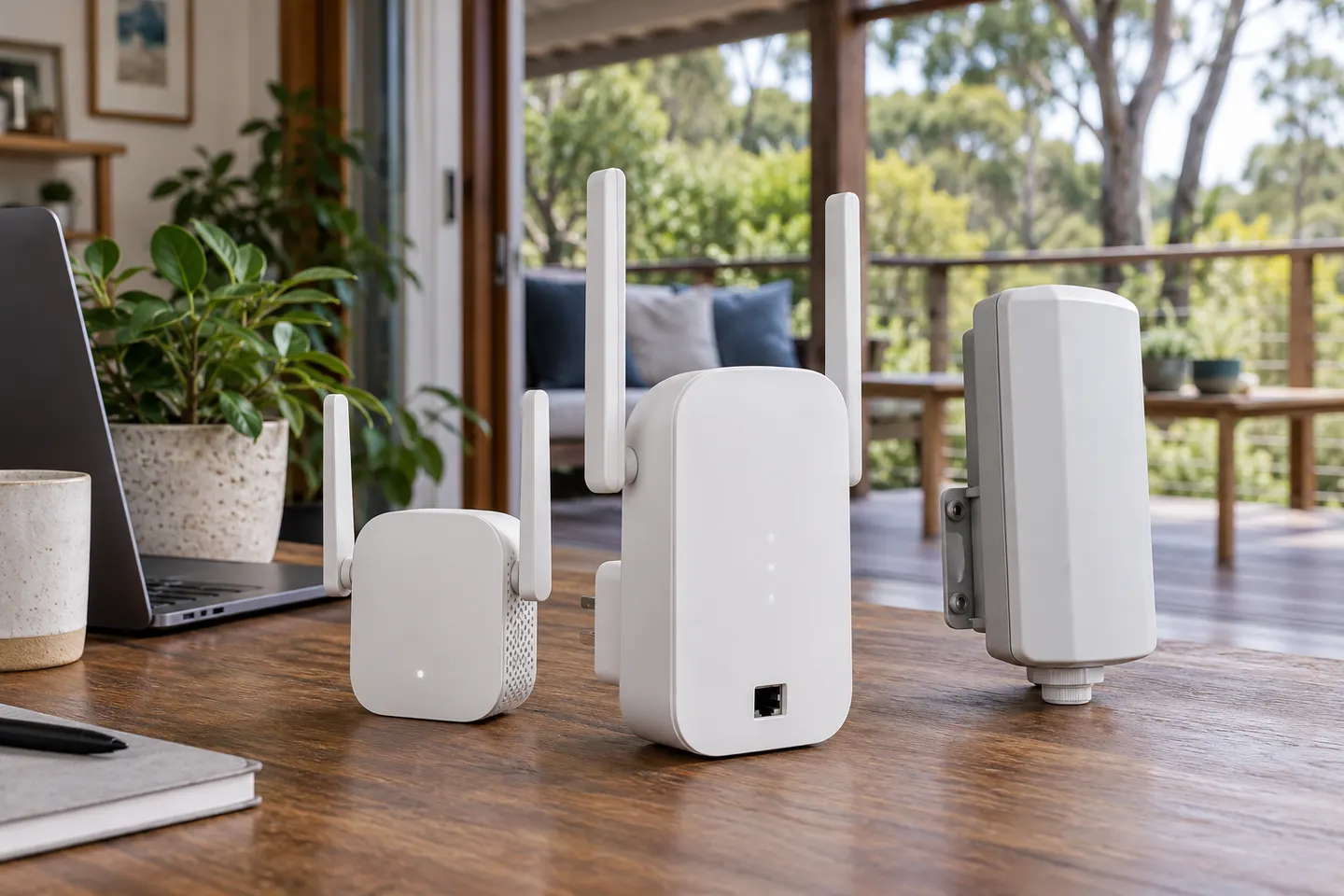

Pair the extender with your router
Use the product app, web interface or WPS where supported; follow the model guide.

Gearjury may earn a commission from qualifying retailer links.
Guide
How to Use a WiFi Extender: Setup Guide. Compare setup needs and documented features for your home.
Use the product app, web interface or WPS where supported; follow the model guide.
Place it between router and weak room while retaining a stable router connection.
Check the status indicator and test a device in the target room.
There is no universal number; each wireless hop may affect performance.
Common questions
There is no universal number; topology varies and each wireless hop can affect performance.
Use one for a local coverage gap where it can still receive a sound router link.
Yes. It needs a usable connection back to the router.
Mesh coordinates multiple nodes; an extender may suit one local coverage gap.