Gearjury may earn a commission when you buy through retailer links. This does not affect our editorial guidance.
Guide
How a WiFi Extender Works to Reach More of Your Home
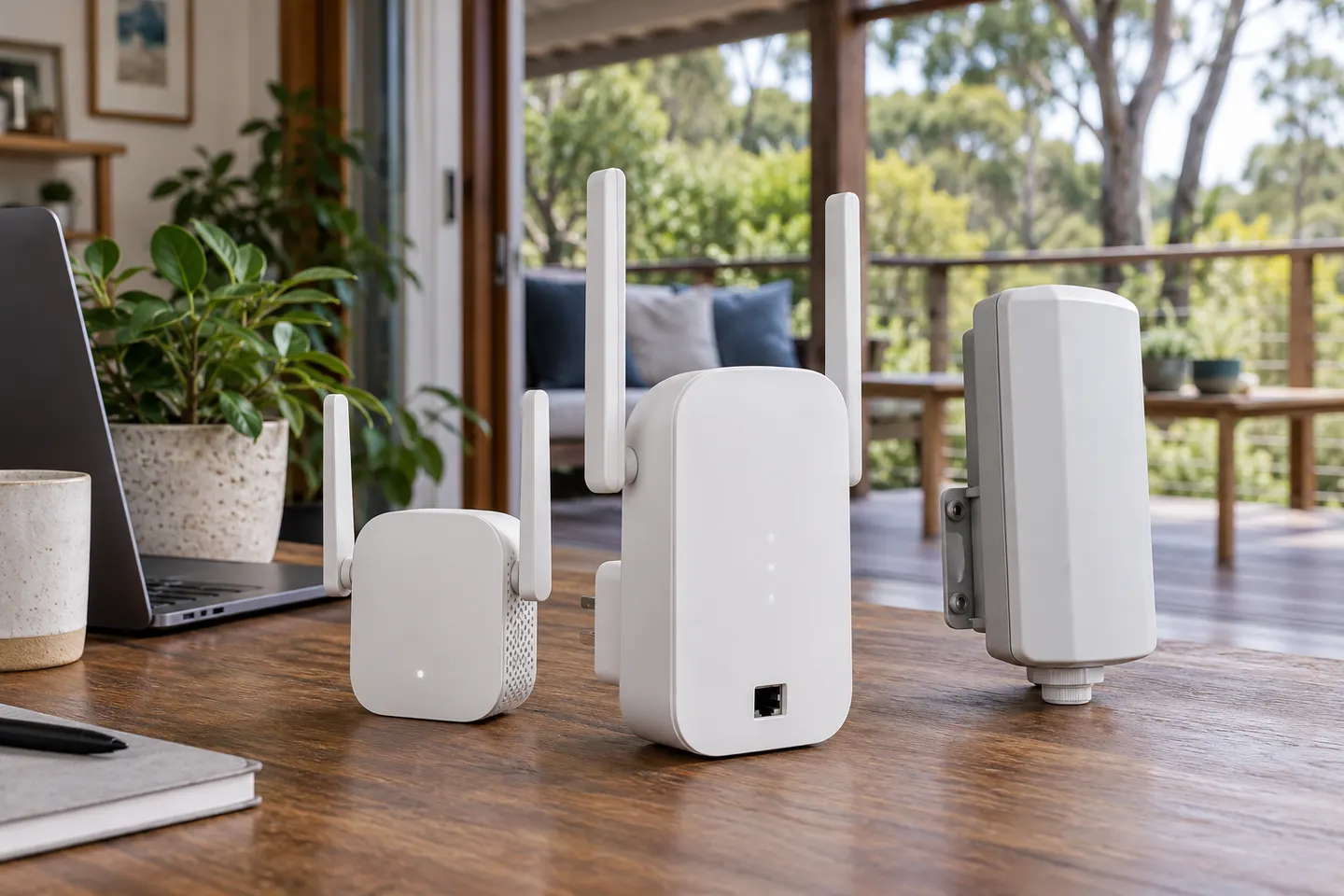
A WiFi extender receives data over your existing wireless network and retransmits it from another point. It can improve reach, but it cannot create a stronger connection than the one it receives.
GGearjury editorial team · Updated 18 October 2026· 4 min
01
A repeater listens to the router
A wireless extender joins the router network as a client or mesh node, depending on its design. It must be placed where the incoming signal is still usable, so it can pass traffic between the router and devices beyond it.
02
It forwards traffic into a coverage gap
Devices connect through the extender, which relays their traffic to the router and forwards responses back. This can bring a usable connection into a room outside the router practical reach.
03
The second hop can affect throughput
Data has to travel between router and extender as well as between extender and client. Shared radio airtime, interference, band choice and device capability all influence real-world throughput; a speed label is not a promised speed at every device.
04
Placement determines what it can extend
Put the extender between the router and the weak area, where it still has a dependable link to the router. Putting it inside the dead zone only repeats a poor connection.
05
A wired access point works differently
An access point connected to the router by Ethernet receives its network connection over the cable and broadcasts WiFi nearby. For outdoor reach or a distant room, wired backhaul can avoid relying on a weak wireless link between nodes.
06
Extender, mesh or access point?
A basic extender can suit a small coverage gap and may create a separate network name. Mesh systems coordinate multiple nodes, while a wired access point adds WiFi at a cable endpoint. Choose based on layout, roaming needs and whether you can run Ethernet.
Common questions
Questions before you buy
Does a WiFi extender make internet faster?
It may improve the connection in a weak-signal area, but it does not increase the internet service speed from your provider. The extender wireless link and local conditions can also limit throughput.
Does a WiFi extender need to be near the router?
It needs a useful connection to the router, so place it between the router and the area that needs coverage. The ideal position is not necessarily halfway by distance; walls and interference matter.
Do WiFi extenders reduce speed?
They can reduce available throughput because traffic uses an additional wireless hop and competes for airtime. The effect varies with hardware, bands, signal quality and network activity.
What is the difference between a WiFi booster and extender?
The terms are often used interchangeably in consumer marketing. Check whether the device is a repeater, mesh node or wired access point, since the connection method determines how it extends coverage.
We use cookies and similar technologies. Necessary ones keep the site working. With your permission we also use statistics cookies (Google Analytics and Microsoft Clarity) to understand which guides help readers. You can accept all, reject all or choose. You can change your choice at any time from "Cookie settings" at the bottom of every page. Cookie policy