Gearjury may earn a commission when you buy through a retailer link. Editorial conclusions are based on cited evidence.
Guide
How to Use a WiFi Range Extender Around Your Home
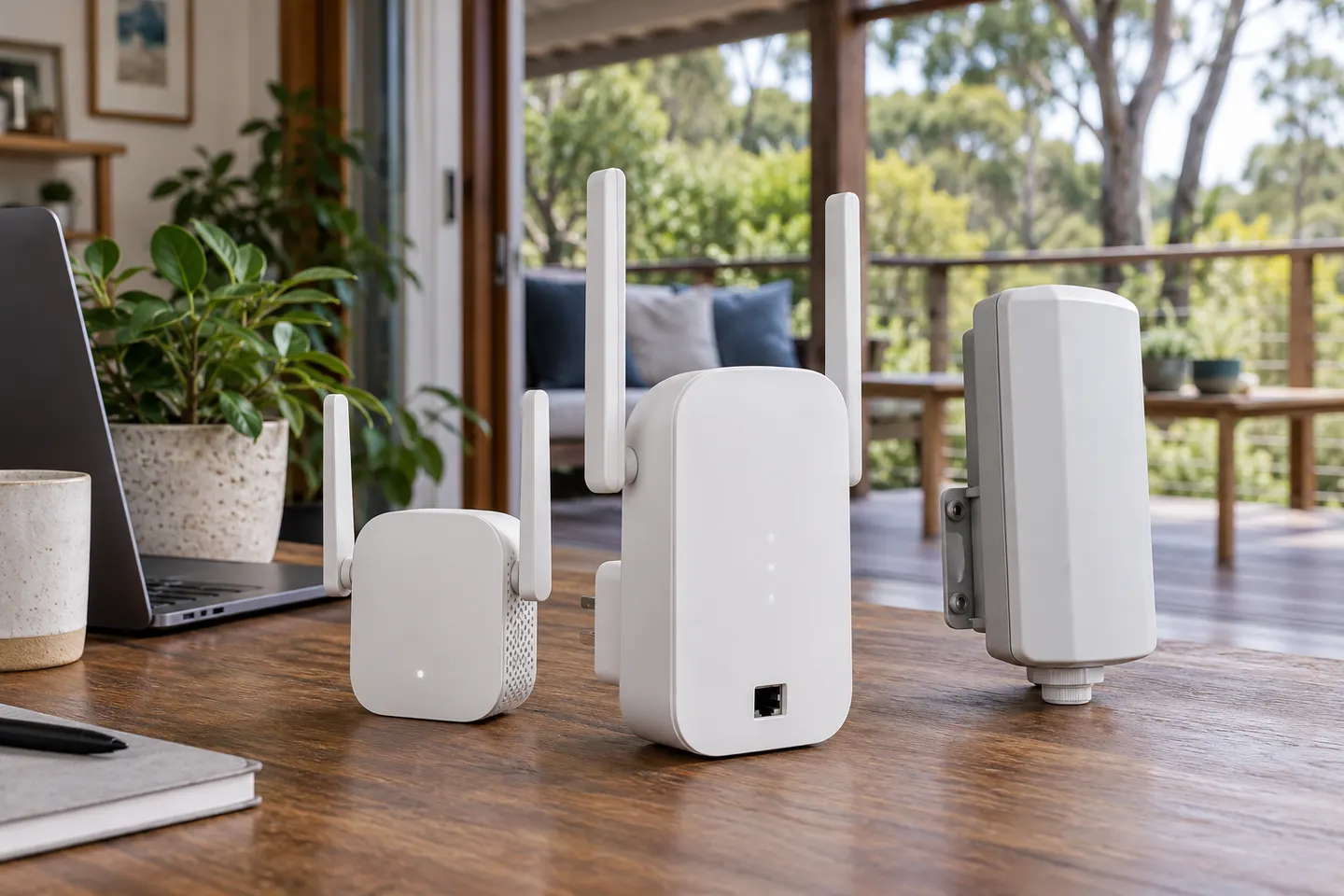
A range extender receives your router’s WiFi and rebroadcasts it. Pair it near the router first, then position it where the source signal remains usable and the weak area can benefit.
GGearjury editorial team · Updated 15 October 2026· 5 min
01
What a range extender does
A WiFi range extender links wirelessly to a router or access point and relays network access onward. It can help with a local dead spot, but it does not create extra broadband capacity or repair an unstable connection at the router.
02
Start with the weak area
Check where the connection drops and whether the cause is distance, thick walls, interference or a device issue. Test more than one location; a problem affecting every room may point to the router or internet service rather than a single coverage gap.
03
Pair near the router
Use the setup method in the product guide, such as an app, browser page or WPS. Select the home network and enter its password. If your router separates 2.4GHz and 5GHz names, choose the band that suits the extender and route.
04
Place it between router and dead spot
An extender needs a viable connection back to the router. Begin around the middle of the route, then adjust based on its indicator and a real device test. A unit placed inside the dead zone may have too little signal to relay.
05
Test ordinary tasks
Walk through the area with a phone or laptop and check the activities you care about, such as video calls or browsing. The network name may differ from the router’s name. A wired Ethernet port, when present, can connect a nearby device.
06
Consider another network design
If the signal remains unreliable across several rooms, a mesh system or a wired access point may fit better. For an outbuilding or outdoor area, select equipment rated for that environment and plan its power and network link safely.
Common questions
Questions before you buy
How does a WiFi range extender help a weak room?
It receives the router’s WiFi and relays network access from a nearer point. It needs a reliable upstream connection to be useful.
Should a WiFi extender be placed in the dead zone?
Usually not. Place it before the dead zone, where the router signal remains usable, then test coverage in the target room.
Can a range extender fix slow broadband?
No. It may help when the local WiFi signal is weak, but cannot repair a slow internet service or an overloaded router.
When should I consider mesh WiFi?
Mesh may suit a home with several coverage gaps or where coordinated roaming is useful. Check compatibility, wiring and router requirements before choosing.
We use cookies and similar technologies. Necessary ones keep the site working. With your permission we also use statistics cookies (Google Analytics and Microsoft Clarity) to understand which guides help readers. You can accept all, reject all or choose. You can change your choice at any time from "Cookie settings" at the bottom of every page. Cookie policy