









 Official manufacturer image
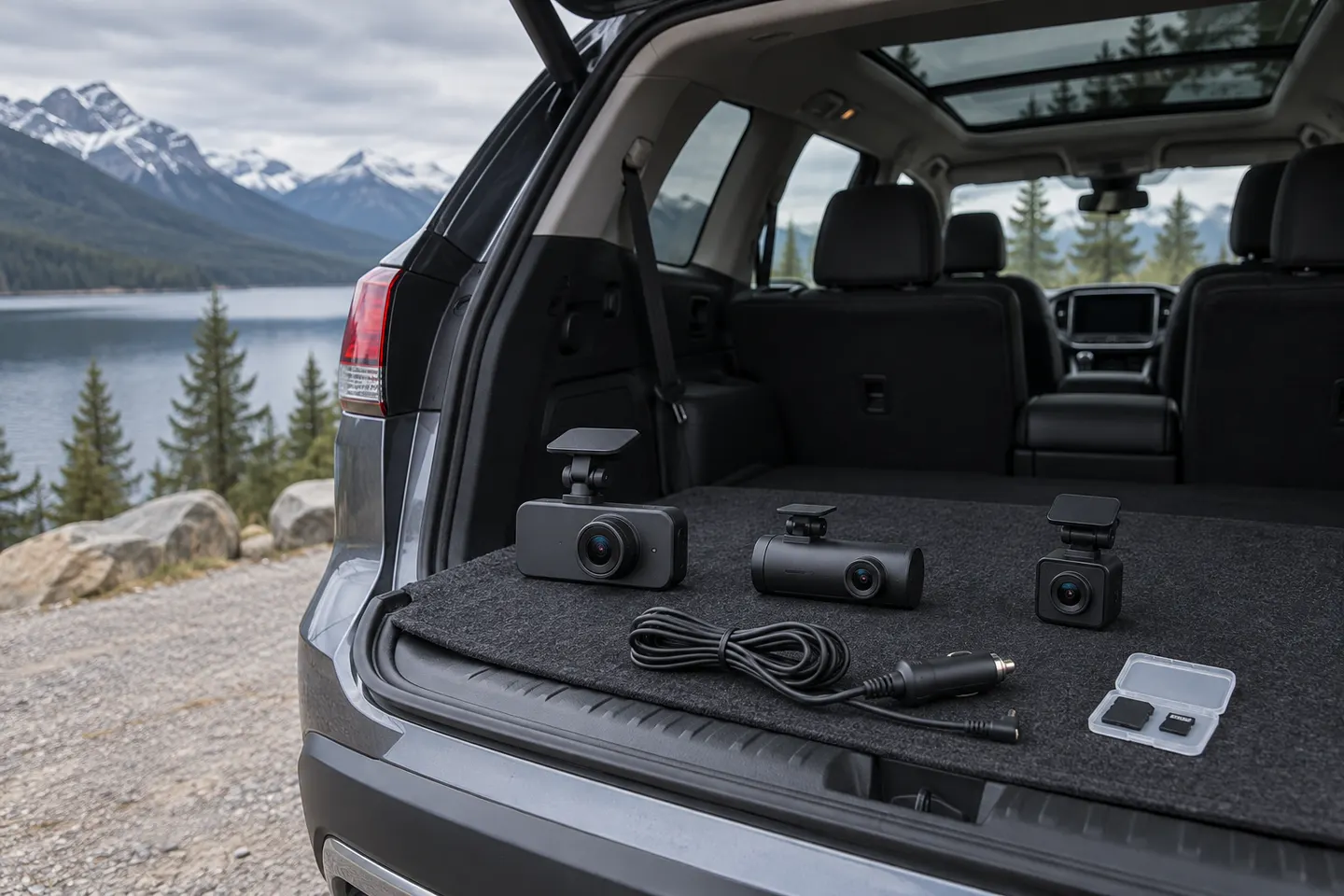
Our picks
Top picks
Official manufacturer image Official manufacturer image
Garmin Dash Cam Mini 3
Check price on Amazon.ca Official manufacturer image
Thinkware U3000
Check price on Amazon.caHow-to guides
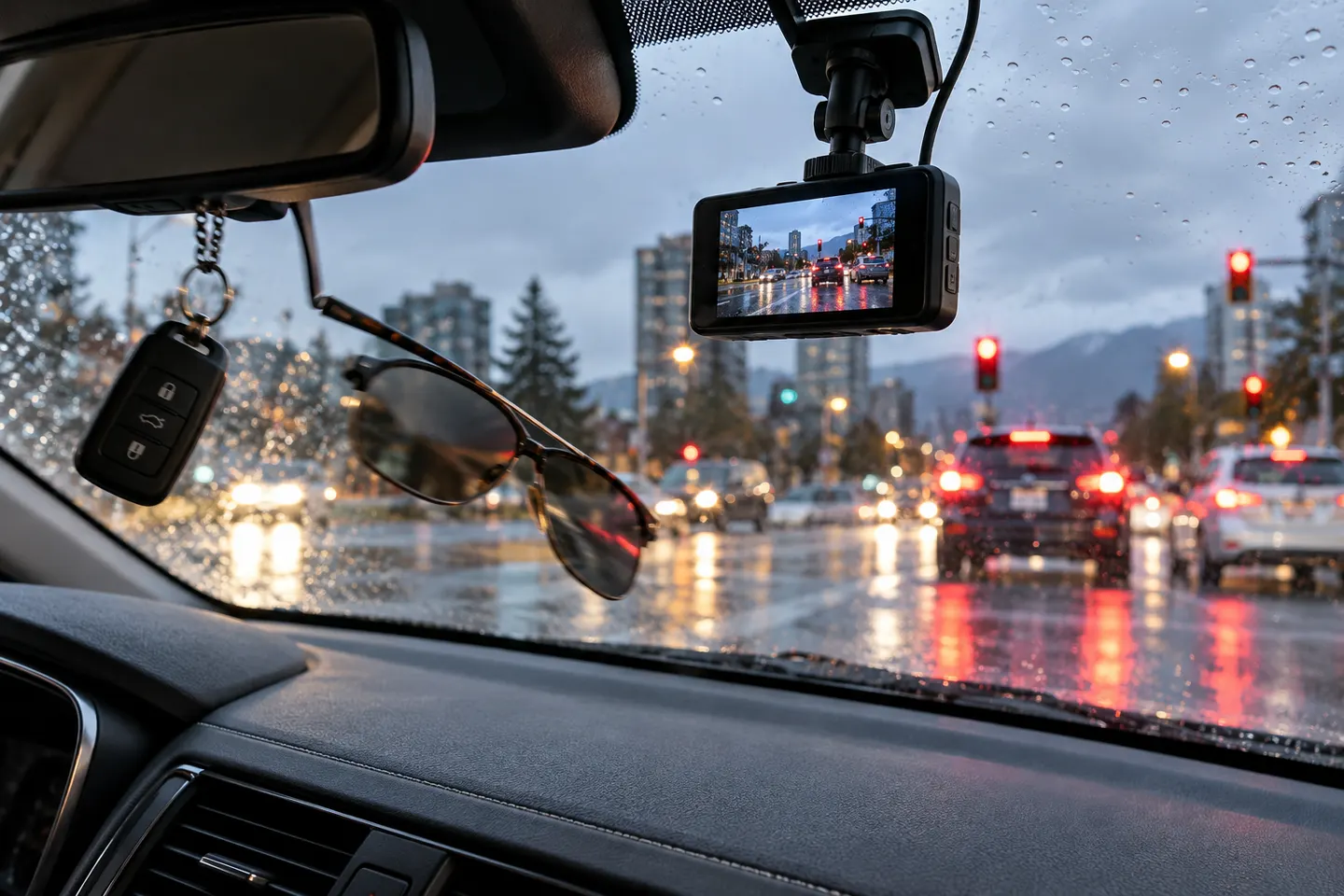 What Is a G-Sensor on a Dash Cam and How Does It…
More topics
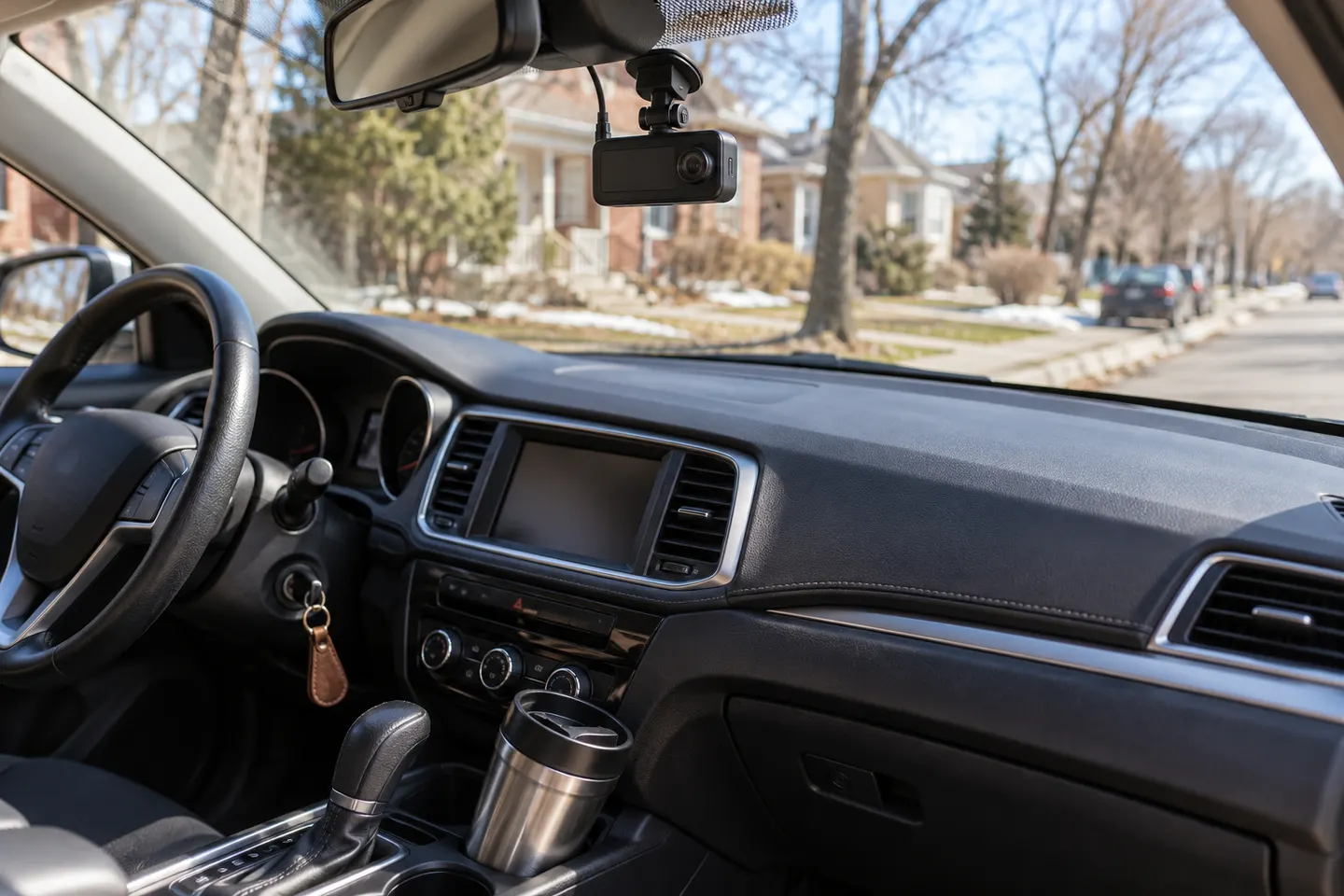 G-Sensor Dash Cams
Common questions
Questions before you buy
Who makes G-Net dash cams?
GNET System is the manufacturer behind the G-Net dash cam range. Model availability and bundles vary by market.
Do G-Net dash cams have parking mode?
Selected models advertise parking recording, but the required power cable and available modes vary. Check the exact model manual before installation.
Can a G-Net dash cam record front and rear?
Yes, the range includes multi-channel configurations. Confirm what cameras are included in the specific package rather than relying on the family name.
Which app works with a G-Net dash cam?
App support depends on the model and its Wi-Fi capability. Use the app named in the current product manual for that camera.