









 Official manufacturer image
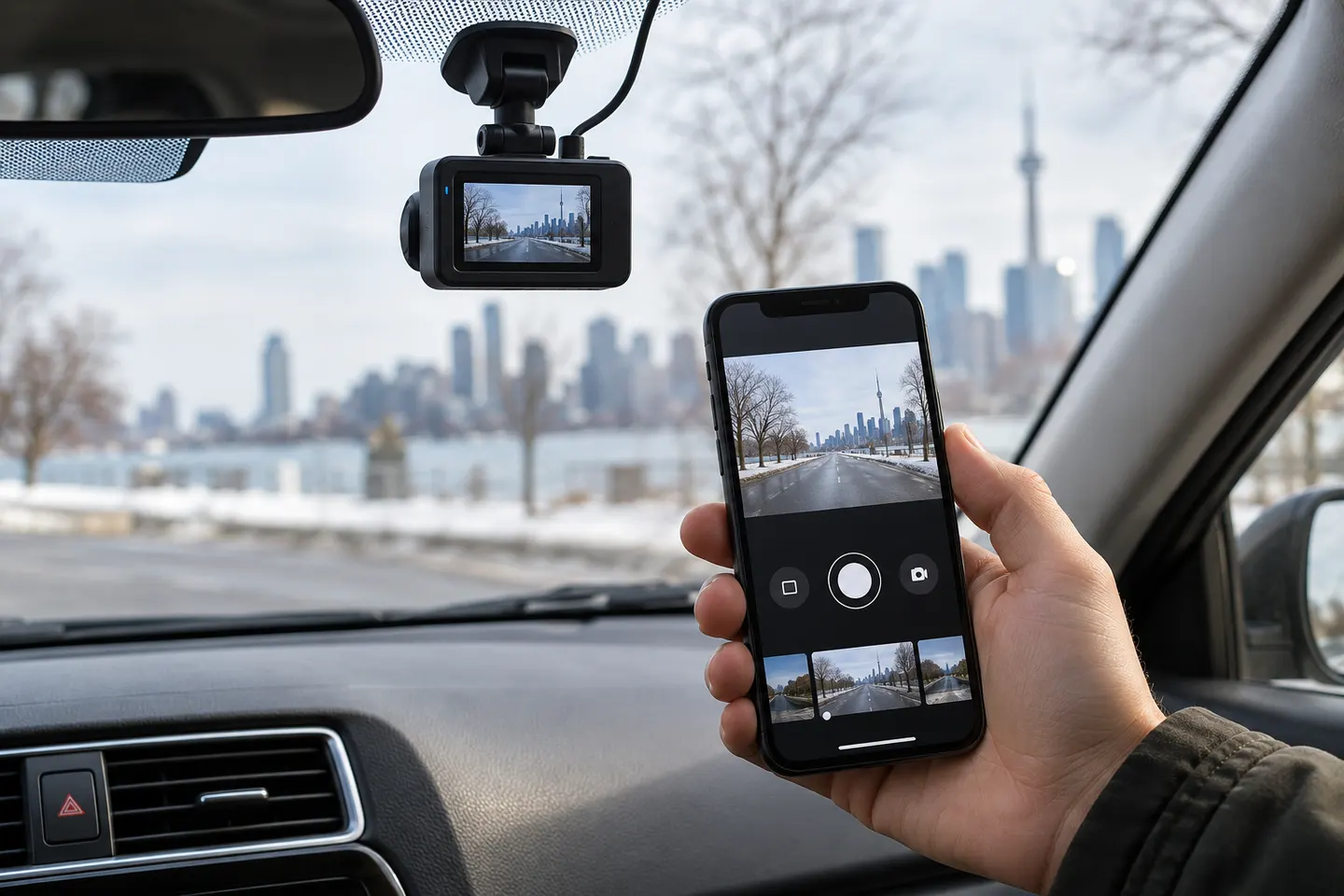
Our picks
Top picks
Official manufacturer image Official manufacturer image
Garmin Dash Cam Mini 3
Check price on Amazon.ca Official manufacturer image
Thinkware U3000
Check price on Amazon.caBy vehicle
More topics
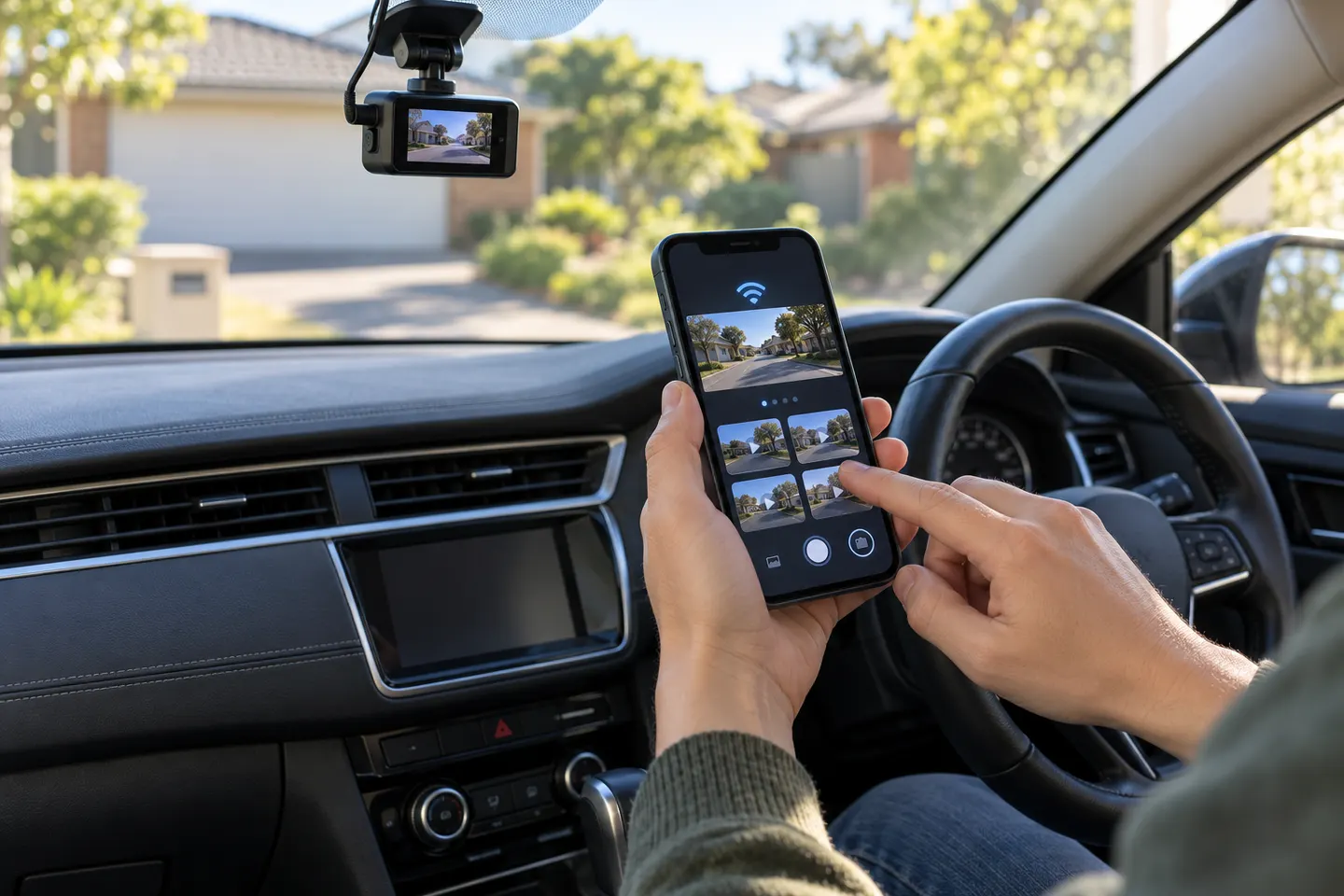 Dashcam Apps for iPhone and Connected Cameras
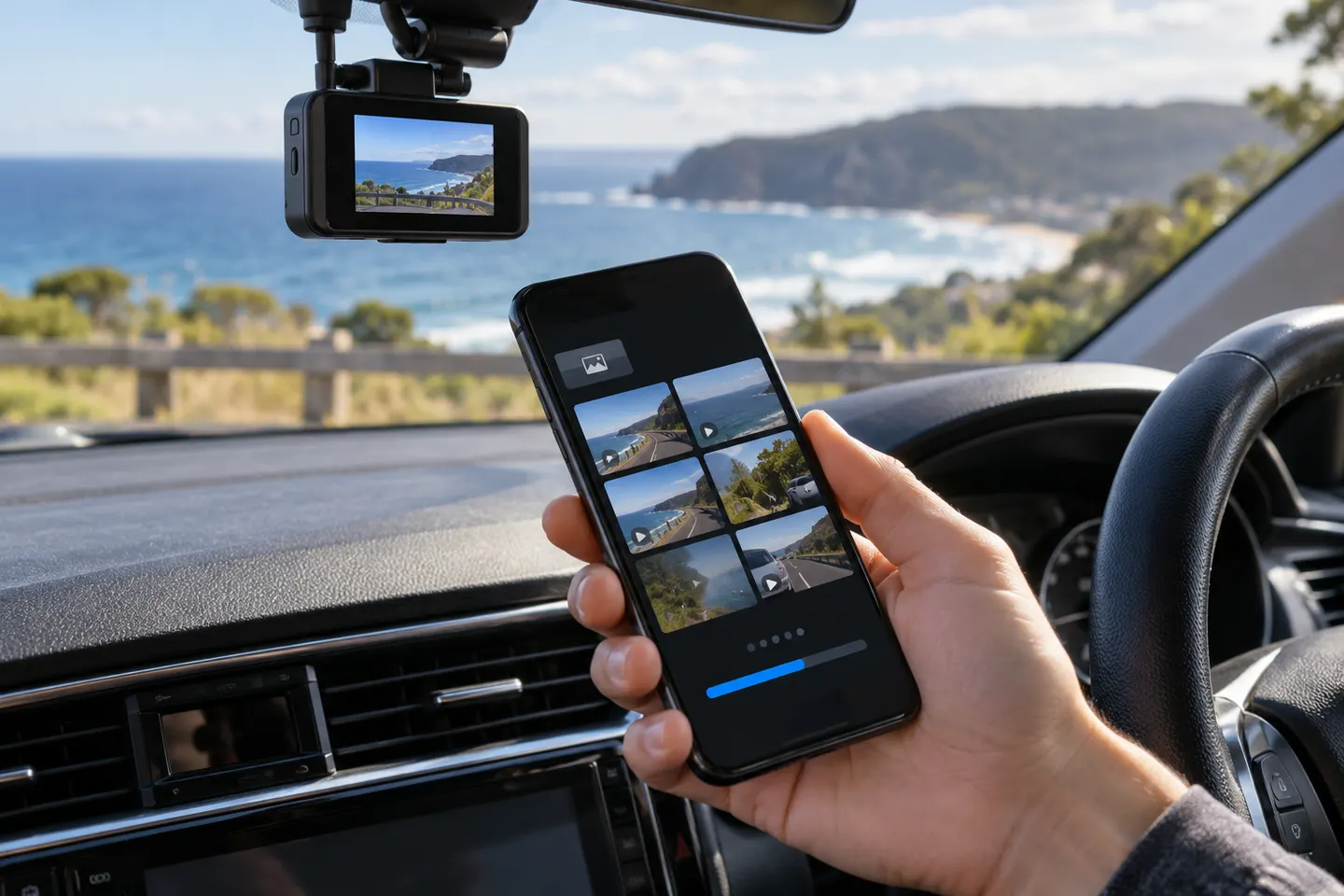 Dashcam Apps
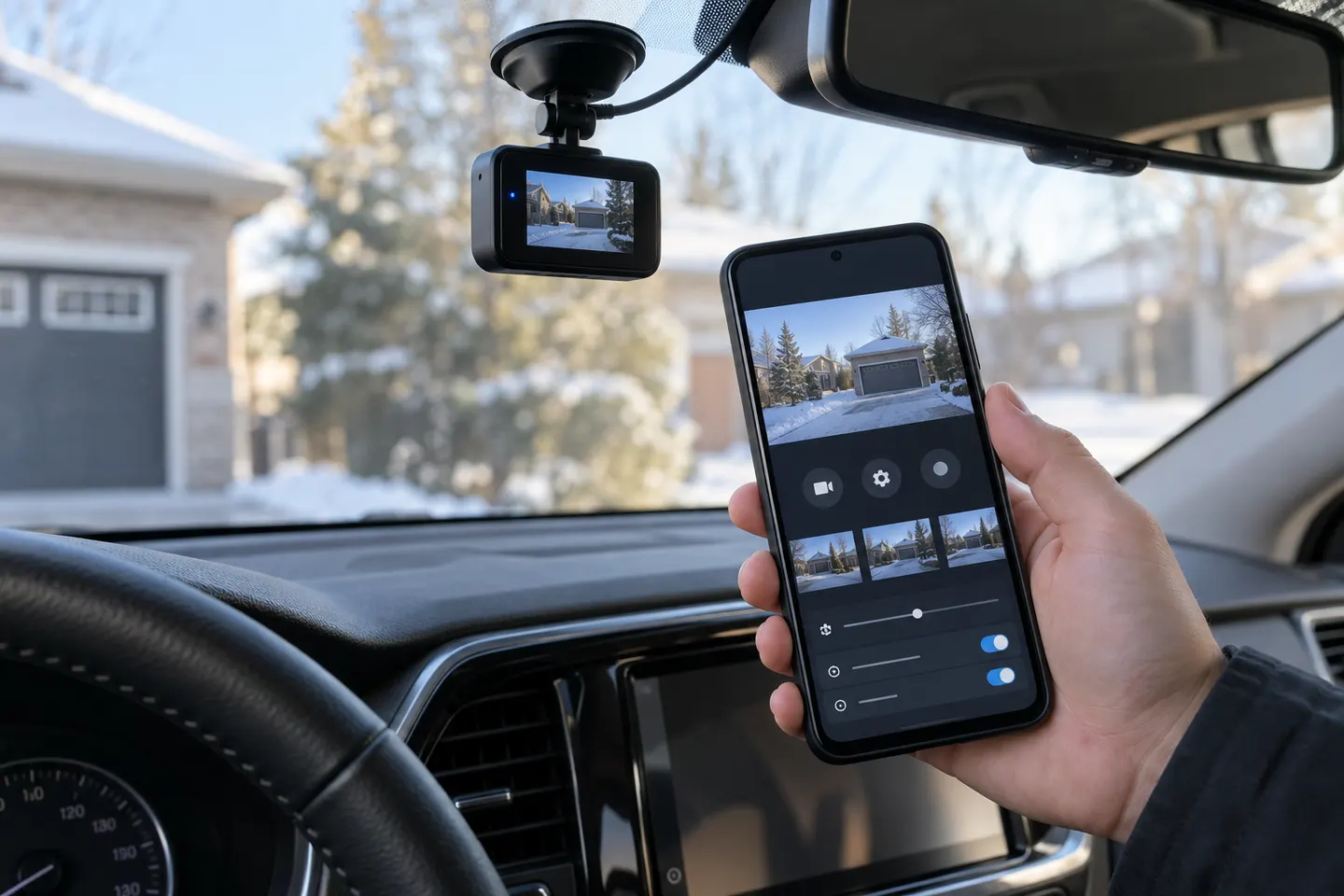 Android Dashcam Apps
Common questions
Questions before you buy
Does a dashcam phone app need mobile data?
Local Wi-Fi setup and downloads usually do not, but maps, cloud services and remote viewing may require internet access.
Can my phone connect to the dashcam while driving?
The app may connect, but the driver should not operate it while the vehicle is moving. Set up the camera while safely parked.
Can I watch my dashcam from anywhere on my phone?
Only systems with a supported internet connection and remote service can do that; ordinary camera Wi-Fi works nearby.
Will the dashcam record if the app is closed?
A properly configured standalone dashcam should keep recording without an open app, but confirm the model's instructions.