









 Official manufacturer image
Our picks
Top picks
Official manufacturer image Official manufacturer image
Garmin Dash Cam Mini 3
Check price on Amazon.ca Official manufacturer image
Thinkware U3000
Check price on Amazon.caBy vehicle
More topics
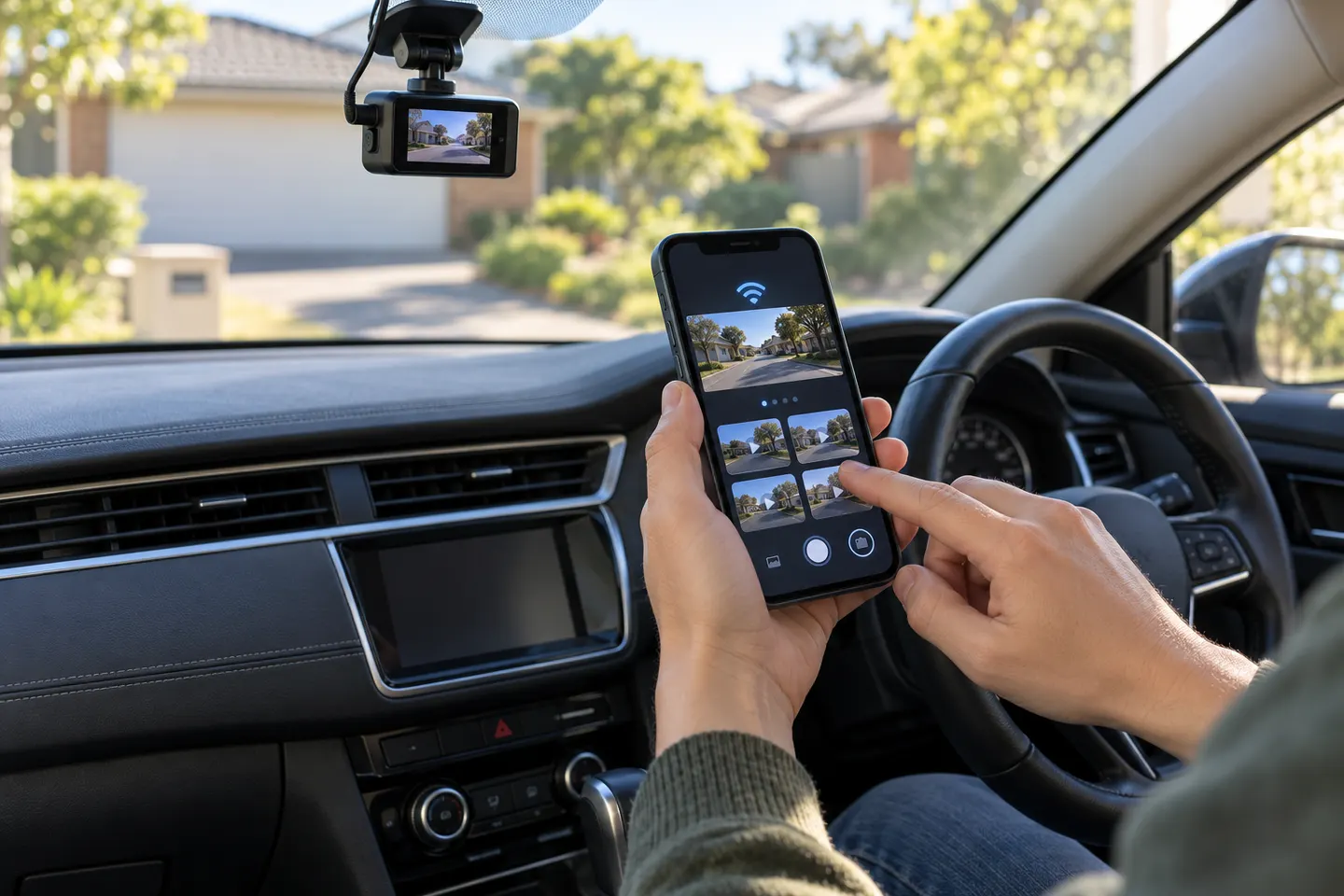 Dashcam Apps for iPhone and Connected Cameras
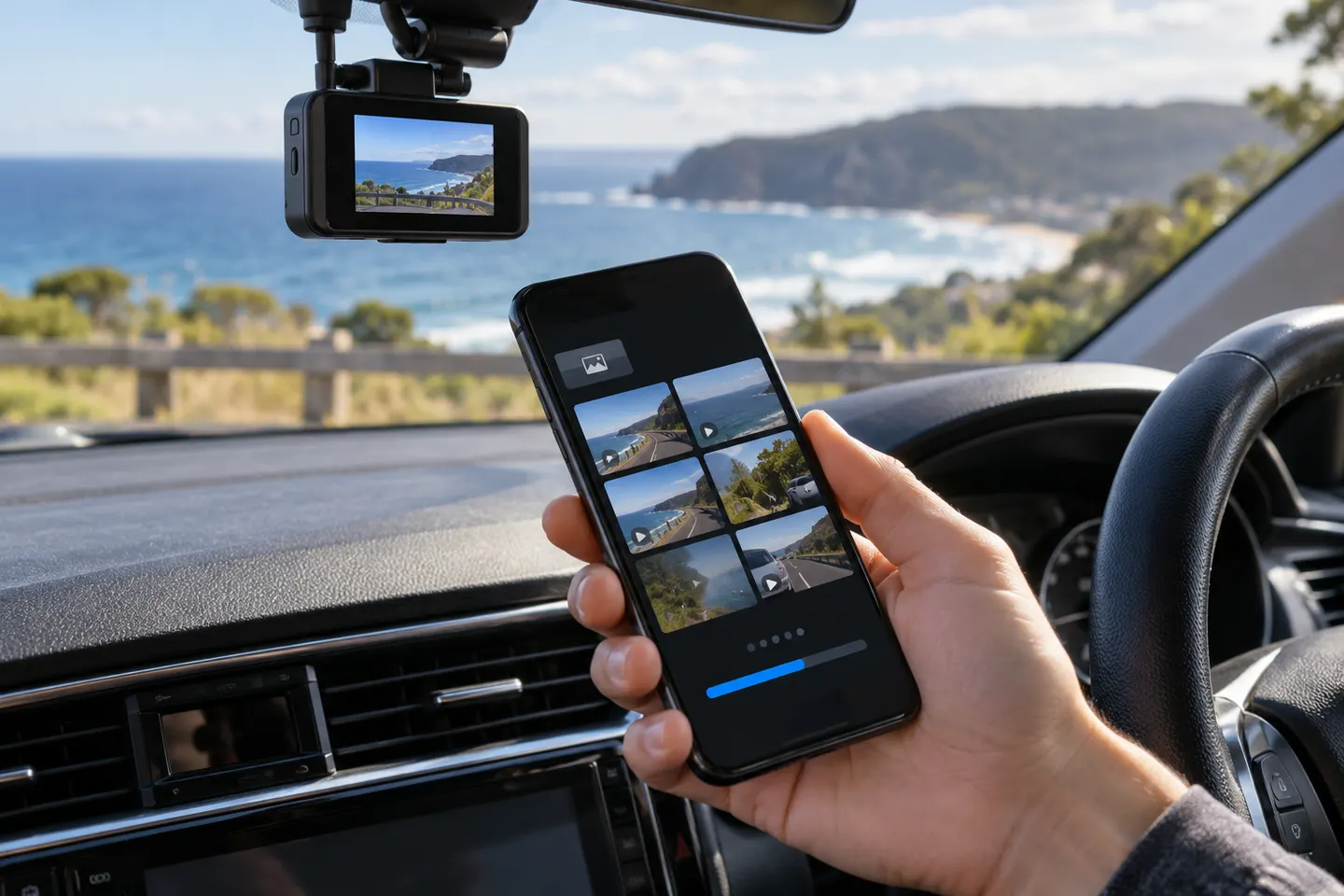 Dashcam Apps
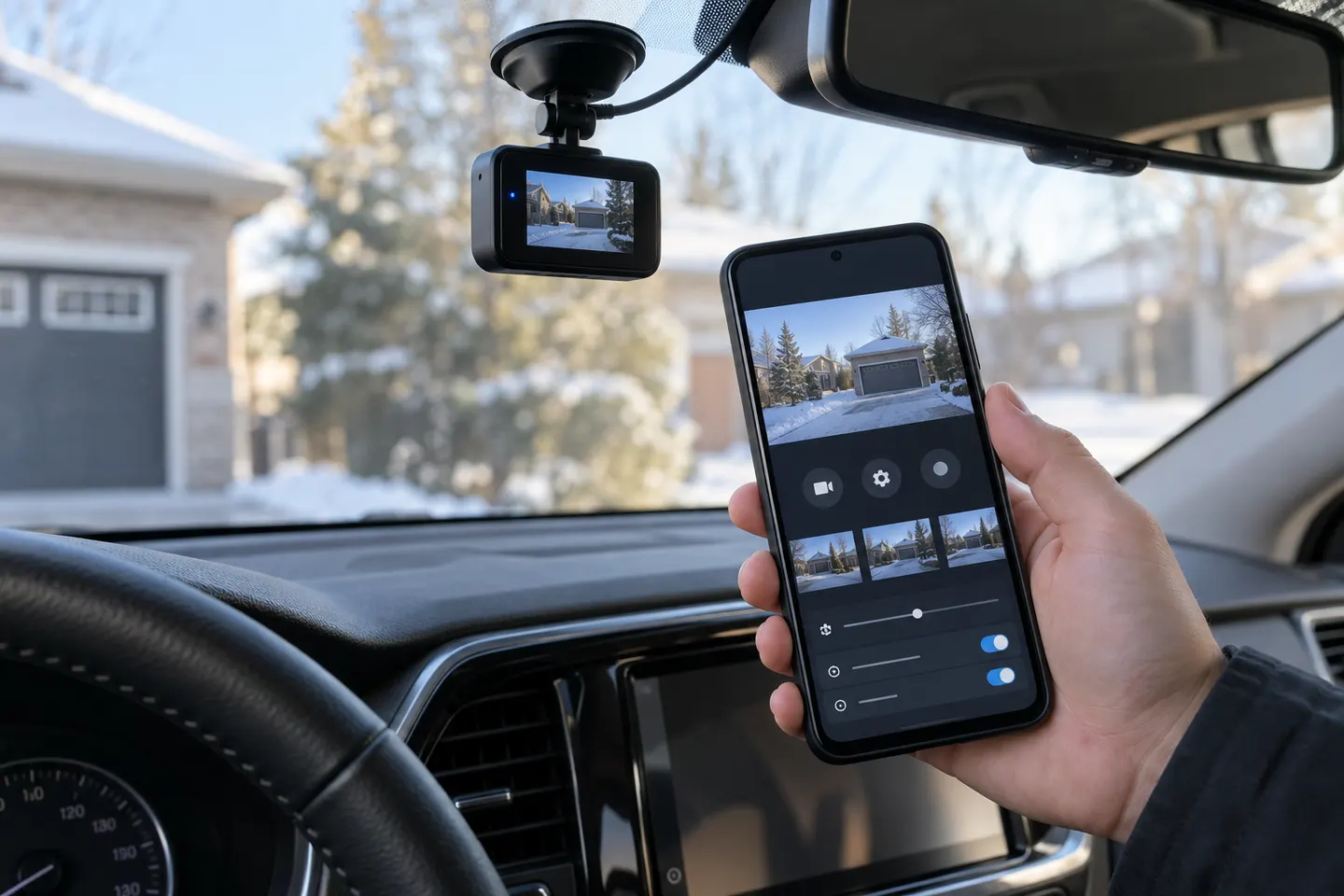 Android Dashcam AppsYI Dashcam App, Software and Firmware Guide
Show all (5)
Common questions
Questions before you buy
Which app works with a Toyota dash cam?
Toyota Canada identifies the companion as TOYOTA DASH CAMERA for its genuine accessory camera. Confirm the camera generation in your manual before installing an app.
Why will the Toyota dashcam app not connect?
Check that the phone is joined to the camera's Wi-Fi rather than your usual network. Toyota notes that Android connections may require Wi-Fi Direct.
Can I download Toyota dash cam footage to my phone?
Toyota says compatible genuine cameras allow recordings to be played through the mobile app. Available download and export controls depend on the fitted system.
Is the Toyota app the same as the Toyota Dash Camera app?
No. The Toyota app handles connected vehicle services, while the separate dash-camera viewer supports compatible accessory cameras.