








 Official manufacturer image
Our picks
Top picks
Official manufacturer image Official manufacturer image
VIOFO A229 Plus 2CH
Check price on Amazon AU Official manufacturer image
Garmin Dash Cam Mini 3
Check price on Amazon AUBy vehicle
More topics
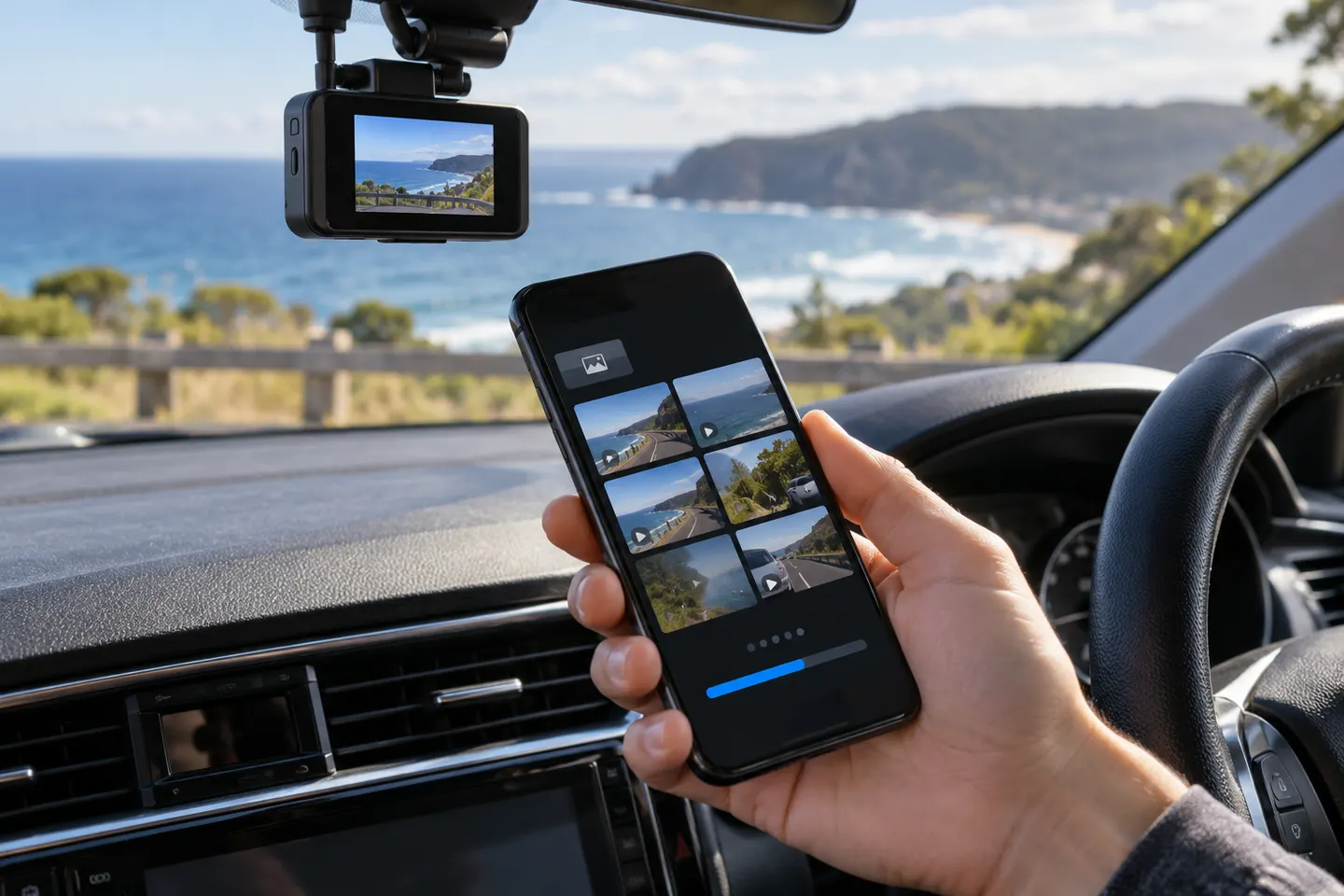 Dashcam Apps
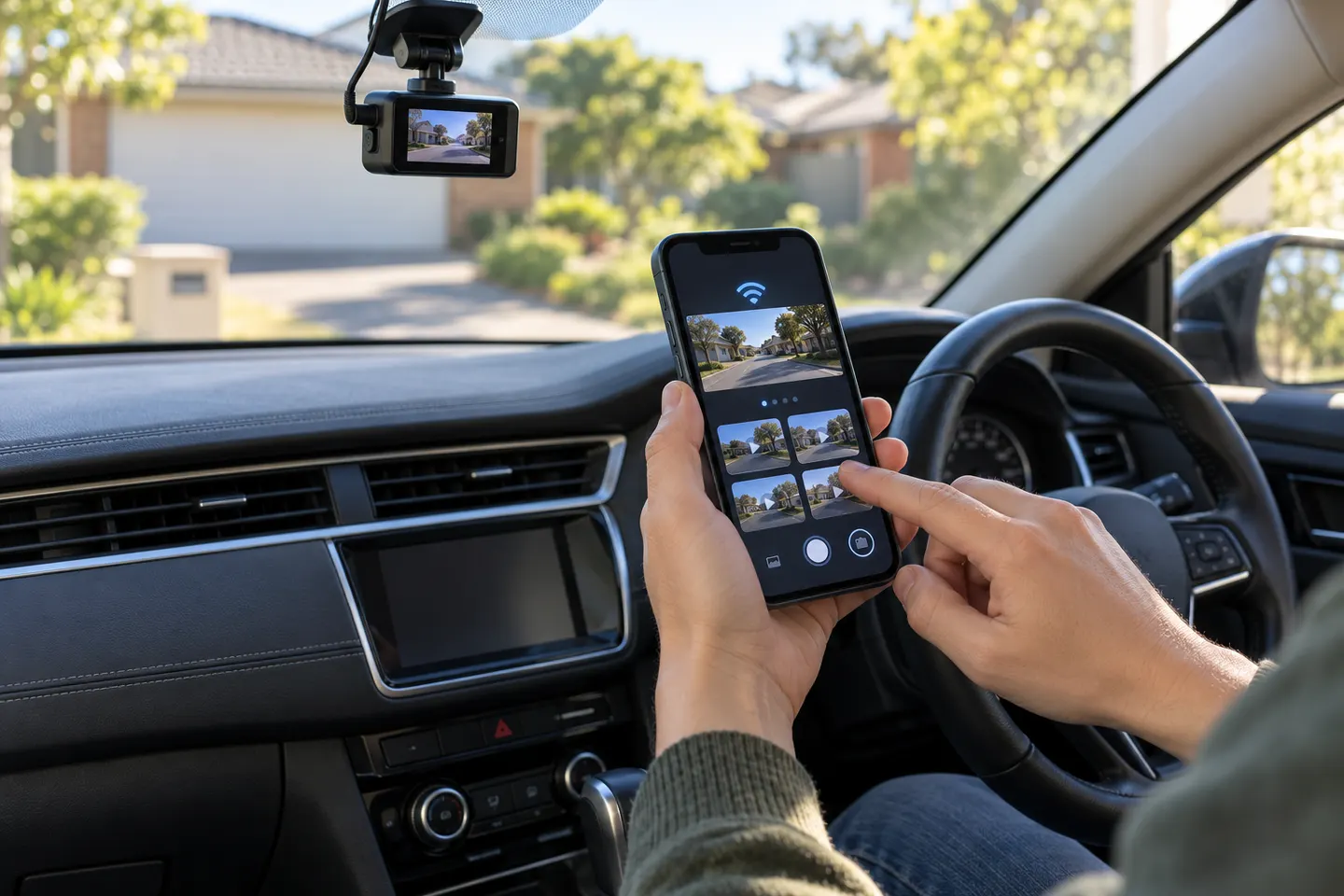 Dashcam Apps for iPhone
Common questions
Questions before you buy
Is the Toyota dash cam app the same as myToyota Connect?
Not necessarily. myToyota Connect covers supported vehicle services; camera footage and settings may be handled by a separate accessory or camera-brand app.
How do I identify a Toyota dash cam already in my car?
Check the camera label, purchase documents and accessory manual for a model number before downloading software.
Why does my phone say the dash cam Wi-Fi has no internet?
Many cameras create a local network solely for phone-to-camera communication. Remain connected if the camera instructions tell you to.
Can I use a third-party app with a Toyota dashcam?
Use only the app named by the exact camera manufacturer or accessory documentation; unrelated apps may not connect or support the files.