









 Official manufacturer image
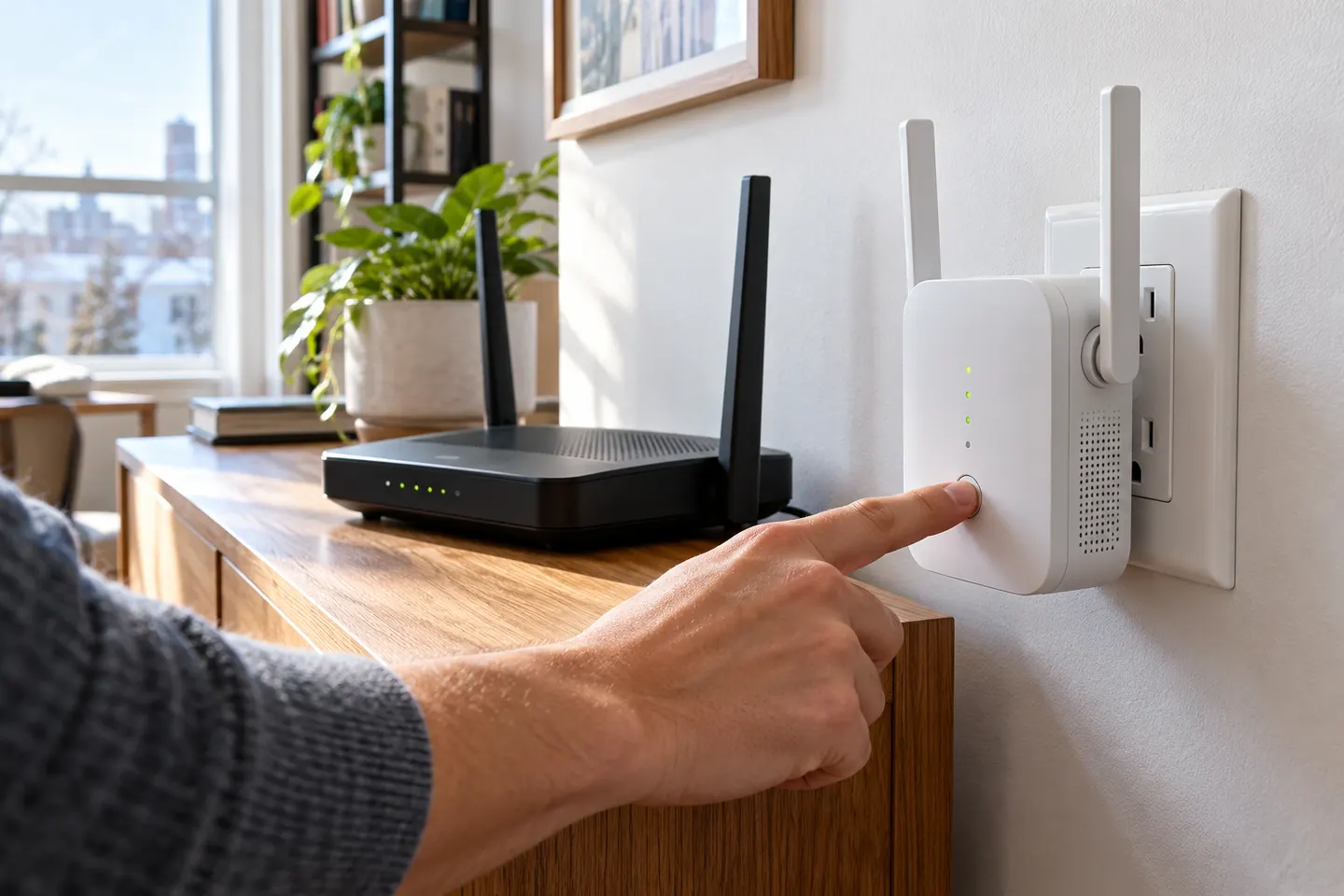
Our picks
Top picks
Official manufacturer image Official manufacturer image
NETGEAR EAX15
Check price on Amazon.ca Official manufacturer image
TP-Link RE605X
Check price on Amazon.caSetup and help
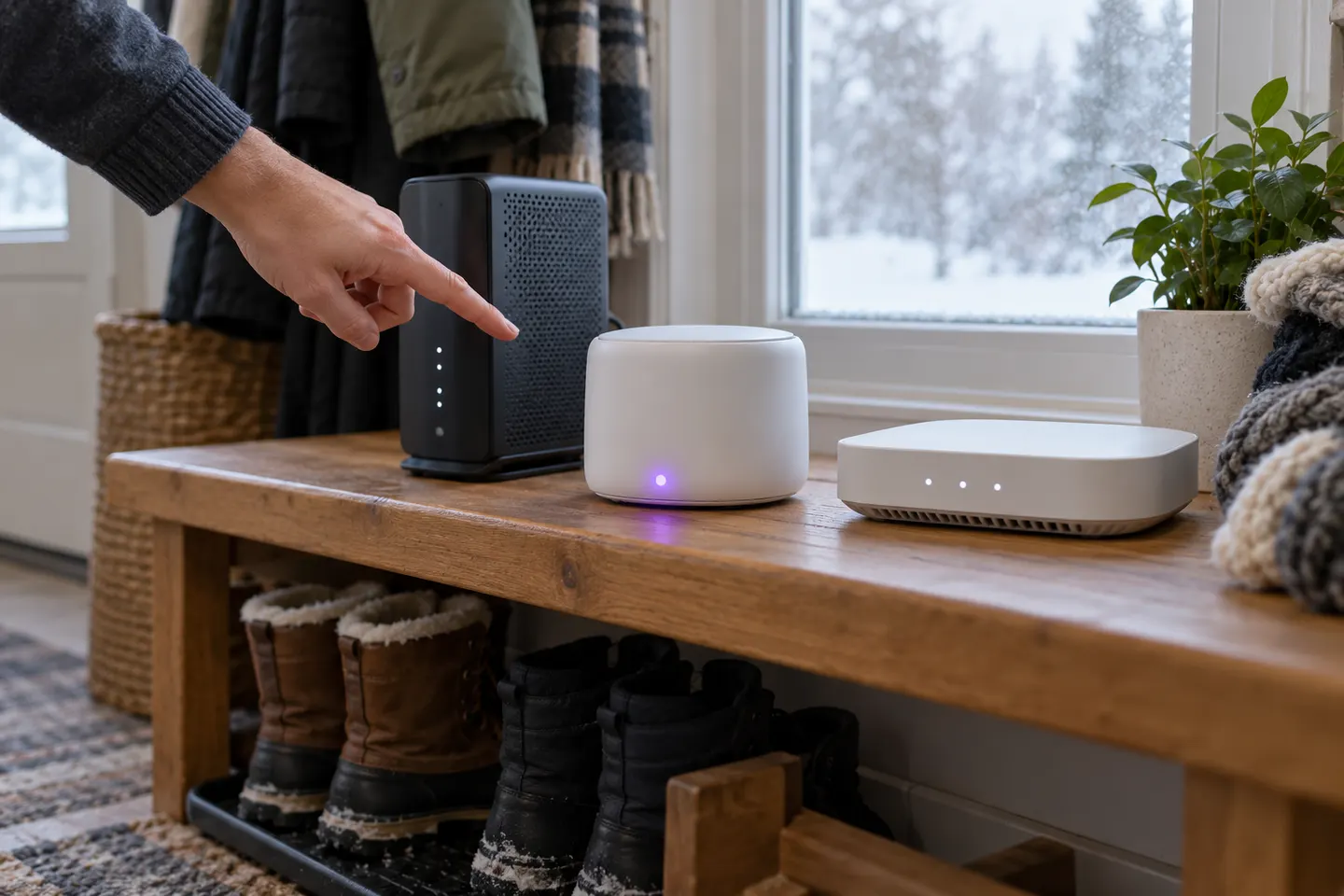 Install
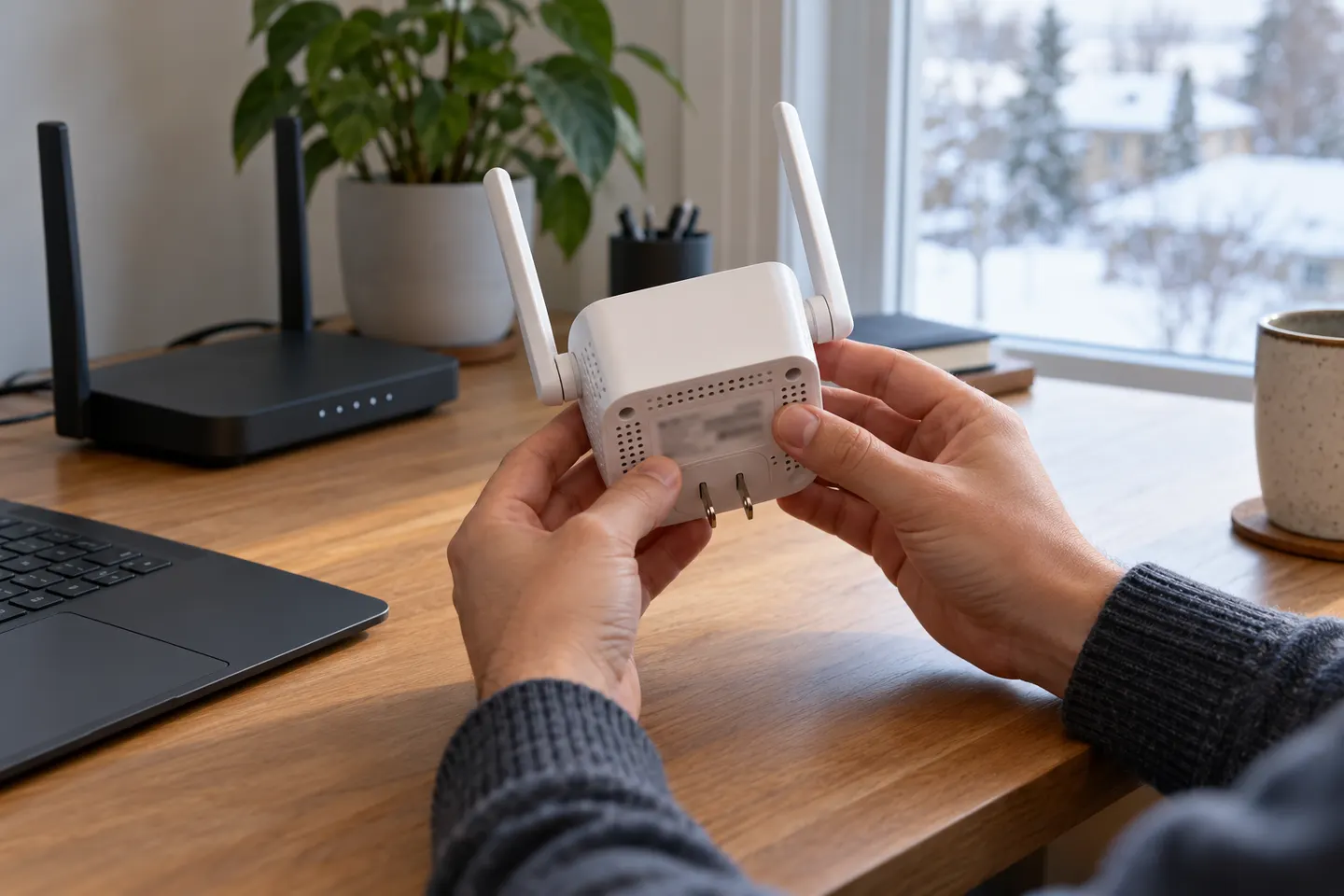 Ac1200 setup
How-to guides
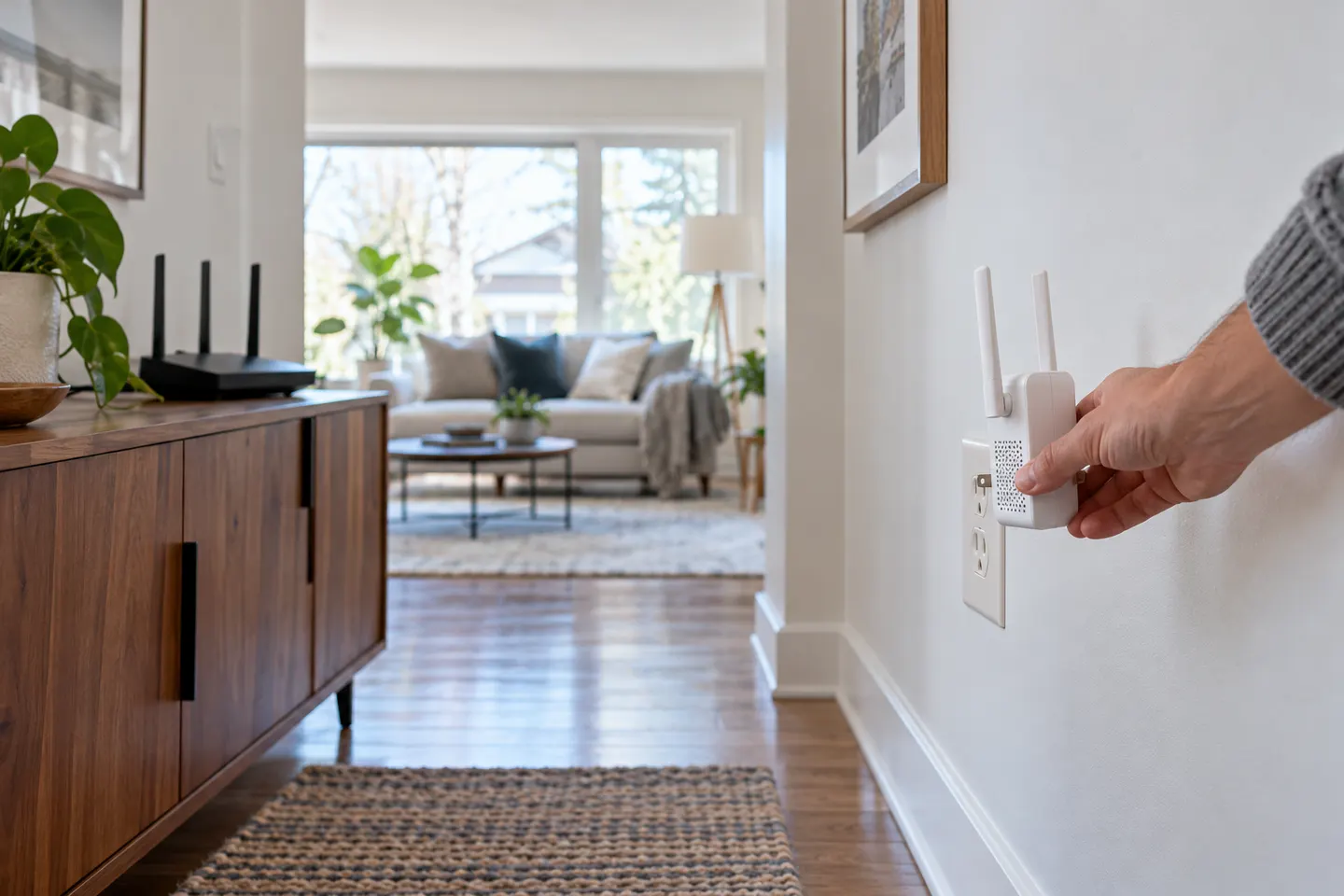 How to Install a WiFi Extender in the Right Location
More topics
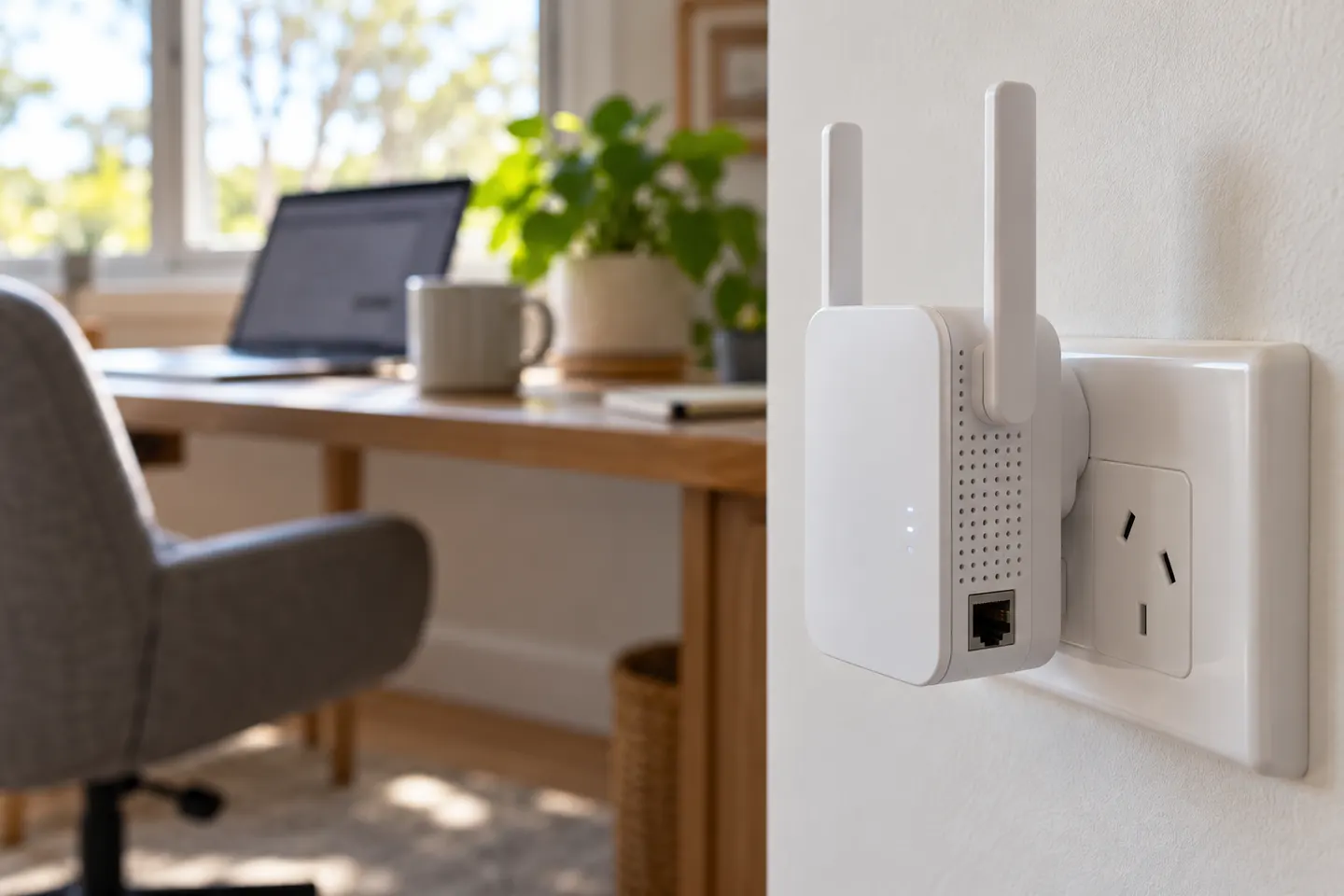 AC1200 Wi-Fi Range Extenders
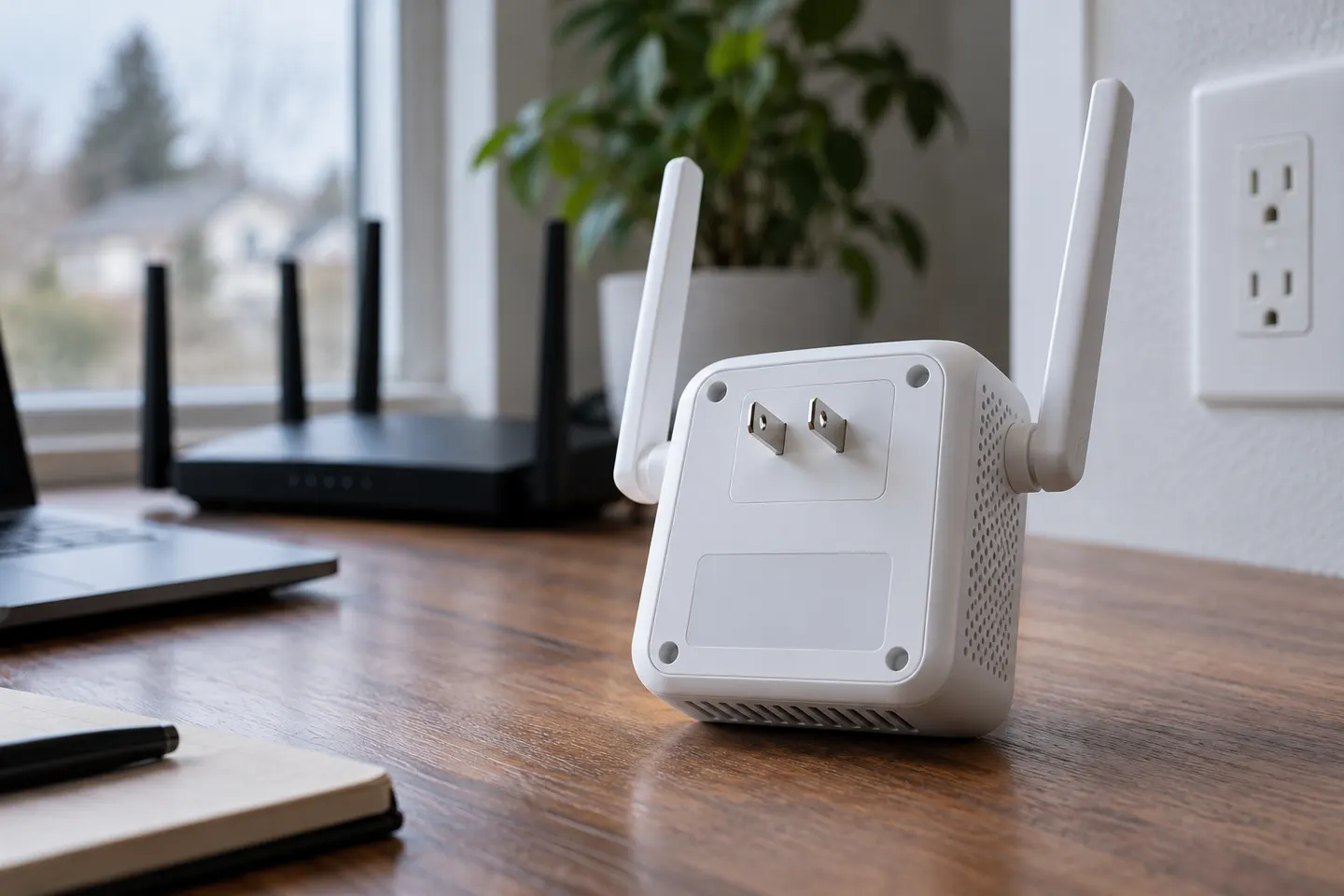 D-Link AC1200 Wi-Fi Extenders
Common questions
Questions before you buy
How do I install an AC1200 Wi-Fi range extender?
Plug it in near the router and follow the model’s WPS or app setup instructions. Once paired, move it toward the weak-coverage area while keeping a usable link.
Can I install a TP-Link AC1200 extender without WPS?
Many TP-Link models can be configured through the Tether app or a browser setup flow. Follow the guide for your exact model.
Will an extender increase my internet plan speed?
No. It can improve signal reach in a weak area, but it does not increase the speed supplied by your internet plan.
How do I confirm extender placement?
Check the model’s signal indicator or app and test a device from the area that needs better coverage.