









 Official manufacturer image
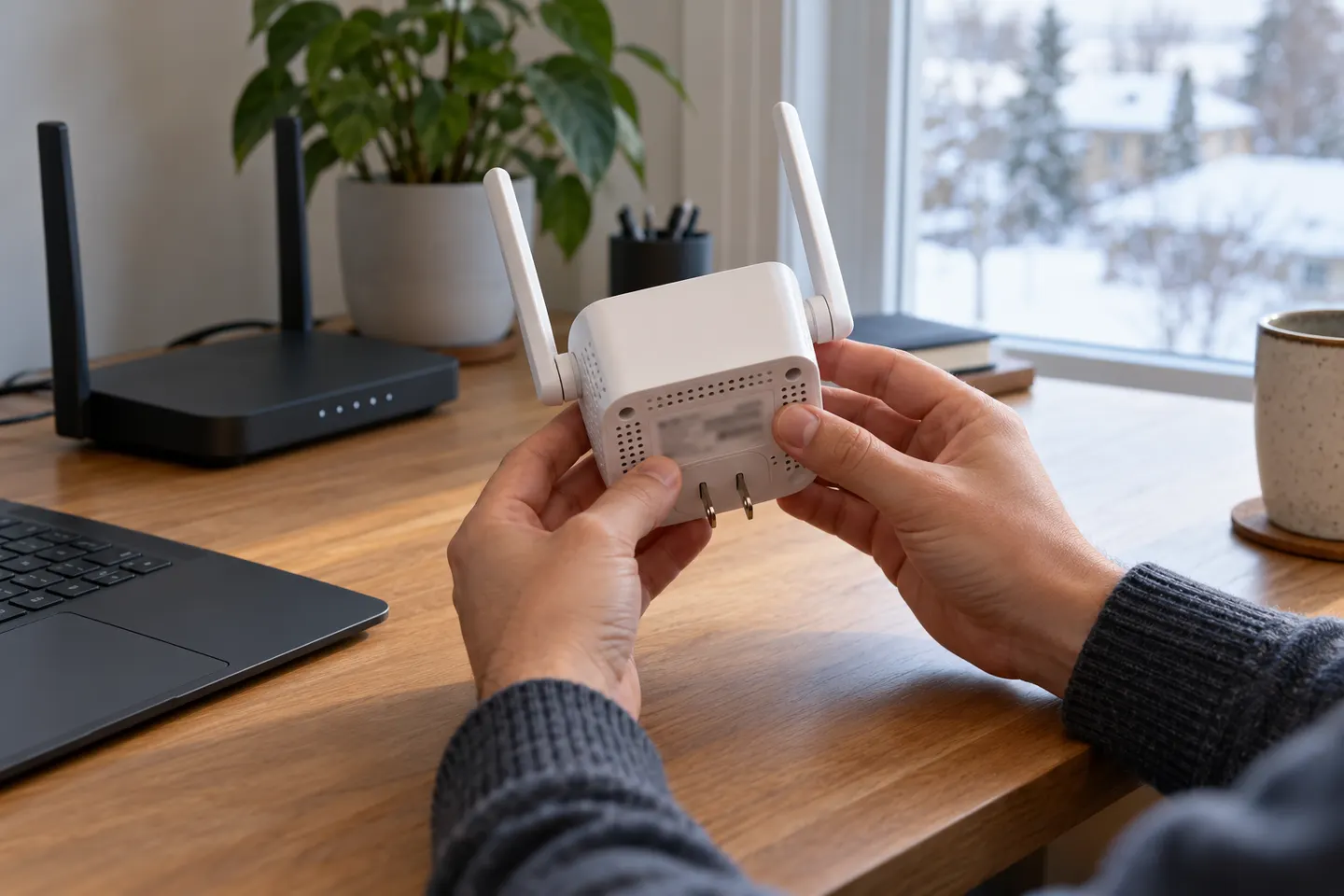
Our picks
Top picks
Official manufacturer image Official manufacturer image
NETGEAR EAX15
Check price on Amazon.ca Official manufacturer image
TP-Link RE605X
Check price on Amazon.caSetup and help
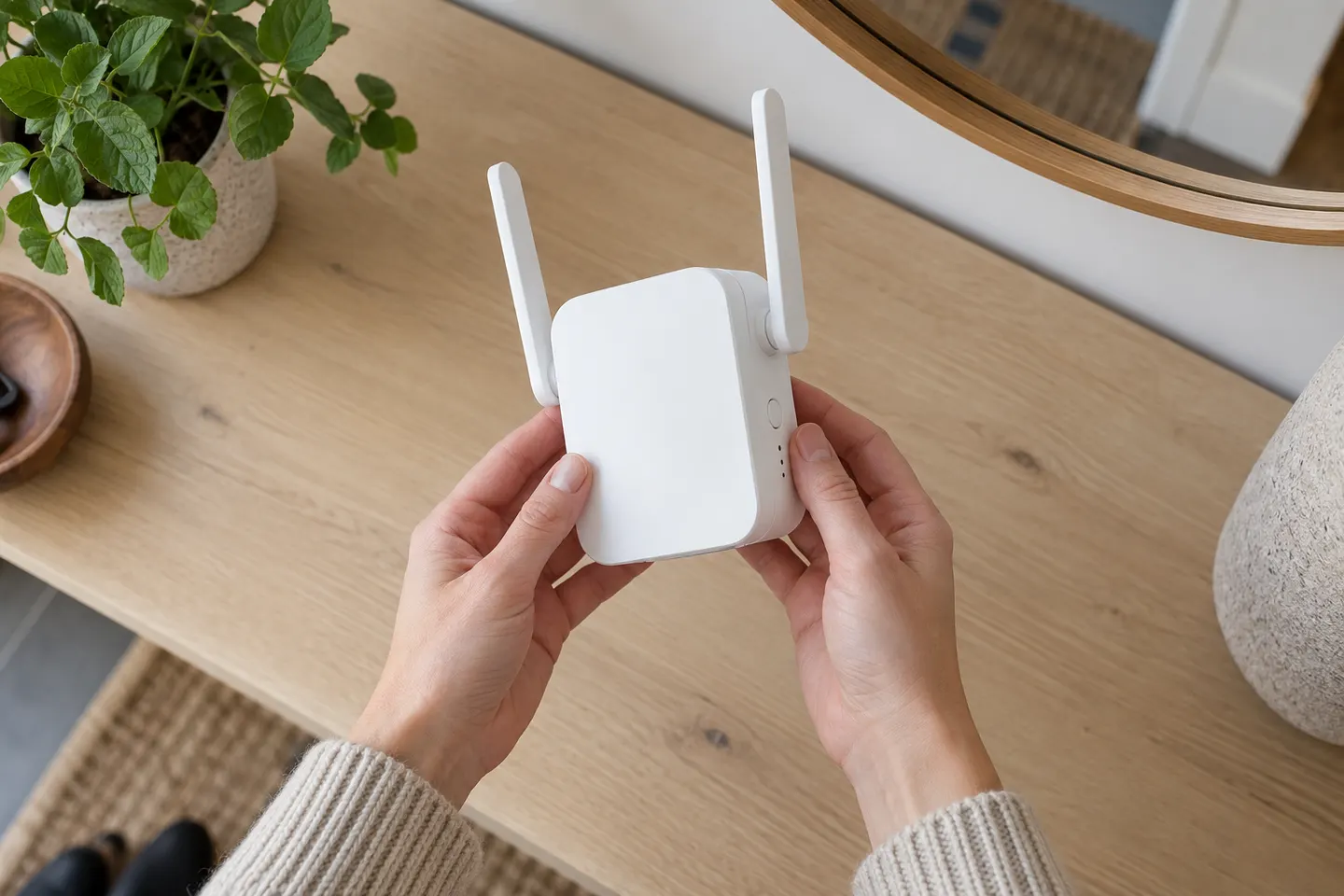 D link setup
 Setup
How-to guides
 How to Set Up a TP-Link WiFi Extender Step by Step
 How to Set Up a NETGEAR WiFi Extender
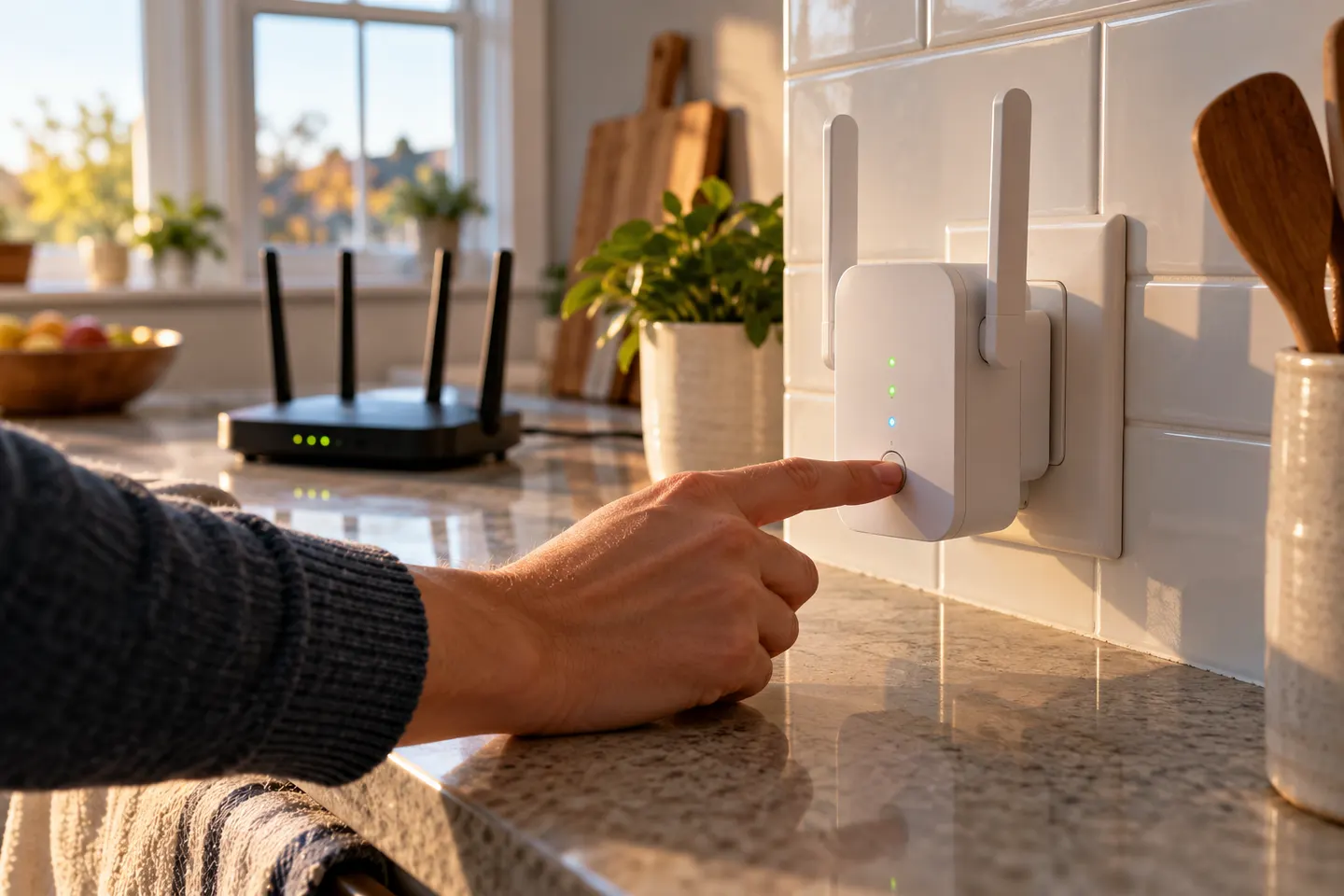 How to Set Up a WiFi Extender for Your Home
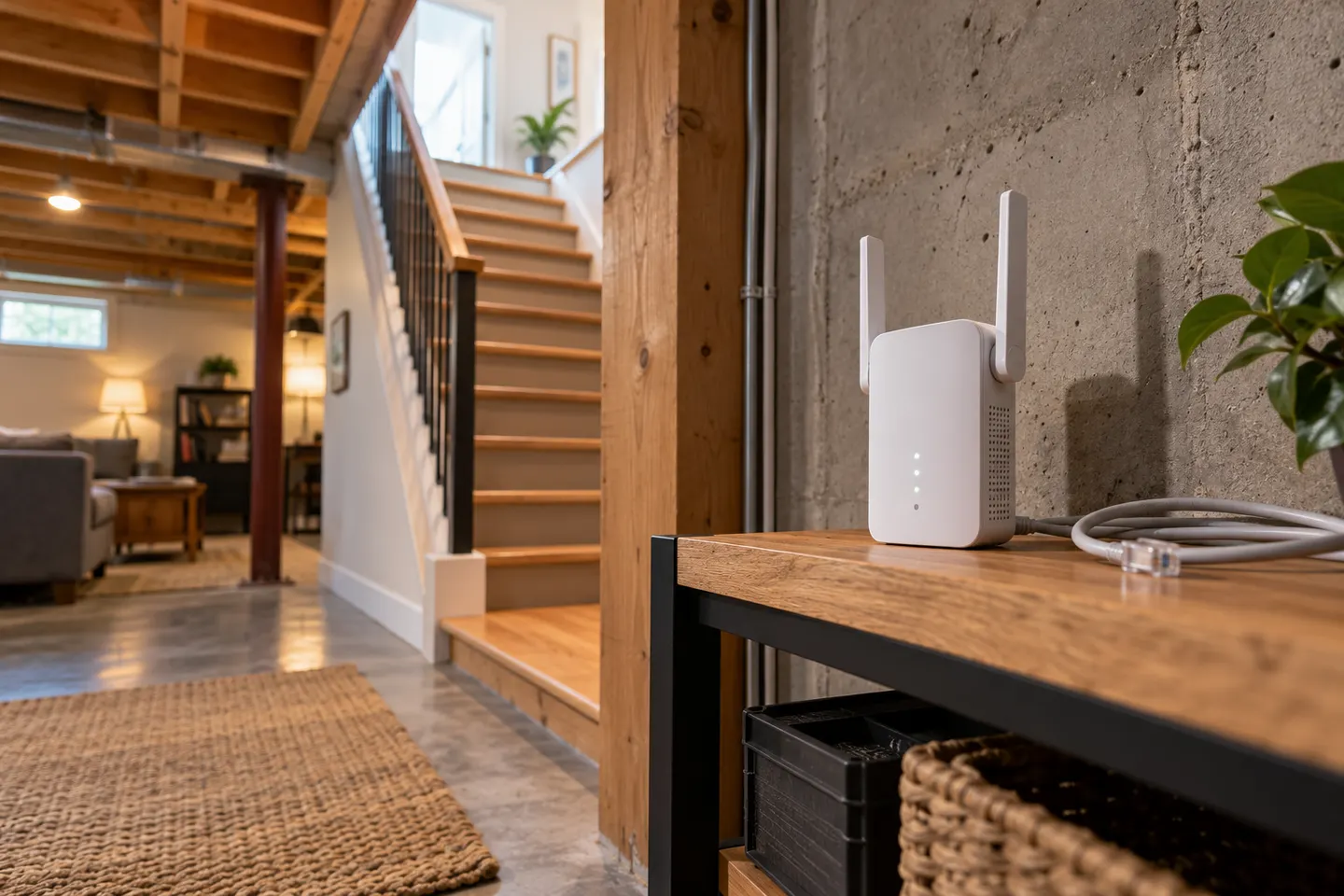 How to Set Up a D-Link Wi-Fi Extender at Home
More topics
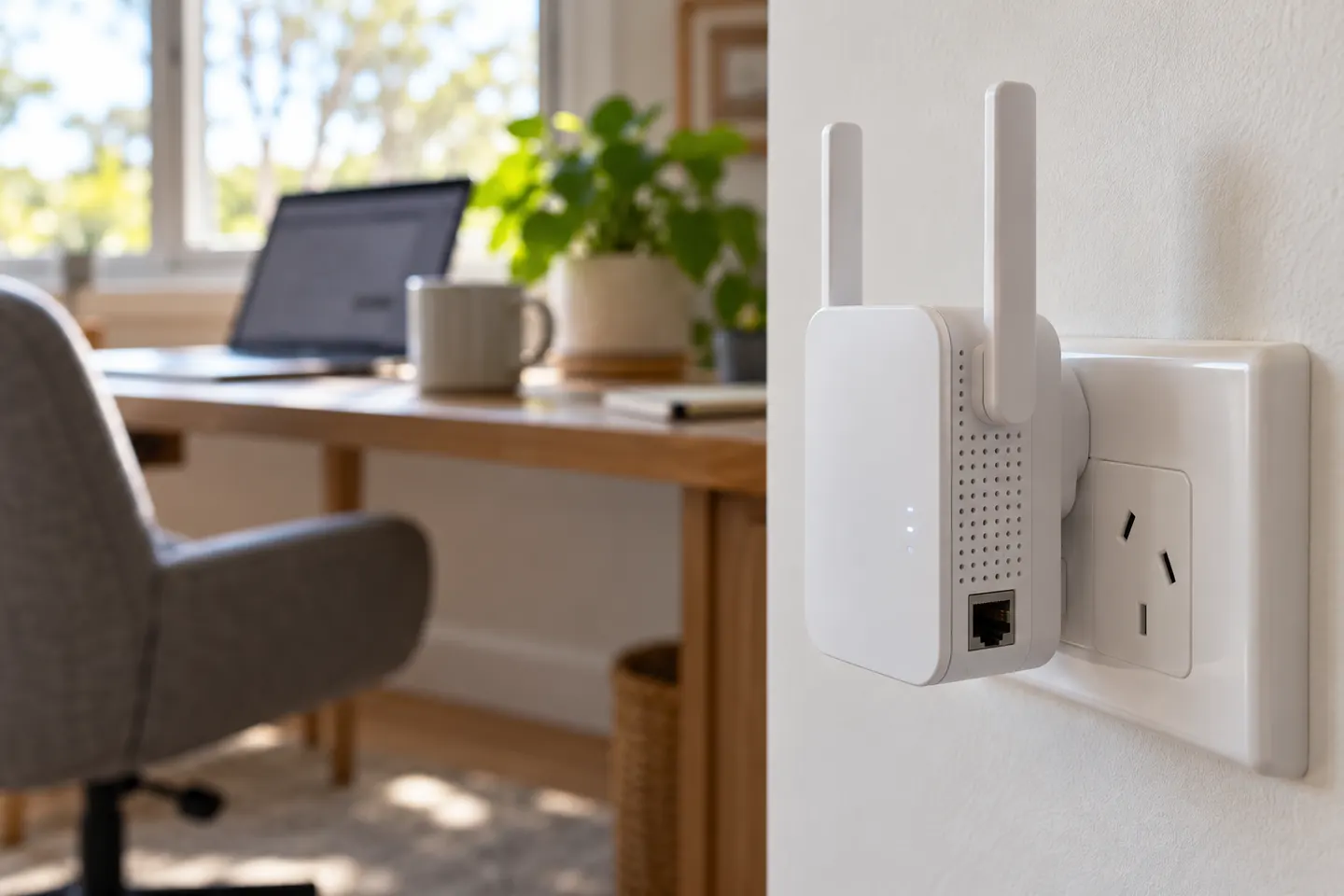 AC1200 Wi-Fi Range Extenders
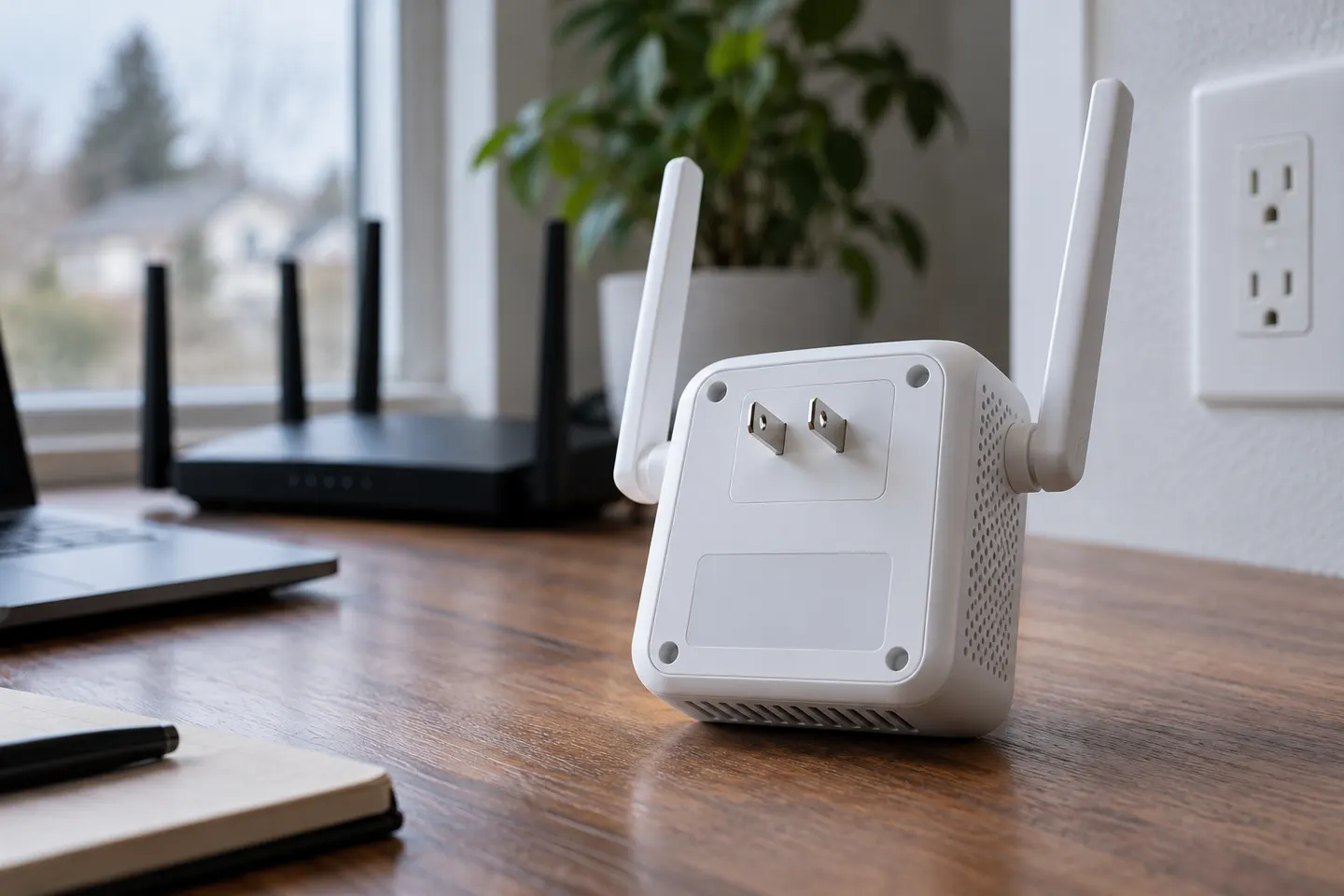 D-Link AC1200 Wi-Fi Extenders
Common questions
Questions before you buy
How do I set up an AC1200 Wi-Fi extender?
Use the setup guide for the exact brand and model. Pair it near the router through its app or web interface, or use WPS if both devices support it.
How do I set up a Linksys AC1200 Boost EX extender?
Linksys instructions depend on the exact model suffix and hardware revision. Find the model label and follow its official Quick Start Guide rather than a generic AC1200 sequence.
Can I use the same instructions for a D-Link DAP-1610?
No. Use the DAP-1610 guide for its setup and reset procedure; prompts and firmware can differ from other AC1200 products.
Why can’t I find my AC1200 extender after setup?
Check the status light and the network name configured during setup; the extender may use a new SSID or share the router name. Re-run its model-specific pairing steps if needed.