Gearjury may earn a commission from qualifying retailer links. Editorial guidance remains independent.
Guide
The Difference Between a Wi-Fi Extender and a Repeater
The names are often used interchangeably, and many repeaters are a type of extender. What matters in practice is whether the device repeats a wireless signal or uses a wired or powerline backhaul.
GGearjury editorial team · Updated October 18, 2026· 4 min
01
Why the names overlap
A repeater listens to a wireless router and retransmits the signal. Retailers and manufacturers also use terms such as extender and booster for devices that broaden coverage, so the label alone does not tell you the backhaul design.
02
How a wireless repeater works
A basic repeater receives Wi-Fi from the router and rebroadcasts it. Because the same wireless link carries traffic between the router and repeater, performance depends on signal quality at the repeater’s location and on its radio design.
03
What an extender can add
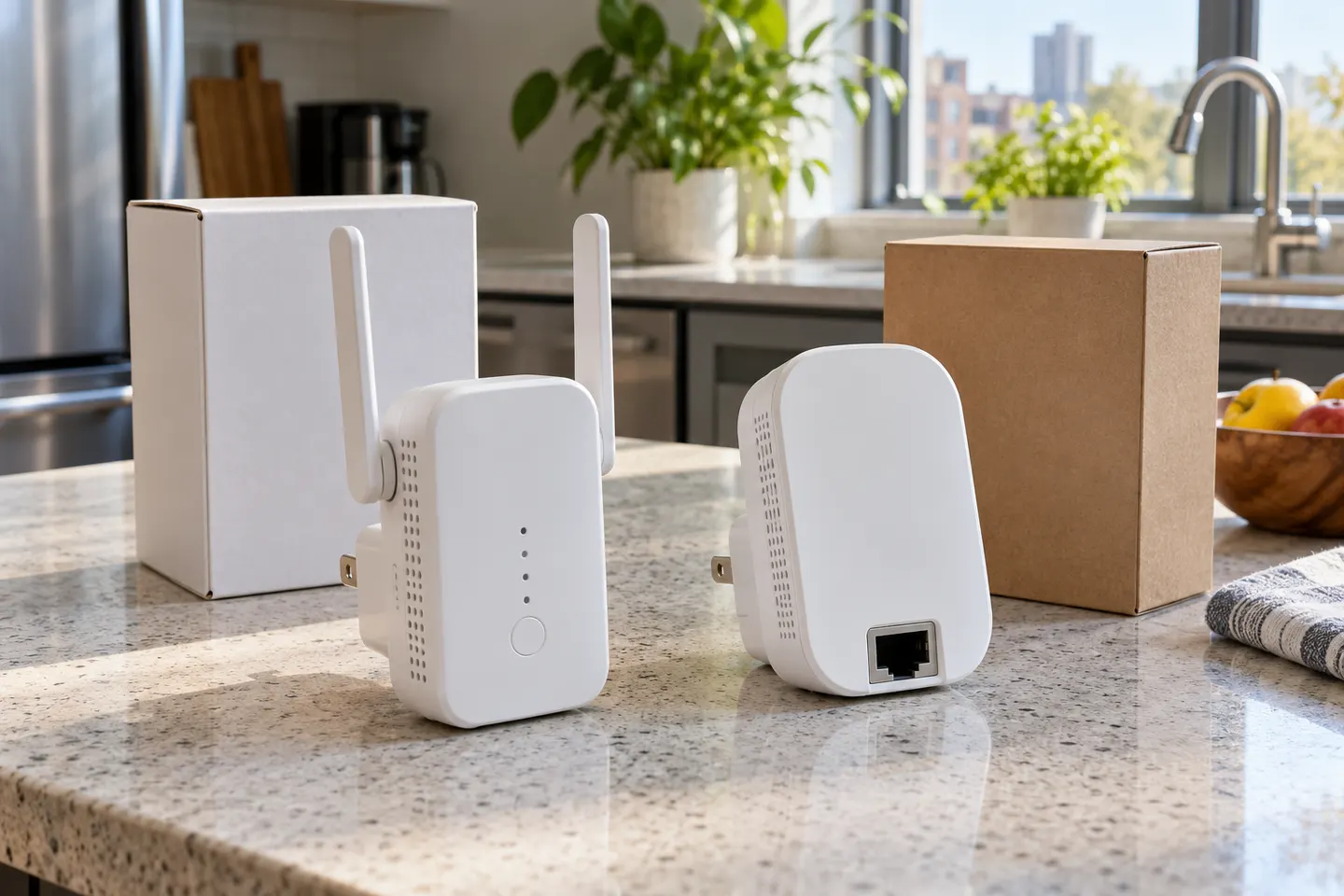
An extender may repeat Wi-Fi, or it may support an access-point mode with an Ethernet connection. Some products marketed as extenders also use powerline adapters to carry network traffic over a home’s electrical wiring before broadcasting Wi-Fi.
04
Wi-Fi booster vs extender: is there a technical difference?
Usually, booster is a broad marketing term rather than a distinct networking standard. Check the specifications for wireless repeating, access-point mode, Ethernet, mesh compatibility and supported bands to see what the product actually does.
05
Which option suits a weak-signal room?
A wireless repeater needs a usable signal where it is installed, so place it between the router and the problem area. A wired access point or powerline Wi-Fi kit can be worth considering where wireless backhaul is unreliable, though wiring quality and layout affect results.
06
What to check before buying
Check compatibility with your router, the bands and Wi-Fi generation, whether Ethernet ports or access-point mode are included, and how setup is managed. Treat advertised maximum link rates as theoretical product figures, not a promised internet speed.
Common questions
Questions before you buy
Is a Wi-Fi extender the same as a repeater?
The terms overlap: many extenders repeat an existing wireless signal. The useful distinction is the connection back to the router, such as wireless repeating, Ethernet access-point mode or powerline backhaul.
Does a Wi-Fi repeater reduce speed?
It can reduce available throughput when the same wireless radio or channel must receive and retransmit data. The amount varies with device design, placement, interference and the original connection.
What is the difference between a Wi-Fi booster and extender?
Booster is commonly a general marketing label, while extender describes the coverage role. Read the device’s backhaul and operating-mode details rather than relying on the wording on the box.
Should I choose a powerline adapter or a Wi-Fi repeater?
A repeater is simpler where it can receive a strong router signal. Powerline may carry network traffic to another part of the home through electrical wiring, but performance depends on the wiring and circuit layout.
A WiFi extender can carry an existing router’s signal into a weak-coverage area. Start with compatibility and placement, then compare a standalone repeater with a provider mesh system.
The TP-Link RE705X is a strong feature-led starting point, with WiFi 6, AX3000 class and a Gigabit port. Consider NETGEAR EAX15 for mesh-style WiFi 6 or simpler plug-in models for a basic dead zone.
TP-Link’s Canadian range includes WiFi 7, WiFi 6 and older dual-band extenders. Match the model to your router, desired features and available placement.
NETGEAR’s Canadian range includes WiFi 6 mesh extenders and older AC models. Check each model’s port, generation and setup method before choosing.
Your privacy
We use cookies and similar technologies. Necessary ones keep the site working. With your permission we also use statistics cookies (Google Analytics and Microsoft Clarity) to understand which guides help readers. You can accept all, reject all or choose. You can change your choice at any time from "Cookie settings" at the bottom of every page. Cookie policy