The booster connects to your existing router
A conventional range extender joins the router’s Wi-Fi network through a wireless backhaul. It needs the network credentials and a signal it can reliably receive.

 Best picksThe Best Dash Cam Cameras for Different Drivers
 Best picksBest WiFi Extenders in Canada for Different Home Networks
 Best picksBest Meat Thermometers in Canada for 2026
 Best picksBest Winter Gloves for Canadian Conditions (2026)
 Best picksBest Headlamps: Compare Reliable Options for Canada
 Best picksRadar Detector Best Picks for Canadian Drivers (2026)
 Best picksBest Portable Air Coolers to Consider in 2026
 Best picksBest cordless grass trimmers with a battery and charger
 Best picksBest Air Purifier for Bedroom in the Canada: Quiet Models Compared
Gearjury may earn a commission from qualifying retailer links. This does not affect our editorial assessment.
Guide
A Wi-Fi booster receives a router’s wireless signal and rebroadcasts it to extend coverage. Placement and the link back to the router shape the result.
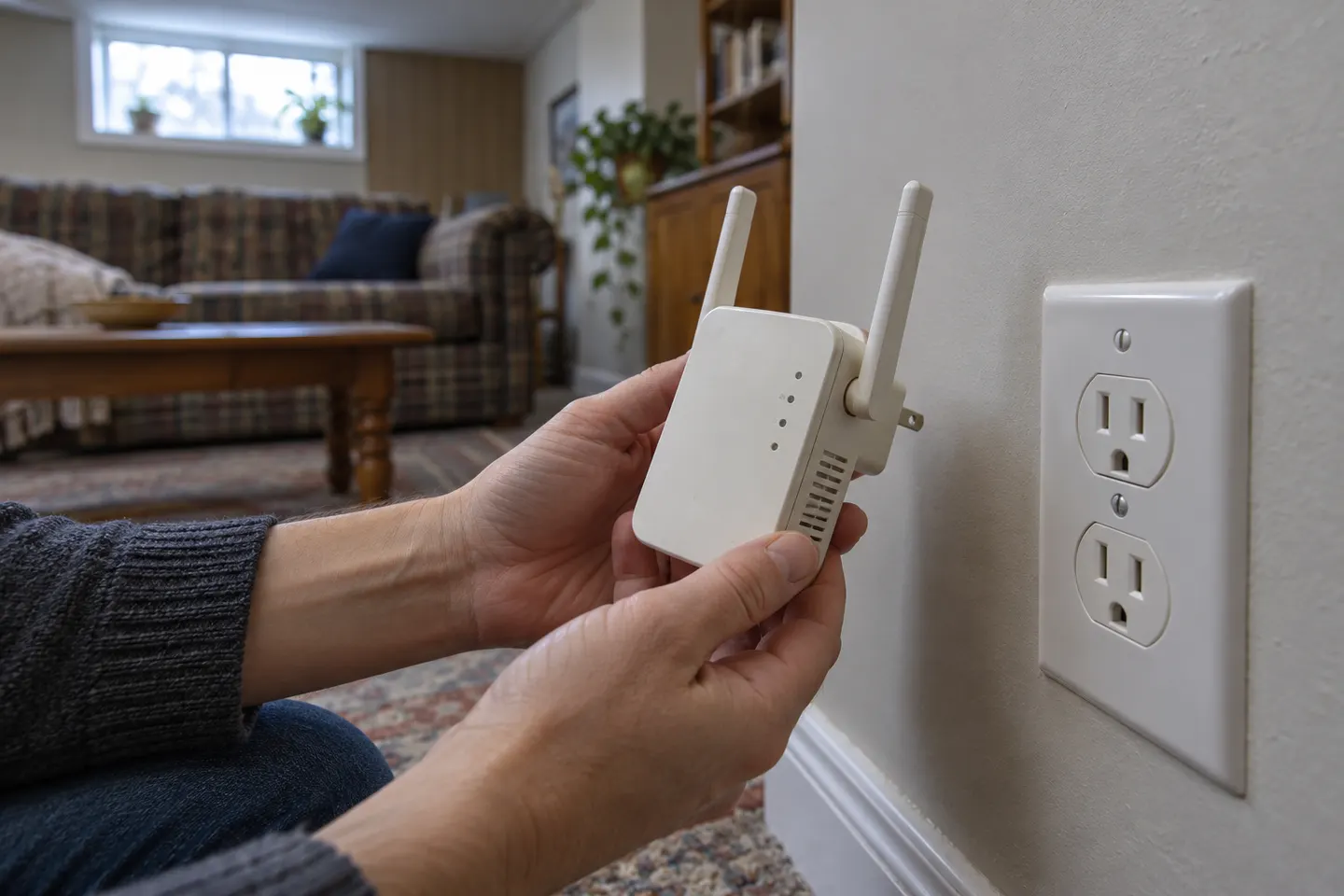
A conventional range extender joins the router’s Wi-Fi network through a wireless backhaul. It needs the network credentials and a signal it can reliably receive.
The extender sends Wi-Fi onward so devices farther away may connect from a stronger local signal. Some models use a shared radio; others have different band arrangements.
Putting an extender inside the dead zone leaves it with a poor source connection. Place it between the router and the area to cover, and use its signal indicator if available.
A booster does not upgrade broadband service. Wireless hops, interference and device capabilities can affect throughput and latency.
Some extenders support access-point mode and connect to the router by Ethernet. A wired link can be useful where cabling is practical.
Common questions
They connect to the router’s Wi-Fi and retransmit the network nearby. Setup may use WPS, an app or a browser page, depending on model.
Yes, it needs a connection to the router or network source. Some devices use Wi-Fi; access-point mode may use Ethernet.
Performance depends on extender design, backhaul and signal conditions. A shared wireless link can reduce throughput compared with a wired access point.
It can relay a local Wi-Fi network, but cannot create internet access if the router has no working internet connection.
Keep exploring

TP-Link’s Canadian range includes WiFi 7, WiFi 6 and older dual-band extenders. Match the model to your router, desired features and available placement.
The TP-Link RE705X is a strong feature-led starting point, with WiFi 6, AX3000 class and a Gigabit port. Consider NETGEAR EAX15 for mesh-style WiFi 6 or simpler plug-in models for a basic dead zone.

A WiFi extender can carry an existing router’s signal into a weak-coverage area. Start with compatibility and placement, then compare a standalone repeater with a provider mesh system.

NETGEAR’s Canadian range includes WiFi 6 mesh extenders and older AC models. Check each model’s port, generation and setup method before choosing.