








 Official manufacturer image
Our picks
Top picks
Official manufacturer image Official manufacturer image
TP-Link RE705X-Outdoor
Check price on Amazon AU Official manufacturer image
TP-Link TL-WPA8631P KIT
Check price on Amazon AUHow-to guides
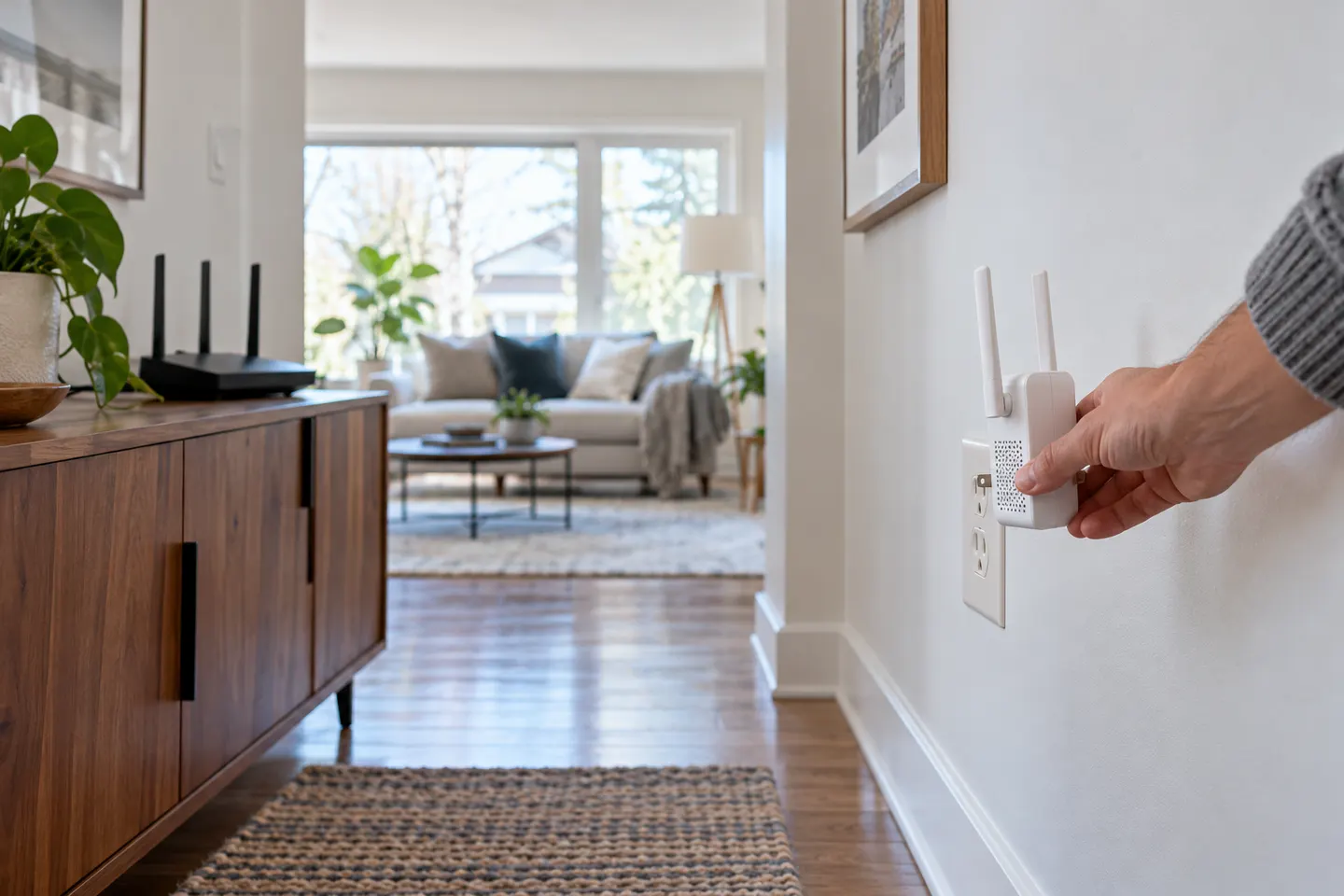 How to Install a WiFi Extender for Better Coverage
Common questions
Questions before you buy
How do I install a WiFi booster?
Plug it in near the router and pair it using the maker's app, WPS button or browser setup. Once connected, relocate it to a midway point with a reliable router signal and test the target room.
Where should I plug in a WiFi range extender?
Choose an outlet between the router and the area with weak coverage, not inside the dead zone. Use the model's signal indicator and avoid obstructions or enclosed spaces.
Can I install a WiFi booster without WPS?
Usually. Many models can be configured through a companion app or web browser; follow the instructions for your exact model and secure the network with your existing WiFi password.
Why is my WiFi extender not connecting?
Check that you selected the correct network and password, move the extender nearer to the router, then restart pairing. If it was previously configured, the manufacturer's reset procedure may be needed.