









 Official manufacturer image
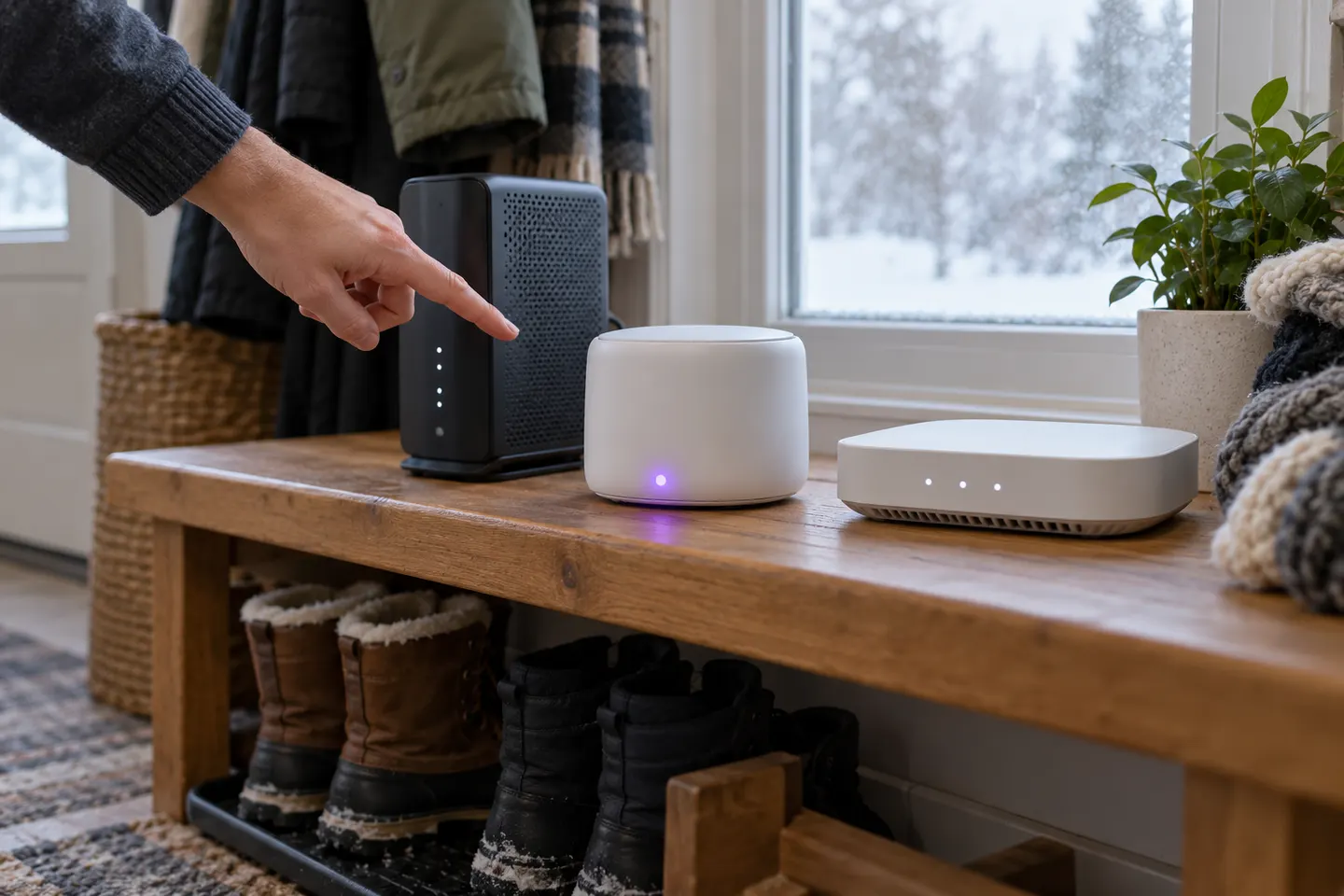
Our picks
Top picks
Official manufacturer image Official manufacturer image
NETGEAR EX6120
Check price on Amazon UK Official manufacturer image
TP-Link RE705X-Outdoor
Check price on Amazon UKSetup and help
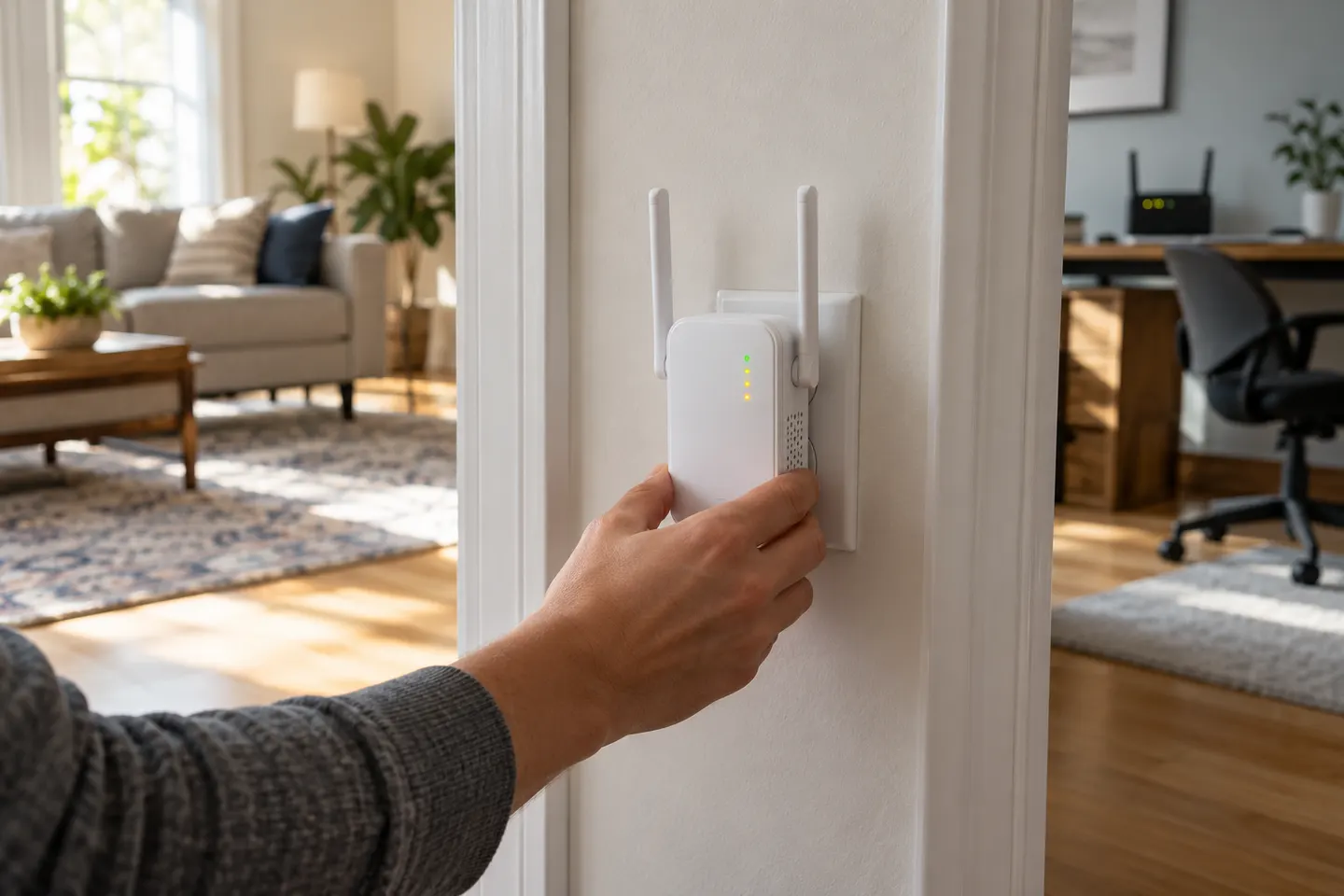 Ac750 install
How-to guides
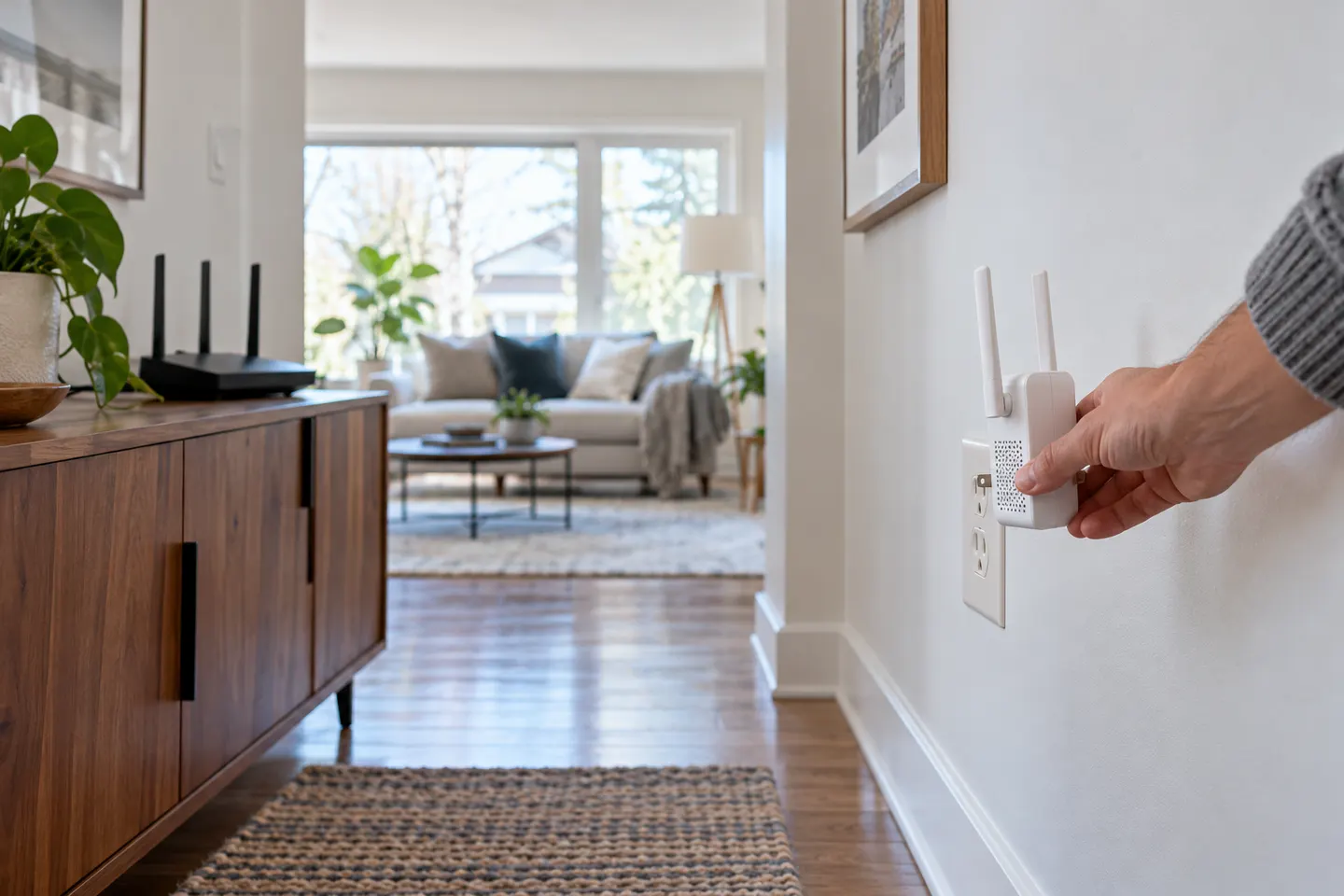 How to Install a WiFi Extender for Better Home…
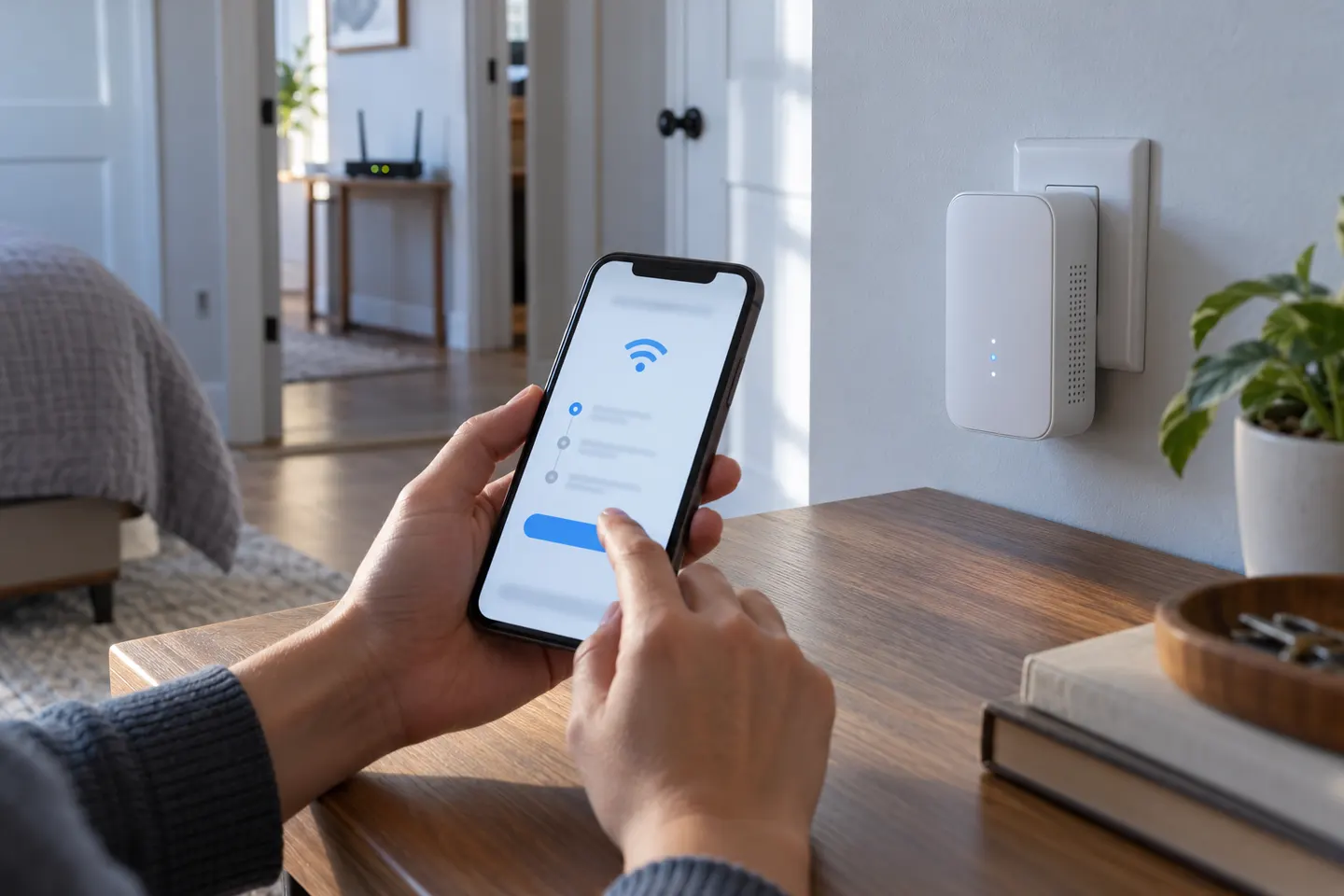 How to Install a TP-Link WiFi Extender and Connect…
Common questions
Questions before you buy
How do I install a WiFi range extender?
Plug it in near the router, connect it using the method in its manual, and complete the network prompts. Then move it to a halfway point where it still receives a reliable router signal.
Can I install a WiFi booster with WPS?
If both the router and booster support WPS, press the buttons in the sequence and time window specified by their manuals. Use app or browser setup if WPS is unavailable or fails.
Where should I install a WiFi range extender?
Choose a location between the router and the weak-coverage area, with a usable signal from the router. Avoid cupboards, large obstructions and locations next to interference sources.
Why does my WiFi booster install keep failing?
Check the selected router network and password, move the extender closer for pairing, and confirm its setup mode. Restarting or resetting should follow the manufacturer’s instructions for that model.