









 Official manufacturer image
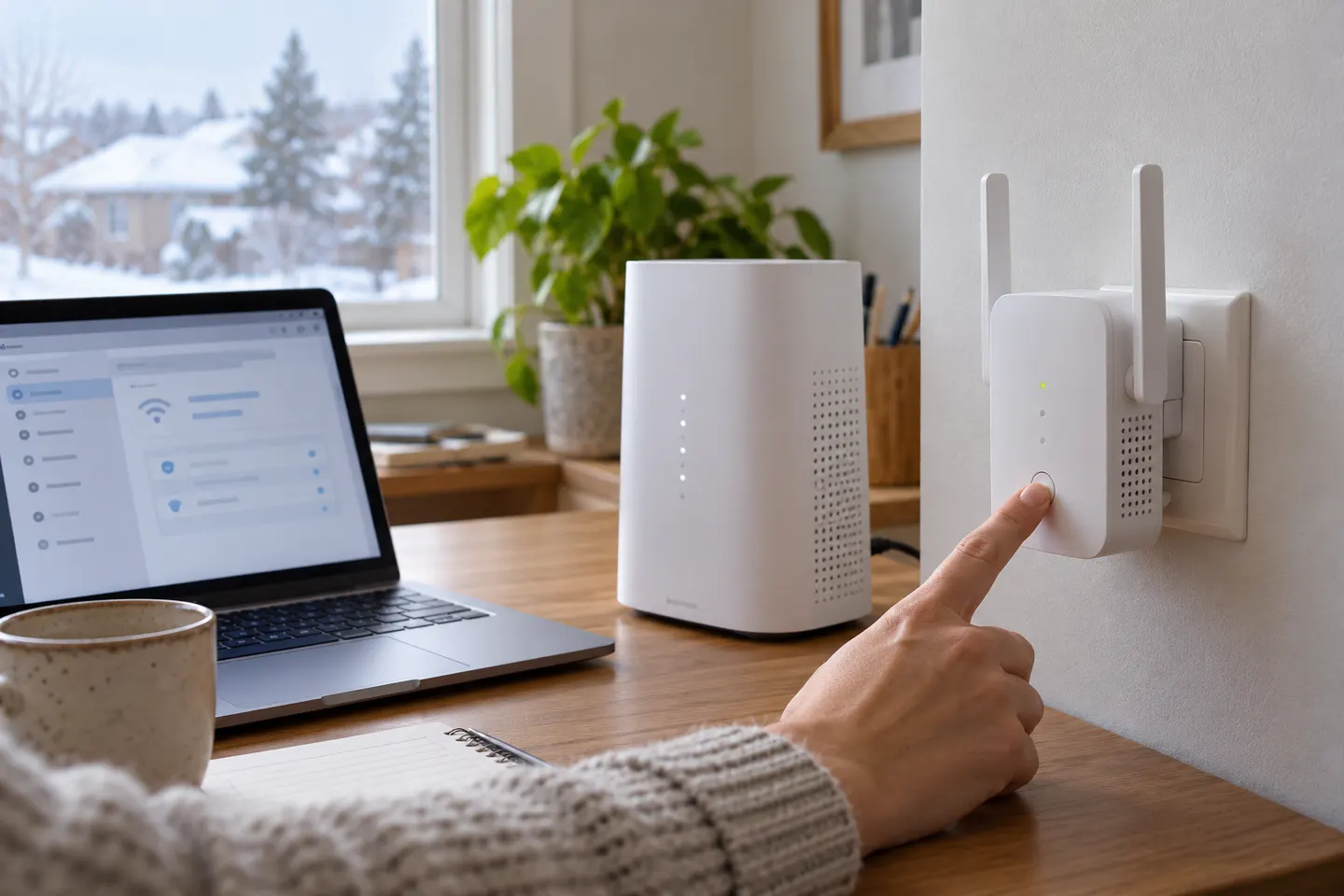
Our picks
Top picks
Official manufacturer image Official manufacturer image
NETGEAR EAX15
Check price on Amazon.ca Official manufacturer image
TP-Link RE605X
Check price on Amazon.caSetup and help
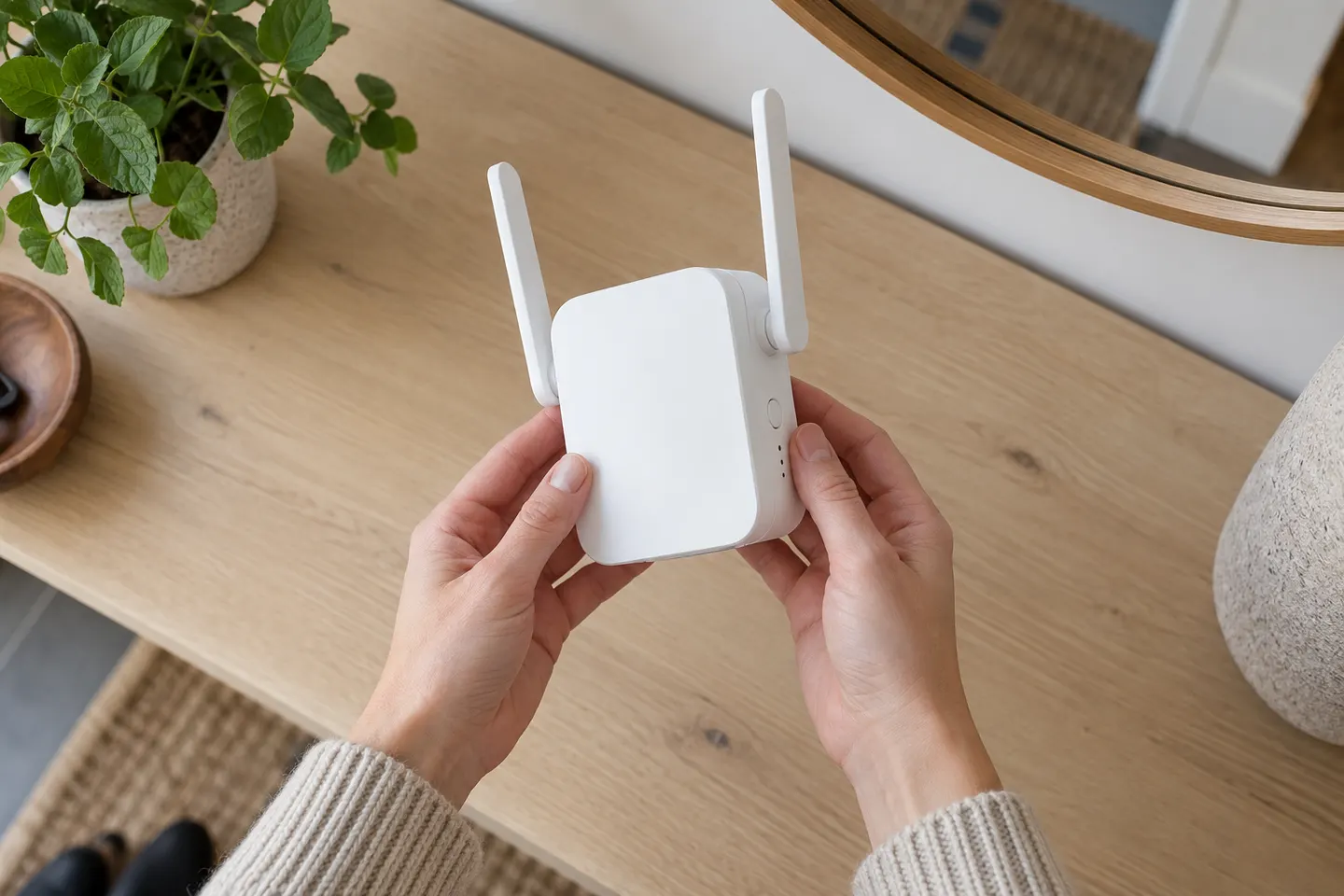 D link setup
 Setup
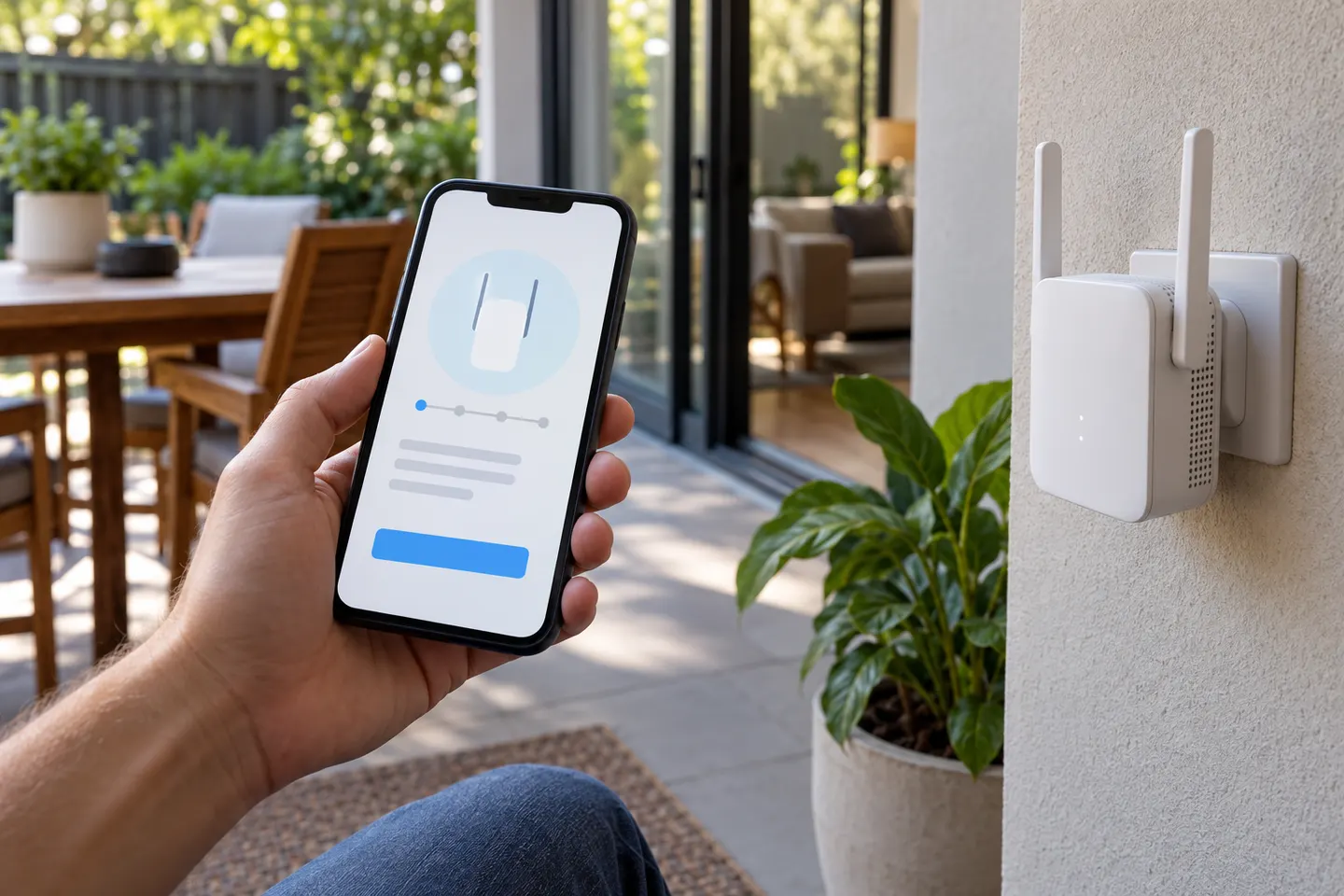 App
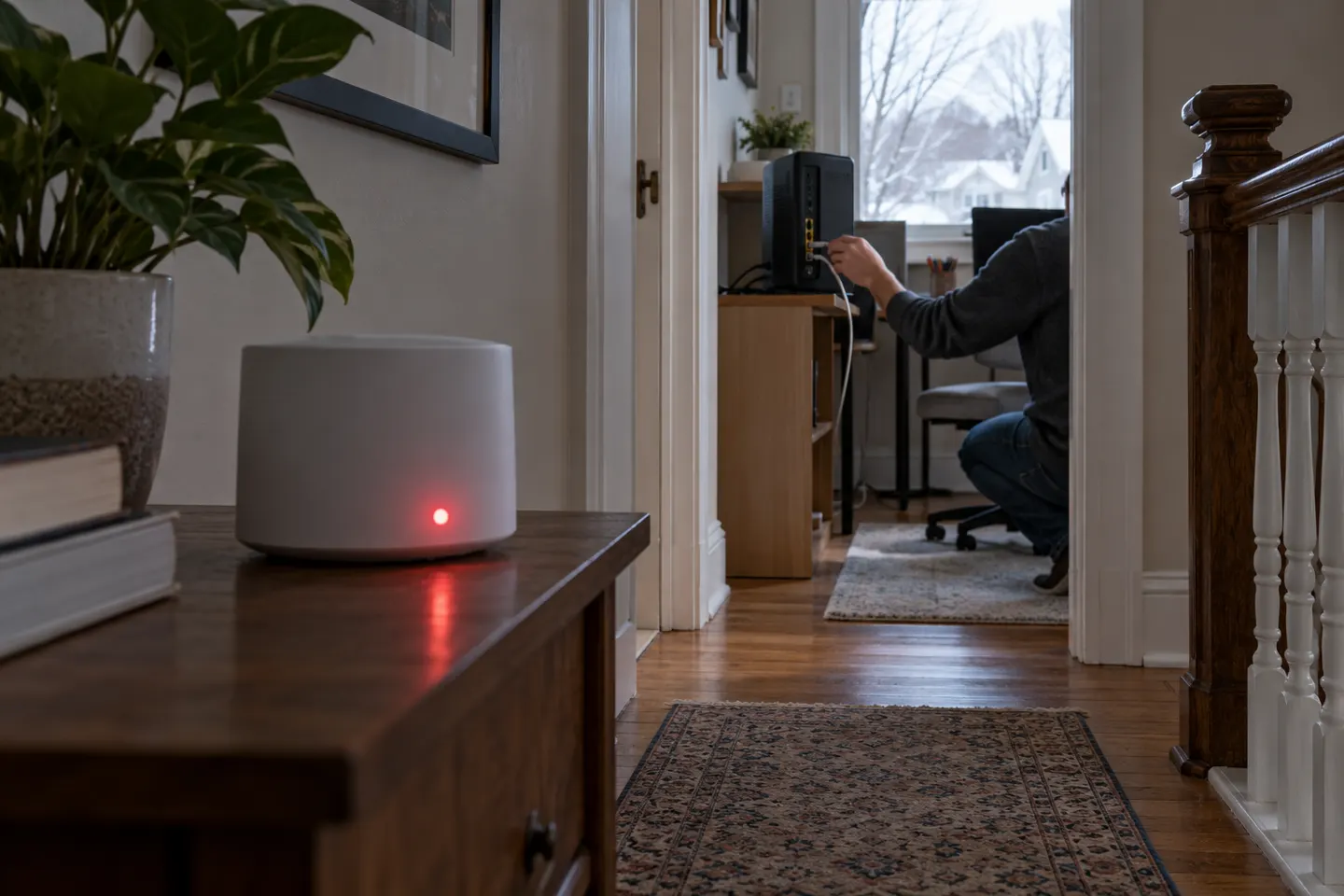 Telus red light
How-to guides
 How to Set Up a TP-Link WiFi Extender Step by Step
 How to Set Up a NETGEAR WiFi Extender
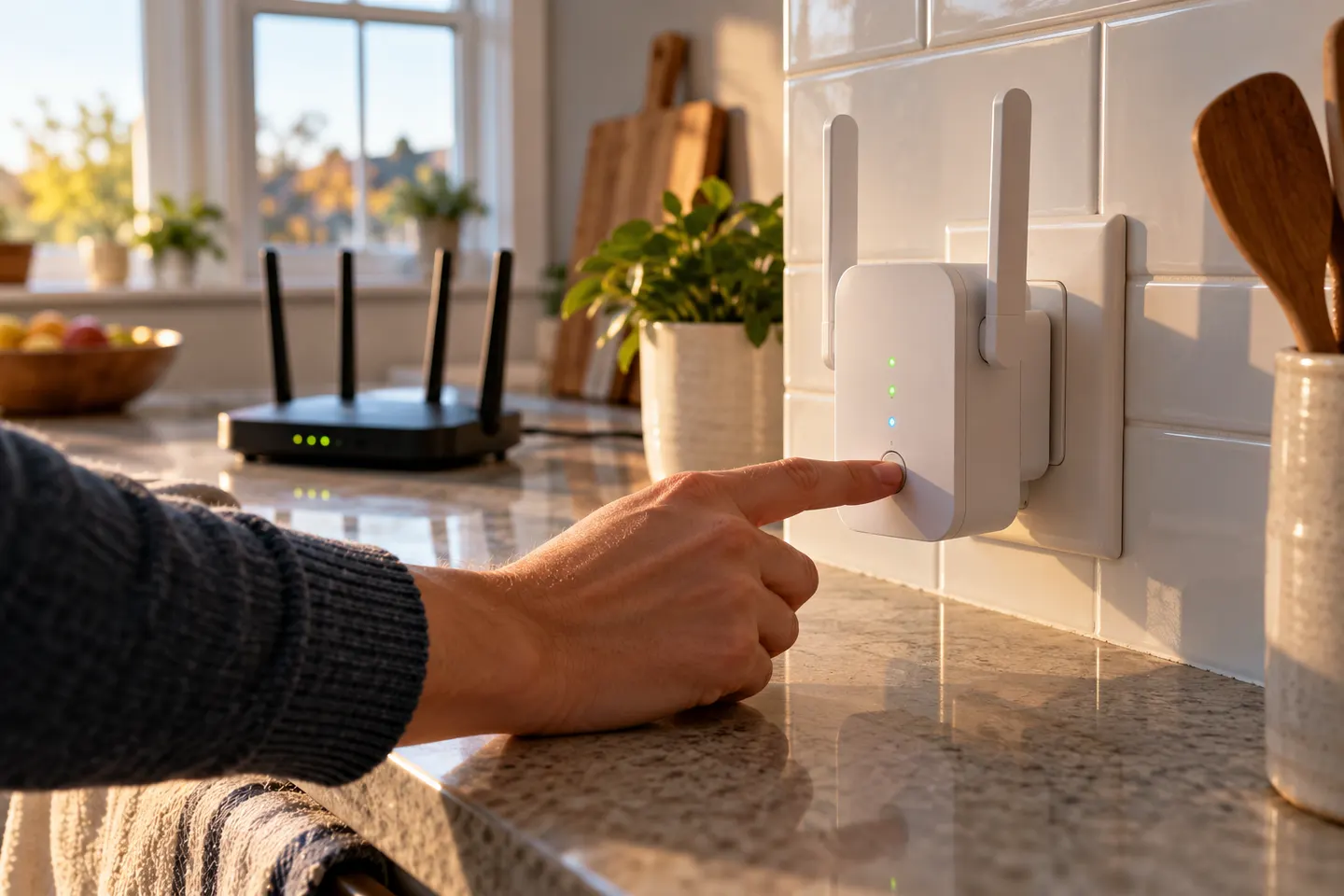 How to Set Up a WiFi Extender for Your Home
More topics
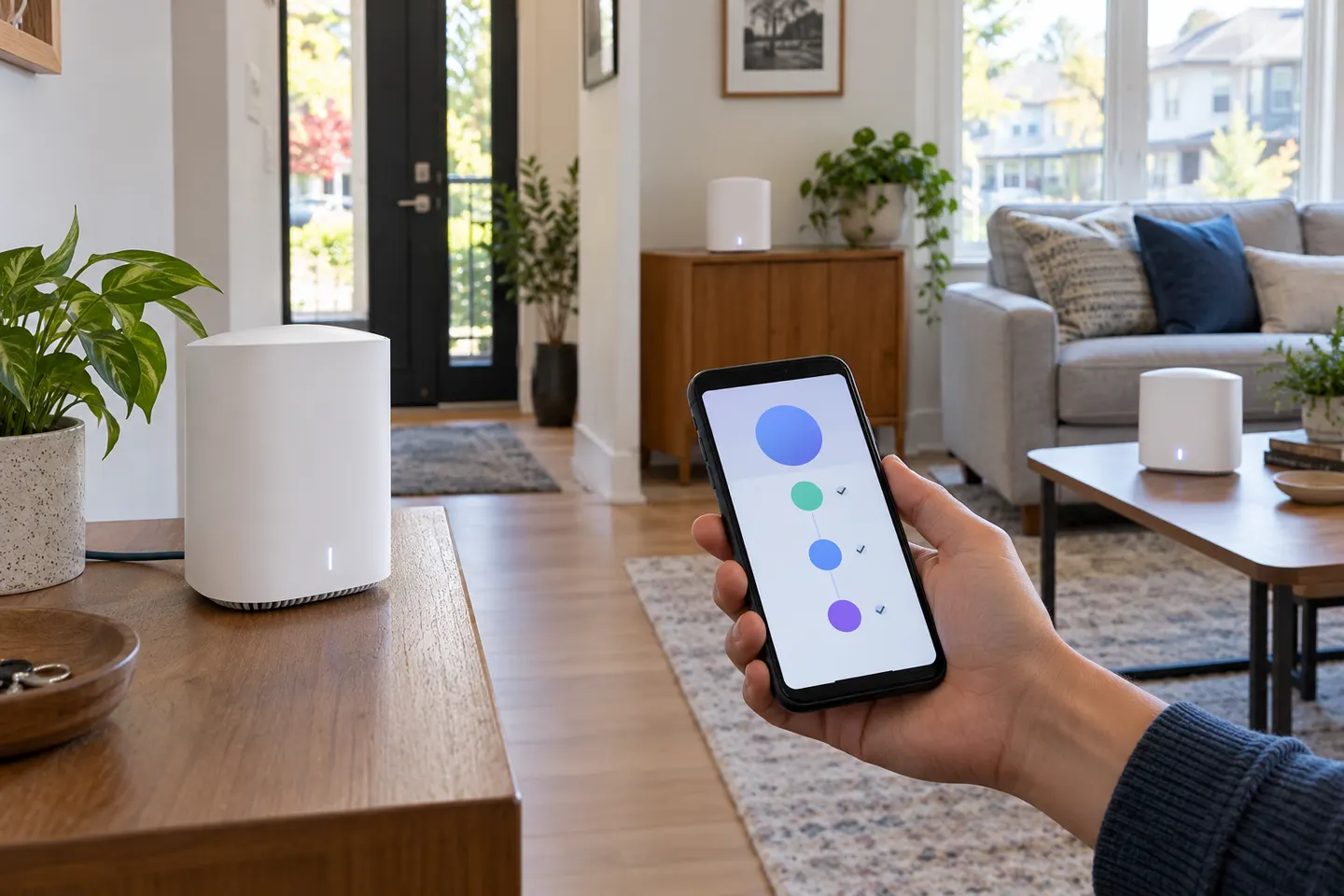 TELUS WiFi Boosters
Common questions
Questions before you buy
Can I set up a TELUS Wi-Fi booster without the app?
It depends on the device. Follow its model-specific setup guide; an app-managed onboarding flow cannot be replaced by generic extender steps.
Can I set up a Wi-Fi extender without WPS?
Some models offer browser setup or a manufacturer utility. Follow the manual for that exact model.
Can I use an AC1200 extender without an app?
AC1200 describes an advertised link-rate class, not setup support. Verify that model’s manual for web configuration.
Will a third-party extender work with TELUS Wi-Fi?
It may work with standard gateway Wi-Fi, but provider firmware, security and mesh features can affect compatibility.