Gearjury may earn a commission when you buy through a retailer link. This does not affect our editorial criteria.
Guide
What to Look for in a Dashcam Before You Buy
Look for dependable recording, the right camera coverage, manageable storage, safe power, and clear support. Ignore feature counts that do not improve the evidence you need.
GGearjury editorial team · Updated October 15, 2026· 7 min
01
Start with the views you actually need
Front-only cameras are easier to install. A rear channel adds evidence behind the vehicle, and a cabin view serves a different purpose for rideshare or fleet drivers. More channels increase cable routing, file volume, and power requirements.
02
Look beyond the resolution number
Review original sample clips in daylight and darkness when the manufacturer provides them. Exposure, processing, motion blur, lens angle, and compression influence useful detail; a large resolution claim cannot guarantee a readable plate.
03
Check storage and loop-recording behavior
Confirm approved memory-card type and capacity, expected file structure, event protection, and formatting instructions. High-endurance storage is commonly specified for continuous video, but follow the exact camera manual.
04
Match the power plan to parking use
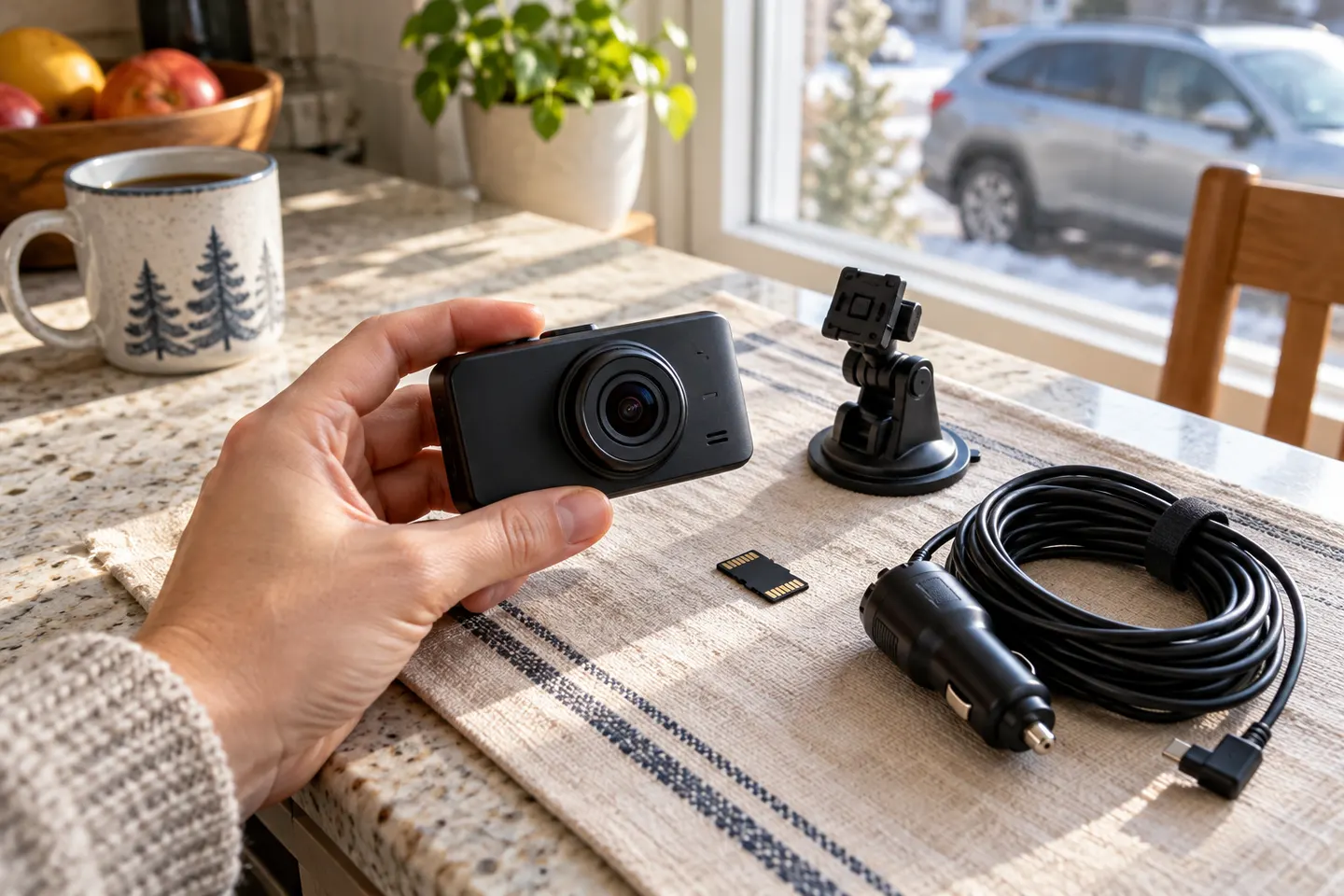
A plug-in adapter is simplest for driving. Parking recording usually needs a compatible hardwire kit or dedicated battery solution, with safeguards against excessive discharge. Do not improvise around vehicle fuses or high-voltage systems.
05
Inspect mounting and temperature limits
The camera should fit behind or near the mirror without blocking the driver's view or vehicle sensors. Compare the documented operating range with local cabin conditions, and check whether the mount remains secure while allowing card access.
06
Assess the app, privacy, and support life
An app should make clip access easier, not be the only way to retrieve evidence. Read its permissions, confirm whether cloud service is optional, and look for official firmware, manuals, replacement mounts, warranty coverage, and responsive support.
07
Review audio and legal settings before driving
Learn how to mute the microphone and confirm its status. Windshield-obstruction and recording-consent rules vary across states, while rideshare and workplace use may add notice or policy obligations.
Common questions
Questions before you buy
What features are most important in a dash cam?
Reliable loop recording, suitable camera coverage, usable footage, compatible storage, safe power, secure mounting, and manufacturer support come before optional extras.
How much resolution does a dash cam need?
There is no single number that guarantees evidence quality. Compare original footage and consider motion, lighting, exposure, and compression alongside resolution.
Should a dash cam have GPS?
GPS can add time and location context, but it also creates location data. Decide whether that context is useful and how the data will be stored or shared.
Is parking mode essential?
Only if you want recording while away from the vehicle and accept the installation and power demands. A suitable power cutoff is important.
Does a dash cam need a screen?
No. A screen helps alignment and playback, while a screenless camera can be smaller and less distracting if its app or status indicators are usable.
VIOFO A229 Pro 2CH is our broad recommendation for detailed front and rear coverage. Garmin Mini 3 favors discretion, while Garmin X310 is the sharper single-camera choice.
A front and rear dash cam records both directions and can provide context a single lens misses. Check the rear-camera cable route and simultaneous recording resolution before buying.
The A329S serves buyers seeking high-detail multichannel recording; A229 models cover more moderate dual-camera needs, while A119 Mini 2 is the compact front-only option.
Start with the coverage you need: front-only, front and rear, cabin or a wider multi-camera view. Then compare recording detail, storage and power requirements.
Your privacy
We use cookies and similar technologies. Necessary ones keep the site working. With your permission we also use statistics cookies (Google Analytics and Microsoft Clarity) to understand which guides help readers. You can accept all, reject all or choose. You can change your choice at any time from "Cookie settings" at the bottom of every page. Cookie policy