Independent buying guidance · US editionHow we work
Gearjury
All categories
All categories
Best picksGood Meat Thermometers for Every Kind of Cook
Best picksBest WiFi Extenders: Which Range Extender Should You Buy?
Best picksBest Dash Cams for Cars in 2026
Best picksBest Radar Detectors for Cars: Models Compared
Best picksGood Winter Gloves for Cold Weather: Five Useful Picks
Best picksBest Headlamps: Six Lights Compared for Different Uses
Best picksTop 10 Best Battery-Powered Weed Eaters for Different Yards
Best picksBest Portable Air Coolers for Patios, Workshops and Small Spaces (2026)
Best picksBest Air Purifier for Bedroom in the US: Quiet Models Compared
United StatesEnglish

Category hub

Radar Detector Covers: How to Choose the Right Fit

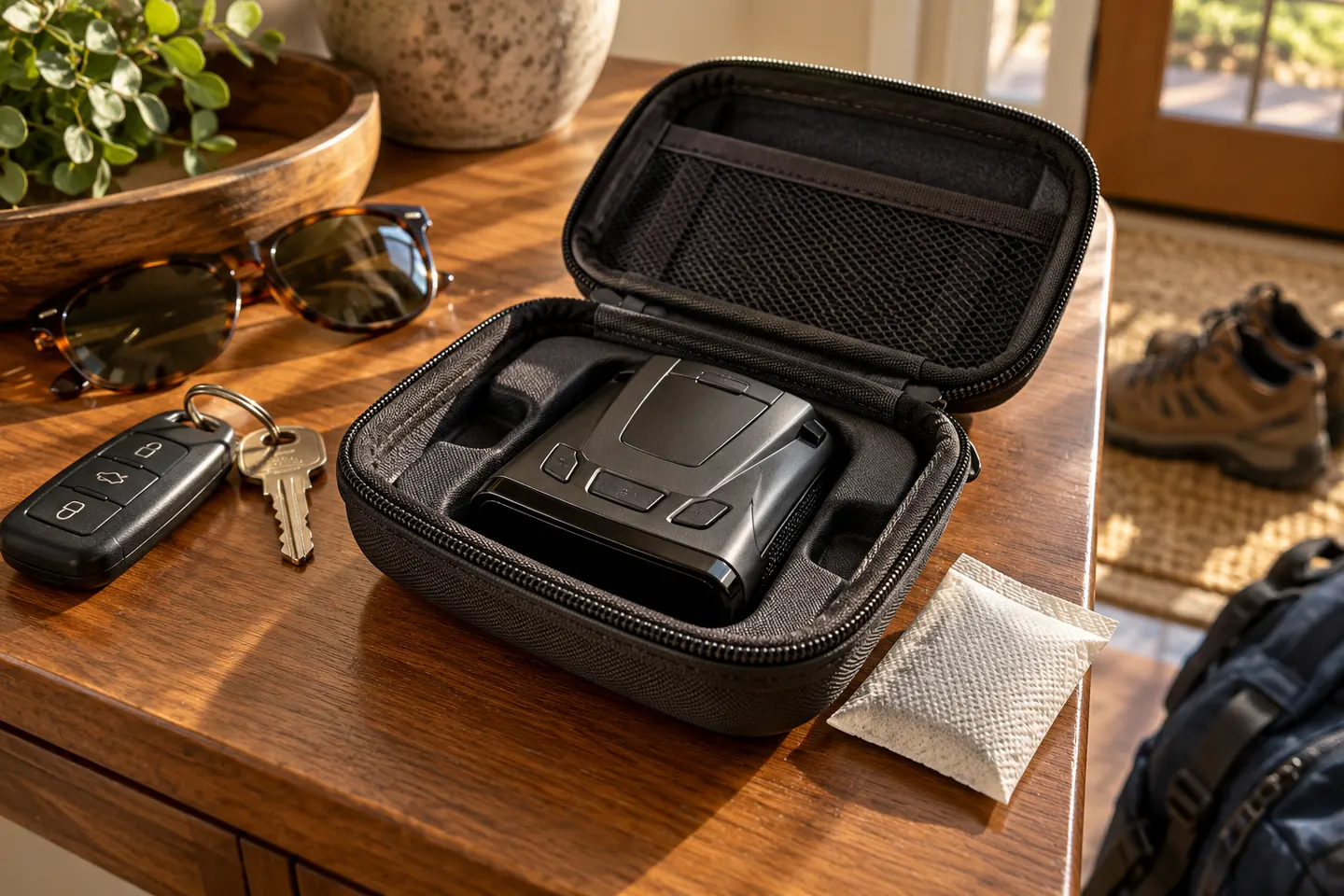
A useful cover should fit the exact detector and protect it during storage without pressing buttons or trapping moisture.

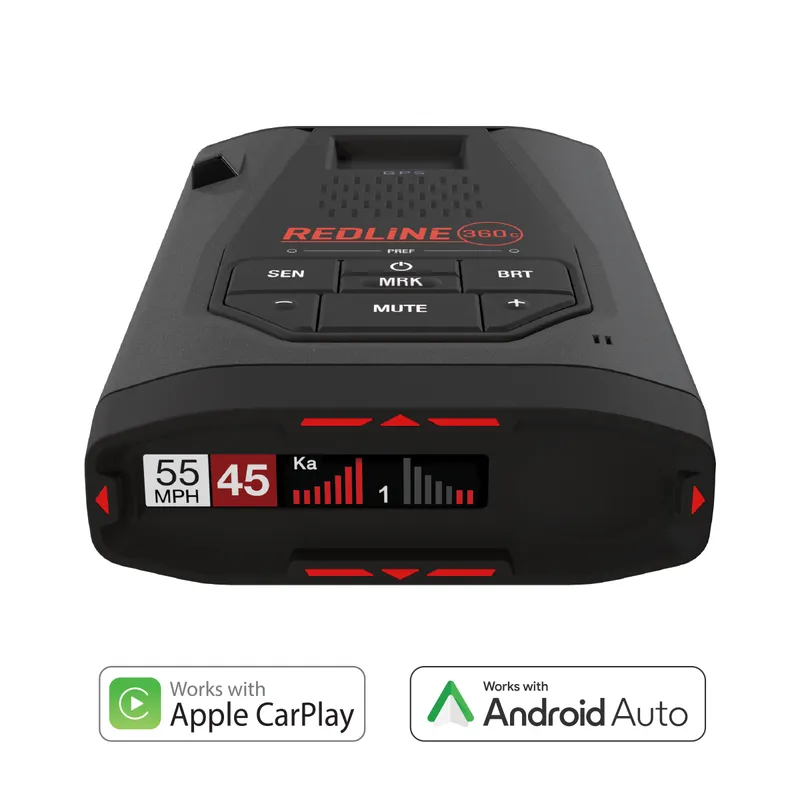
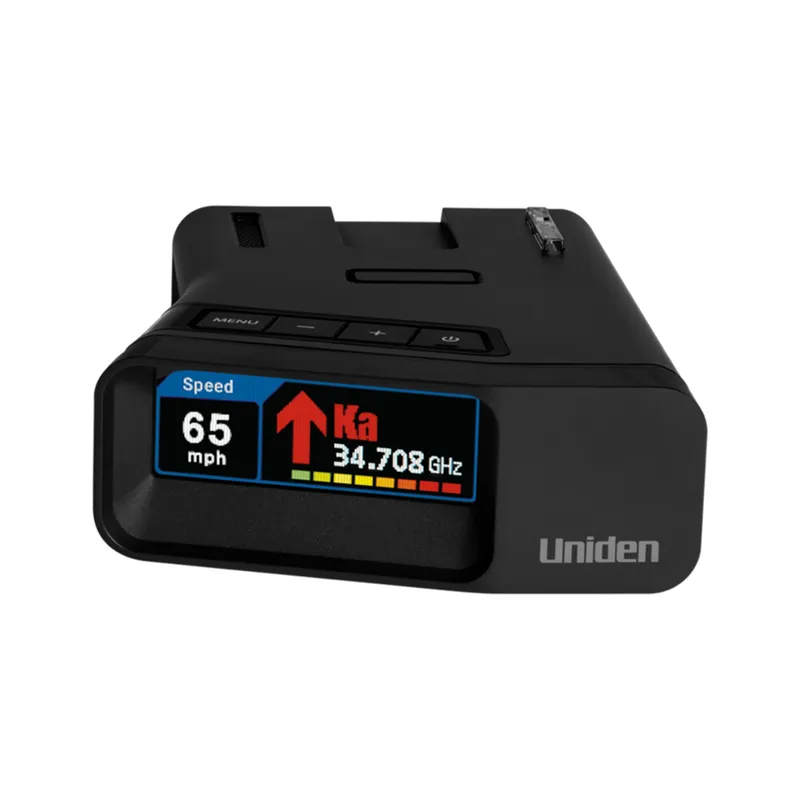
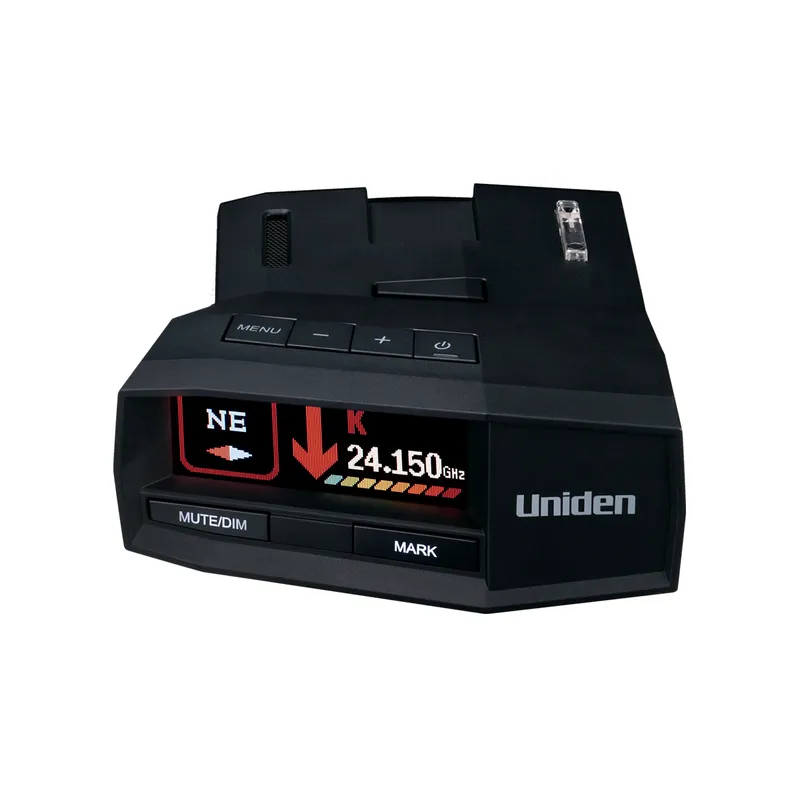
A radar detector cover can help protect a device from dust and scuffs when it is removed or stored. Fit matters: a loose sleeve may offer little protection, while a tight cover can press controls or strain the display. Match the cover to the detector model and check whether it is intended for storage or in-vehicle use. Use manufacturer dimensions as your starting point; consider cord and mount clearance and care instructions. Remove the cover before operating the unit unless its maker explicitly permits use while covered.

Radar Detector Covers: How to Choose the Right Fit

Common questions

Questions before you buy

Do radar detector covers fit every model?

No. Shapes, dimensions, controls and mounts differ. Check the cover against the exact detector model.

Can you drive with a radar detector cover on?

Only if the cover maker explicitly designs it for operation and the detector manual permits it. A storage sleeve may block the antenna, display or controls.

Should a radar detector cover be padded?

Padding can help against knocks during storage, but it does not replace a rigid case for heavy impact.

How should I store a radar detector?

Follow the maker’s temperature and care instructions. Keep the device dry and avoid pressure on the display.