









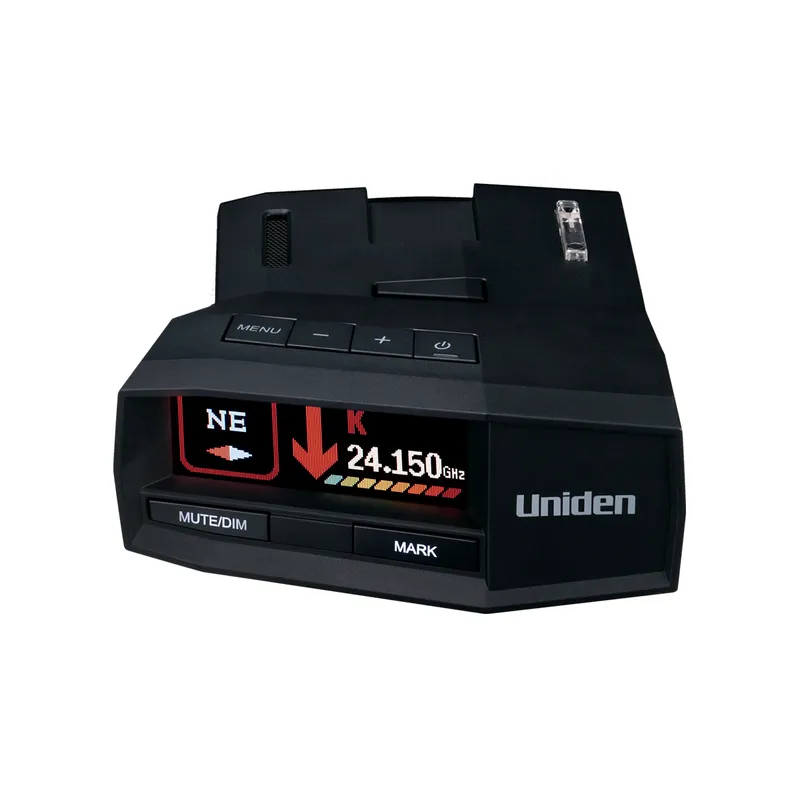
 Official manufacturer image
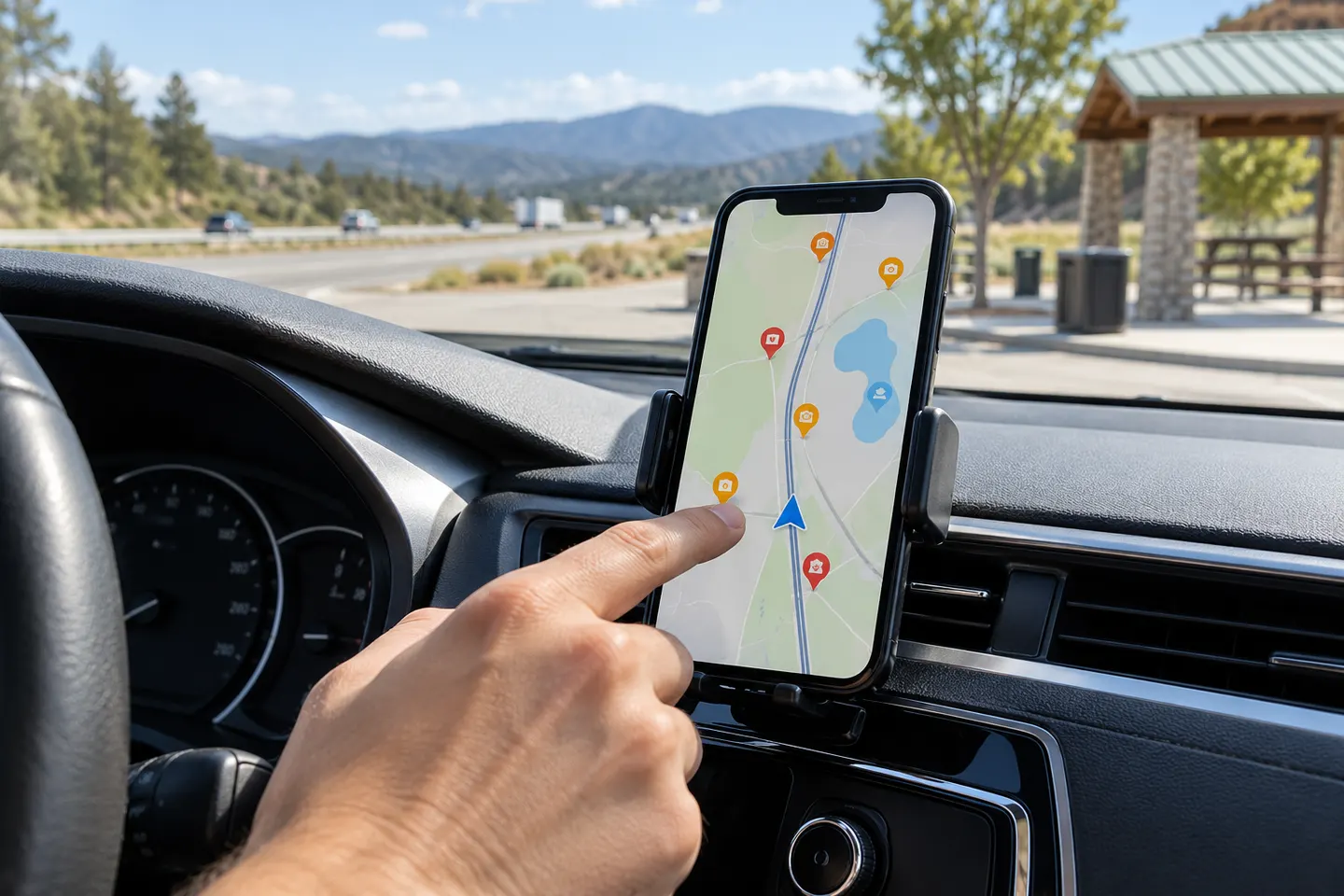
Our picks
Top picks
Official manufacturer image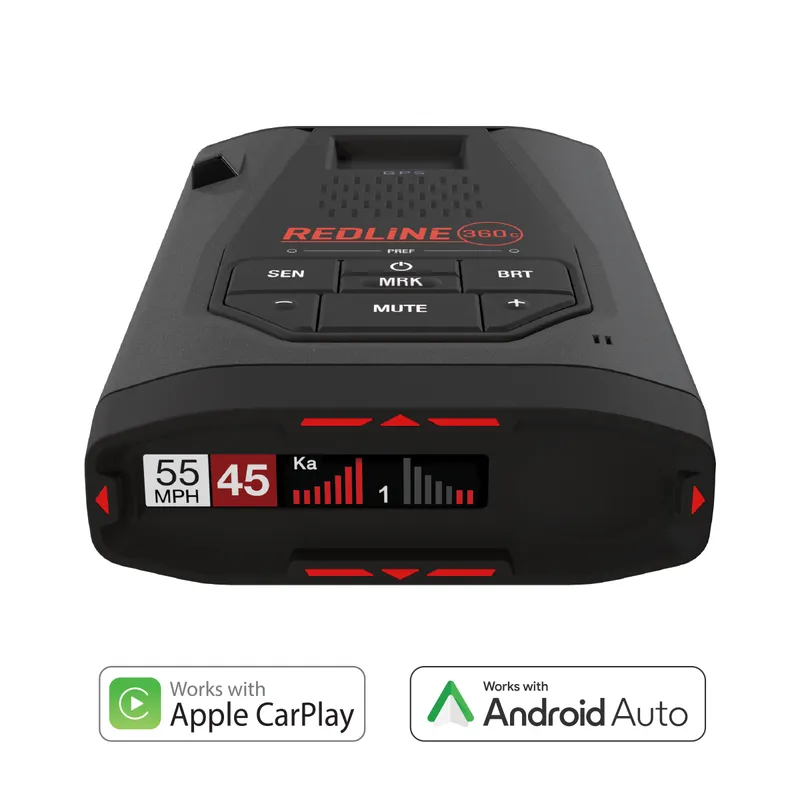 Official manufacturer image
Escort Redline 360c
Check price on Amazon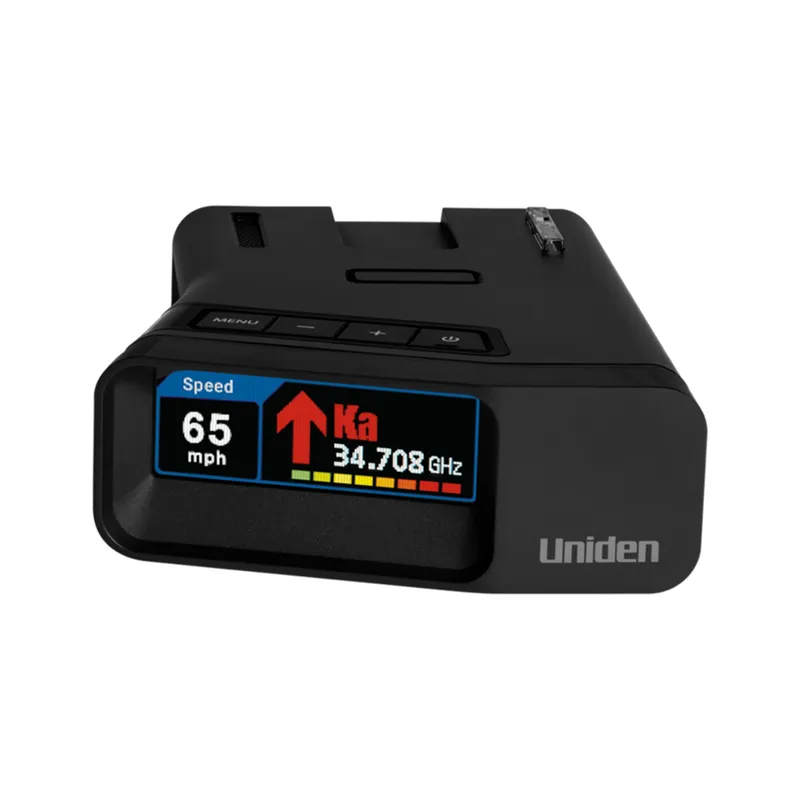 Official manufacturer image
Uniden R7
Check price on AmazonBy type
 Free app
More topics
 Police Radar Detector Apps
Common questions
Questions before you buy
Can a free app detect police radar by itself?
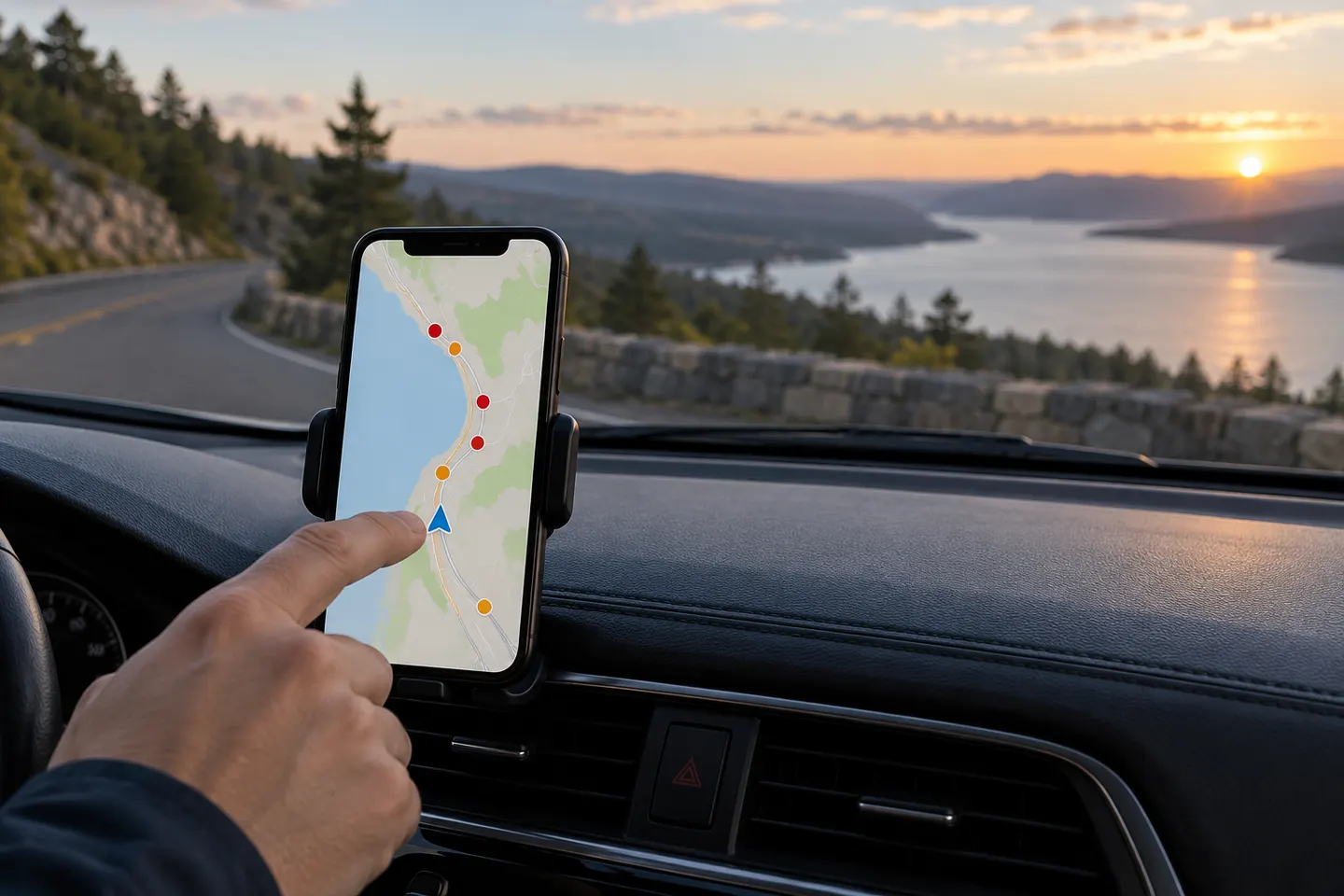
A phone app alone generally cannot receive the radio signals a dedicated radar detector is designed to detect. Some apps display reports shared by other drivers, which are community information rather than direct radar sensing.
Do radar detector apps require a detector?
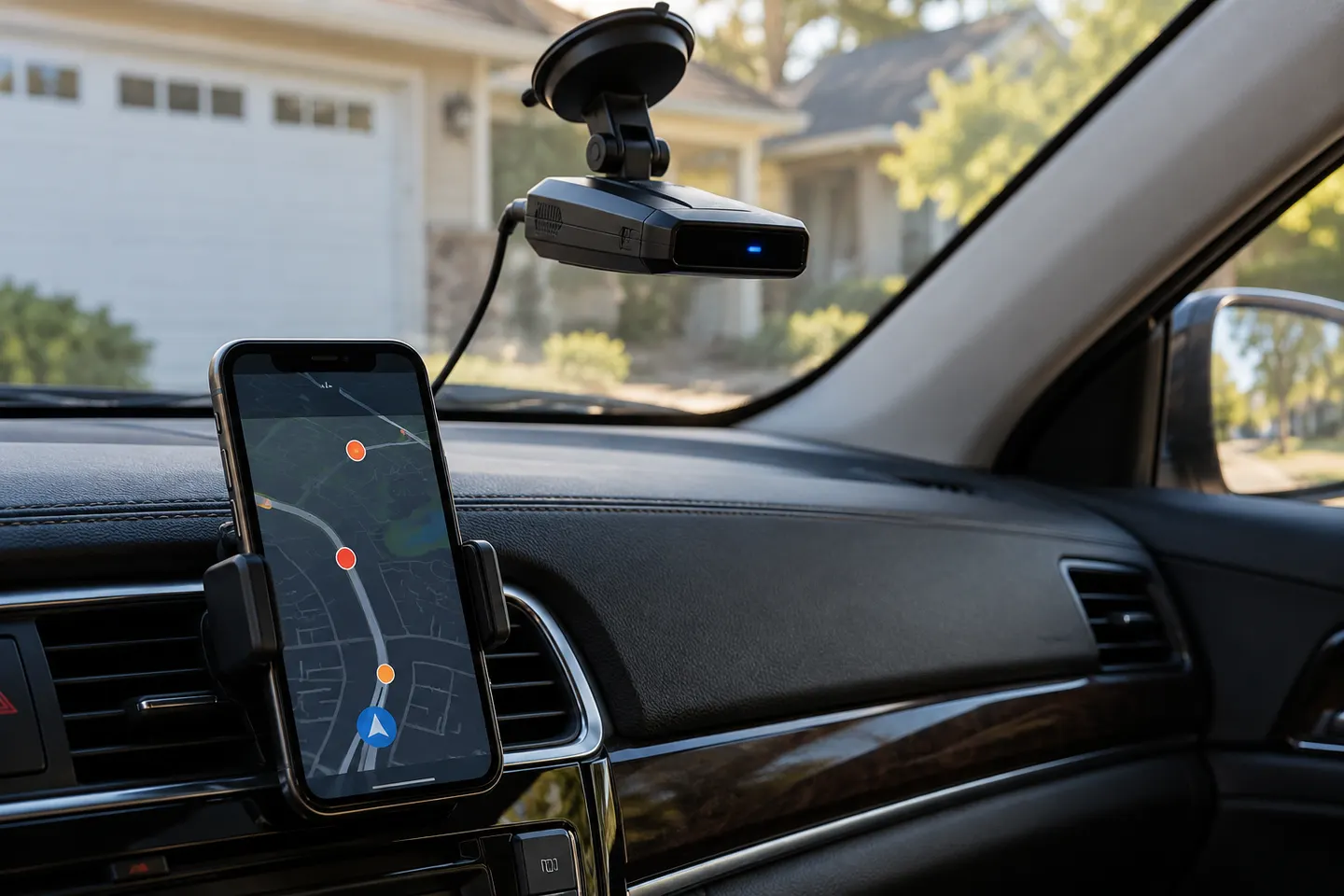
It depends on the app. Community-reporting apps may work on a phone alone, while a manufacturer's app may require a compatible detector and a Bluetooth connection.
Are free radar detector apps accurate?
Coverage and freshness vary with location and user activity. Treat community reports as an additional source of information, not as a guarantee that a hazard or enforcement activity is present or absent.
What should I check before installing one?
Review the publisher, supported operating systems, permissions, privacy details and recent update notes. If pairing hardware, confirm the exact detector model is listed as compatible.