Read the band label first
A display marked X, K or Ka identifies the frequency band the unit says it has detected. Bands and available settings vary by model and region, so use the manufacturer's manual for the exact meaning of the label.

 Best picksGood Meat Thermometers for Every Kind of Cook
 Best picksBest WiFi Extenders: Which Range Extender Should You Buy?
 Best picksBest Dash Cams for Cars in 2026
 Best picksBest Radar Detectors for Cars: Models Compared
 Best picksGood Winter Gloves for Cold Weather: Five Useful Picks
 Best picksBest Headlamps: Six Lights Compared for Different Uses
 Best picksTop 10 Best Battery-Powered Weed Eaters for Different Yards
 Best picksBest Portable Air Coolers for Patios, Workshops and Small Spaces (2026)
 Best picksBest Air Purifier for Bedroom in the US: Quiet Models Compared
Gearjury may earn a commission from qualifying purchases made through retailer links.
Guide
Start with the band label, then use signal strength, direction arrows and the model's manual to interpret what the detector is reporting. An alert is an indication of a detected signal, not proof of a speed trap.
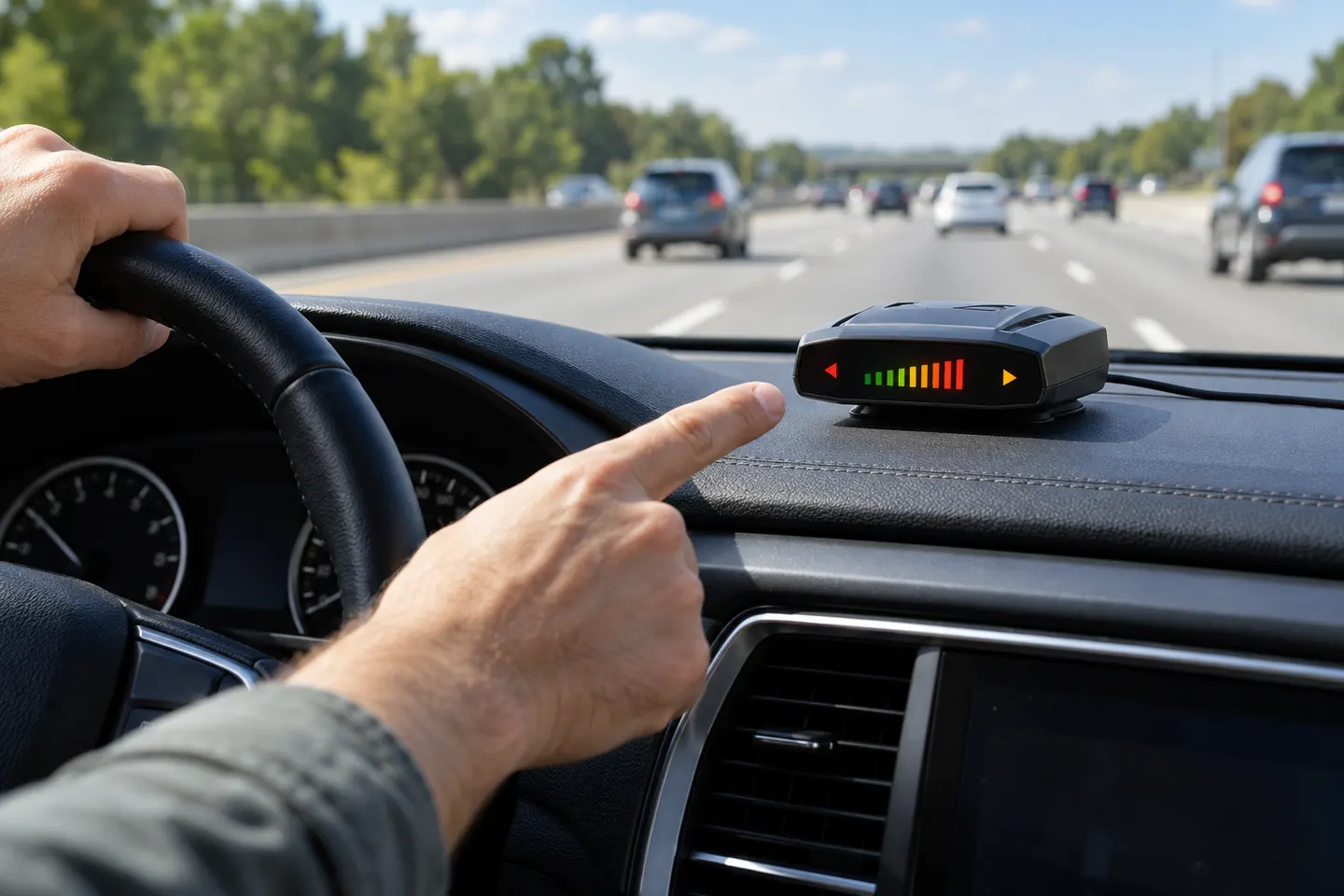
A display marked X, K or Ka identifies the frequency band the unit says it has detected. Bands and available settings vary by model and region, so use the manufacturer's manual for the exact meaning of the label.
Many detectors show strength with bars, tones or a changing number. A stronger indication generally means a stronger received signal at that moment; it does not reliably tell you the distance to a source or whether it is enforcement equipment.
Directional arrows on some models indicate the direction associated with a detected signal. If several signals appear, the unit may prioritize or cycle between them. Check the manual to learn how your particular display presents direction and priority.
A band or frequency readout can help distinguish signals, while GPS lockouts or filtering may suppress familiar alerts on supported models. Do not change settings while driving; review the menus while parked and keep the manual available.
False alerts can come from vehicle safety systems, automatic doors and other radio sources. A detector cannot establish that a signal is police radar, replace attention to the road, or justify speeding. Obey posted limits and drive safely.
Common questions
They are labels for radar frequency bands the detector can monitor. The exact frequency coverage and relevance vary by detector and location; consult its manual.
Bars usually represent received signal strength, not a dependable distance measurement. Terrain, vehicle position, antenna direction and the signal source can all affect the display.
On models with directional antennas, arrows indicate the direction associated with a detected signal. Refer to the manual for how the device defines front, side and rear indications.
The unit may be receiving a non-enforcement signal, including some vehicle safety sensors or automatic door systems. The detector identifies radio energy within its monitored bands; it does not identify every source with certainty.
Keep exploring
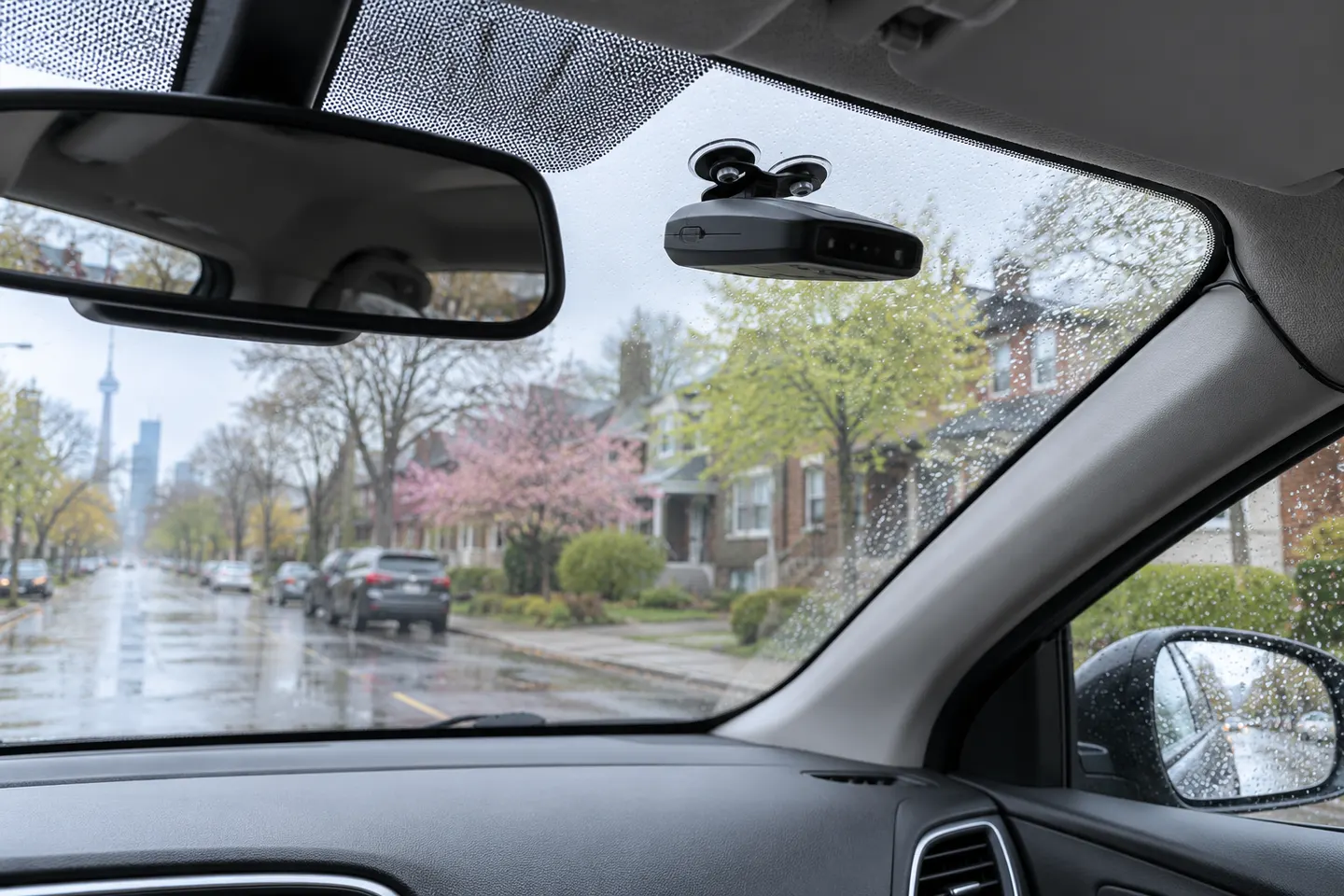
A radar detector can alert you to certain active radar signals, but capabilities and local rules vary. Start with the detector type, mounting and features you will actually use.
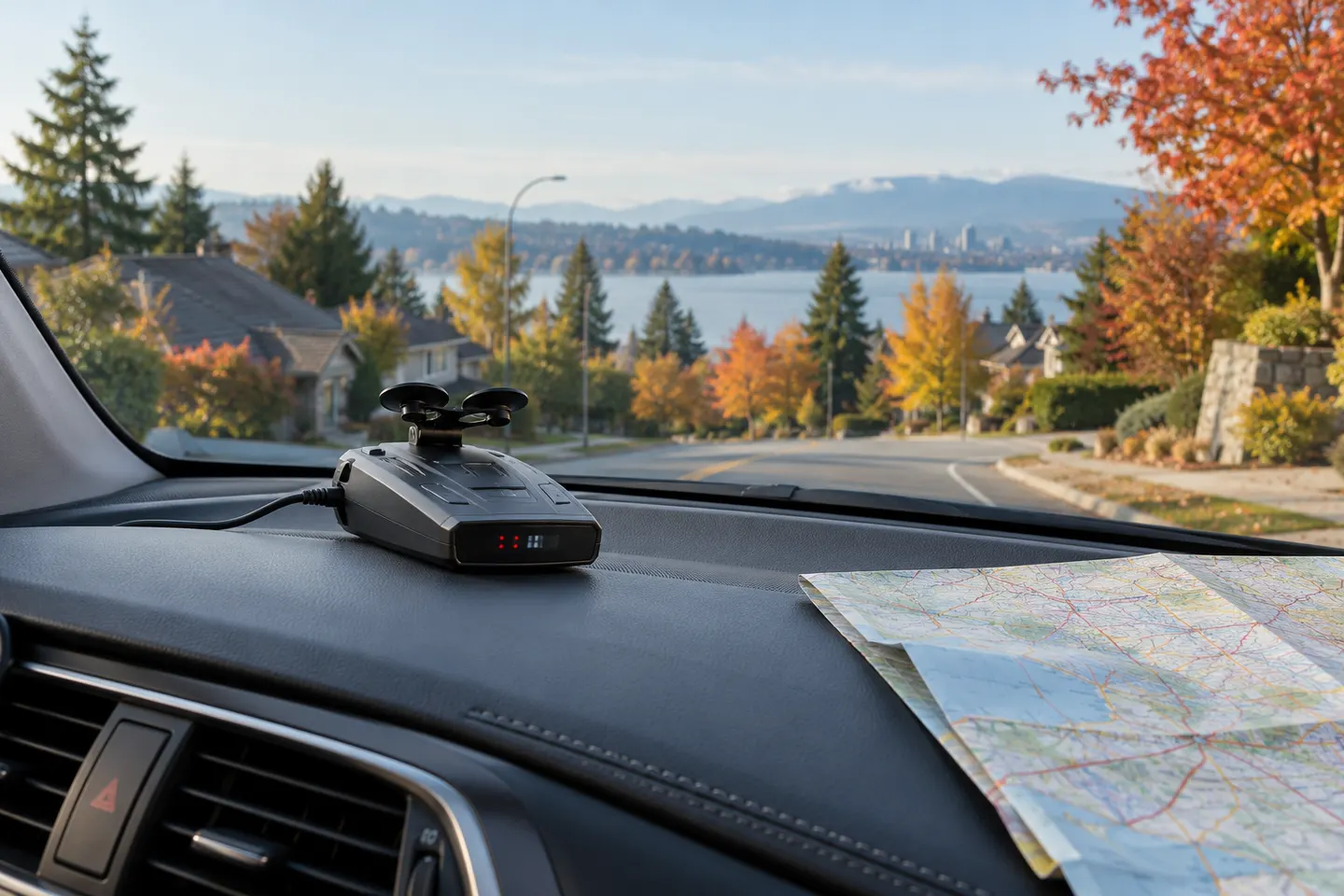
The Uniden R8 pairs dual low-noise amplifiers with front and rear directional awareness. Compare it with the R7 and R4 by the features documented for each model.
For a feature-rich directional unit, compare the Uniden R8 and Escort Redline 360c first. The R7, Cobra RAD 700i and Valentine One V1 Gen2 offer different alert and setup approaches.
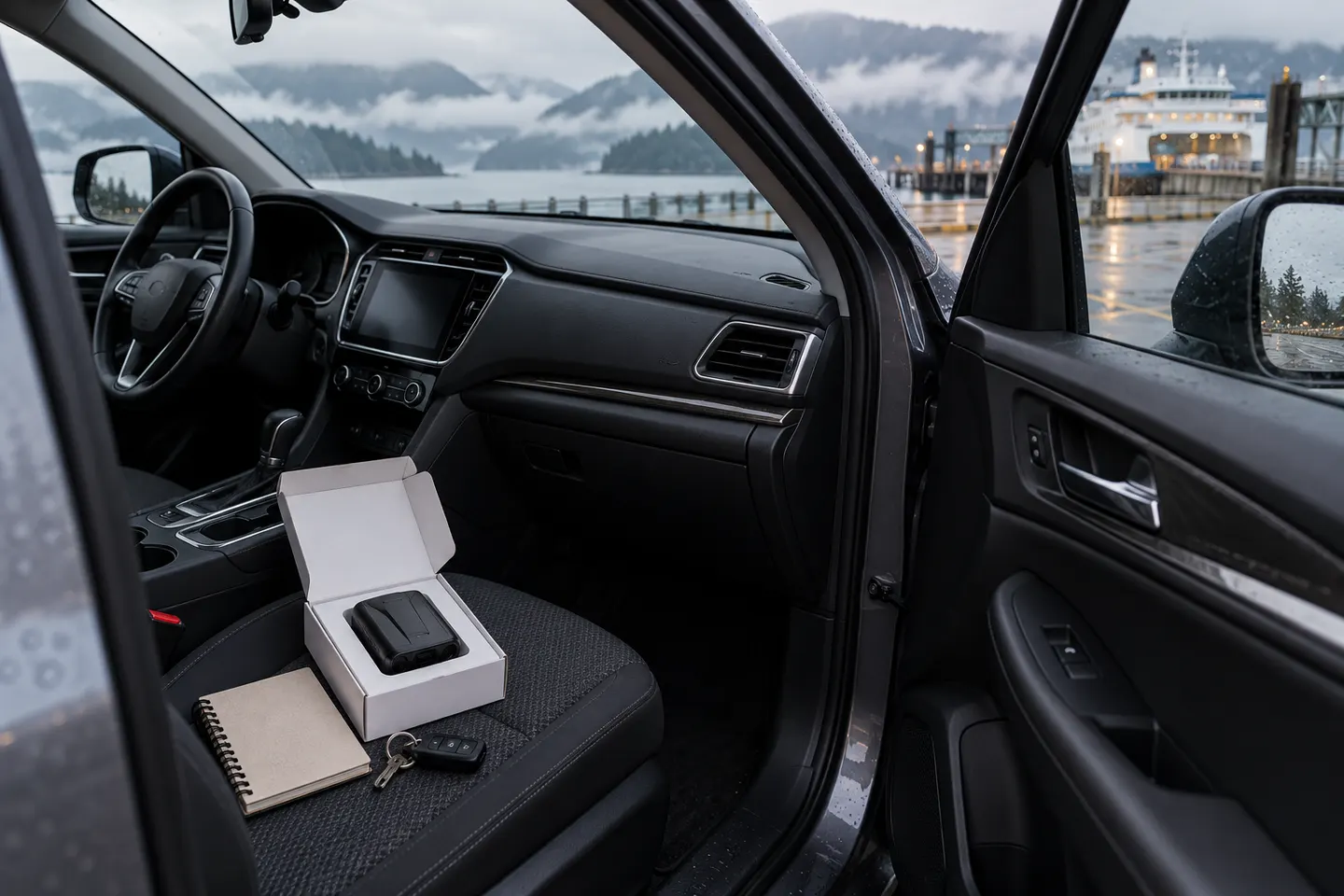
Escort’s Redline 360c lists a three-antenna design, while the MAX 360c MKII uses a dual-antenna platform. Compare the published features and check the exact generation before buying.