Independent buying guidance · US editionHow we work
Gearjury
All categories
All categories
Best picksGood Meat Thermometers for Every Kind of Cook
Best picksBest WiFi Extenders: Which Range Extender Should You Buy?
Best picksBest Dash Cams for Cars in 2026
Best picksBest Radar Detectors for Cars: Models Compared
Best picksGood Winter Gloves for Cold Weather: Five Useful Picks
Best picksBest Headlamps: Six Lights Compared for Different Uses
Best picksTop 10 Best Battery-Powered Weed Eaters for Different Yards
Best picksBest Portable Air Coolers for Patios, Workshops and Small Spaces (2026)
Best picksBest Air Purifier for Bedroom in the US: Quiet Models Compared
United StatesEnglish

Gearjury may earn a commission from qualifying purchases made through retailer links.

Best picks

What Is the Best WiFi Booster for Your Home?

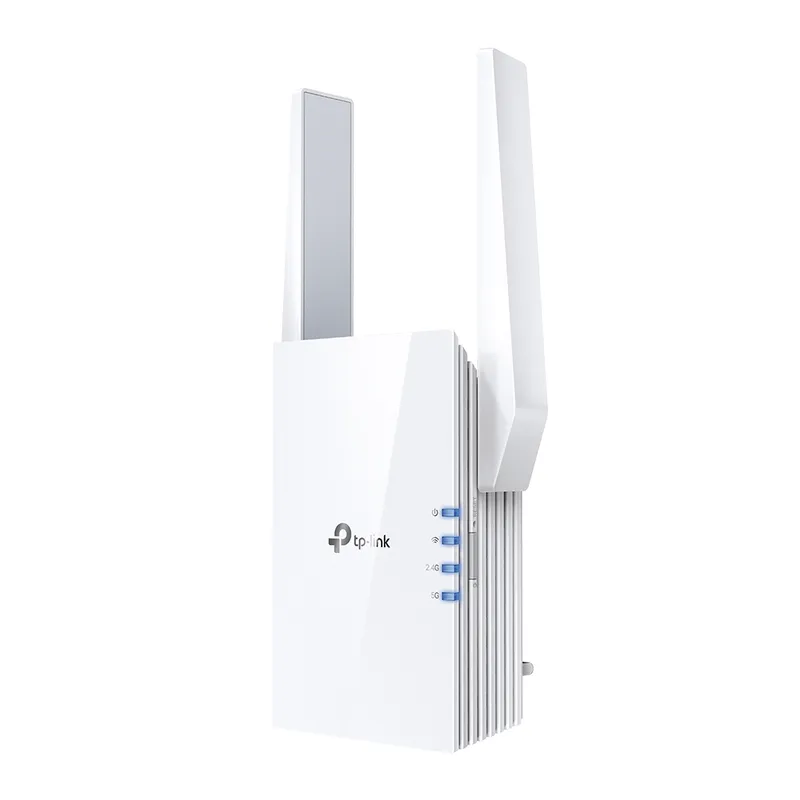
For most homes, start with the TP-Link RE715X if you want Wi-Fi 6 and dual-band support. The NETGEAR EAX80 suits a desktop setup, while simpler dual-band models can help with a single dead zone.

Quick answer

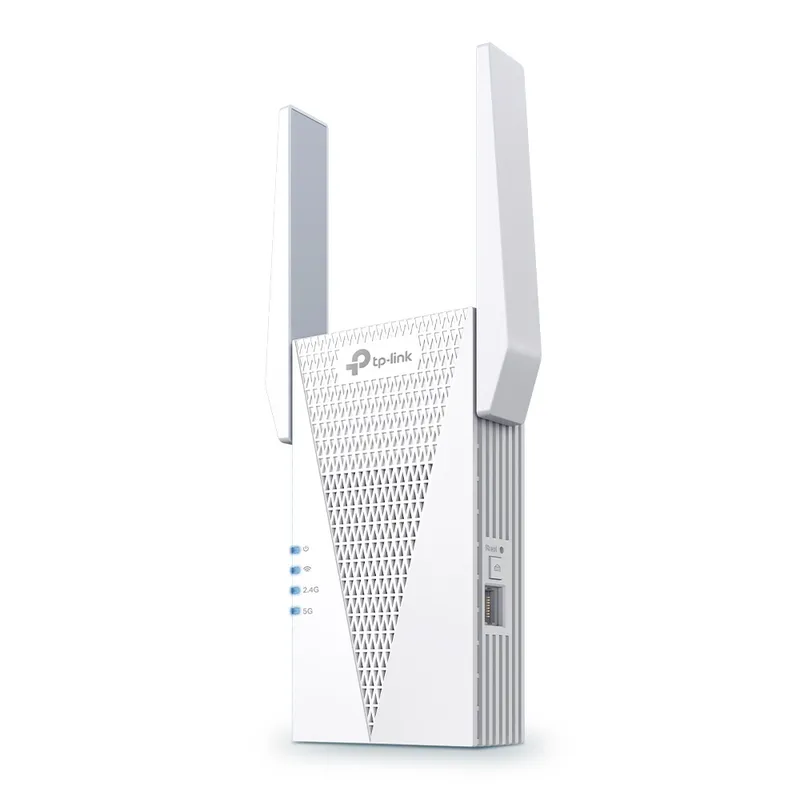
The TP-Link RE715X is our leading all-round home option, with Wi-Fi 6 and dual-band operation. Consider the NETGEAR EAX80 for a desktop extender, TP-Link RE550 for a gigabit Ethernet port, or NETGEAR EAX20 for a Wi-Fi 6 desktop alternative.

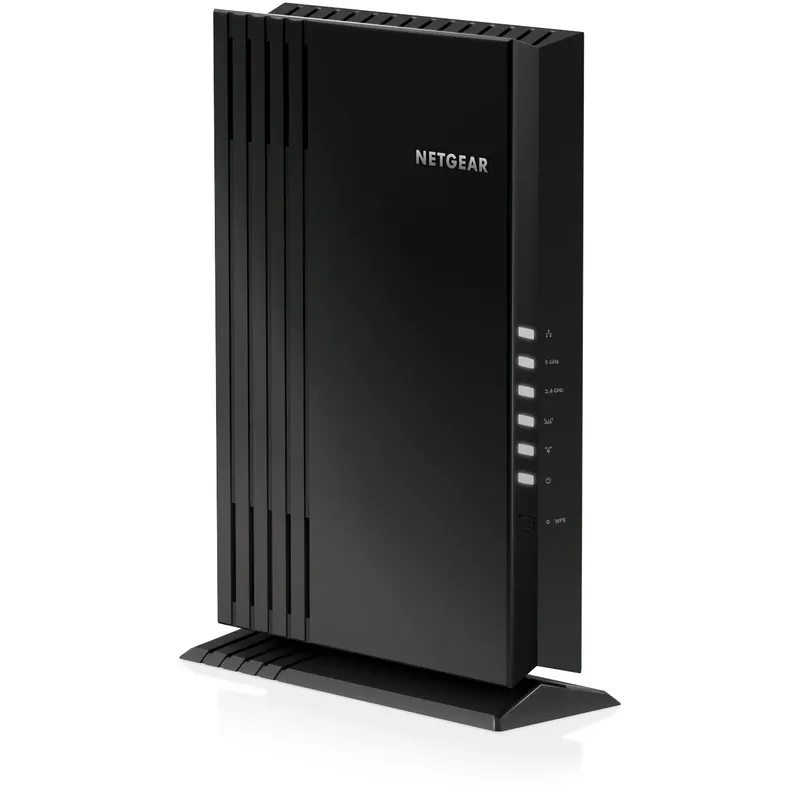
02NETGEAR EAX80Official manufacturer image

Best for a desktop Wi-Fi 6 setup

NETGEAR EAX80

  • NETGEAR describes it as an AX6000 WiFi 6 mesh extender.
  • Its desktop form factor can sit on a shelf rather than occupying a wall outlet.
  • The manufacturer lists a multi-gigabit Ethernet port.

Drawback: The desktop unit takes more shelf or desk space than a plug-in extender.

Check price on AmazonSponsored link · no live price shown

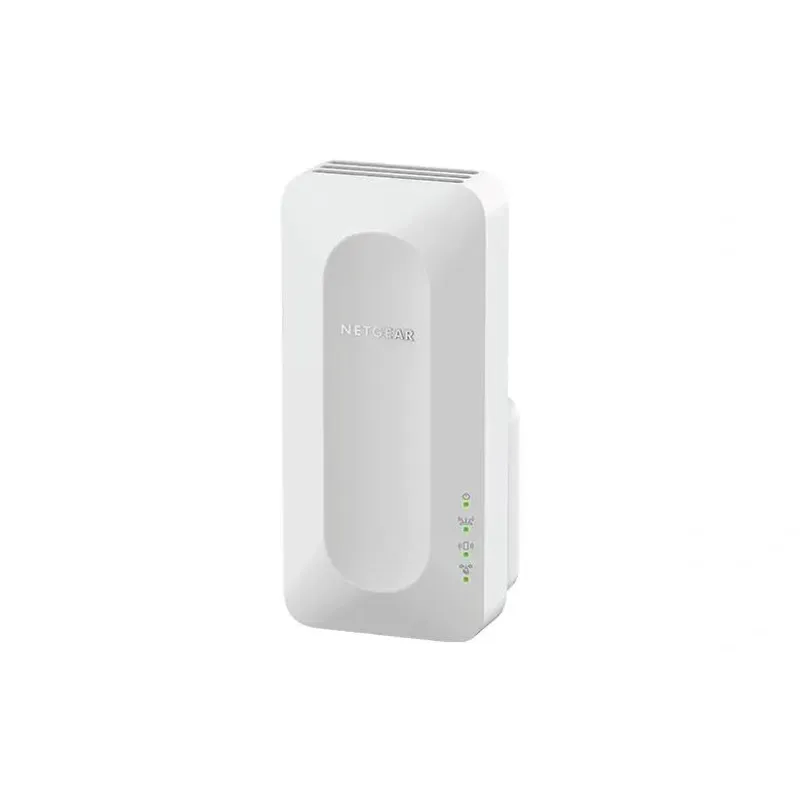
04NETGEAR EAX20Official manufacturer image

Best for a compact desktop Wi-Fi 6 option

NETGEAR EAX20

  • NETGEAR identifies it as an AX1800 Wi-Fi 6 mesh extender.
  • The manufacturer lists two internal antennas.
  • It is backward compatible with earlier Wi-Fi generations, according to NETGEAR.

Drawback: Its AX1800 class is below the higher-tier options in this list.

Check price on AmazonSponsored link · no live price shown

Compare them side by side

TP-Link RE715XOfficial manufacturer imageTP-Link RE715XNETGEAR EAX80Official manufacturer imageNETGEAR EAX80TP-Link RE550Official manufacturer imageTP-Link RE550NETGEAR EAX20Official manufacturer imageNETGEAR EAX20TP-Link RE505XOfficial manufacturer imageTP-Link RE505X
Wi-Fi generationWi-Fi 6Wi-Fi 6Wi-Fi 5Wi-Fi 6Wi-Fi 6
Wi-Fi classAX3000AX6000AC1900AX1800AX1500
Bands2.4 GHz and 5 GHzDual-band2.4 GHz and 5 GHz2.4 GHz and 5 GHz2.4 GHz and 5 GHz
EthernetGigabit2.5 GigabitGigabitGigabitGigabit
Check price on AmazonCheck price on AmazonCheck price on AmazonCheck price on AmazonCheck price on Amazon

Common questions

Questions before you buy

What is the best WiFi booster for home?

Choose a dual-band extender with a suitable Wi-Fi generation and Ethernet if you need a wired connection. The TP-Link RE715X is a sensible Wi-Fi 6 starting point, but placement and compatibility with your router matter.

Where should I place a WiFi extender at home?

Place it between the router and the weak-coverage area, where it can still receive a stable router signal. Avoid cabinets and obstructions, and use the device's signal indicator or app guidance.

Will a WiFi booster make my internet faster?

It can improve the Wi-Fi link in a poorly covered area, but it does not increase the speed supplied by your internet plan. The extended connection can also be slower than a direct router connection.

Should I choose an extender or a mesh system?

An extender can address a limited dead zone with less equipment. A mesh system is often easier to manage across a larger home or several floors, especially when you want coordinated roaming.

Sources and how we chose