Edimax EW-7438AC
The product page does not specify an Ethernet port.

 Best picksGood Meat Thermometers for Every Kind of Cook
 Best picksBest WiFi Extenders: Which Range Extender Should You Buy?
 Best picksBest Dash Cams for Cars in 2026
 Best picksBest Radar Detectors for Cars: Models Compared
 Best picksGood Winter Gloves for Cold Weather: Five Useful Picks
 Best picksBest Headlamps: Six Lights Compared for Different Uses
 Best picksTop 10 Best Battery-Powered Weed Eaters for Different Yards
 Best picksBest Portable Air Coolers for Patios, Workshops and Small Spaces (2026)
 Best picksBest Air Purifier for Bedroom in the US: Quiet Models Compared
Gearjury may earn a commission if you buy through links on this page.
Brand guide
Edimax’s documented range includes compact single-band and dual-band extenders, with some models also offering access-point or bridge modes. Match features to your network before choosing.
The product page does not specify an Ethernet port.
The manufacturer page lists a legacy product, so market availability may vary.
Single-band N300 specifications are modest by current standards.
| Edimax EW-7438AC | Edimax EW-7238RPD | Edimax EW-7438RPn | |
|---|---|---|---|
| Wireless class | AC750 | N300+ | N300 |
| Bands | 2.4 GHz and 5 GHz | 2.4 GHz and 5 GHz concurrent | 2.4 GHz |
| Operating modes | Extender, access point, WiFi bridge | WiFi extender | Extender, access point, wireless bridge |
| Ethernet port | — | — | 1 x 10/100 Mbps LAN |
| Setup options | iQ Setup; app or browser | iQ Setup | Browser iQ Setup and WPS |
Keep exploring

A WiFi extender can carry a router's signal into a nearby weak-signal area. Start by checking compatibility, placement and whether a wireless repeater or wired access point fits your home.
For a versatile WiFi 6 choice, consider TP-Link RE705X, which pairs dual-band WiFi 6 with a Gigabit Ethernet port. NETGEAR EAX15 suits an existing NETGEAR mesh setup, while TP-Link RE550 and NETGEAR EX6120 offer different WiFi 5 feature sets.
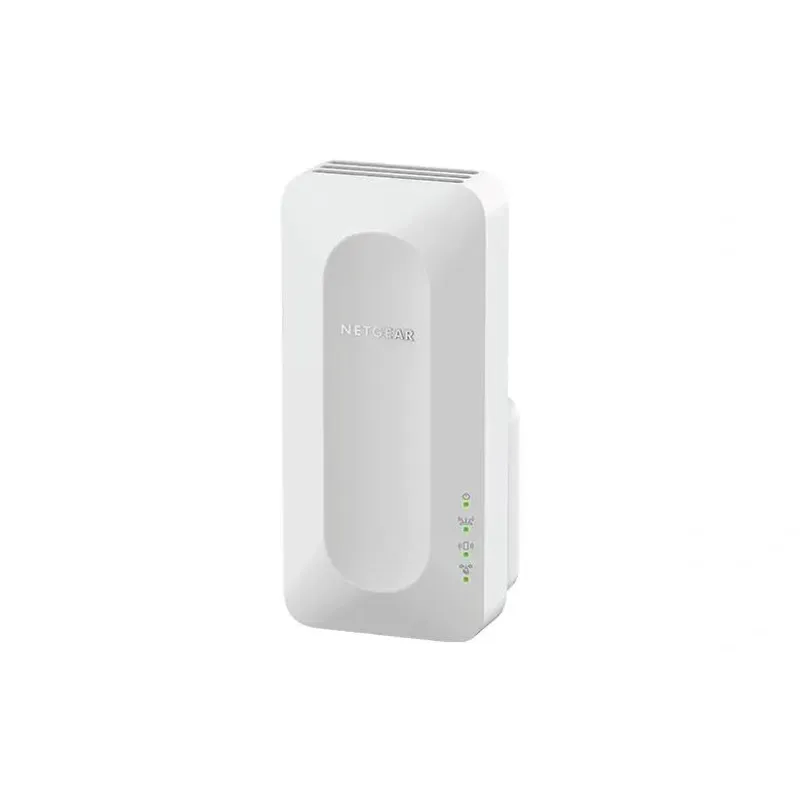
NETGEAR sells plug-in extenders across WiFi generations. Compare exact model features and check whether mesh behavior suits your router.

TP-Link offers WiFi 6 and WiFi 5 extenders with different port and mesh features. Check hardware version and router compatibility before choosing.