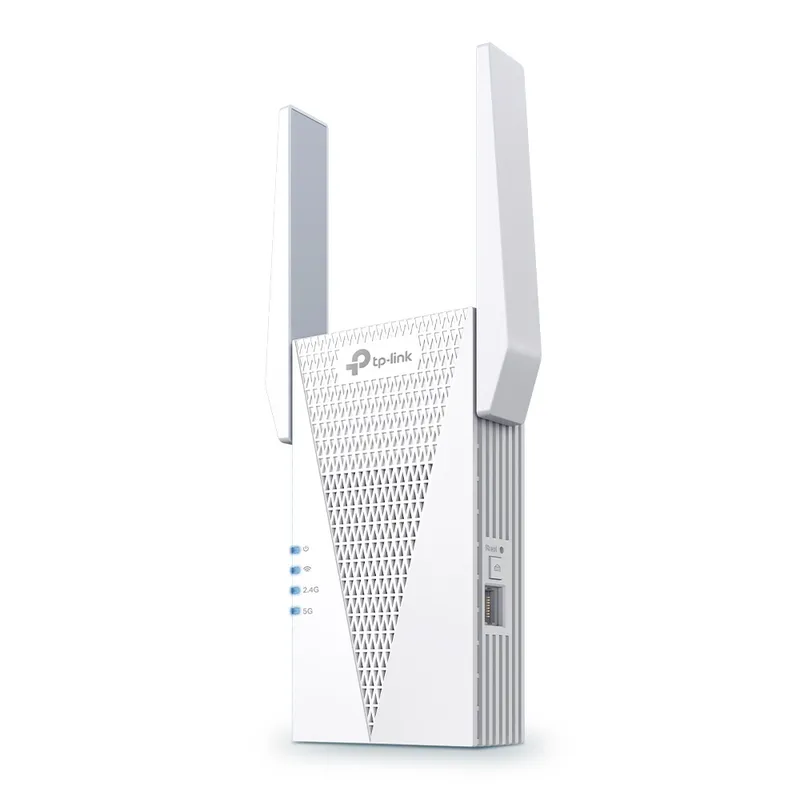
 Official manufacturer image
Wi-Fi 6 and a Gigabit wired client port
TP-Link RE715X
Check price on AmazonSponsored link · no live price shown

 Best picksGood Meat Thermometers for Every Kind of Cook
 Best picksBest WiFi Extenders: Which Range Extender Should You Buy?
 Best picksBest Dash Cams for Cars in 2026
 Best picksBest Radar Detectors for Cars: Models Compared
 Best picksGood Winter Gloves for Cold Weather: Five Useful Picks
 Best picksBest Headlamps: Six Lights Compared for Different Uses
 Best picksTop 10 Best Battery-Powered Weed Eaters for Different Yards
 Best picksBest Portable Air Coolers for Patios, Workshops and Small Spaces (2026)
 Best picksBest Air Purifier for Bedroom in the US: Quiet Models Compared
Gearjury may earn a commission when you buy through retailer links. This does not affect our editorial choices.
Head to head
For home Wi-Fi, “booster” and “extender” often describe the same repeater-style device. Choose based on the exact setup: a separate extender for a coverage gap, or a wired access point or mesh system for broader whole-home coverage.
Official manufacturer image
Wi-Fi 6 and a Gigabit wired client port
 Official manufacturer image
A compact dual-band extender for an older network
The verdict
TP-Link lists Wi-Fi 6, a Gigabit Ethernet port and range-extender/access-point modes.
NETGEAR lists dual-band Wi-Fi 5 and a 10/100 Mbps Fast Ethernet port.
The RE715X page lists EasyMesh compatibility, though it requires a compatible ecosystem; a multi-node mesh plan may fit better than a single device.
| Official manufacturer imageTP-Link RE715X | Official manufacturer imageNETGEAR EX6120 | |
|---|---|---|
| Product type | Dual-band range extender | Dual-band range extender |
| Wi-Fi generation | Wi-Fi 6 | Wi-Fi 5 (802.11ac) |
| Ethernet port | 1 Gigabit Ethernet | 1 Fast Ethernet (10/100 Mbps) |
| Access-point mode | Yes | Yes |
| Mesh feature | EasyMesh compatible | — |
| Setup paths | WPS, Tether app, browser | WPS, app or browser guidance |
| Check price on Amazon | Check price on Amazon |
Common questions
In many home-network listings, “booster” and “extender” refer to a device that repeats or extends an existing Wi-Fi connection. Check the actual operating modes rather than relying on the label.
If both terms refer to a repeater, neither is inherently better. Compare Wi-Fi standard, Ethernet, mesh compatibility and setup method, then match these to your router and coverage problem.
It does not increase the speed supplied by your internet plan. A well-placed extender can improve the connection in a weak area, but the relay link may have less capacity than a direct router connection.
A single extender can address one nearby dead zone. A mesh system is often easier to coordinate across multiple coverage areas, while wired access points can provide a direct backhaul where Ethernet is available.
Place it between the router and the target area, at a point where it still receives a dependable signal. A location inside the dead zone is usually too far from the router to relay reliably.
Keep exploring
For a versatile WiFi 6 choice, consider TP-Link RE705X, which pairs dual-band WiFi 6 with a Gigabit Ethernet port. NETGEAR EAX15 suits an existing NETGEAR mesh setup, while TP-Link RE550 and NETGEAR EX6120 offer different WiFi 5 feature sets.
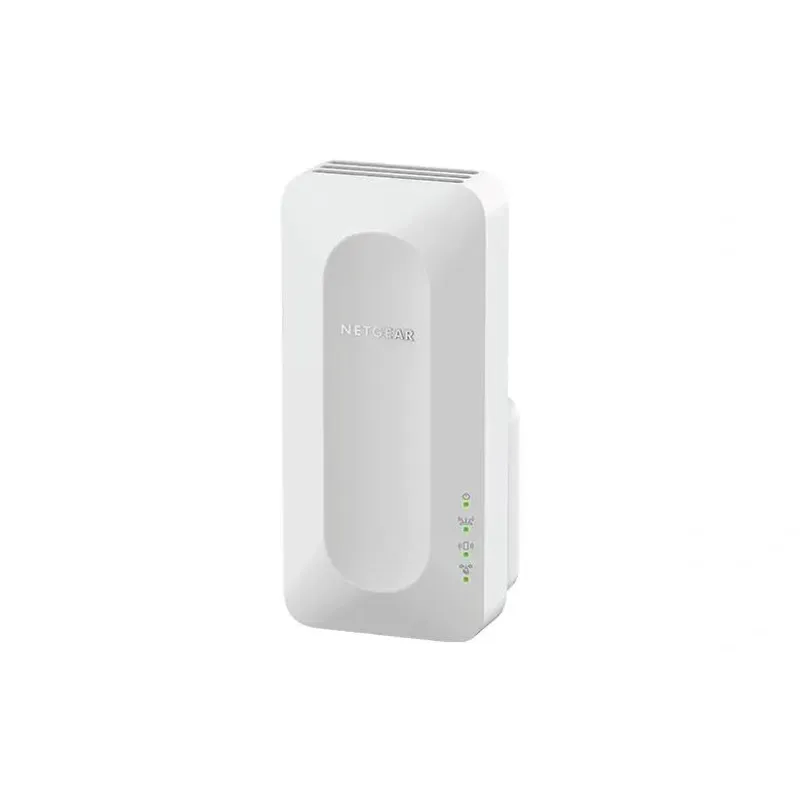
NETGEAR sells plug-in extenders across WiFi generations. Compare exact model features and check whether mesh behavior suits your router.

TP-Link offers WiFi 6 and WiFi 5 extenders with different port and mesh features. Check hardware version and router compatibility before choosing.

A WiFi extender can carry a router's signal into a nearby weak-signal area. Start by checking compatibility, placement and whether a wireless repeater or wired access point fits your home.