Independent buying guidance · US editionHow we work
Gearjury
All categories
All categories
Best picksGood Meat Thermometers for Every Kind of Cook
Best picksBest WiFi Extenders: Which Range Extender Should You Buy?
Best picksBest Dash Cams for Cars in 2026
Best picksBest Radar Detectors for Cars: Models Compared
Best picksGood Winter Gloves for Cold Weather: Five Useful Picks
Best picksBest Headlamps: Six Lights Compared for Different Uses
Best picksTop 10 Best Battery-Powered Weed Eaters for Different Yards
Best picksBest Portable Air Coolers for Patios, Workshops and Small Spaces (2026)
Best picksBest Air Purifier for Bedroom in the US: Quiet Models Compared
United StatesEnglish

Category hub

NETGEAR EX3700 WiFi Range Extender: What to Know

The NETGEAR EX3700 is an AC750 dual-band 802.11ac extender with a 10/100 Mbps Ethernet port. Its real coverage depends on placement and local conditions.

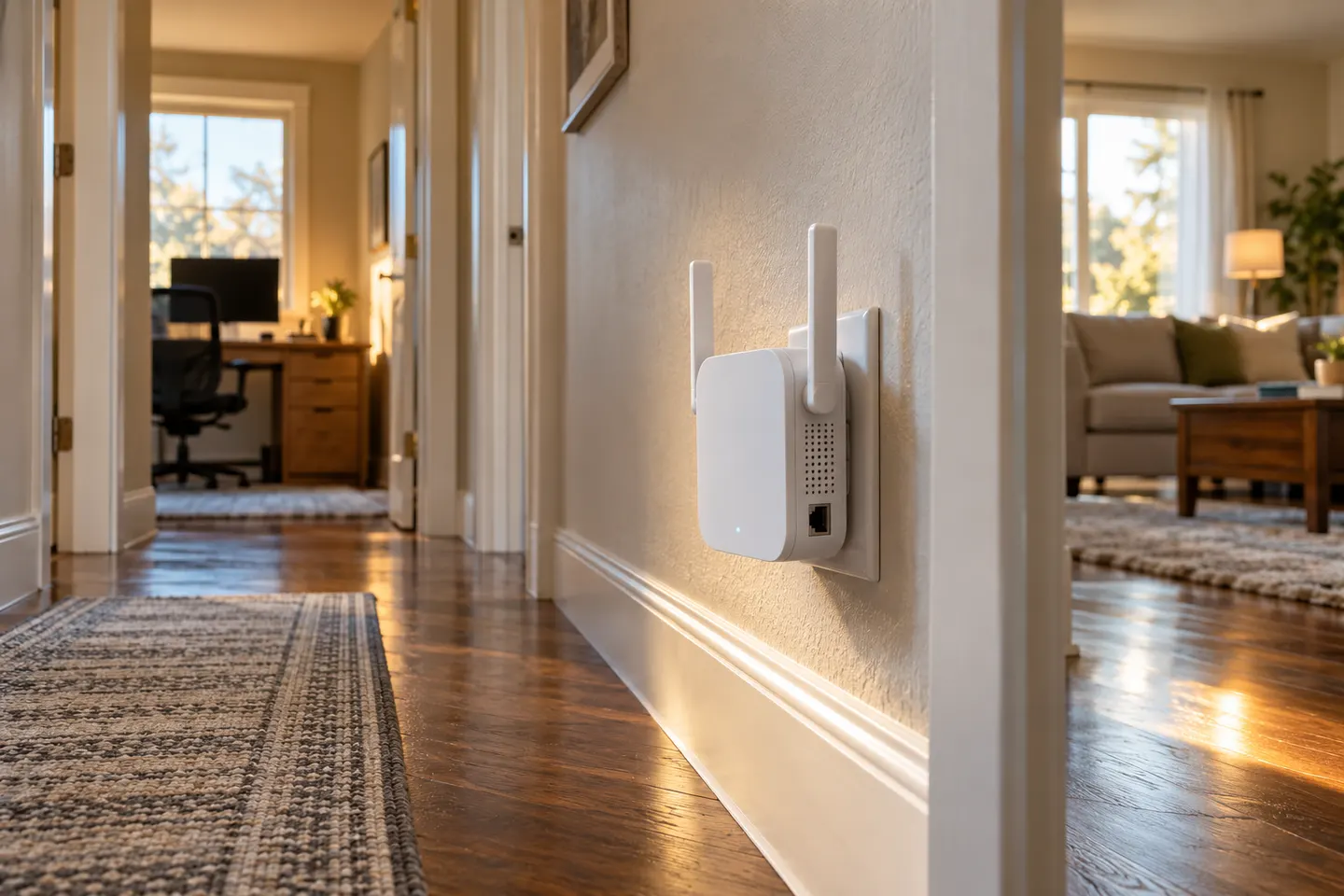
The WiFi range extender EX3700 is NETGEAR’s compact AC750 option for extending an existing 2.4 or 5 GHz network. NETGEAR lists 802.11ac, external antennas and a Fast Ethernet port. The AC750 class is a combined theoretical link-rate category, not a guarantee of usable speed in a room. Position the extender where the router link is still stable.

NETGEAR EX3700 WiFi Range Extender: What to Know

Common questions

Questions before you buy

What is the NETGEAR EX3700 WiFi range extender?

It is an AC750 dual-band 802.11ac range extender. NETGEAR lists operation on 2.4 and 5 GHz and one 10/100 Mbps Ethernet port.

Does the EX3700 support 5 GHz WiFi?

Yes. NETGEAR specifications list both 2.4 GHz and 5 GHz bands.

Does NETGEAR EX3700 have an Ethernet port?

Yes. NETGEAR lists one 10/100 Mbps Fast Ethernet port, which can connect a wired device to the extended network.

Where should I place an EX3700?

Place it within a usable router signal and toward the weak-coverage area. NETGEAR notes that building materials and interference affect coverage and throughput.