Check that your device is the EX3700
The cited AC750 manual covers the EX3700. Read the product label first; installation controls and menus vary across models.

 Best picksGood Meat Thermometers for Every Kind of Cook
 Best picksBest WiFi Extenders: Which Range Extender Should You Buy?
 Best picksBest Dash Cams for Cars in 2026
 Best picksBest Radar Detectors for Cars: Models Compared
 Best picksGood Winter Gloves for Cold Weather: Five Useful Picks
 Best picksBest Headlamps: Six Lights Compared for Different Uses
 Best picksTop 10 Best Battery-Powered Weed Eaters for Different Yards
 Best picksBest Portable Air Coolers for Patios, Workshops and Small Spaces (2026)
 Best picksBest Air Purifier for Bedroom in the US: Quiet Models Compared
Gearjury may earn a commission from qualifying retailer links. Setup guidance is based on cited manufacturer sources.
Guide
Install the NETGEAR AC750 EX3700 near the router, complete its documented setup, then move it toward the weak-coverage area while preserving the router link.
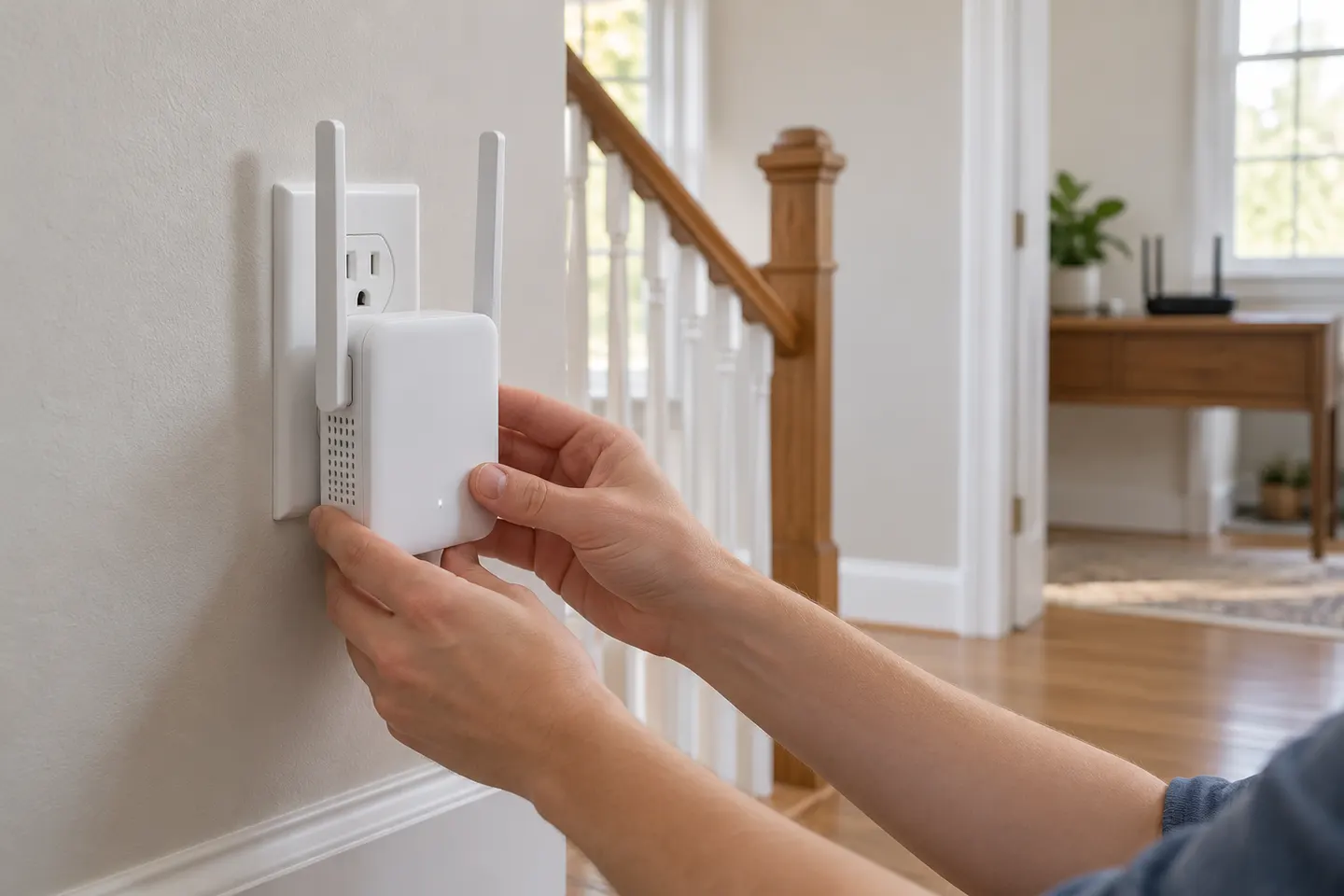
The cited AC750 manual covers the EX3700. Read the product label first; installation controls and menus vary across models.
Plug the extender into a nearby outlet for initial installation. Wait for it to start, then use WPS if supported or follow the NETGEAR genie browser setup in the instructions.
Select the WiFi network you want to extend and enter its password when prompted. If the router uses separate network names, choose the band and name intended for the extender.
Complete the remaining setup prompts and confirm that the extender indicates a router connection. If it does not connect, check the password and follow manual troubleshooting steps.
Unplug the connected extender and move it toward the weak-signal room while maintaining a reliable link to the router. Use the EX3700 indicators and manual to judge placement.
Common questions
For the EX3700, connect near the router, use WPS or the documented browser setup, select your WiFi network and enter its password. Relocate it after setup.
The cited manual documents NETGEAR genie browser-based setup. Follow the instructions for your hardware and firmware; a separate app is not required for that documented route.
That may be too far from the router. Place it between the router and dead zone where it can maintain a usable connection.
Connect your device to the extender network as directed, then retry the setup address or reset process specified by NETGEAR.
Keep exploring

A WiFi extender can carry a router's signal into a nearby weak-signal area. Start by checking compatibility, placement and whether a wireless repeater or wired access point fits your home.
For a versatile WiFi 6 choice, consider TP-Link RE705X, which pairs dual-band WiFi 6 with a Gigabit Ethernet port. NETGEAR EAX15 suits an existing NETGEAR mesh setup, while TP-Link RE550 and NETGEAR EX6120 offer different WiFi 5 feature sets.
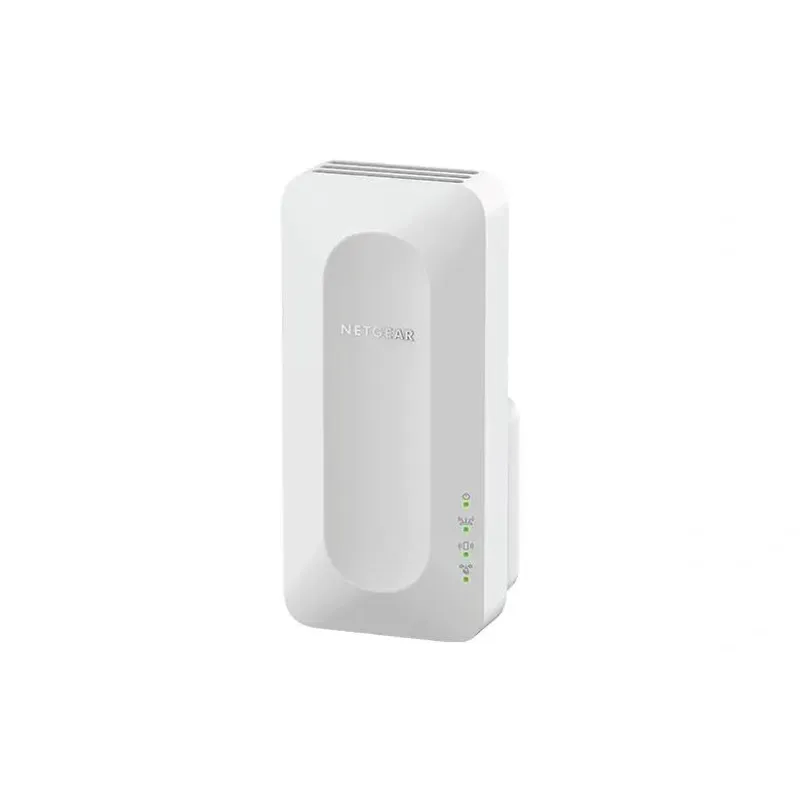
NETGEAR sells plug-in extenders across WiFi generations. Compare exact model features and check whether mesh behavior suits your router.

TP-Link offers WiFi 6 and WiFi 5 extenders with different port and mesh features. Check hardware version and router compatibility before choosing.