Find the exact Linksys model number
How to setup linksys wifi range extender depends on its model and hardware revision. Read the label and download the matching quick-start guide before pressing reset or pairing buttons.

 Best picksGood Meat Thermometers for Every Kind of Cook
 Best picksBest WiFi Extenders: Which Range Extender Should You Buy?
 Best picksBest Dash Cams for Cars in 2026
 Best picksBest Radar Detectors for Cars: Models Compared
 Best picksGood Winter Gloves for Cold Weather: Five Useful Picks
 Best picksBest Headlamps: Six Lights Compared for Different Uses
 Best picksTop 10 Best Battery-Powered Weed Eaters for Different Yards
 Best picksBest Portable Air Coolers for Patios, Workshops and Small Spaces (2026)
 Best picksBest Air Purifier for Bedroom in the US: Quiet Models Compared
Gearjury may earn a commission from qualifying purchases made through retailer links.
Guide
Use the setup method documented for your Linksys model and hardware version. Pair it near the router first, then relocate it only after confirming the connection.
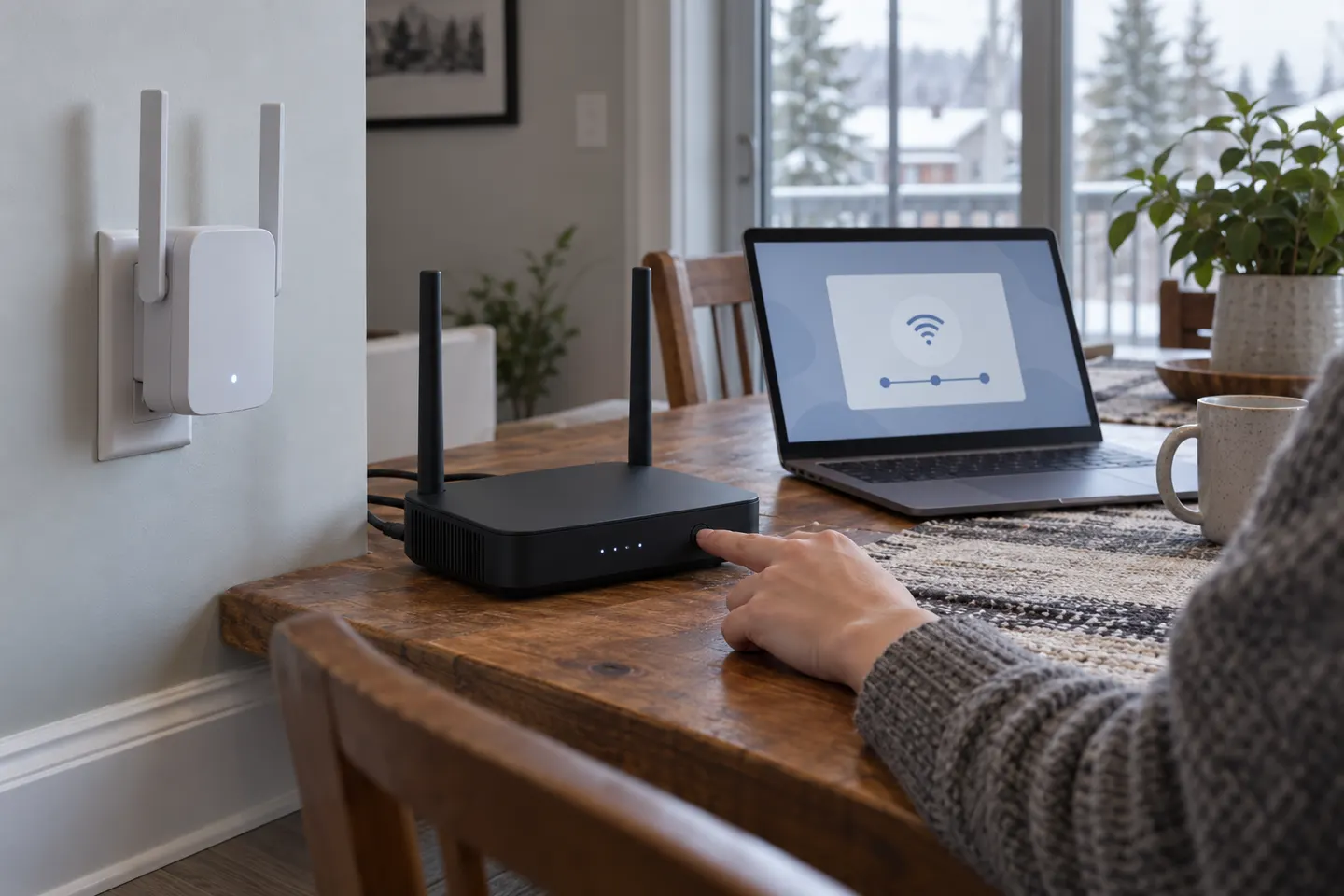
How to setup linksys wifi range extender depends on its model and hardware revision. Read the label and download the matching quick-start guide before pressing reset or pairing buttons.
Plug the extender into an outlet near the router for initial setup. Keep your phone or computer on hand and follow the guide’s stated connection method.
Linksys models may provide browser-based configuration, an app or a push-button process. Follow only the path supported by your model; do not assume every extender uses the same default address or network name.
Select the home network and enter its current password when prompted. A typo or selecting the wrong band or network can prevent the extender from joining.
After setup completes, place the unit between router and weak area while preserving a good router connection. Check its indicator and test the room with the device you intend to use.
Confirm the model-specific instructions, power cycle the router and extender, and retry close to the router. Reset only when needed and be aware that it erases the extender’s saved configuration.
Common questions
Use the setup route listed in the quick-start guide for your exact Linksys model, then select your router network and enter its password. The supported process varies by model.
The address or local setup name can vary by model and configuration. Check the product label or official guide instead of relying on a generic address.
Check the router password, setup distance, selected network and model-specific instructions. If needed, restart both devices and repeat the setup near the router.
No. WPS availability and steps depend on the model and router. Follow the product guide, and use its app or browser method if WPS is unavailable.
Keep exploring

A WiFi extender can carry a router's signal into a nearby weak-signal area. Start by checking compatibility, placement and whether a wireless repeater or wired access point fits your home.
For a versatile WiFi 6 choice, consider TP-Link RE705X, which pairs dual-band WiFi 6 with a Gigabit Ethernet port. NETGEAR EAX15 suits an existing NETGEAR mesh setup, while TP-Link RE550 and NETGEAR EX6120 offer different WiFi 5 feature sets.
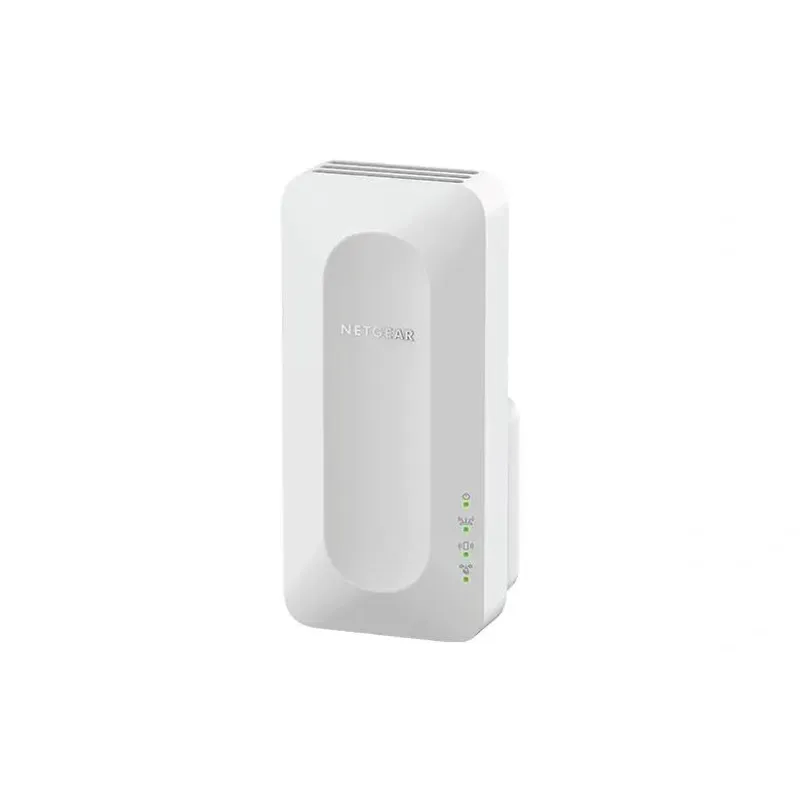
NETGEAR sells plug-in extenders across WiFi generations. Compare exact model features and check whether mesh behavior suits your router.

TP-Link offers WiFi 6 and WiFi 5 extenders with different port and mesh features. Check hardware version and router compatibility before choosing.