Gearjury may earn a commission from qualifying retailer purchases.
Guide
How to Use a Phone as a WiFi Booster: Hotspot Limits
A phone can share its mobile data as a hotspot, but it usually cannot repeat the Wi-Fi network it is already connected to. Use hotspot mode for temporary connectivity, not as a household range extender.
GGearjury editorial team · Updated October 18, 2026· 5 min
01
Check what connection your phone can share
Most Android phones can share mobile data by hotspot or tethering, and some models can share a Wi-Fi connection. Apple says iPhone Personal Hotspot shares cellular internet; it cannot take an iPhone connected to Wi-Fi and rebroadcast that same network.
02
Turn on a mobile hotspot when cellular service is the source
Open the hotspot controls in Settings or Quick Settings, set a strong password, and connect the laptop or other device to the named network. Your phone needs usable cellular service and your carrier plan must allow tethering.
03
Keep the phone in a suitable location
For mobile data sharing, place the handset where cellular reception is strong and leave ventilation around it. Hotspot performance can fall when the phone is enclosed, overheated or running low on battery.
04
Use a repeater for weak home Wi-Fi
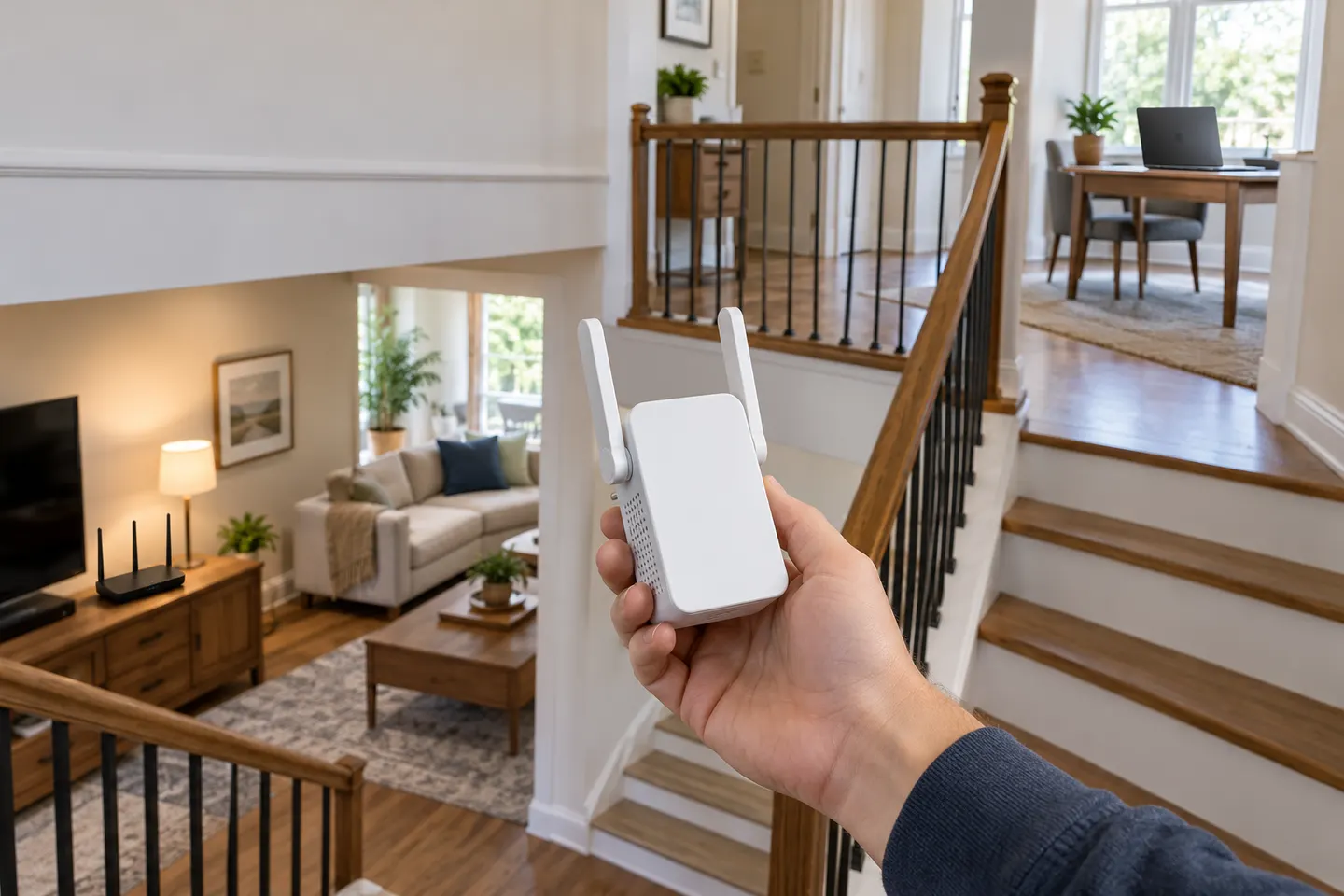
If the problem is poor router coverage rather than absent mobile service, use a range extender or mesh node placed within reach of the router. A phone hotspot normally changes the internet source to cellular instead of boosting the home Wi-Fi.
05
Watch data, battery and carrier limits
Streaming through a hotspot can consume mobile data quickly and drain the handset. Review your plan and disable the hotspot when devices no longer need it.
Common questions
Questions before you buy
Can a phone boost the Wi-Fi signal from my router?
Usually no. A hotspot generally shares cellular data; only some Android phones support sharing a Wi-Fi connection through tethering.
Can an iPhone repeat a Wi-Fi network as a hotspot?
No. Apple documents Personal Hotspot as sharing the iPhone cellular internet connection, not rebroadcasting connected Wi-Fi.
Does using a phone hotspot use mobile data?
Yes, when the phone cellular connection provides internet access. Check your carrier plan for tethering allowances or restrictions.
What is better for a home Wi-Fi dead zone?
A properly placed range extender or mesh node is designed to extend an existing home network. A phone hotspot is useful when you need temporary internet from mobile service.
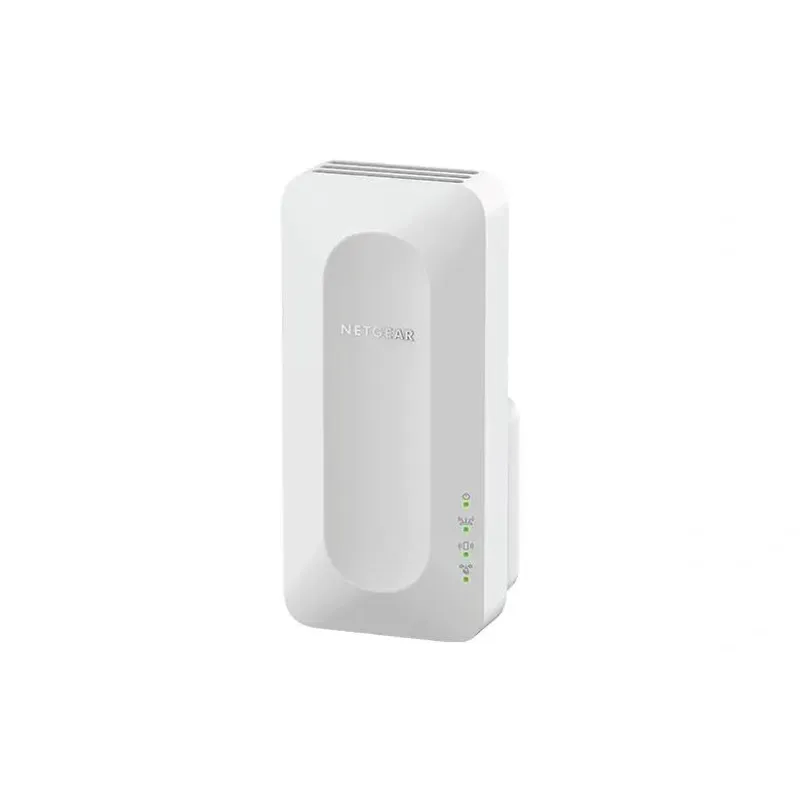
For a versatile WiFi 6 choice, consider TP-Link RE705X, which pairs dual-band WiFi 6 with a Gigabit Ethernet port. NETGEAR EAX15 suits an existing NETGEAR mesh setup, while TP-Link RE550 and NETGEAR EX6120 offer different WiFi 5 feature sets.
A WiFi extender can carry a router's signal into a nearby weak-signal area. Start by checking compatibility, placement and whether a wireless repeater or wired access point fits your home.
Your privacy
We use cookies and similar technologies. Necessary ones keep the site working. With your permission we also use statistics cookies (Google Analytics and Microsoft Clarity) to understand which guides help readers. You can accept all, reject all or choose. You can change your choice at any time from "Cookie settings" at the bottom of every page. Cookie policy