









Independent buying guidance · US editionHow we work
Gearjury
All categories
All categories
Best picksGood Meat Thermometers for Every Kind of Cook
Best picksBest WiFi Extenders: Which Range Extender Should You Buy?
Best picksBest Dash Cams for Cars in 2026
Best picksBest Radar Detectors for Cars: Models Compared
Best picksGood Winter Gloves for Cold Weather: Five Useful Picks
Best picksBest Headlamps: Six Lights Compared for Different Uses
Best picksTop 10 Best Battery-Powered Weed Eaters for Different Yards
Best picksBest Portable Air Coolers for Patios, Workshops and Small Spaces (2026)
Best picksBest Air Purifier for Bedroom in the US: Quiet Models Compared
United StatesEnglish

Gearjury may earn a commission when you buy through retailer links. Our guidance is based on cited product and technical information.

Guide

What to Look for in a WiFi Range Extender for Your Home

For a useful WiFi range extender, match its supported WiFi standard and bands to your router, then check coverage guidance, placement and wired options. A compatible mesh system may be a better fit if you need seamless roaming across several rooms.

What to Look for in a WiFi Range Extender for Your Home
01

Start with the WiFi dead zone

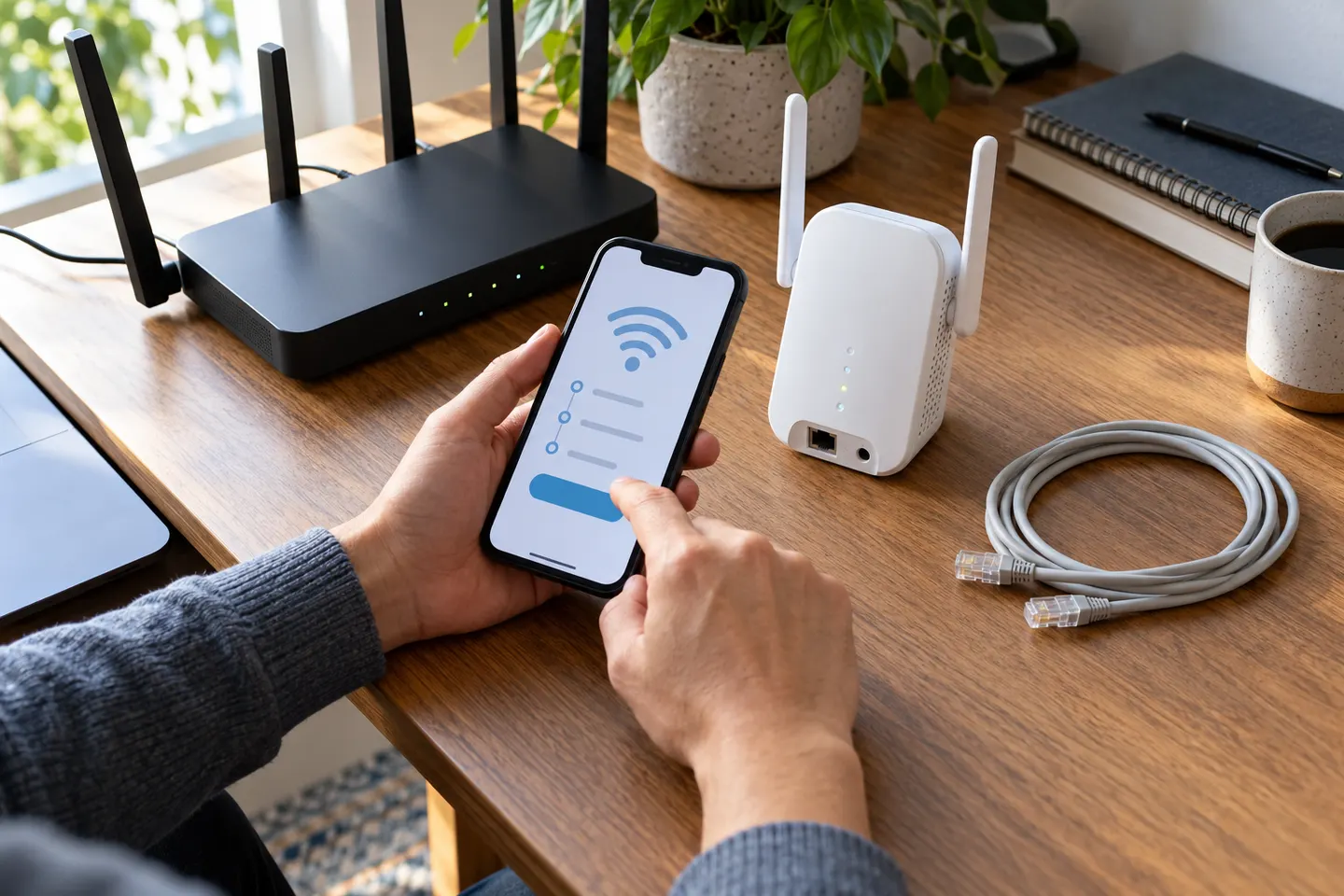
A range extender is useful when the router's signal reaches part of the home but is weak in a specific area. Place the extender where it still receives a dependable signal from the router, roughly between the router and the problem area. Putting it inside the dead zone gives it a poor connection to repeat.

02

Match the extender to your router

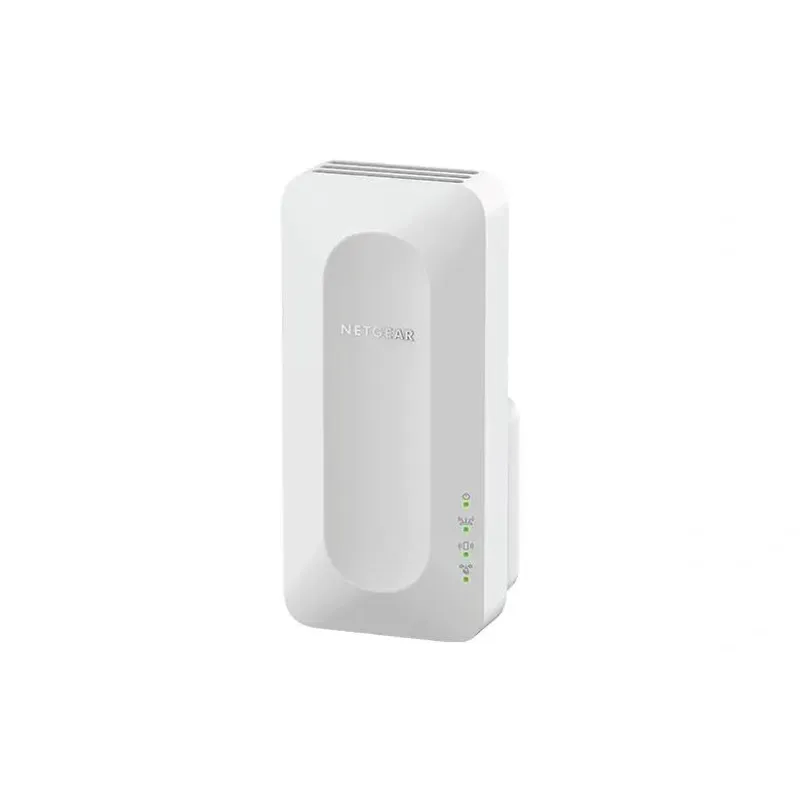
Check the WiFi generation and frequency bands supported by both devices. A newer extender can work with older equipment, but the connection uses capabilities shared by the router and clients. Dual-band and tri-band labels describe radio bands; they do not guarantee a particular speed throughout the home.

03

Read coverage and speed claims carefully

Coverage figures are estimates under particular conditions, not a promise for every floor plan. Walls, floors, interference and the router's own connection affect results. Compare the stated coverage basis and advertised throughput, and expect usable speeds to depend on the wireless link between router and extender.

04

Check setup, security and compatibility

Look for setup instructions that fit your router and a way to manage the extended network. Confirm support for current security settings used by your router, and whether the extender can share the same network name or requires a separate one. A matching name alone does not ensure seamless device handoff.

05

Consider Ethernet and access-point modes

An Ethernet port can connect a nearby wired device, such as a TV or game console. Some extenders also support access-point mode, which uses an Ethernet connection back to the router; this can avoid relying on a wireless backhaul when suitable cabling is available. Check the manufacturer's specifications for the exact modes and port capabilities.

06

Know when mesh is the better choice

An extender is often the simpler option for one weak spot. If you want coordinated coverage across multiple rooms, shared management and smoother roaming, compare a mesh system that is compatible with your internet plan and home layout. Avoid choosing by device count or headline speed alone.

Common questions

Questions before you buy

Where should I place a WiFi range extender?

Put it between the router and the weak-signal area, where it can still receive a solid signal. Avoid placing it in the dead zone or behind dense obstacles.

Will a WiFi extender make my internet faster?

It can improve connectivity where the router signal is weak, but it does not increase the speed supplied by your internet plan. The extender's link to the router and local interference can also limit throughput.

Should I choose a dual-band or tri-band extender?

Compare the bands supported by your router and the extender's intended backhaul arrangement. An extra band can provide more options for traffic, but the label alone does not show the speed or coverage you will get in your home.

Do WiFi extenders work with any router?

Many are designed to work with standard WiFi routers, but check the manufacturer's compatibility and security requirements. Some advanced features may only work with compatible devices from the same brand.

Is a WiFi extender or mesh system better?

An extender can address one localized weak area. Mesh is worth comparing for coordinated coverage across several rooms or floors, especially when roaming between access points matters.

Sources and how we chose
