Gearjury may earn a commission from qualifying retailer purchases.
Guide
Can You Use Your Phone as a WiFi Booster? Hotspot Explained
Sometimes, but usually only by sharing mobile data; some Android phones can share Wi-Fi through tethering. An iPhone Personal Hotspot shares cellular internet rather than repeating a connected Wi-Fi network.
GGearjury editorial team · Updated October 18, 2026· 6 min
01
Decide whether you need a hotspot or a stronger home signal
A hotspot creates a nearby network using your phone connection. It can help a laptop that has no internet access, but it does not generally strengthen the home router signal for every device.
02
Check the phone and carrier before enabling tethering
Android Help says most Android phones share mobile data over Wi-Fi, Bluetooth or USB, while some can share Wi-Fi. Carriers may limit tethering or charge for it, so review the plan first.
03
Use iPhone Personal Hotspot for cellular sharing
Apple describes Personal Hotspot as sharing the iPhone cellular connection with nearby devices. It does not rebroadcast a Wi-Fi network the iPhone is already using. Turn on Personal Hotspot in Settings and connect the other device with the displayed network name and password.
04
Place the phone for reception and manage heat
Keep the handset where its cellular signal is strongest, away from enclosed spaces, and connect it to power if the session will be long. Monitor battery and data use while connected devices stream or download.
05
Choose an extender for a router dead zone
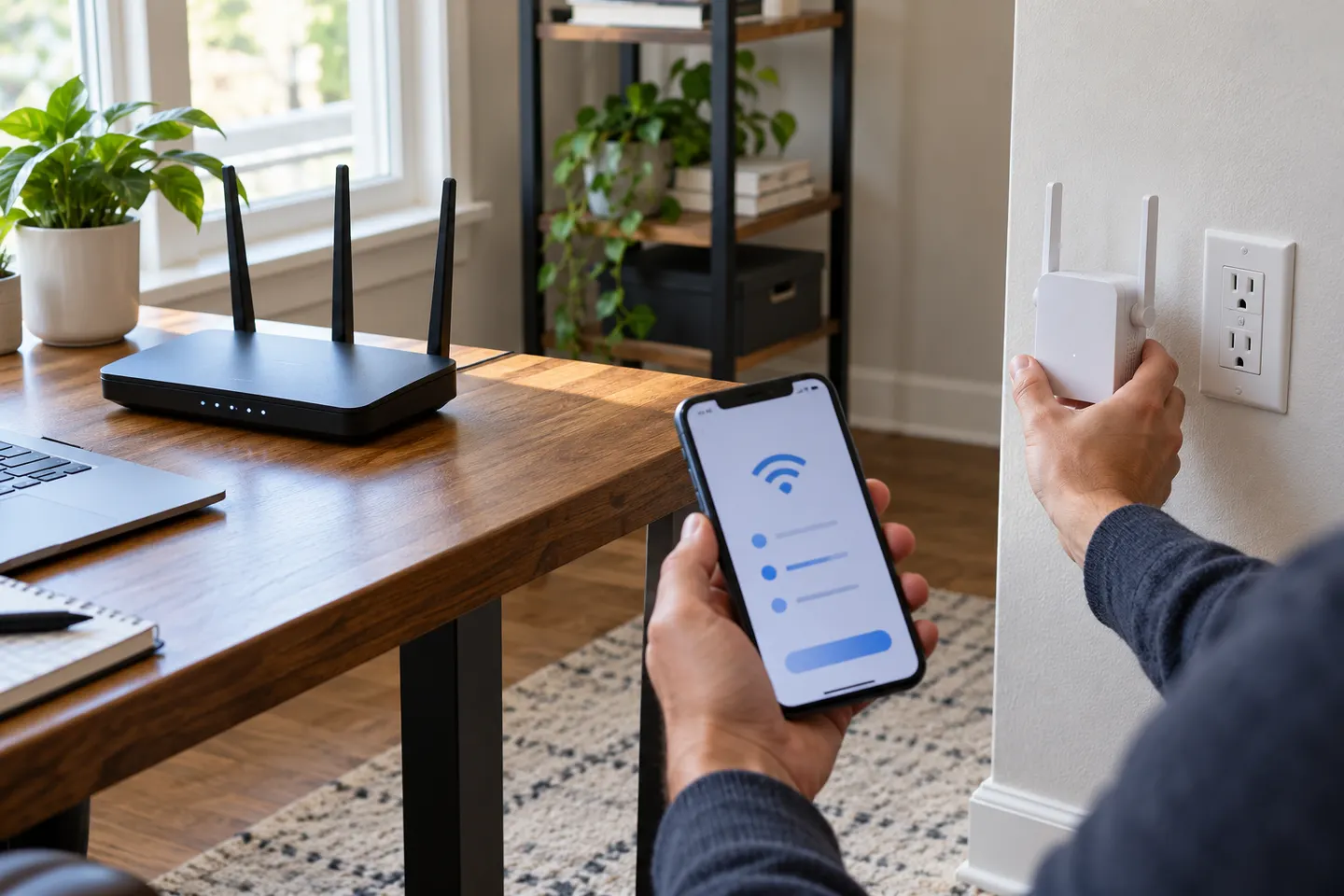
If home Wi-Fi fails in a room, a dedicated range extender or mesh node is designed to relay the router network. Put it where the router signal remains stable and confirm that it is compatible with the existing setup.
Common questions
Questions before you buy
Can I use my phone as a Wi-Fi booster without mobile data?
Only if the phone supports Wi-Fi sharing or tethering from Wi-Fi. That feature varies by Android model; iPhone Personal Hotspot shares cellular internet.
Can an iPhone boost my home Wi-Fi?
No. Apple documents Personal Hotspot as sharing cellular internet and says it cannot rebroadcast a Wi-Fi connection received by the iPhone.
Will a phone hotspot improve signal in another room?
It creates a separate nearby network from the phone internet connection. It is not a reliable substitute for extending the router coverage through a home.
Does phone tethering cost extra?
It depends on the carrier and plan. Android Help advises checking with the operator because some restrict tethering or charge extra.
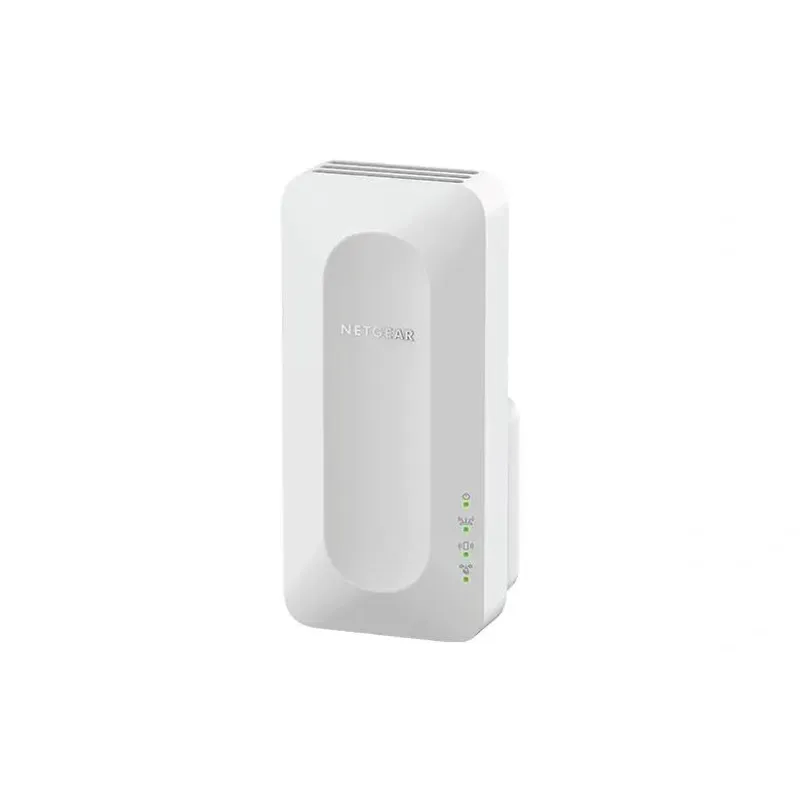
For a versatile WiFi 6 choice, consider TP-Link RE705X, which pairs dual-band WiFi 6 with a Gigabit Ethernet port. NETGEAR EAX15 suits an existing NETGEAR mesh setup, while TP-Link RE550 and NETGEAR EX6120 offer different WiFi 5 feature sets.
A WiFi extender can carry a router's signal into a nearby weak-signal area. Start by checking compatibility, placement and whether a wireless repeater or wired access point fits your home.
Your privacy
We use cookies and similar technologies. Necessary ones keep the site working. With your permission we also use statistics cookies (Google Analytics and Microsoft Clarity) to understand which guides help readers. You can accept all, reject all or choose. You can change your choice at any time from "Cookie settings" at the bottom of every page. Cookie policy