









 Official manufacturer image
Our picks
Top picks
Official manufacturer image Official manufacturer image
NETGEAR EAX15
Check price on Amazon Official manufacturer image
TP-Link RE550
Check price on AmazonCommon questions
Questions before you buy
Why does my WiFi extender keep disconnecting?
A weak router-to-extender link, interference, outdated firmware or changed router settings can interrupt service. Check status and test closer to the router first.
Where should I put an extender to stop dropouts?
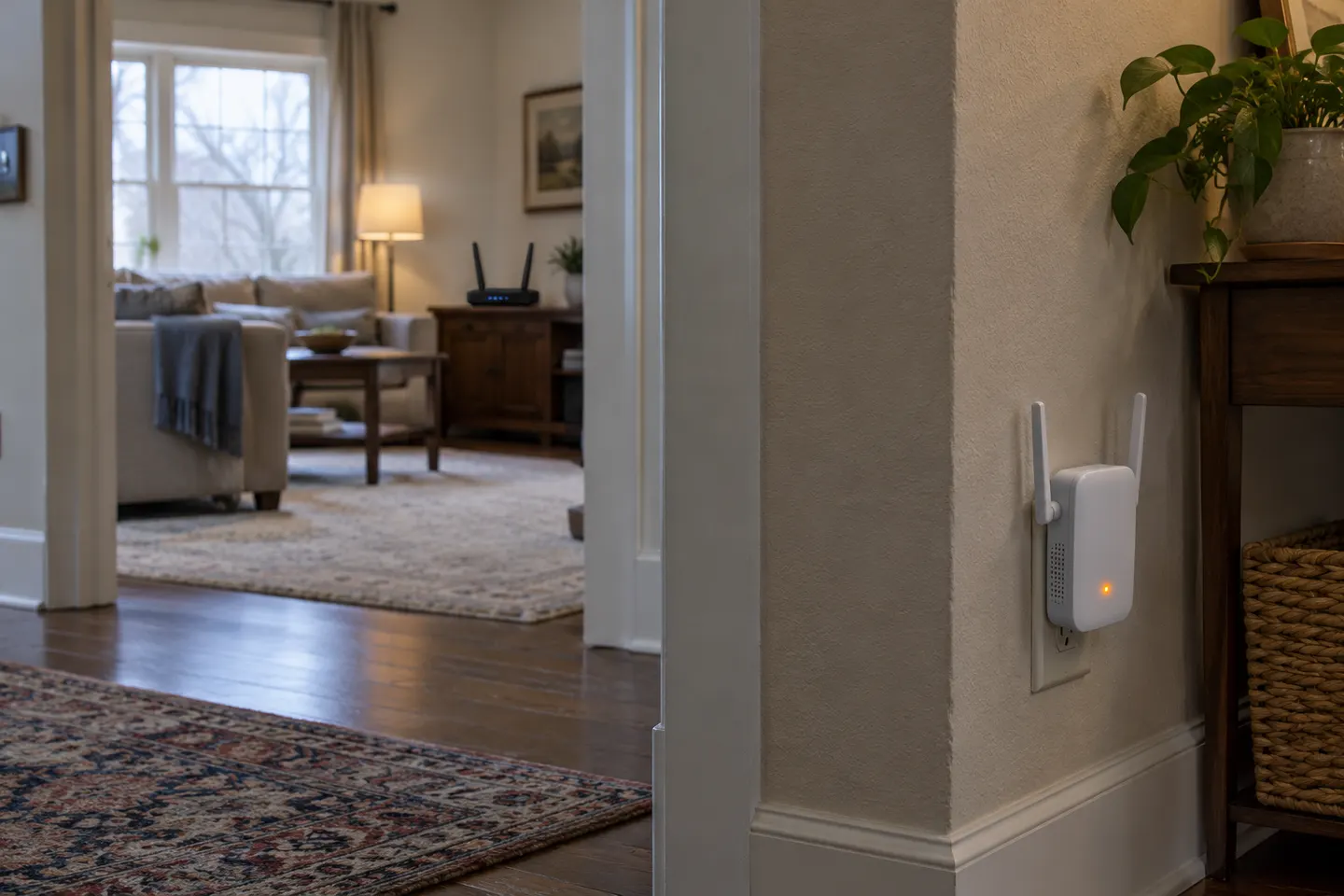
Place it where it still receives a usable router signal and can reach the problem area. NETGEAR advises keeping it within wireless range; avoid hiding it behind large objects.
Should I reset a WiFi extender that keeps disconnecting?
Check its firmware and network settings first. A factory reset removes configuration, so use the exact model setup instructions afterward.
Can a newer extender fix repeated disconnections?
It may help with inadequate coverage or compatibility, but cannot repair an unreliable internet connection or a router signal that never reaches it.