









 Official manufacturer image
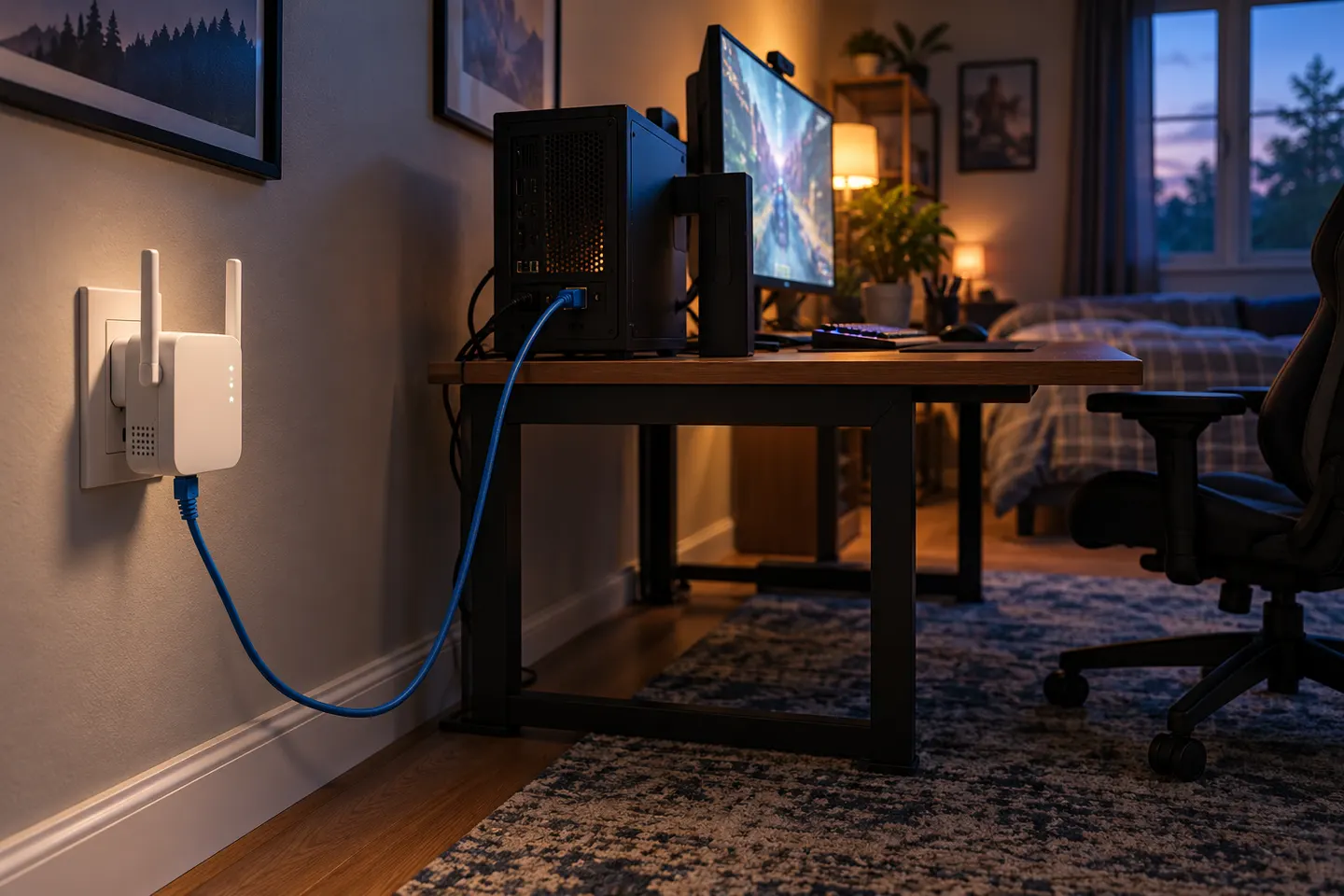
Our picks
Top picks
Official manufacturer image Official manufacturer image
NETGEAR EAX15
Check price on Amazon Official manufacturer image
TP-Link RE550
Check price on AmazonBy place and use
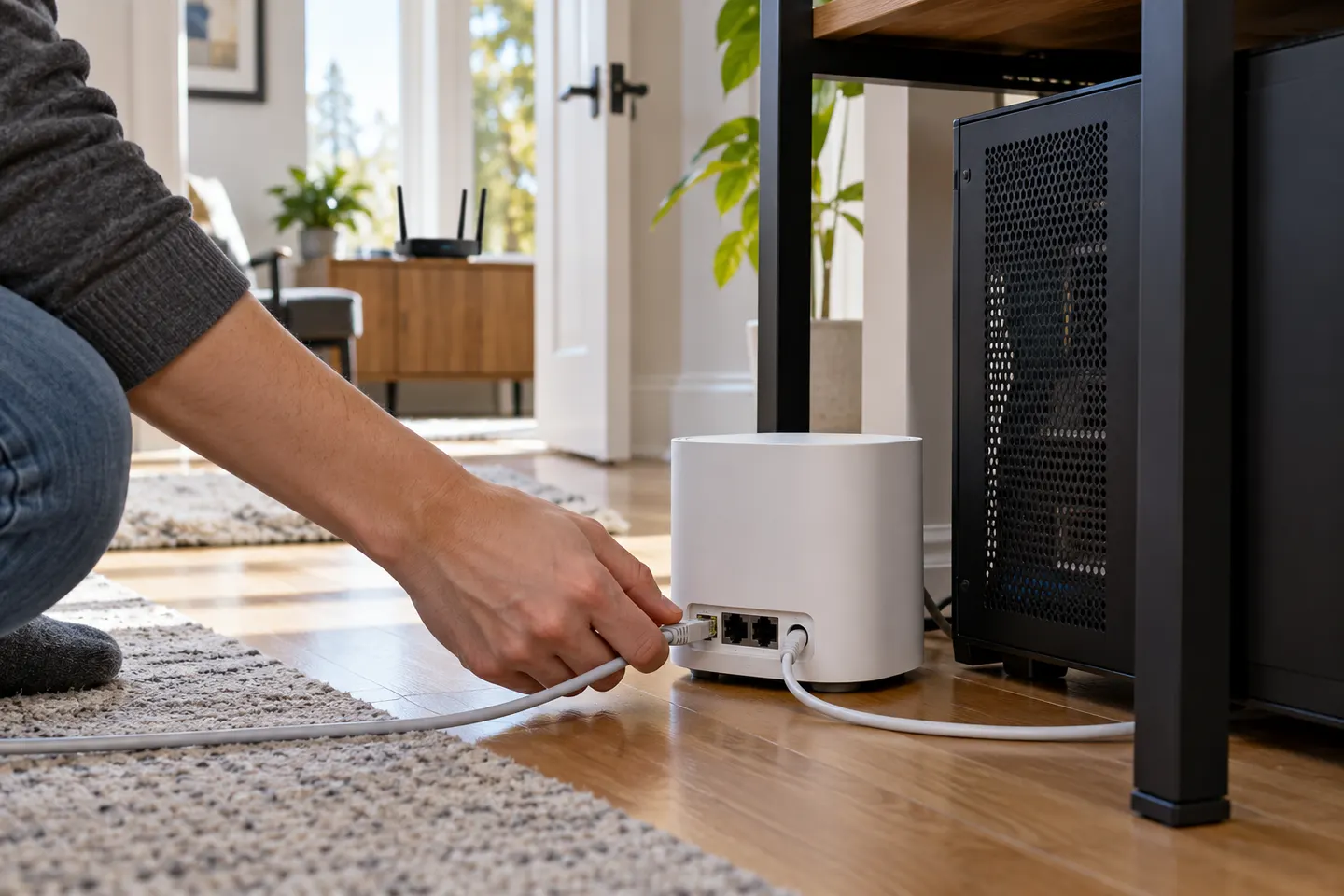 Gaming
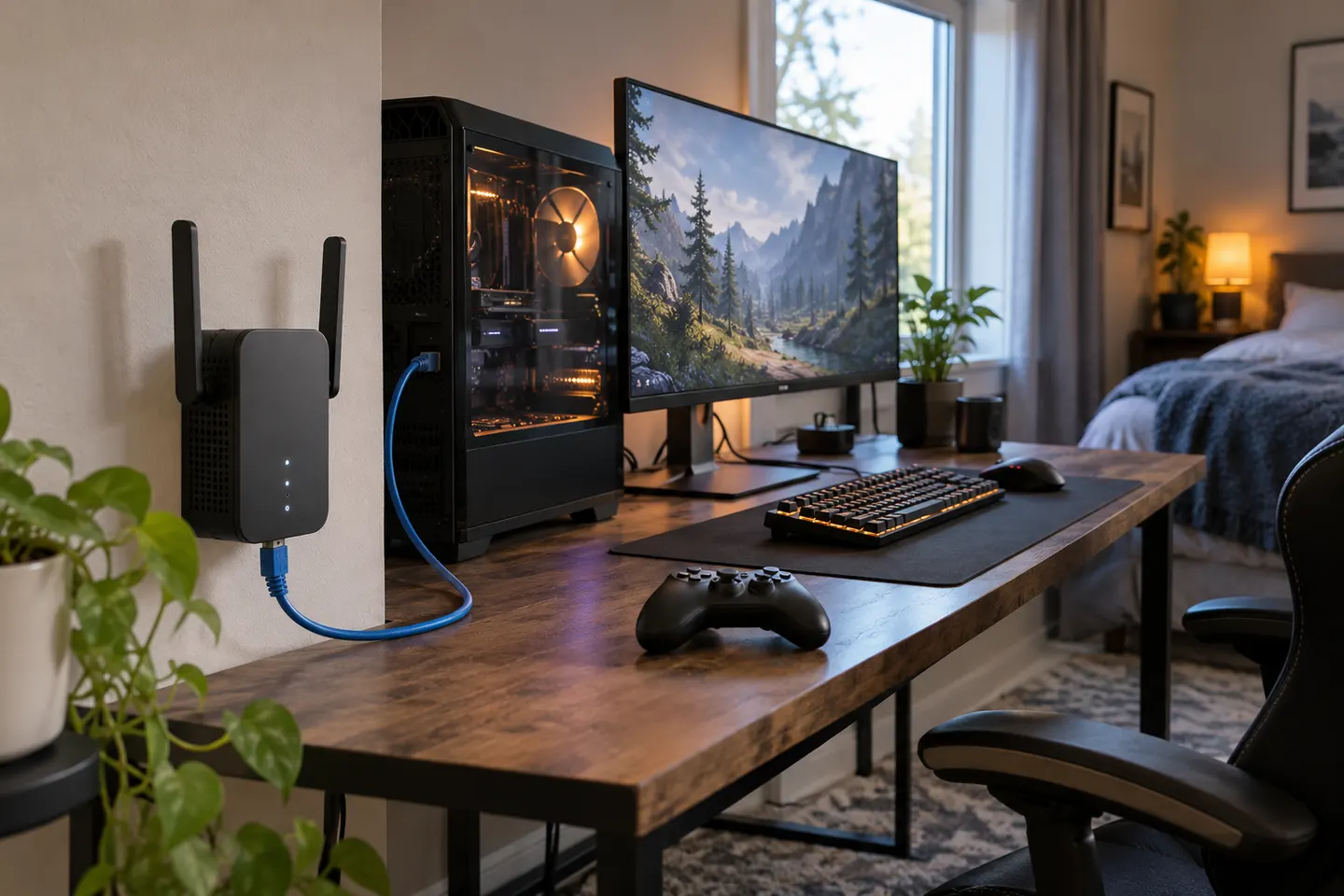 Ethernet port gaming
More topics
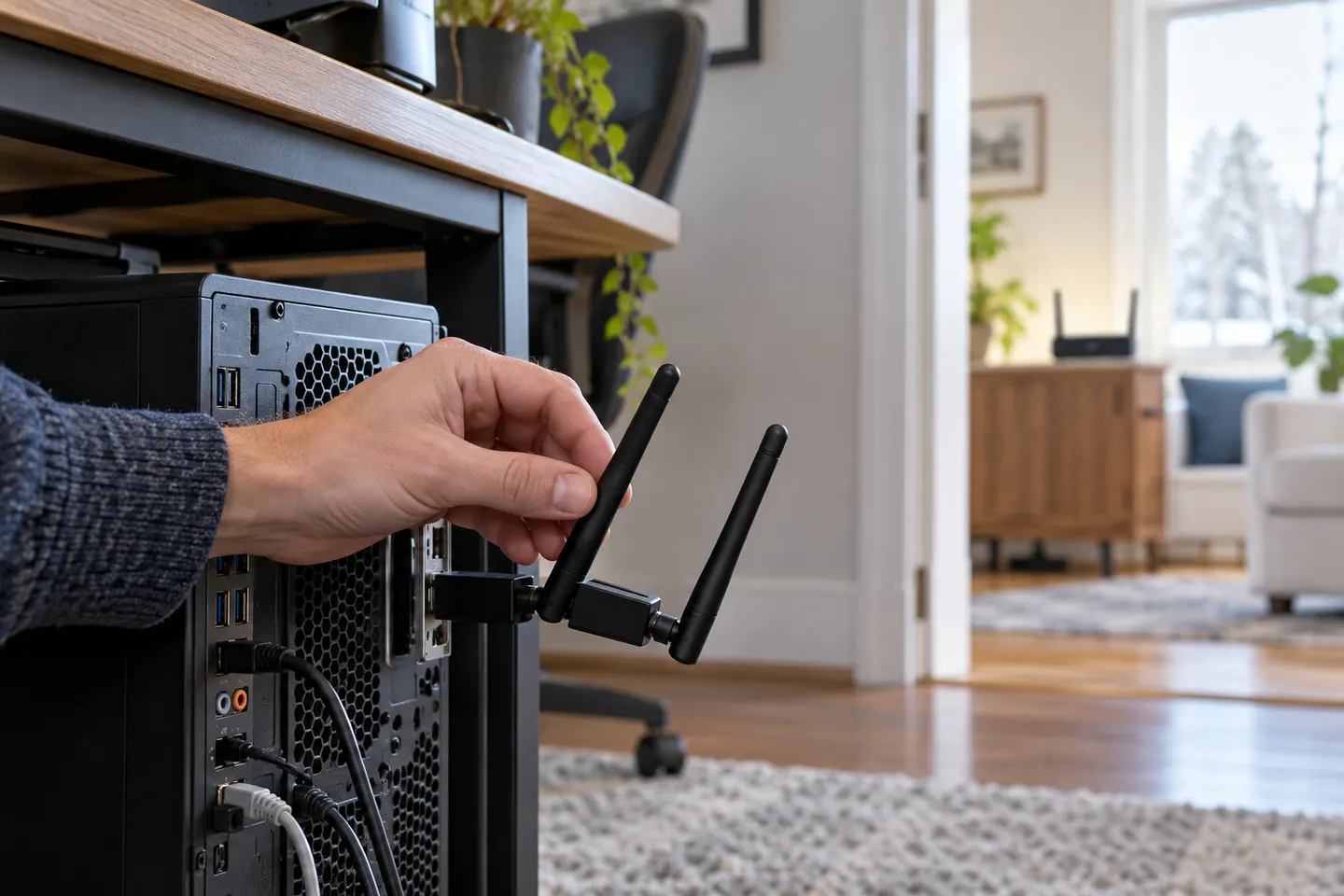 WiFi Extenders for PCs
Common questions
Questions before you buy
Is a WiFi extender good for PC gaming?
It can help bring a router connection closer to a gaming PC, especially when the extender has an Ethernet port. Performance still depends on the extender-to-router link, interference and network load.
Should I connect my gaming PC to an extender by Ethernet?
If the extender has a LAN port, a cable can avoid the PC's separate wireless hop. The extender itself still communicates with the router wirelessly unless you use a wired backhaul.
Will a WiFi booster reduce gaming lag?
It may address weak local coverage, but it cannot guarantee lower latency. Congestion, the router, broadband connection and game server also affect ping.
Where should I put a gaming WiFi extender?
Place it between the router and gaming area where it still receives a stable router signal. A position inside the dead zone usually gives the extender a poor connection to repeat.