









 Official manufacturer image
Our picks
Top picks
Official manufacturer image Official manufacturer image
NETGEAR EAX15
Check price on Amazon Official manufacturer image
TP-Link RE550
Check price on AmazonCommon questions
Questions before you buy
Can a WiFi booster improve PlayStation connection?
It may help when poor local WiFi coverage is the cause. It will not resolve every source of lag, including congestion, router issues or a problem with the internet service.
Should I use Ethernet with a PlayStation?
A direct Ethernet connection is a useful option where cabling is practical because it removes the wireless link between console and router. Some extenders also offer an Ethernet port.
Does PlayStation connect to WiFi extenders?
A PlayStation can connect to a compatible wireless network provided by an extender. Use the same network credentials or setup flow specified by the extender maker.
Where should a WiFi booster go for a PlayStation 5?
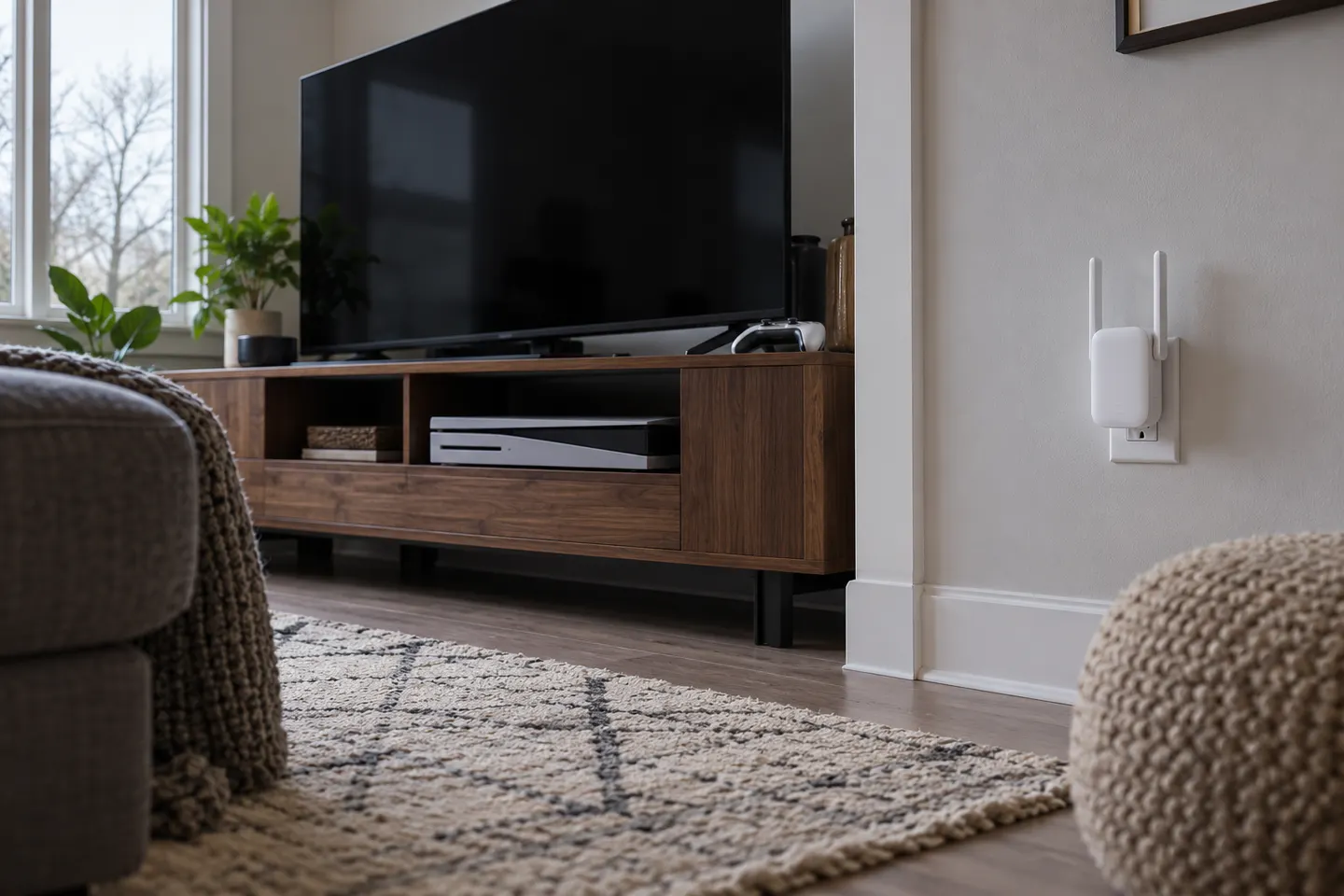
Locate it between the router and console with a dependable signal from the router. Keep the extender open to the room rather than enclosed behind furniture.